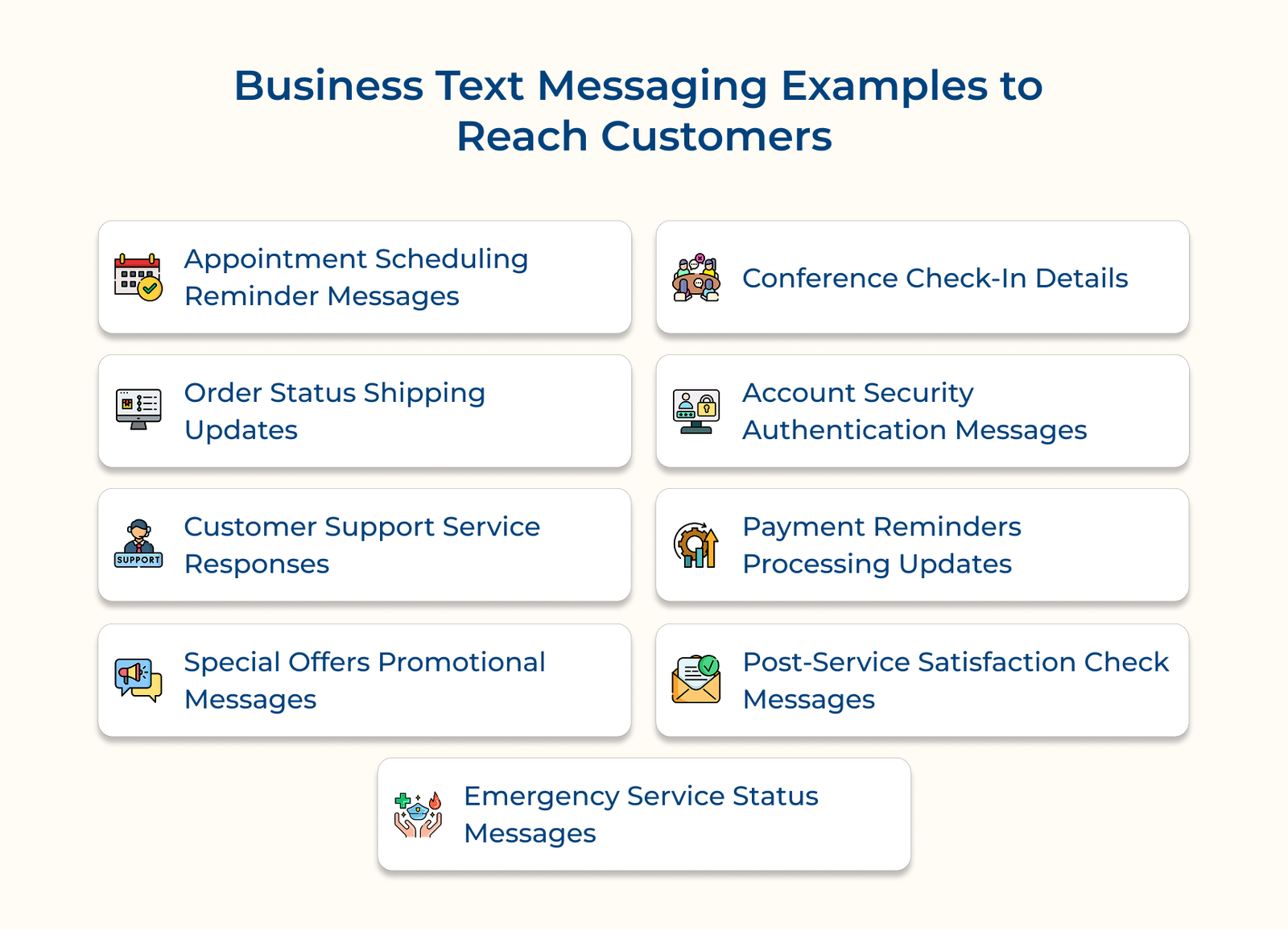
1. Appointment Scheduling Reminder Messages
Appointment scheduling reminder messages are automated texts that help businesses manage their booking systems efficiently. The messages cut down on manual follow-ups and help prevent no-shows by keeping customers updated about their appointments. The system is crucial for service-based businesses that rely on precise scheduling.
The system links to your calendar to automatically send confirmation texts when appointments are booked. It then sends reminders before the appointment. Customers can easily reschedule, change or cancel by replying to the text without needing to call.
Best Practices:
- Send the confirmation right after booking. Then follow up with reminders 24 hours and 2 hours before the appointment. Schedule timing helps customers plan accordingly while keeping the appointment fresh in their minds.
- Include essential details like date, time, location and a clear call-to-action for rescheduling in each message. The text should be concise yet informative enough to prepare customers for their appointment.
2. Order Status Shipping Updates
Order status shipping updates transform the post-purchase experience by keeping customers informed about their deliveries through automated text messages. The system eases user worries about deliveries and cuts down on support questions by keeping people informed ahead of time.
Automated tracking number confirmations
The system generates immediate text messages when orders are processed, containing unique tracking numbers and estimated delivery dates. These messages pull tracking info from shipping carriers so customers can check their delivery status with one tap on their phone.
Key shipment milestone updates
Customers get updates at key points in the delivery process, when a package ships, moves through distribution and is out for final delivery. Each update includes precise location information and revised delivery estimates.
Order modification through texts
The platform enables customers to modify delivery preferences through simple text responses. They can hold a package, change the address or approve doorstep delivery all by replying to a text, no need to call or go online.
3. Customer Support Service Responses
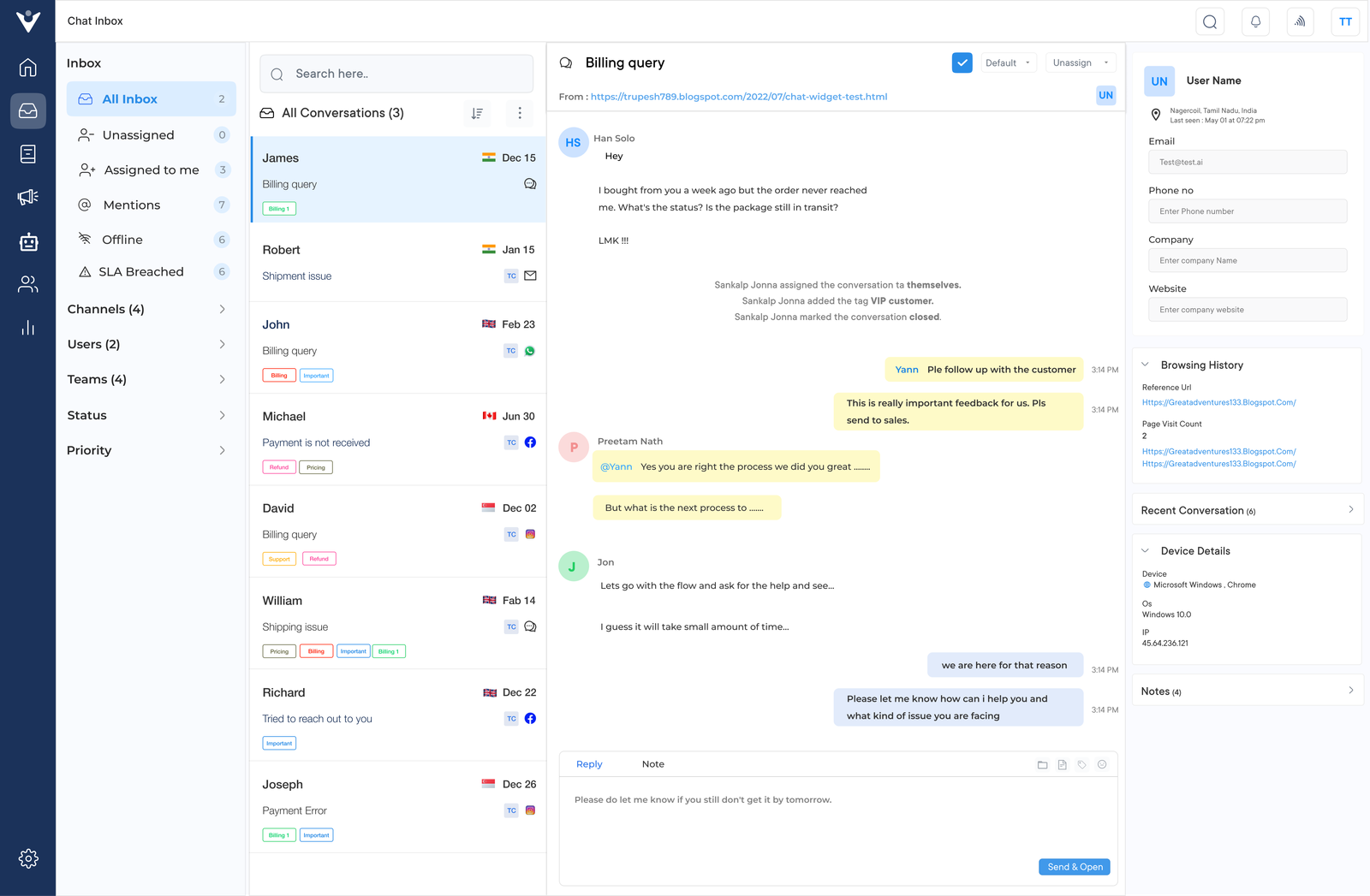
Customer support service responses through text messaging create an efficient channel for resolving customer issues quickly. The system speeds up replies, keeps communication clear and helps support teams manage several inquiries at once, without losing the personal touch.
Automated query acknowledgments
The system instantly confirms receipt of customer messages with case numbers and estimated response times. It can quickly handle common questions with automated replies, cutting down wait times for simple issues.
Department specialist message routing
The system reads each message and sends it to the right team or person, so customers get the help they need faster. It ensures customers connect with the right expert quickly while maintaining conversation context throughout the resolution process.
File sharing resolution system
Support teams can share images, documents and other files through messaging. The helps diagnose problems, confirm warranty claims and guide customers with visual steps.
4. Special Offers Promotional Messages
Special offers and promotional messages leverage text messaging to deliver personalized deals. Not just that, it’s also helpful in delivering discounts directly to customers’ phones. When asked how they’d like to receive promotional content, 75% of consumers chose SMS over other marketing methods.
Targeted content customer segmentation
Marketing teams analyze customer data to create distinct audience segments based on purchase history, preferences and behavior patterns. The system then delivers customized promotional content that resonates with each segment’s interests. A luxury boutique might invite loyal customers to a private preview, while offering a simple discount to first-time buyers who have just signed up.
Unique code redemption tracking
Each promotional message contains individualized discount codes that link directly to customer profiles. The system monitors when and how these codes are used across different channels. A restaurant might text out dinner discounts and see which dishes get the most responses during certain times.
Engagement-based message automation
The platform studies how customers interact with promotional texts and adjusts follow-up messages accordingly. If someone clicks a sale link but doesn’t buy, the system sends a reminder with a new deadline to encourage action. For customers who complete purchases, it triggers thank-you messages with future promotional previews.
5. Conference Check-in Details
Conference check-in messaging streamlines event management by providing attendees with digital access to essential event information and updates. Check-in system cuts registration wait times, lightens admin tasks and keeps attendees updated on event changes as they happen.
The system creates a seamless event experience by sending personalized QR codes for quick entry, automated schedule updates and interactive session booking options. Attendees get all the info they need on their phones and can easily manage their conference details by replying to simple text messages.
Best Practices:
- Schedule initial check-in details 48 hours before the event. Pay close attention to venue maps, parking instructions and WiFi credentials. The timing gives attendees enough time to prepare while keeping information fresh and accessible during their arrival.
- Create message templates for common scenarios like room changes, session updates or emergency notifications. Each message should follow a consistent format with clear subject lines and specific actionable instructions to avoid confusion.
6. Account Security Authentication Messages
Account security authentication messaging provides an essential layer of protection for user accounts through real-time verification processes. The system helps prevent unauthorized access, keeps sensitive data safe and alerts customers right away if there’s a possible security issue.
Time-sensitive code generation process
The authentication system creates unique single-use verification codes that expire after a short duration. When users log in, change settings or access sensitive features, the system immediately sends a verification code for confirmation.
Unusual activity pattern monitoring
The system watches for unusual account activity, like logins from new devices or unexpected locations. If something looks off, it sends an alert with details and steps to secure the account.
Quick account access solutions
The platform provides streamlined processes for account recovery and security restoration. When users need to regain access, the system guides them through verification steps with clear instructions. Each message includes a secure link and clear steps to help users fix access issues quickly while keeping their account safe.
The layered security approach helps keep customer accounts safe while making it easy for users to verify their identity when needed. The system’s ability to respond instantly to security concerns helps prevent unauthorized access and maintains customer confidence in the platform.
7. Payment Reminders Processing Updates
Payment reminder messaging systems help businesses maintain healthy cash flow by automating the entire payment collection process. The system helps reduce late payments, avoids awkward collection calls and gives customers simple ways to stay on top of their bills with timely reminders.
The system creates a seamless payment experience by sending strategically timed reminders before due dates, along with instant confirmations after successful payments. Customers get a payment link they can use to pay right from their phones, which is quick and easy, with no extra steps needed.
Pro tips:
- Use a three-message sequence: send the first reminder five days before the due date, followed by a day-before alert and a same-day final notice.
- Include account balance, payment history and loyalty rewards information in reminder messages.
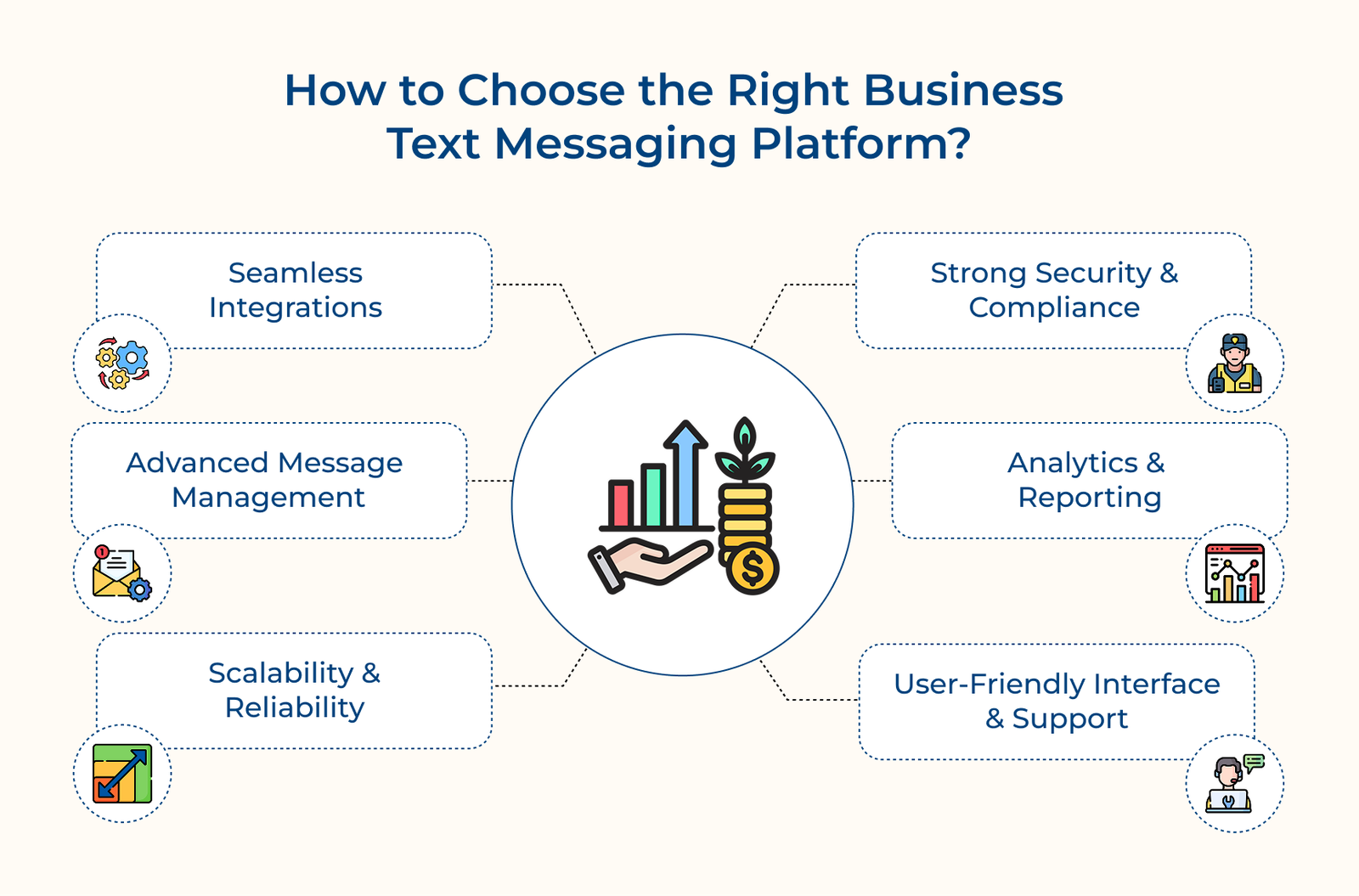
How to Choose the Right Business Texting Messaging Platform?
Let’s explore the key considerations and essential features that will help you make an informed decision.
Questions you must consider for better selection of the platform:
- What is your primary use case for text messaging?
- How many team members need access to the platform?
- What existing tools do you need to integrate with?
- What is your monthly message volume?
- What level of customer support will you require?