Enterprise Help Desk Software Guide: Features, Benefits & Tools
Choose the right enterprise help desk software for your business. Explore features, top tools and key criteria to choose the right solution.
No credit card required. Easy setup
Choose the right enterprise help desk software for your business. Explore features, top tools and key criteria to choose the right solution.
No credit card required. Easy setup
Elevate efficiency, enhance collaboration and uncover insights with our cutting-edge solution.
Streamlines the process of managing and resolving customer issues, allowing businesses to handle a higher volume of inquiries with greater speed.
Teams can easily collaborate and communicate on customer tickets, ensuring a seamless resolution process.
Enhances the customer experience, leading to higher satisfaction rates and increased loyalty.
Provides valuable insights and analytics on customer issues. Businesses can identify areas for improvement to enhance their offerings.
Ticket overload, siloed tools and delayed resolutions drain enterprise support performance that affects customer trust. A good enterprise help desk software helps in managing high-volume support with automation, analytics and team collaboration.
This guide will help you evaluate the right solution for your enterprise business, based on essential features, scalability and common pitfalls. It’s designed specifically for organizations that need enterprise-grade capabilities at scale.
An enterprise help desk software refers to a centralized platform for large organizations that assists with technical issues, inquiries and requests. It serves as a one-stop shop for all IT support needs and ensures that users have access to the necessary support and resources they need.
The key objectives are:
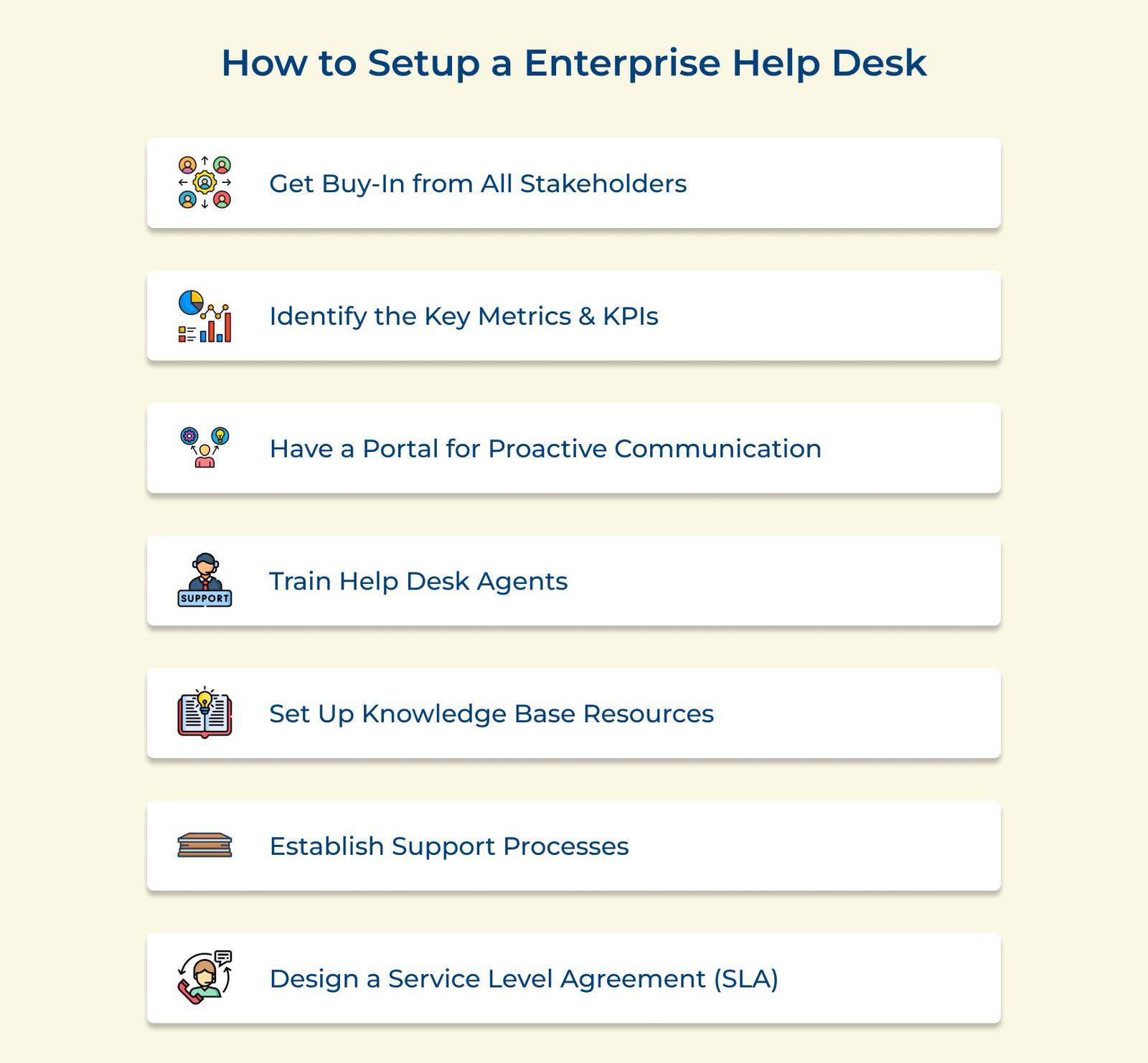
The business must have a solid plan in place to ensure they reap the maximum benefits of the enterprise help desk. Let us discuss the essential strategies to set up a successful enterprise help desk tool.
Getting buy-in from all stakeholders is crucial for setting up a successful enterprise help desk. Start by identifying key stakeholders such as the executives, department heads and end-users. They will mainly be the ones who the help desk implementation will impact.
Clearly articulate the expected return on investment, cost savings and operational efficiencies that an enterprise service desk can bring. Addressing stakeholders’ concerns and gathering their feedback will help create a sense of ownership. It obtains formal approval and commitment from stakeholders, ensuring their active participation throughout the implementation process.
Pro tips:
Identify key performance metrics and KPIs to track success across departments as well as within individual projects or tasks. Let’s assume that the goal is to improve customer satisfaction scores. Then the brand must include it as a KPI alongside response time benchmarks or any other relevant measure that fits the needs. The data generated by the metrics can then be used to adjust goals.
Pro Tips:
Implementing a customer portal is vital for proactive communication and a successful enterprise help desk. A user-friendly self-service portal empowers customers to find solutions on their own, reducing the workload on support staff.
Access to a comprehensive knowledge base and self-help resources equips customers with the information they need to troubleshoot common issues. Integrating communication channels like email and chat facilitates seamless interactions, ensuring that customers can reach out through their preferred medium.
Pro Tips:
Developing comprehensive training programs is important for equipping help desk agents with the necessary skills to provide proactive communication. The programs should encompass technical proficiency, exceptional customer service and in-depth process knowledge.
Agents should be trained to anticipate potential issues and proactively communicate solutions or preventive measures to minimize disruptions. They should be adept at active listening, empathy and clear communication to effectively address customer concerns.
Pro tips:
Establishing a centralized knowledge base repository is crucial for an effective enterprise help desk. The repository should house all relevant information, documentation and troubleshooting guides. Define clear processes for content creation, review and maintenance to ensure the knowledge base remains up-to-date.
Encourage subject matter experts from various teams to contribute their expertise. Let’s take the example of the IT team here. They could provide technical troubleshooting guides, while HR contributes employee onboarding resources.
Pro Tips:
Setting up a successful enterprise service desk requires establishing robust support processes and procedures. Start by defining incident management processes, including triage, escalation and resolution. Triage involves prioritizing incidents based on severity and impact.
Brands can implement change management and problem management processes. Change management ensures that changes are planned and implemented with minimal disruption. Problem management aims to resolve the root causes of recurring incidents.
Pro Tips:
Setting up a successful enterprise help desk software requires careful planning and organization. One key component to ensuring its effectiveness is designing a service-level agreement. An SLA outlines the level of service that customers can expect from the help desk, defining response times, resolution times and other key service parameters. The agreement serves as a benchmark for measuring and maintaining the quality of service provided by the help desk.
Pro tips:
Below we have listed the top four enterprise help desk software options that are trusted by businesses worldwide.
Best enterprise help desk software for ticket management
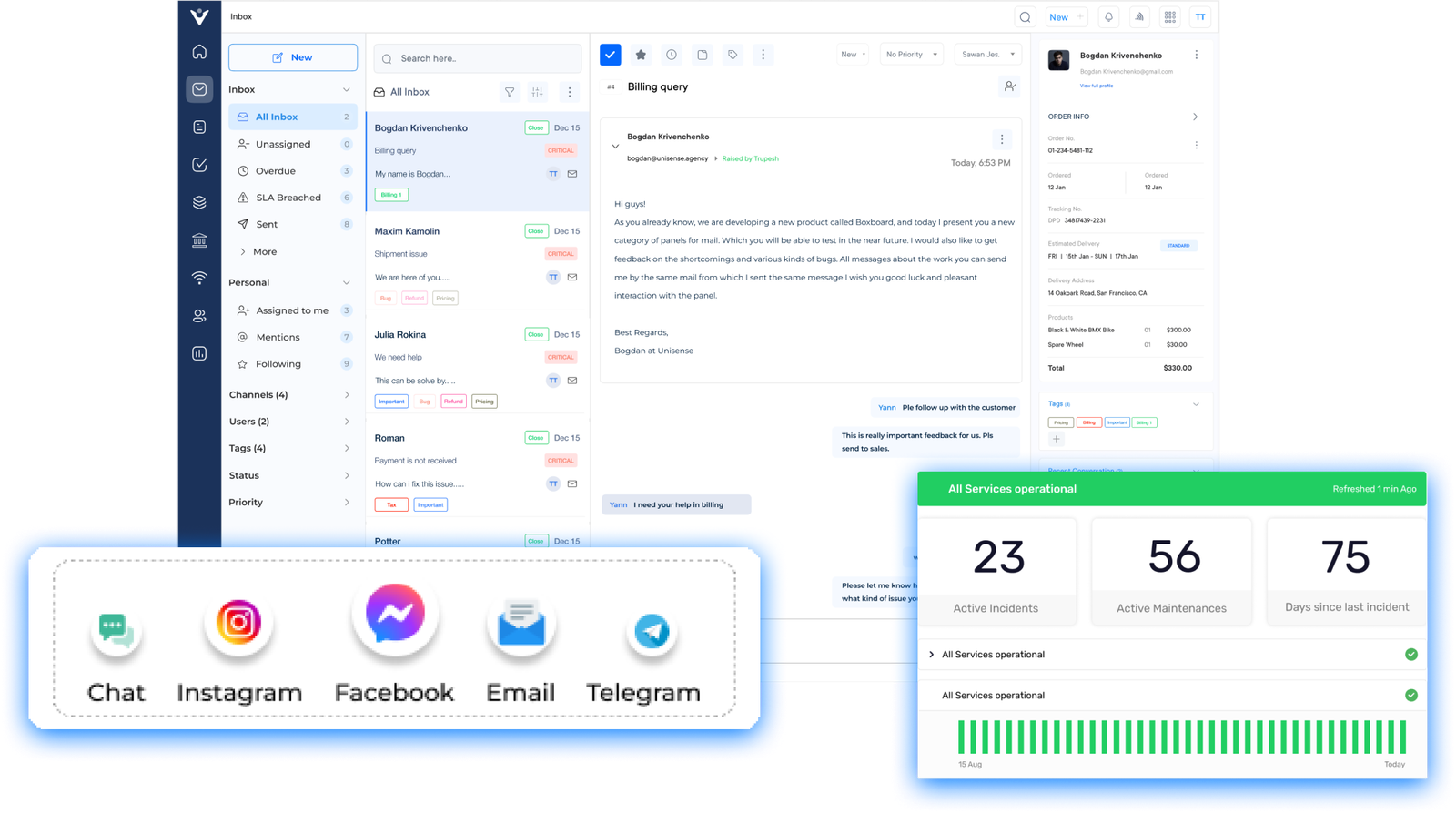
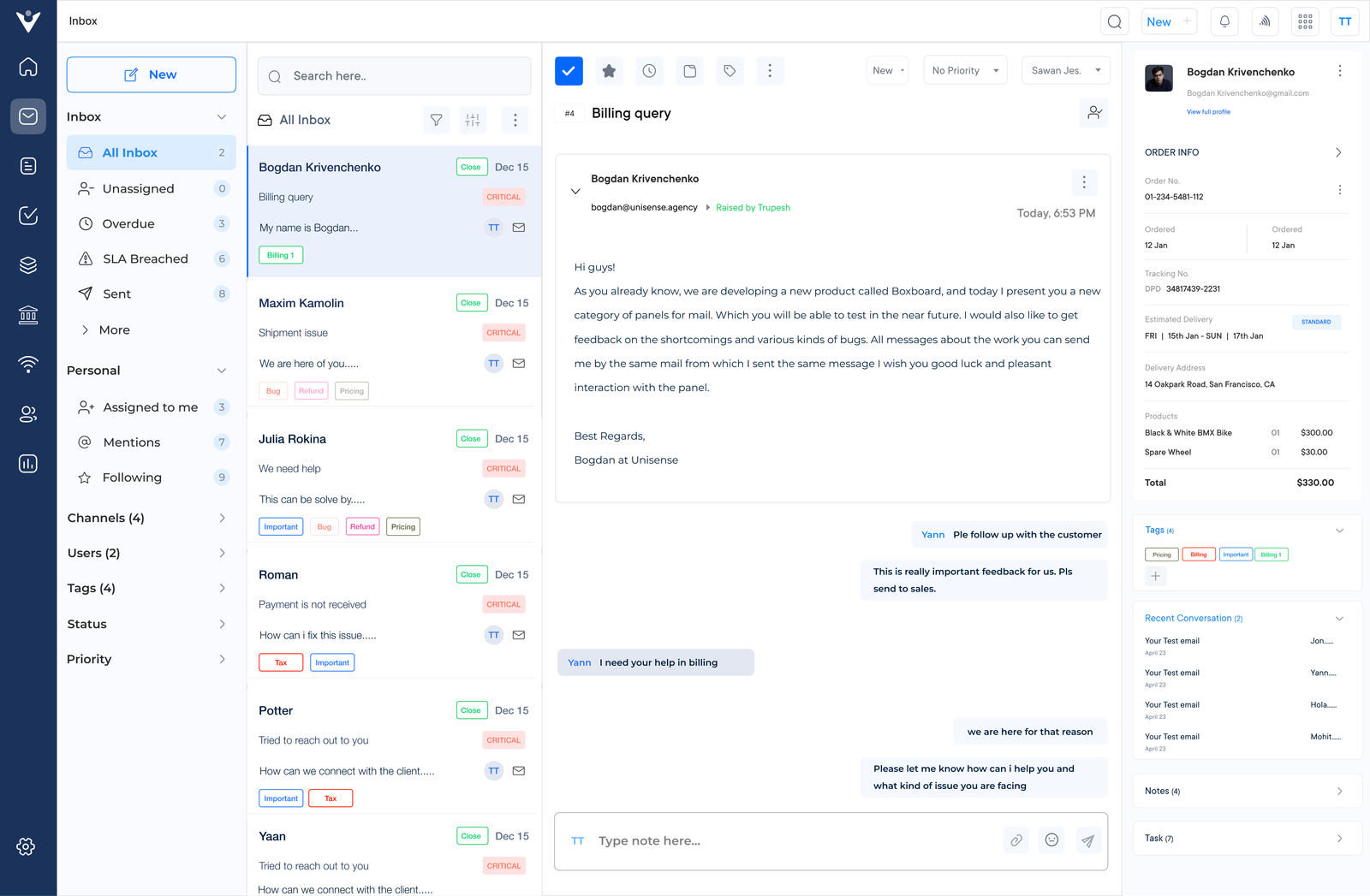
Veemo Support is an AI-powered help desk software built to streamline customer support operations and communication. Enterprise businesses can use it to simplify complex support operations by centralizing queries from chat, emails and social into one shared inbox. Its advanced workflow automation helps reduce resolution times, improving consistency and boosting customer satisfaction.
Key features:
Pricing: Veemo offers plans ranging between $29 and $129. Businesses can avail their 14-day free trial offer by signing up now!
Top enterprise service desk for omnichannel support
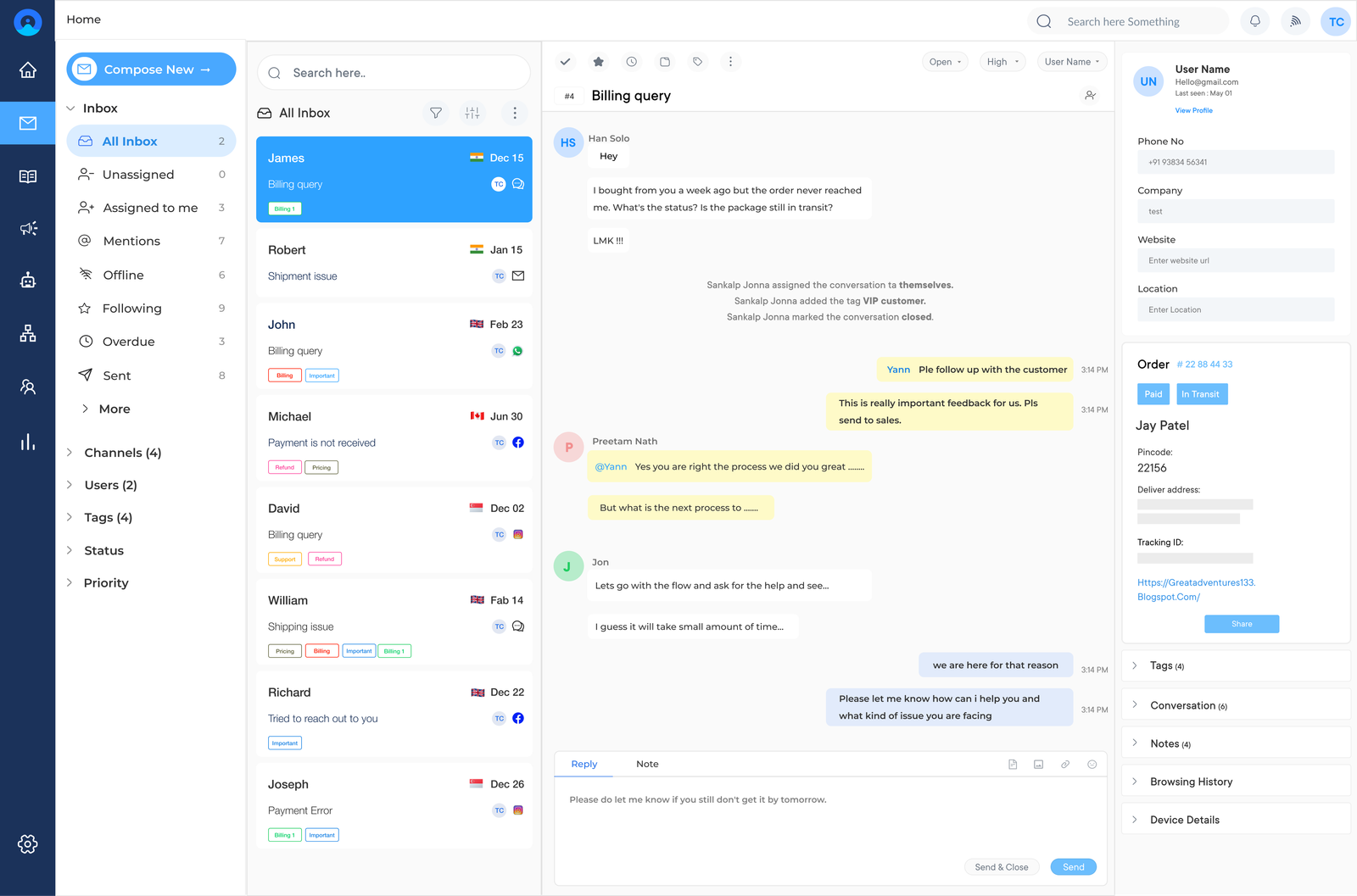
Omni24 is an AI-powered customer engagement platform where marketing, sales, and support suites are combined in one place. It helps teams prevent switching channels so that everyone sees the same context across the customer journey. Omni24 unifies communication across every channel and business unit feeds as tickets into the help desk to resolve it as a single connected team, without losing context.
Key features:
Pricing: The pricing starts from $29/month and goes up to $149/month. Check out their pricing for more details.
Seamless enterprise helpdesk software for automation
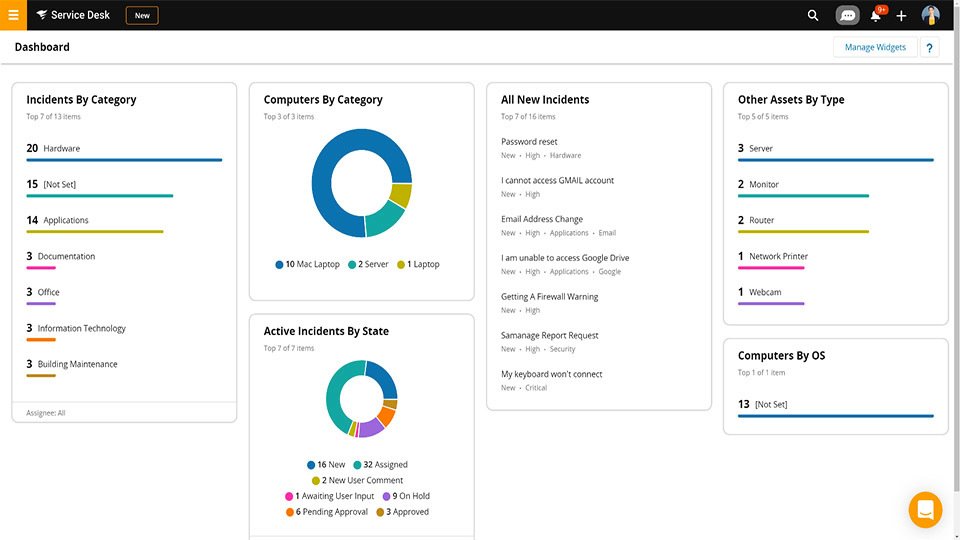
Solarwinds is an IT management software suite designed to help enterprise IT departments reduce costs, manage workflow and automate processes. It includes real-time performance monitoring functionality, asset management modules and other automation options. The platform can correlate data related to system health across multiple sources from one central dashboard.
Robust enterprise help desk platform for multichannel support
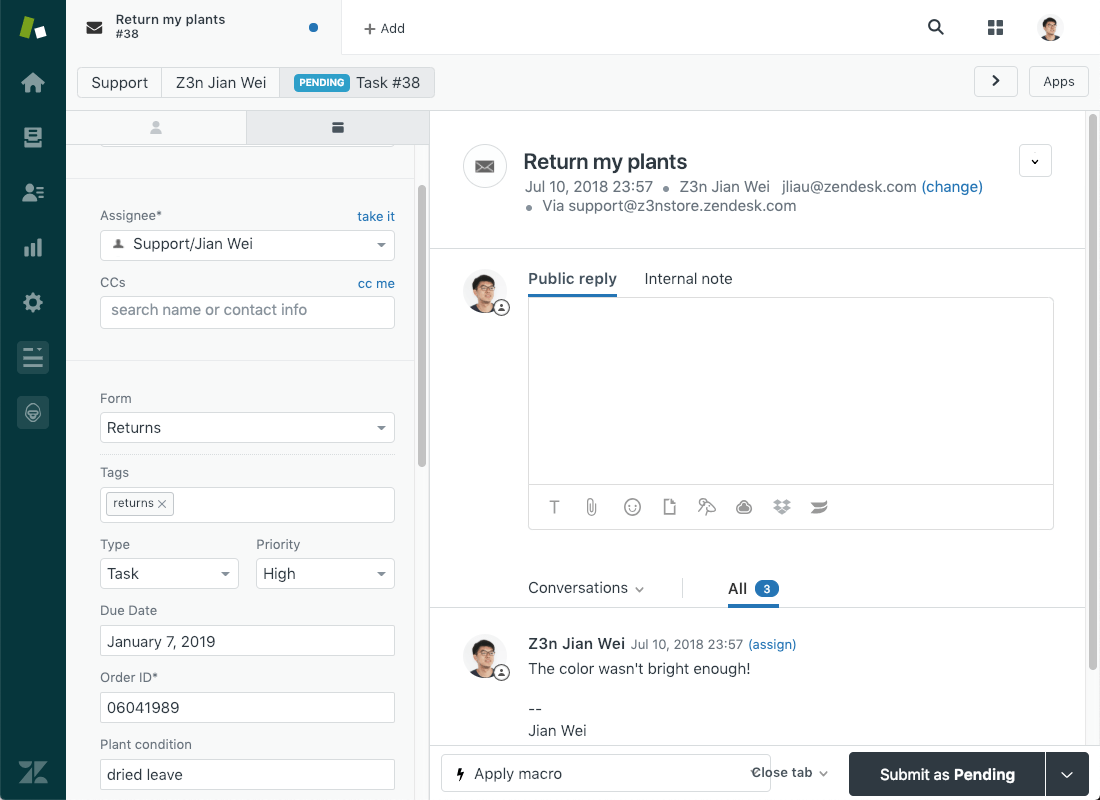
Zendesk is a cloud-based helpdesk solution with features such as self-service portals that enable users to search a knowledge base. It also offers multi-channel support which allows users to receive emails and message bodies through Twitter or direct messages. The key features include customizable SLAs, branded self-serve portals and multi-channel integration.
Read more: Zendesk support alternative for better customer service
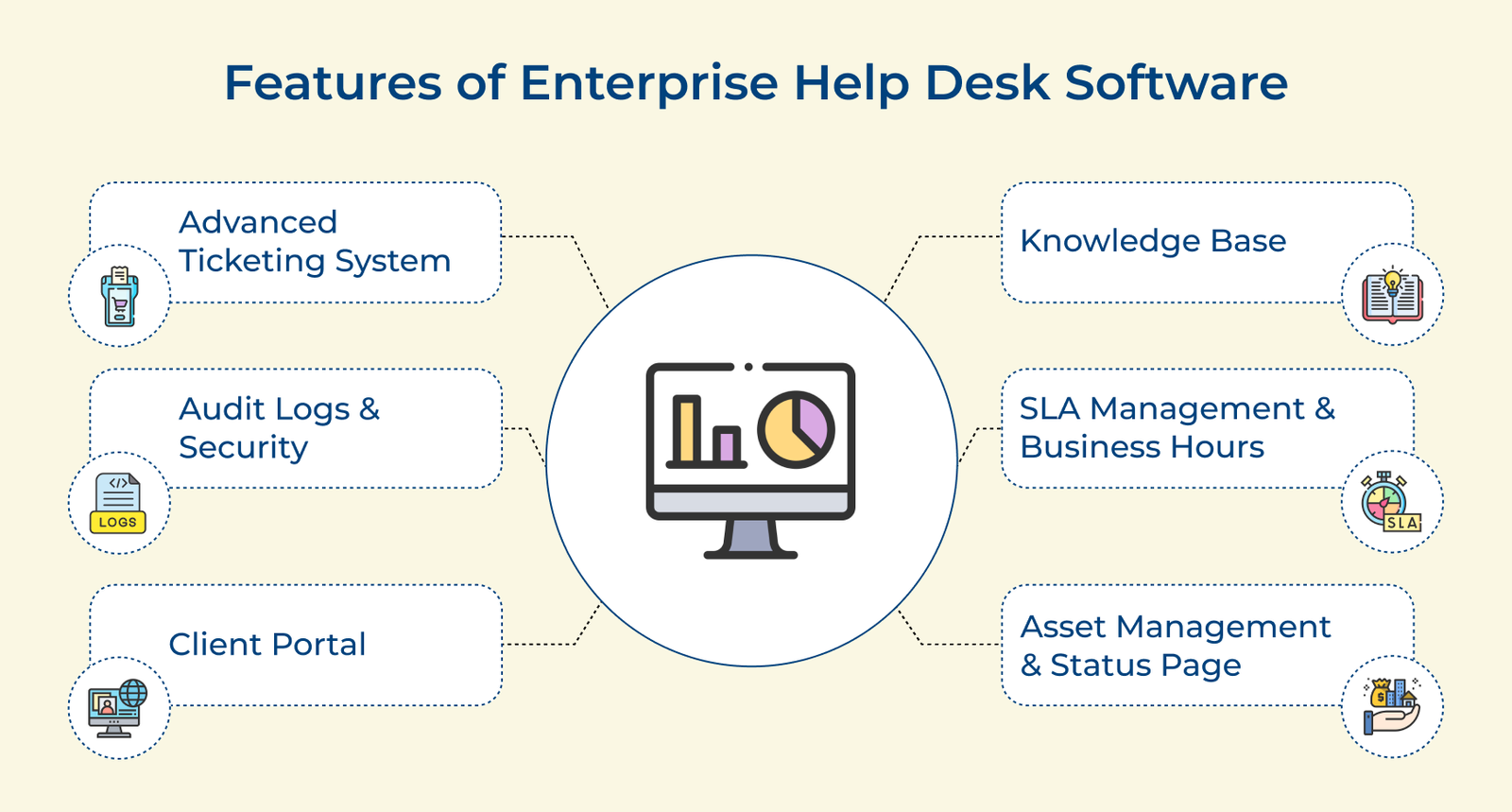
Here will discuss the must-have features that any enterprise service desk tool should have to help businesses make an informed decision:
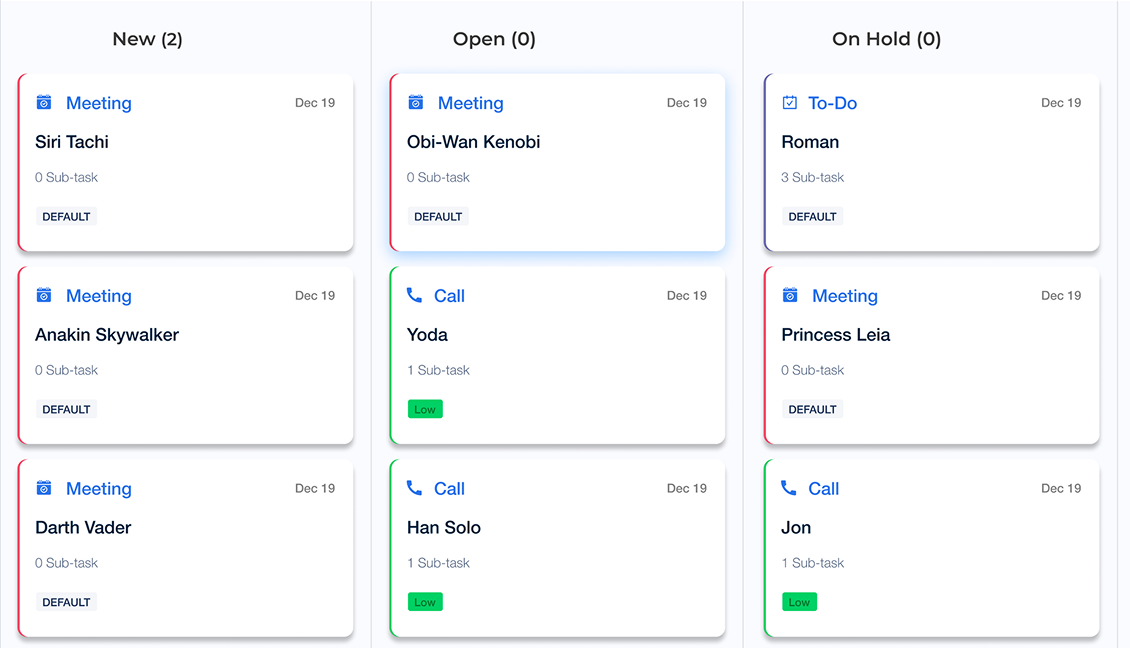
The feature enables users to submit, assign and review support tickets quickly. It also offers custom workflows with automation capabilities, allowing teams to better streamline the ticket resolution process.
The feature provides businesses with an organized repository of data they can reference when employees need answers on common issues or tasks. Brands may also use it to document best practices related to resolving customer inquiries.
The client portal provides clients with a convenient forum for submitting support tickets and monitoring their progress toward resolution. It also allows easy onboarding and offboarding processes for the agencies that serve multiple clients.
Asset management helps teams keep track of IT infrastructure resources. Status pages provide updates on system availability and performance metrics in real-time. It helps stakeholders to have access to accurate information about the service being provided.
Setting specific service level agreements (SLAs) and business hours can help businesses ensure that operations are running according to schedule. This is particularly crucial in regulated industries such as finance, where help desk software for financial services can support strict compliance and audit readiness.
Automated audit logs offer detailed insights into activities taking place within the help desk system. Combined with security settings, users can rest assured that data is secure from malicious activity that could compromise operations.
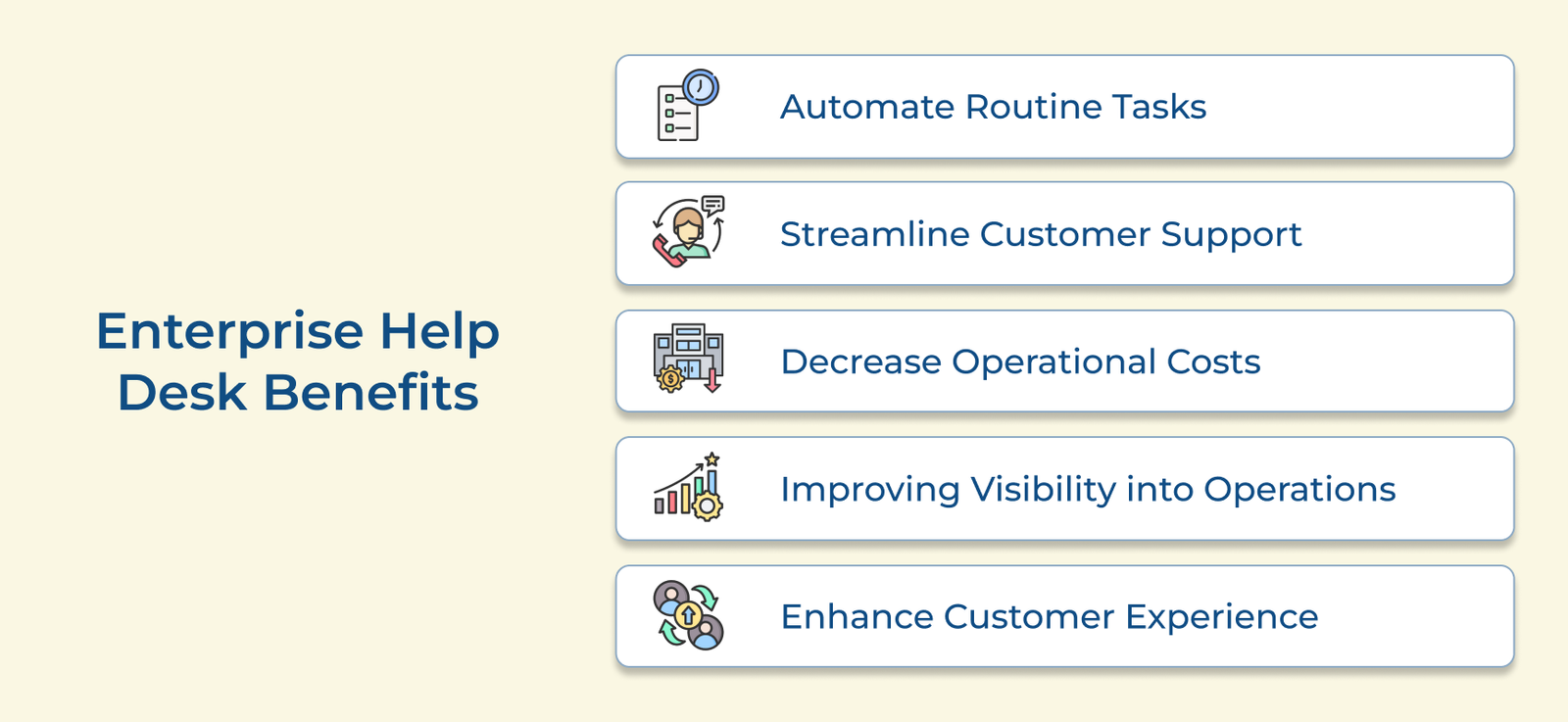
Let us explore the advantages of implementing an enterprise service desk in the organization and how it can streamline IT support processes.
1. Automate routine tasks: Enterprise help desk solutions leverage advanced automation capabilities to streamline repetitive and time-consuming tasks. Automation eliminates manual effort from ticket routing to incident escalation and knowledge base updates.
2. Streamline customer support: Enterprise service desk software ensures efficient customer support by centralizing all support channels into a unified platform. Agents can access comprehensive customer histories and relevant knowledge bases.
3. Decrease operational costs: The consolidation of support processes with automation and self-service capabilities significantly reduces operational costs. Brands can optimize resource allocation and increase efficiency, resulting in substantial cost savings.
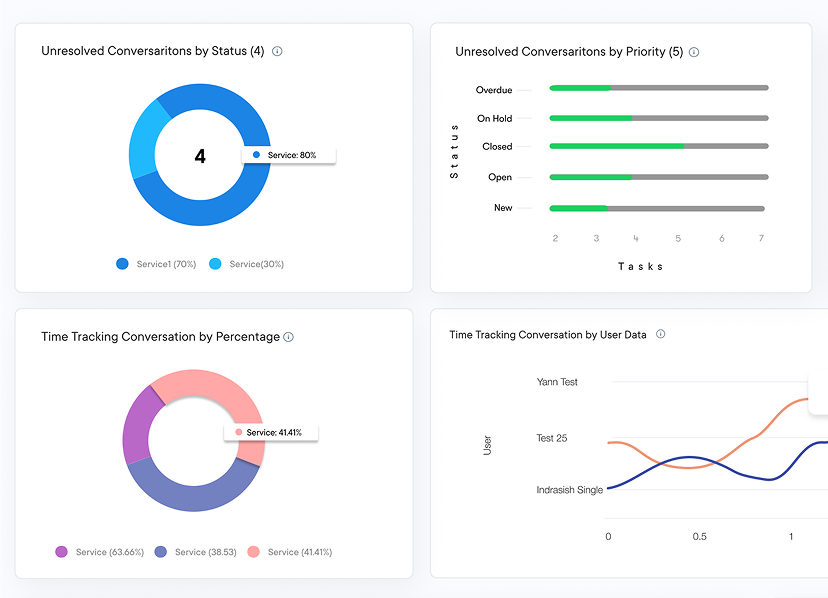
4. Improving visibility into operations: Enterprise help desk tools provide robust reporting capabilities and offer organizations a comprehensive view of their support operations. Real-time dashboards and customizable reports enable data-driven decision-making.
5. Enhance customer experience: Enterprise service desk significantly enhances the customer experience by streamlining support processes. Customers can access personalized support, receive prompt resolutions and leverage intuitive self-help resources.
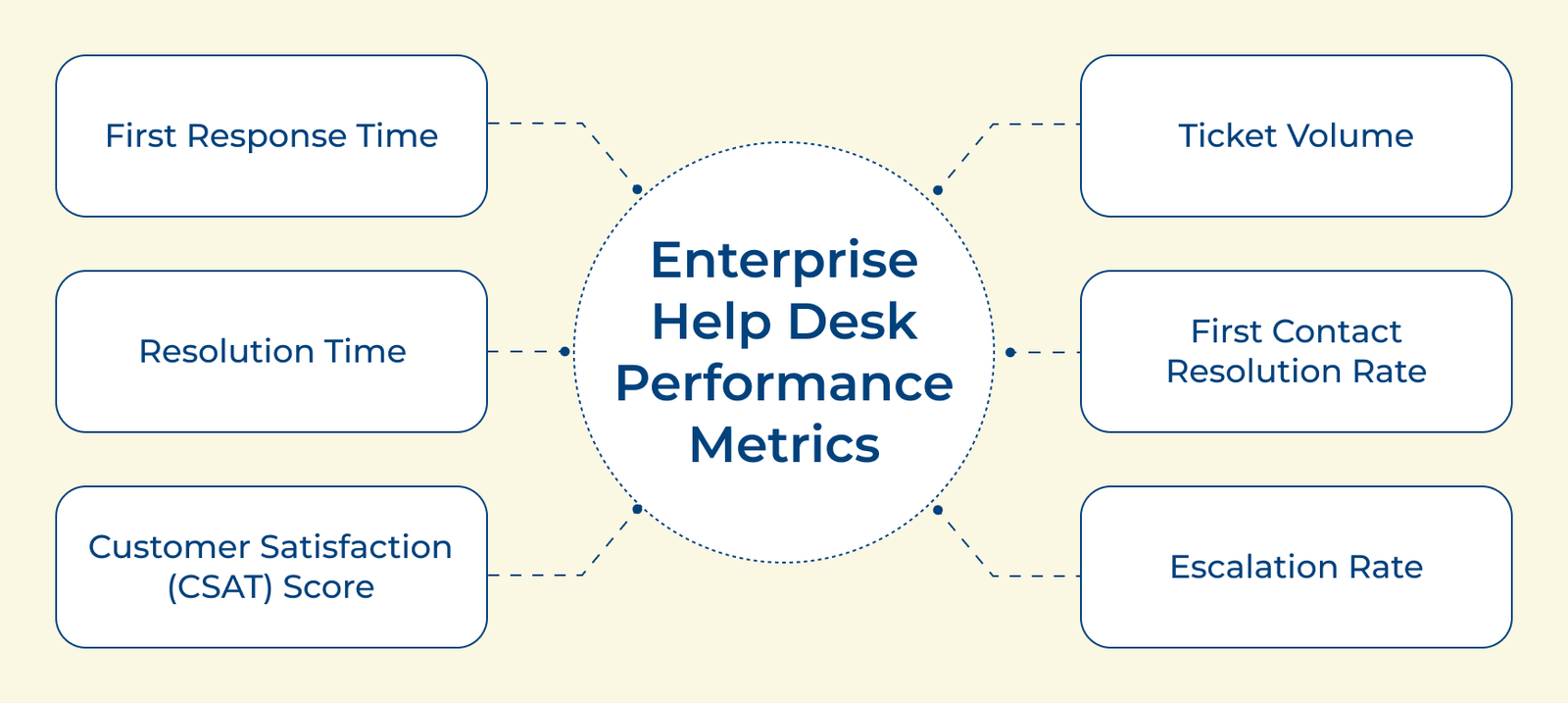
The business must track certain key performance metrics to ensure that its help desk is performing at the best level. Here are six KPIs businesses must keep a check on:
1. First Response Time: Measures the time it takes for a help desk agent to respond to a ticket or request for assistance. A quick response time is essential to ensure that employees receive timely support and can continue with their work without disruption.
2. Resolution Time: Resolution time measures how long it takes for a help desk agent to resolve a ticket or issue. A shorter resolution time indicates that the help desk is efficient and effective in addressing problems.
3. Customer Satisfaction (CSAT) Score: The CSAT score measures the satisfaction level of employees with the help desk support they receive. It can provide valuable insights into areas for improvement and help identify trends in customer satisfaction.
4. Ticket Volume: Tracking the number of tickets received by the help desk can help identify any spikes in demand or recurring issues. The insights may require further investigation or improvement in processes.
5. First Contact Resolution Rate: Measures the percentage of tickets that are resolved on the first contact with the help desk. A high first-contact resolution rate indicates that help desk agents are knowledgeable and capable of resolving issues efficiently.
6. Escalation Rate: Escalation rate measures the percentage of tickets that need to be escalated to higher-level support or management. A high escalation rate may indicate that help desk agents need additional training or that there are gaps in the support processes.
Enterprise help desk software is essential for scaling support, streamlining workflows, and delivering consistent, high-quality customer experiences. It empowers teams to centralize communication, automate processes and gain actionable insights all while improving efficiency and customer satisfaction.
Ready to elevate your support operations? Start your free trial or book a demo with Veemo support today. The right enterprise help desk software drives efficiency and superior customer experiences.
An enterprise help desk provides technical support and assistance to customers. For large organizations, it handles issues ranging from hardware troubleshooting to complex software problems. The team makes sure customers have access to necessary resources to resolve technical problems independently with a knowledge base.
The help desk process follows a systematic approach to resolve customer or employee concerns from initial contact to ensure consistency and accountability across support interactions. Key stages include:
An enterprise ticketing system is software the enable businesses to manage and track customer support requests. It provides a centralized platform to receive, assign and resolve tickets efficiently.
Some of the typical features are ticket routing, prioritization and reporting. These tools streamline the entire support process while giving clear visibility into team performance and workload.
A web help desk improves enterprise IT support by providing a centralized platform for managing tickets at any time, without dedicated software installation. Some of the features include automated routing and SLA management to ensure issues get resolved on time.
Businesses can choose from different help desk formats depending on customer preferences and support needs. Most enterprises combine multiple formats to meet customers wherever they prefer to reach out. Common channel options are: