What is CRM Onboarding? Key Steps, Best Practices & Tools
CRM onboarding covers the steps and tools needed to help teams adopt a CRM quickly. It explores ways to use it confidently and integrate it into daily workflows for success.

CRM onboarding covers the steps and tools needed to help teams adopt a CRM quickly. It explores ways to use it confidently and integrate it into daily workflows for success.
You spend a lot on a CRM that promises to simplify customer management. The team logged in once, explored a little, then returned to spreadsheets and overflowing inboxes as if nothing had changed. It happens when training and onboarding are treated as an afterthought.
When there’s no clear direction, even the best customer relationship management feels confusing, so people avoid it and stick to familiar tools. Structured onboarding can lead to 50% greater user retention and 70% higher quota attainment. The good part is that effective CRM onboarding doesn’t require months of disruption or complicated training programs.
The guide shows you practical strategies that help your team embrace the new system and start delivering better customer experiences from day one.
CRM onboarding refers to the process of introducing a CRM system to your organization and getting your team up to speed on using it effectively. The process includes setting up the software to reflect real business processes and training employees to handle customer data inside the system. The aim is to turn the CRM into a practical tool that supports daily work, lead tracking, and customer follow-ups.
The timeline depends on company size and setup. Small businesses with simple requirements often finish onboarding within two to four weeks. Medium-sized companies with multiple departments often need two to three months to fully implement their CRM. Large organizations with complex workflows and custom requirements may take six months or more before teams feel confident.
Key objectives:
Let’s go through the reasons the CRM onboarding framework matters, as it helps teams understand the system and avoid costly mistakes that reduce adoption.
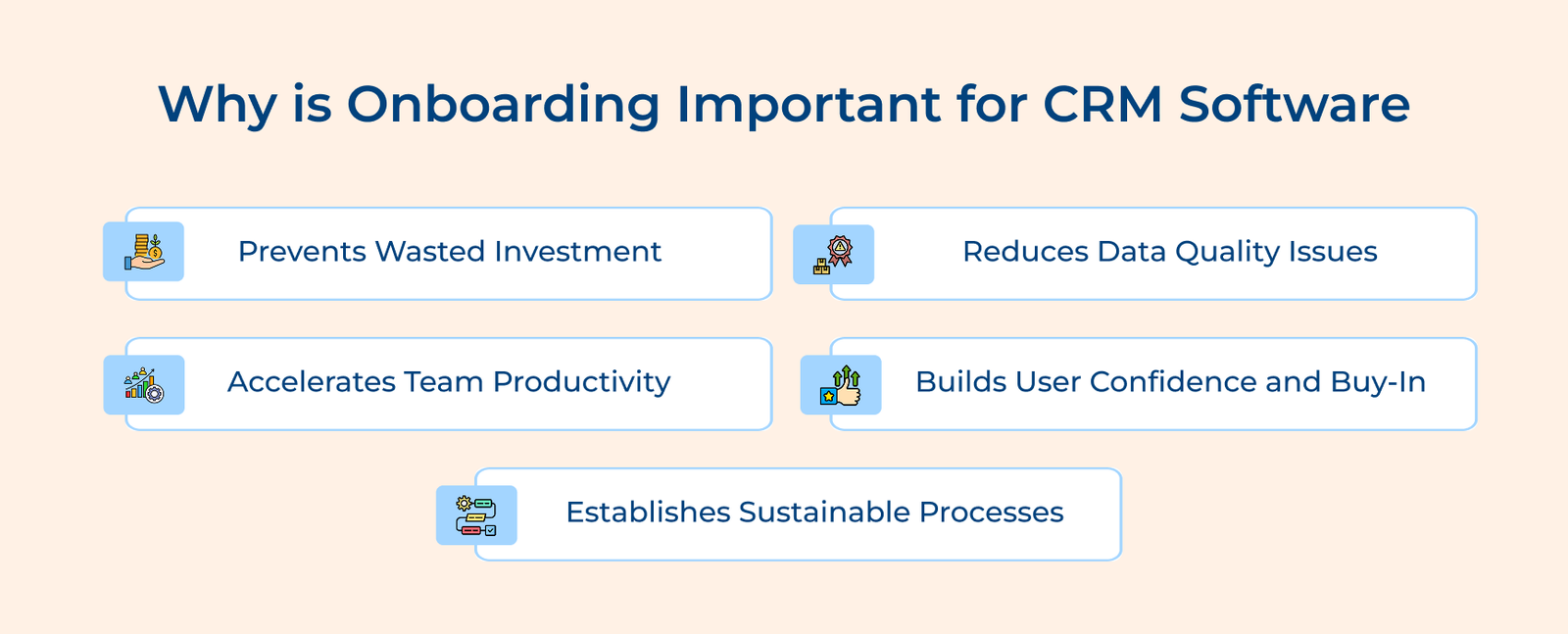
Prevents Wasted Investment
Companies spend thousands or even millions on CRM software. Without proper CRM onboarding, employees won’t use the system correctly or might abandon it entirely. Your expensive investment becomes useless when people stick to their old spreadsheets and email folders instead of embracing the new platform.
Reduces Data Quality Issues
Weak onboarding creates messy data. Phone numbers follow different formats, notes land in random fields and records become unreliable. Over time, the CRM turns into something people stop trusting.
Accelerates Team Productivity
Good onboarding helps teams work faster from the start. People learn keyboard shortcuts, automations and better ways to manage tasks. Without guidance, time gets lost clicking through menus and repeating manual work.
Builds User Confidence and Buy-In
New software feels frustrating when no one explains how it helps. Clear onboarding shows how the CRM supports daily work and reduces effort. Confidence grows once people feel capable of using the system.
Establishes Sustainable Processes
Onboarding sets clear rules for how the CRM is used across teams. Shared standards keep data clean and workflows consistent. Without the structure, each team works differently and the system loses value.
The following are key steps to ensure your CRM onboarding framework sets your team up for success.
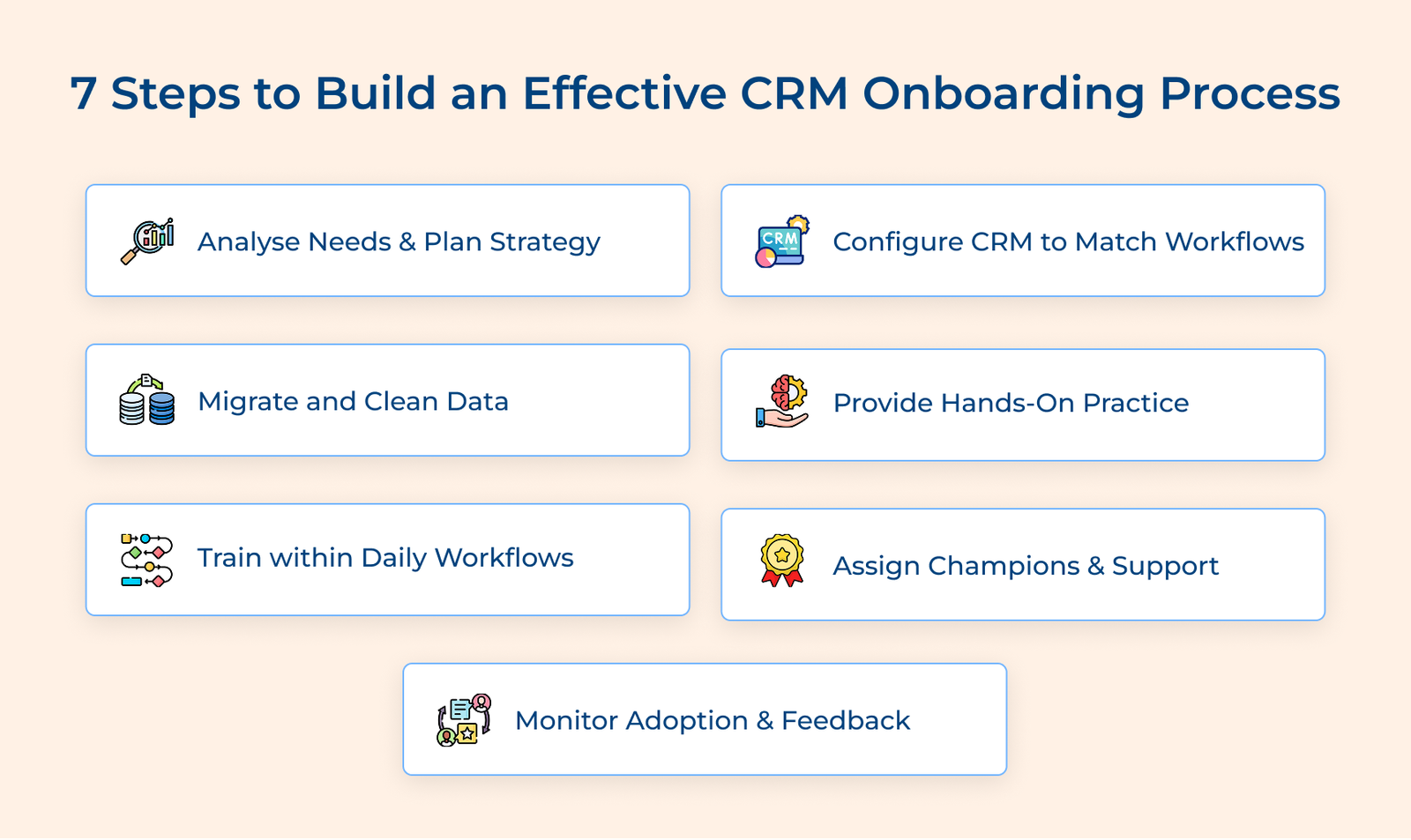
The step focuses on understanding how your team currently works and what problems need fixing before any software setup begins. Skipping the stage often leads to a CRM built on guesses instead of real daily needs.
Key factors:
Start by shadowing your team and watching how they currently manage customer information. Then sit down with representatives from each department. Ask them what makes their jobs harder right now and what would make them easier.
Configuration shapes the CRM around how your business already works. A system that reflects familiar processes feels easier to use and fits naturally into daily routines.
Customize Fields and Data Structures
Your CRM needs to capture the specific information that matters to your business decisions. A law firm needs different data fields than a retail store. Set up custom fields that reflect the details your team actually needs to record rather than accepting generic defaults.
Set Permissions and Access Levels
Different team members need different levels of access to customer data based on their roles. Proper permission settings protect sensitive information and prevent accidental data changes while still giving everyone the access they need to do their jobs.
Create Templates for Repeat Tasks
Daily work includes a lot of repetition. Ready-made document templates help teams respond faster and stay consistent without rewriting the same content every time.
Data migration moves customer information from old tools into the new CRM system. Messy or outdated records quickly damage trust and lead to mistakes no team wants to explain.
The process starts with exporting data from your current storage methods into a standardized format. Then you systematically review and clean that data before importing it into the new CRM in carefully planned batches.
Pro tips:
Simulation training means letting your team practice using the CRM in a safe environment where their actions won’t affect real customer data. When employees can experiment freely without fear of breaking something, they learn faster and retain knowledge better than passive training methods allow.
Actionable tips:
Training works best when help appears at the moment people need it. Long sessions away from real work fade quickly, while timely guidance sticks because it gets used right away.
Key industries:
The impact of the approach transforms how quickly teams become proficient with their new system. Instead of overwhelming people with hours of upfront training they’ll mostly forget, employees build skills gradually as they encounter different situations.
Key types:
Champions are team members who learn the CRM early and help others use it with confidence. Having internal experts creates a sustainable support structure that continues long after the initial onboarding period ends.
You use champions by identifying naturally tech-savvy team members who show enthusiasm about the new CRM and giving them extra training first. The champions then help their colleagues during daily work by answering questions and demonstrating features.
Best practices:
Monitoring adoption reveals how the CRM is being utilized in real-world scenarios, rather than how it was intended to be used. Regular tracking helps spot problems early and keeps the system from slowly being ignored.
Key metrics:
Businesses use these metrics by establishing baseline measurements during the first week and then tracking changes over the following months. A sudden drop in daily users signals that people are reverting to old habits, while low feature utilization might mean certain tools need better training.
Key questions:
The questions help because they uncover specific pain points that metrics alone can’t reveal. Someone might be logging in daily but struggling with a poorly designed workflow. The feedback drives continuous improvement and shows your team that their experience matters.
Check out the best practices that make CRM onboarding smoother and easier to adopt, helping teams feel confident using the system as part of their everyday work.
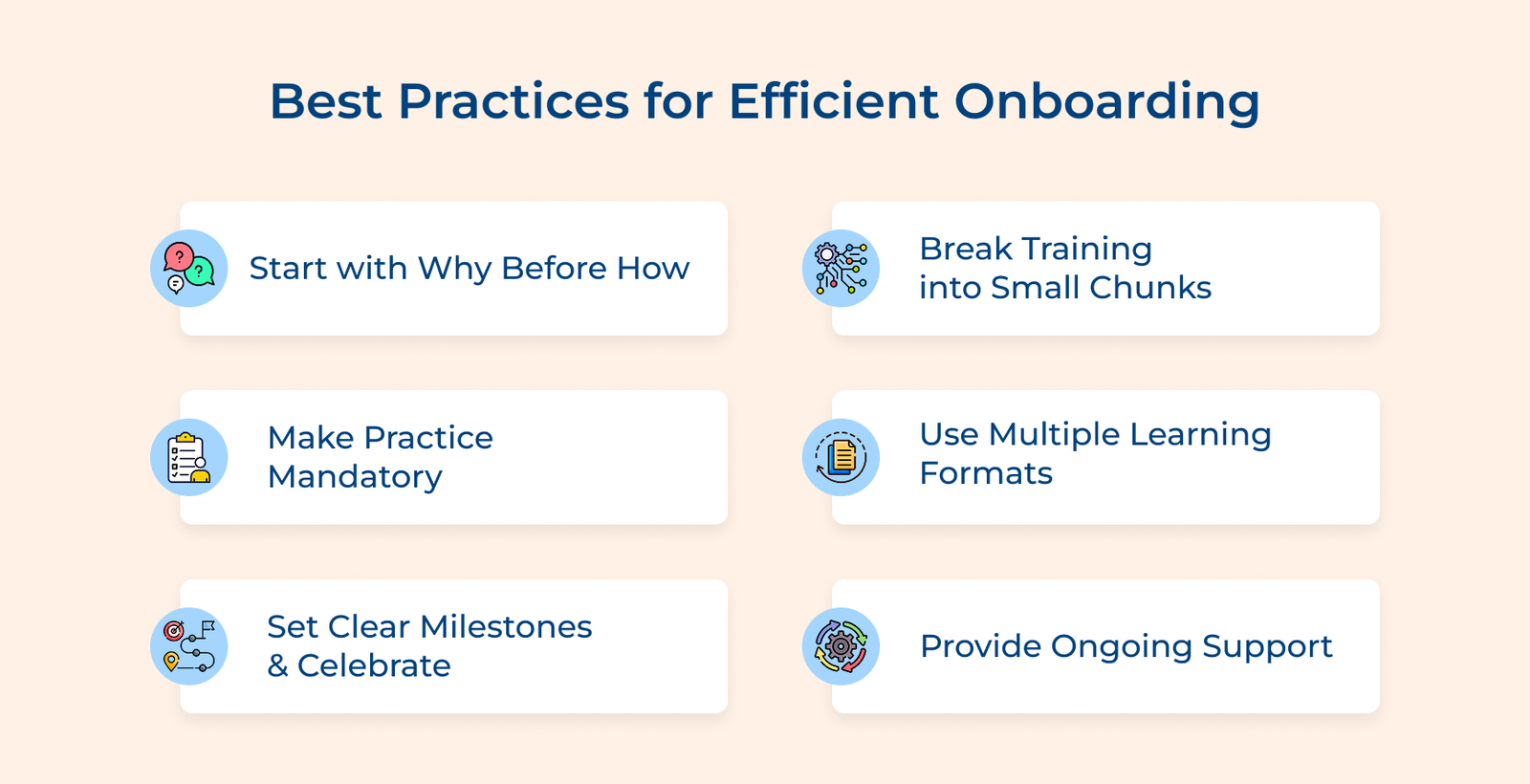
People push back on new systems when the purpose is unclear. When employees see the CRM as a solution instead of an obligation, they approach training with curiosity rather than resistance.
Key benefits:
Link each benefit to real frustrations your team already talks about. Show sales teams how reminders prevent missed calls. Show support teams how one shared customer view removes the need to dig through long email threads.
Overwhelming people with every CRM feature at once guarantees they’ll forget most of what you teach them. The phased approach allows people to practice and internalize basic skills before adding more complexity to their mental load.
Begin with the basics people rely on every day, such as adding contacts or logging conversations. Once the actions feel routine, introduce the next set of features. The steady pace keeps learning manageable and prevents confusion.
Watching a demo feels productive, but real learning happens through use. The mandatory practice might feel like it slows down the initial rollout, but it prevents costly mistakes and frustrated employees later.
Key ways:
Design your practice exercises to mirror the actual scenarios employees encounter most frequently in their roles. When practice feels relevant rather than abstract, people engage more seriously and retain what they learn much better.
Some people learn best by reading documentation, while others need to watch videos or prefer learning by doing. Create the same content in several different formats so every employee can access information in the way their brain processes it best.
Key formats:
The variety ensures nobody gets left behind simply because the training style doesn’t match their learning preference. Your team will absorb information faster when they can choose the format that works best for them.
CRM onboarding can feel like an endless sales process without visible endpoints or achievements along the way. The celebrations don’t need to be elaborate, but they provide motivation and help people see how far they’ve come.
Define concrete achievements that mark different levels of CRM proficiency, like completing all basic training modules or successfully managing your first full customer interaction. When someone hits a milestone, acknowledge it publicly during team meetings. The recognition reinforces that learning the CRM matters to the organization.
Key ways:
Track individual progress transparently so employees know exactly where they stand and what comes next. Some people will race ahead while others need more time and that’s perfectly normal.
Onboarding doesn’t end after the first week or even the first month of using a new CRM system. Establish permanent support channels that remain available long after formal training concludes, so employees never feel abandoned when they hit obstacles.
Create multiple ways for people to get help quickly when they’re stuck during their actual work. A dedicated chat channel lets team members ask questions and get guidance from champions. Regular office hours with a CRM expert give employees a chance for hands-on help whenever they need it.
Below are the specialized platforms that help your team learn faster and retain knowledge better than traditional training methods alone.
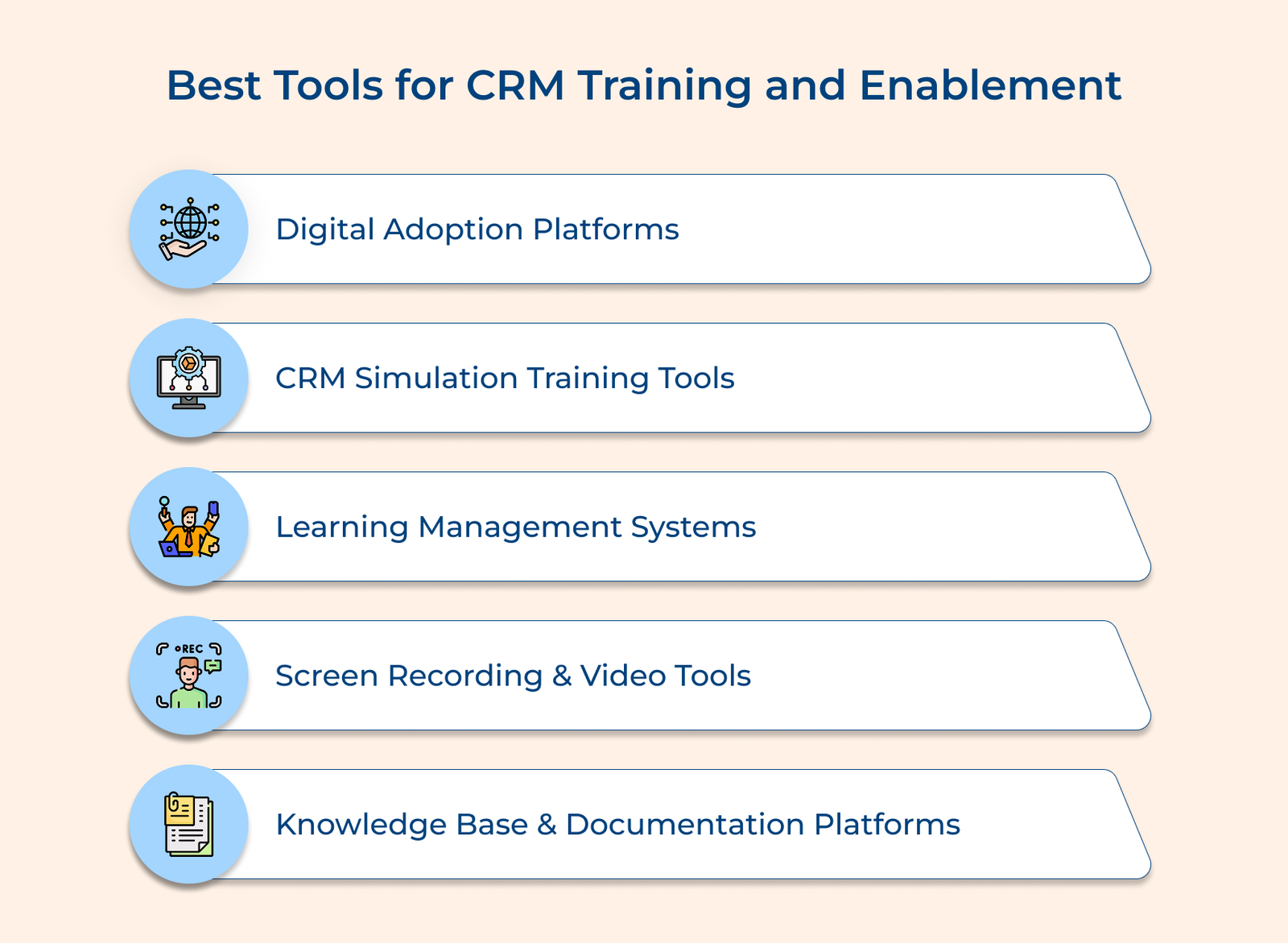
Digital Adoption Platforms (DAP)
Digital adoption platforms sit on top of your CRM and guide users step by step with interactive walkthroughs as well as helpful tips. Instead of guessing or searching through manuals, employees see exactly where to click and what to enter next.
CRM Simulation Training Tools
Simulation tools create safe practice environments that look exactly like your real CRM but contain fictional data for learning purposes. The platforms often include pre-built training scenarios like handling a customer complaint or processing a complex sale that let learners develop skills through realistic practice.
Learning Management Systems (LMS)
An LMS organizes all training materials in one place. Employees access videos, quizzes and exercises at their own pace. The system tracks progress and highlights areas where someone may need extra support.
Screen Recording and Video Tools
Screen recording lets you create step-by-step videos showing tasks in your actual CRM setup. Employees can pause, replay and follow along in their own environment as they practice.
Knowledge Base and Documentation Platforms
Knowledge base provides searchable libraries of articles and guides for on-the-spot reference. Tracking which resources are accessed most often helps identify confusing features and gaps in training.
Successful CRM onboarding goes beyond learning software buttons and menus. It changes how your team handles customer relationships and improves the way they work every day. When you invest time in proper onboarding, you’re building the foundation for years of improved productivity and stronger customer connections.
The strategies as well as the tools we’ve covered give you a clear roadmap for getting your team confident and competent with your CRM. Remember that onboarding is a journey rather than a one-time event. Keep supporting your team and gathering feedback so your CRM becomes the valuable asset it was meant to be.

You can onboard any customer information your business currently tracks, including contact details, purchase history and communication preferences. The specific attributes depend on what your CRM system supports and what fields you’ve customized during configuration. Most businesses migrate basic information first before adding complex data like custom fields.
Proper CRM onboarding determines if your team actually uses the CRM or quietly abandons it for familiar old methods. When there’s a lack of structured training, employees feel overwhelmed by unfamiliar interfaces and revert to previous workflows. An effective onboarding builds confidence and shows people how the system makes their jobs easier. All of it counts significantly in ensuring a successful CRM adoption.
A CRM without customer data is practically useless. Migrating existing records lets employees work with real information immediately. Cleaning the data during migration prevents duplicates and ensures the team trusts the system from day one.
Track daily active users and data entry completion rates to see if people are actually using the system consistently. Monitor which features employees are using or avoiding to identify training gaps. Combine the usage metrics with direct feedback surveys asking what still feels confusing or frustrating.
Teams face new situations long after initial training ends. Ongoing support prevents frustration, wasted time and workarounds that weaken the CRM. Continuous help keeps the system useful and ensures it adapts as the business evolves.

Grow Customer Relationships and stronger team collaboration with our range of products across the Conversational Engagement Suite.
Omnichannel Customer Support & Help Desk Software
AI Enabled Business Messaging and Chatbot Software
Sales Engagement & CRM Software
Call Center Software & Virtual Phone System
Product Marketing & Experience Platform
Customer Experience & Feedback Management Software
 How to Manage Customer Expectations? 7 Key Strategies
Scroll to top
How to Manage Customer Expectations? 7 Key Strategies
Scroll to top


