Key features:
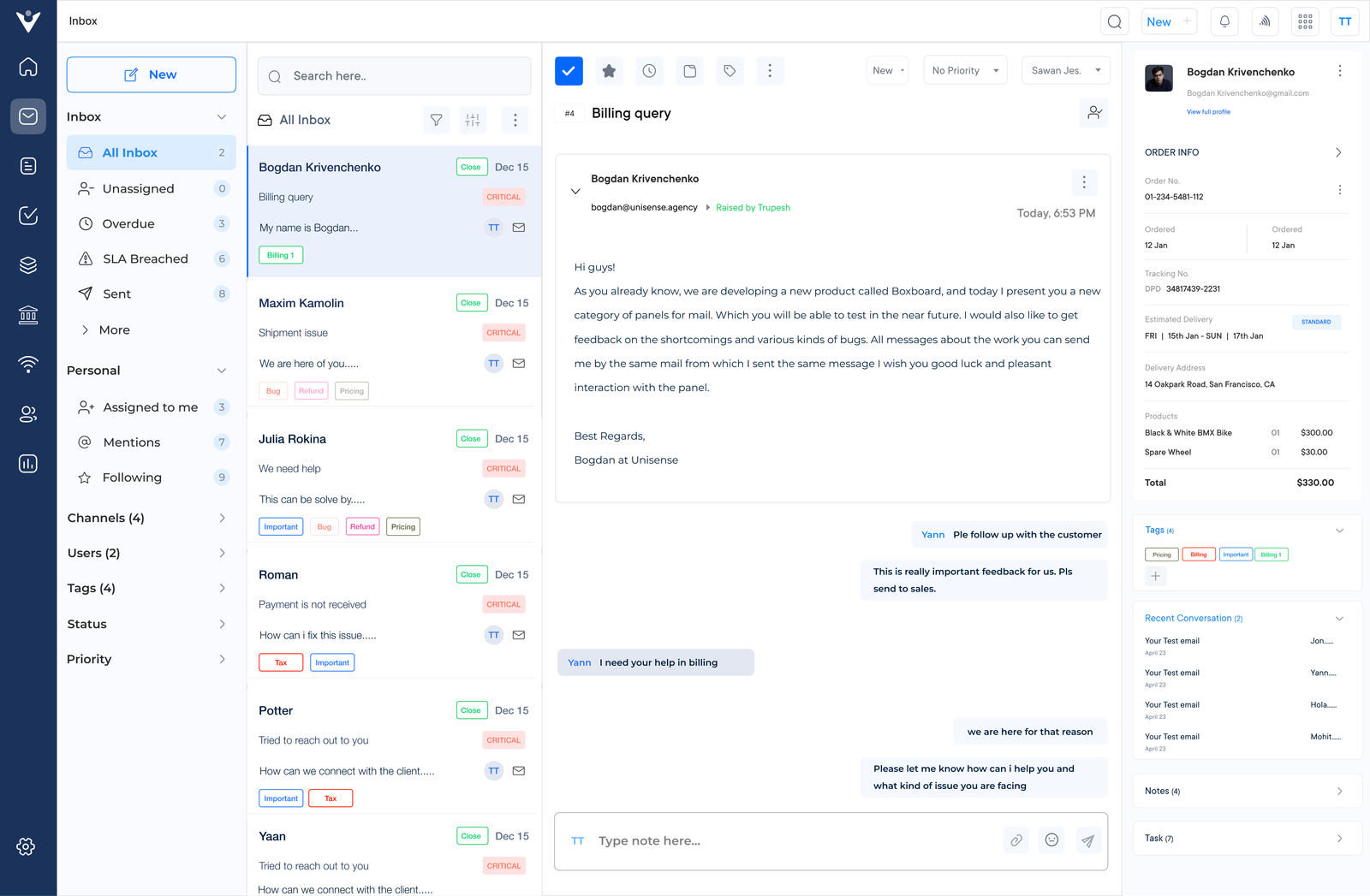
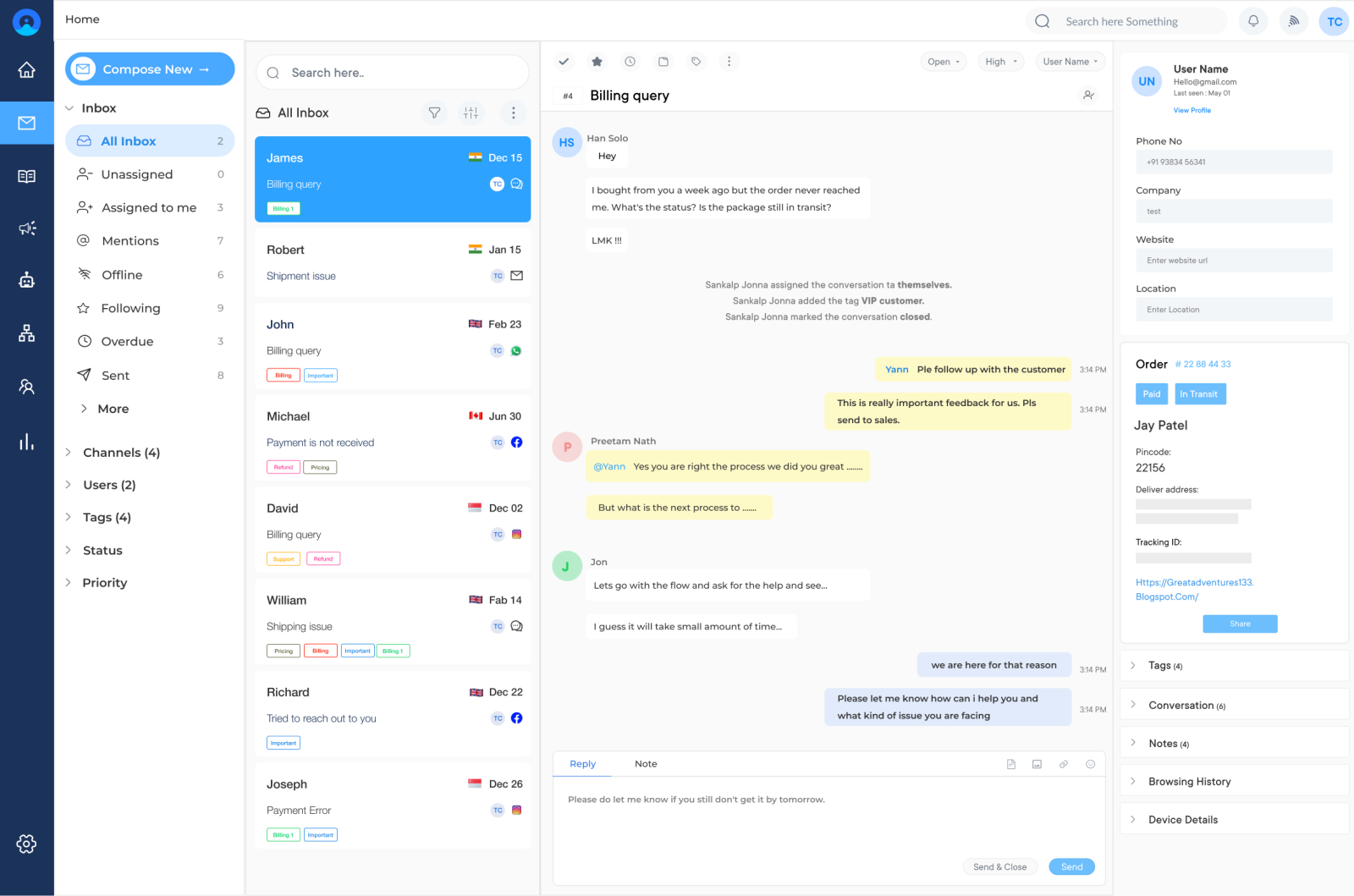
Team Inbox
A centralized hub where all customer communications from various channels are in one inbox. The feature allows support agents to work together efficiently, guaranteeing that no query is left unanswered. It typically includes features like ticket assignment, internal notes and real-time updates to streamline teamwork.
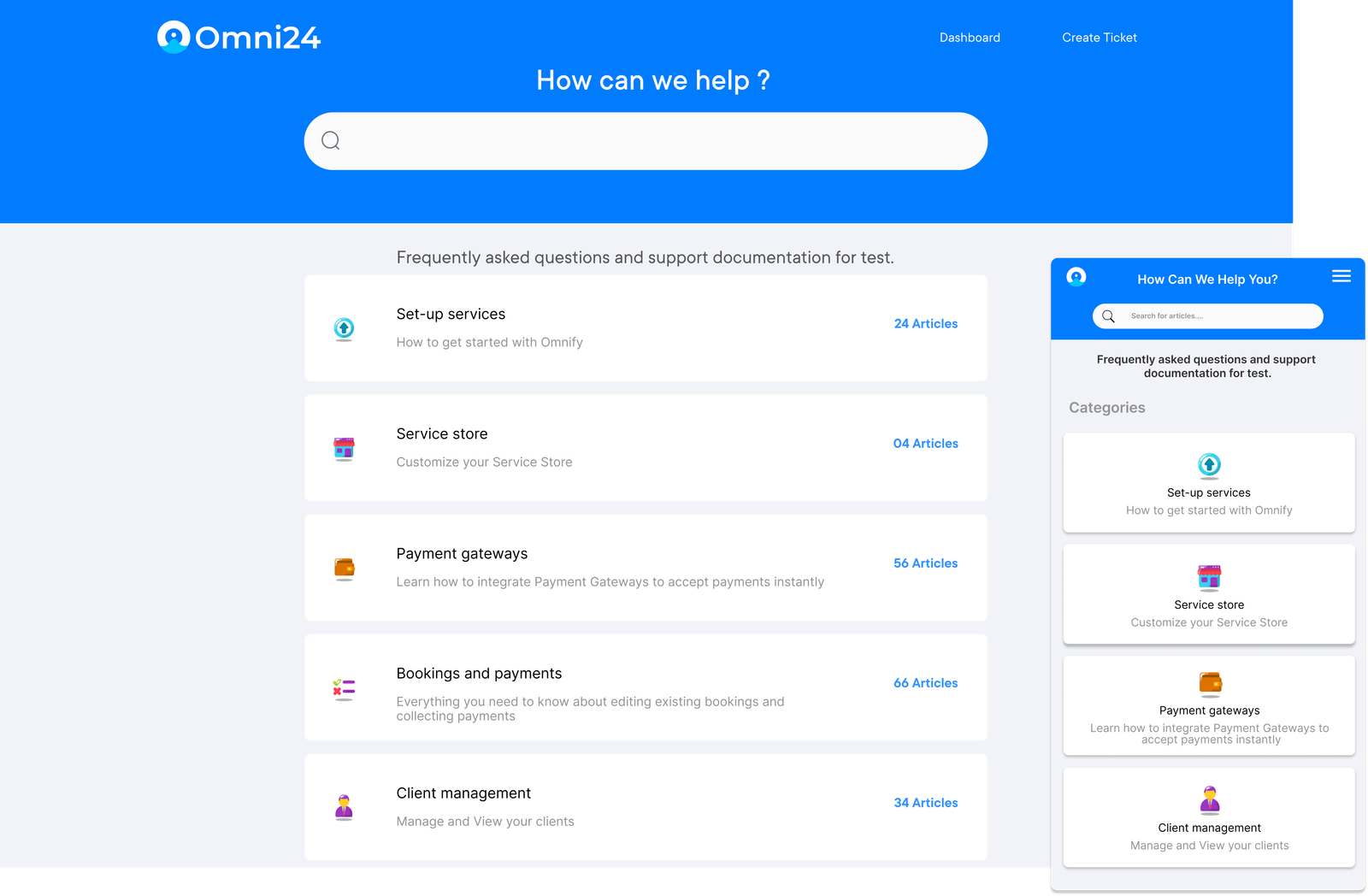
Knowledge Base
A self-service portal containing articles, FAQs and how-to guides. It serves as a quick reference for agents, ensuring consistent and accurate responses. An effective knowledge base is easily maintainable and can monitor which articles are the most useful.
Workflow Rules
Automated processes that trigger specific actions based on predefined conditions. The rules can automatically categorize, prioritize or assign tickets, ensuring consistent handling. Advanced systems allow for complex, multi-step workflows to match sophisticated support processes.
Status Page
A dedicated webpage that communicates the current state of your services or products. It provides real-time updates on system performance, scheduled maintenance and ongoing issues. The transparency reduces incoming queries during outages and builds trust with customers.
Intelligent Routing
An AI-driven feature that directs inquiries to the most suitable agent based on factors like expertise, workload and availability. The feature ensures effective work distribution and quicker resolution times. It can also consider language preferences and time zones for global support teams.
SLA Management and Audit Logs
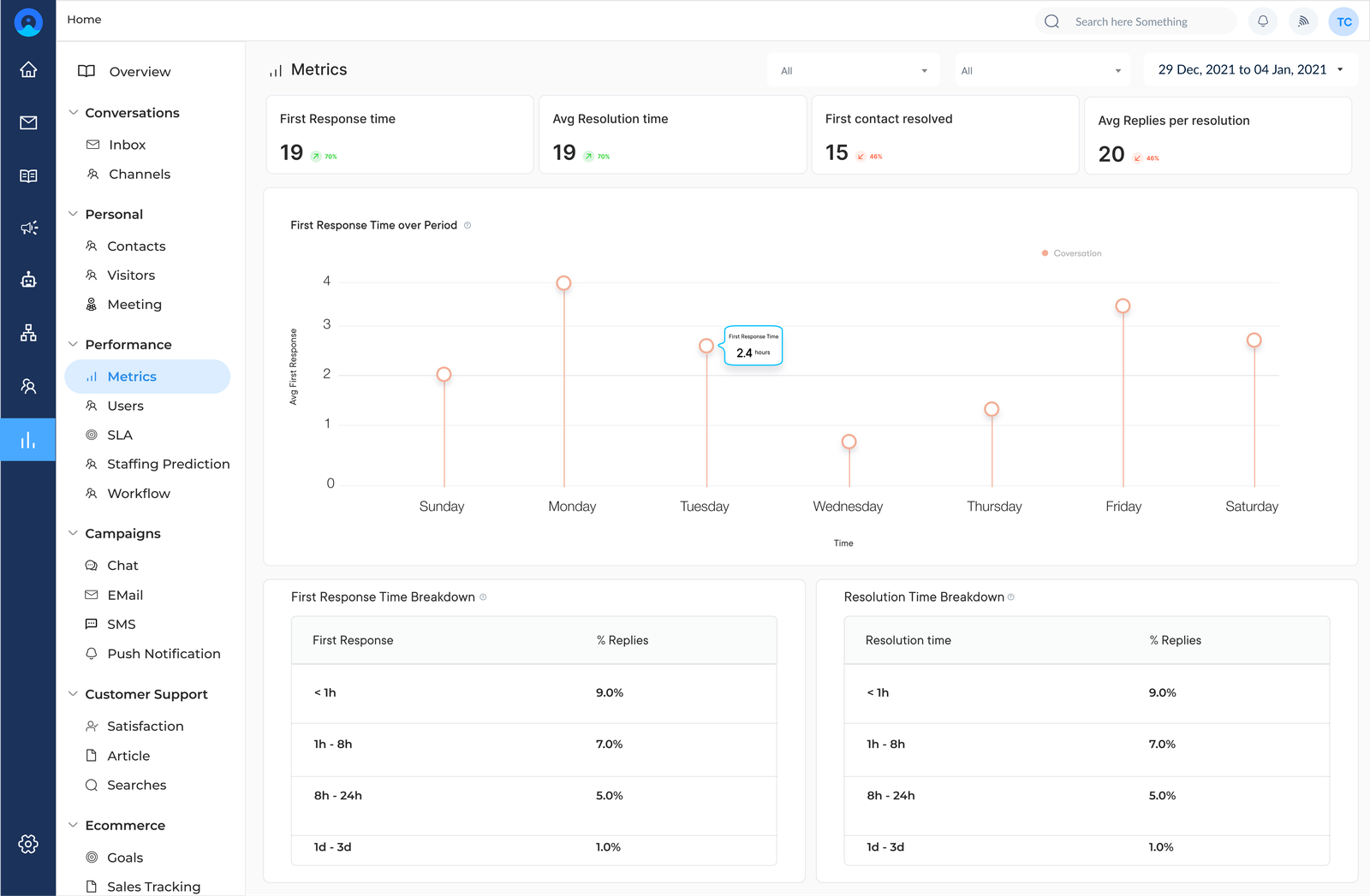
Tools to set, track and report on Service Level Agreements (SLAs). Audit logs offer a comprehensive record of all actions taken on a ticket, essential for quality assurance, training and compliance. They offer insights into support processes and help identify areas for improvement.
Pricing: Veemo offers four different plans – The Growth plan consists of 3 inboxes and costs $29. The team plan consists of 10 inboxes and costs $59. The Enterprise plan is for $129 and consists of unlimited inboxes. Visit Veemo’s pricing page for more details.