1. Create Personalized Communication Strategies
Personalized communication through CRM systems helps businesses move beyond generic messaging to deliver content that resonates with individual customers. The approach matters because people now expect interactions that reflect their needs, preferences and past experiences with your brand. When customers feel genuinely understood, not just targeted, they’re more likely to stay engaged, satisfied and loyal. Personalized communication strategies that can be done through CRM to improve CX:
- Lifecycle-based messaging sequences: Tailor content to match where each customer is in their journey, from a warm welcome for new faces to renewal offers for long-time customers.
- Purchase history-driven recommendations: Analyze previous buying patterns to suggest relevant additional products or services when they’re most likely to be useful.
- Engagement-level communication cadence: Respects each customer’s preferred frequency of contact, increasing outreach to highly engaged customers while giving space to less responsive ones.
- Special occasion recognition programs: Use CRM data to acknowledge birthdays, anniversaries with your business or milestone achievements, creating moments of delight through timely recognition.
A local bookstore uses its CRM to track customer reading preferences and purchase history. If a customer who often buys mystery novels by a certain author visits the store’s website, they get a simple email letting them know that the author has a new book coming out and they’re offered a pre-order discount just for them. The timely, relevant message feels like a helpful recommendation from a friend rather than random marketing.
2. Streamline Your Omnichannel Customer Support
Omnichannel support integration within your CRM creates a unified view of customer interactions across all touchpoints. Today’s customers switch between channels, from social media to email to phone. Without a connected system, they repeat themselves and frustration builds. Channels for effective omnichannel CRM to improve CX:
- Social media messages can flow straight into your CRM, so your team can reply to questions while seeing the customer’s full history and past interactions.
- Live chats, along with chatbots collect key details and preferences during website visits. It then saves that info so human agents can pick up the conversation without starting over.
- Integrated phone systems can record and transcribe calls, then attach summaries to customer profiles, so nothing important from the conversation gets lost or forgotten.
- Email threading keeps the full history of written conversations and links them with other interactions, giving a clear, timeline-style view of the whole customer relationship.
A customer who complained about a product issue via Twitter direct message can later call your support line and your agent immediately sees the social media conversation history. The agent greets the customer by name, picks up where they left off, and gets straight to solving the problem, no need for the customer to repeat themselves. It’s faster and far less frustrating.
3. Leverage Predictive Analytics for Need
Predictive analytics in CRM uses historical data patterns to forecast customer behaviors, preferences and needs before they’re explicitly expressed. The step matters because it turns CRM from just keeping records into a tool that helps you stay ahead of what customers need, making the experience feel natural, thoughtful and on point.
Anticipate Requests Before Contact
Use of CRM to improve CX through predictive analytics allows your team to prepare for customer needs before they reach out. Spotting trends in past interactions, seasonal buying habits and where customers are in their journey, your CRM can highlight accounts that might soon need specific help or information.
Identify Perfect Upselling Moments
Predictive CRM tools can recognize combinations of behaviors that signal readiness for additional offerings. Tracking things like how often customers use features, signs of company growth and their shopping habits, your CRM can spot the best time to suggest upgrades.
Prevent Problems Through Intervention
Sophisticated use of CRM to improve CX includes recognizing early warning signs of customer dissatisfaction or potential product issues. Tracking sudden drops in use, unusual behavior or abandoned features, your team can step in before frustration grows.
4. Build Customer Journey Tracking Systems
Customer journey tracking within CRM creates a visual map of every interaction across the complete relationship lifecycle. Complete view matters because customer experiences aren’t isolated moments and they’re a series of connected interactions. Each one shapes how the next is felt. Without seeing these links, businesses miss important clues about what makes customers happy and where things need fixing.
Map Touchpoints Comprehensively
Improving customer experience with CRM begins by recording every interaction. First marketing contact to sales, onboarding, support and renewals. It covers both digital actions like website visits, email opens, as well as personal touches like calls and support requests.
Measure Satisfaction Throughout the Journey
Effective use of CRM to improve CX involves strategic satisfaction measurement at key journey milestones. Rather than relying solely on annual surveys, your CRM can trigger brief, contextual feedback requests immediately after significant interactions.
5. Implement Automated Feedback Collection Loops
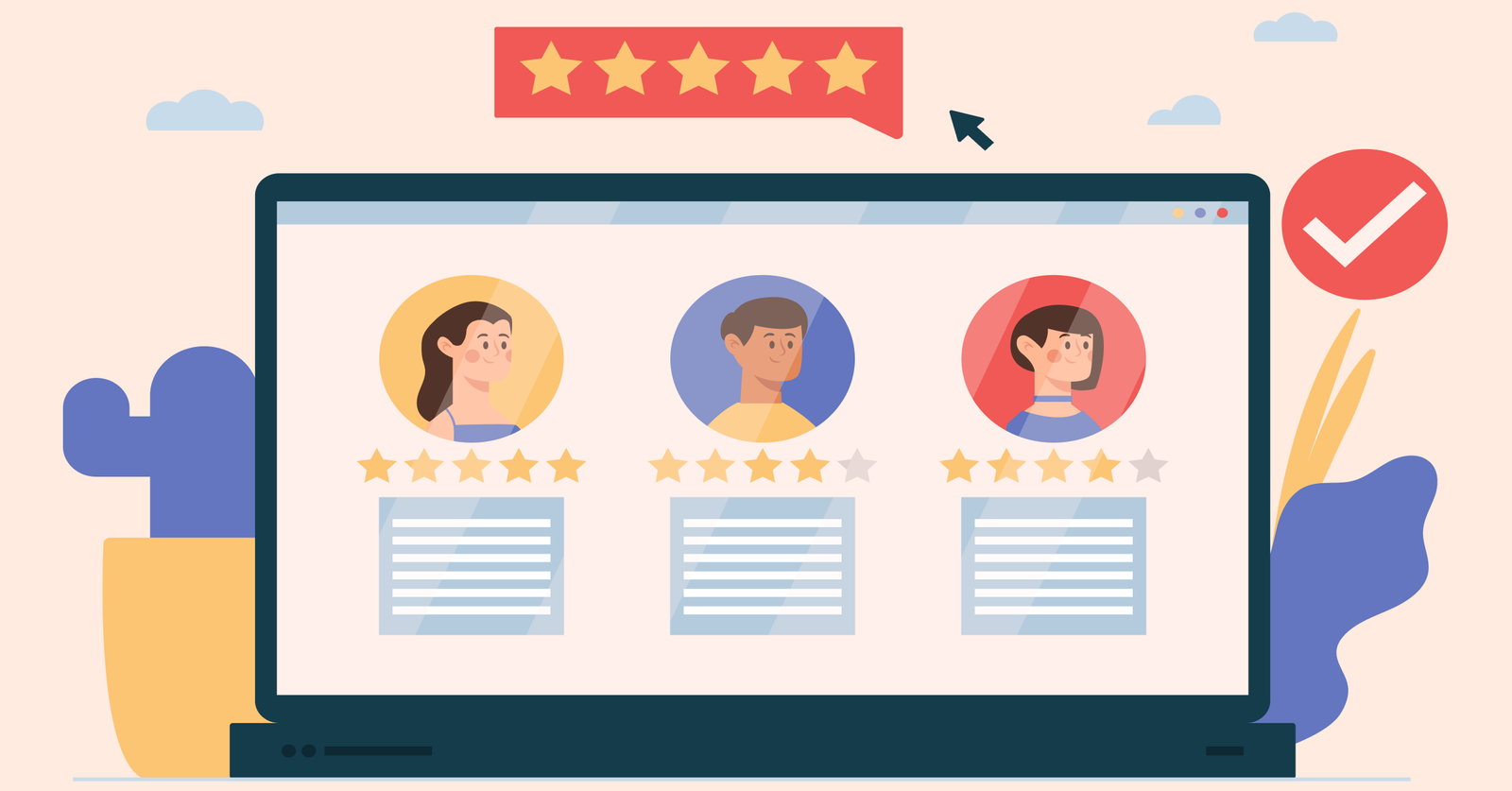
Automated feedback loops create systematic processes for gathering, analyzing and acting on customer input throughout their journey. The approach matters because it turns scattered, occasional feedback into a steady flow of real customer insights.
Implementing automated feedback through CRM involves setting up trigger-based surveys that launch after key interactions like purchases, support calls or onboarding sessions. Your CRM sends the right questions to the right customers at the right time, then gathers their answers alongside other data.
Pro tips:
- Keep the first surveys very short, no more than three questions, to get more responses. Then, use follow-up questions only for customers with clearly positive or negative feedback.
- Show customers you’re listening by following up with updates on changes made based on their feedback. It lets them know their input matters and encourages them to share again.
6. Develop Team Collaboration Through CRM
Marketing, sales and support when all work from the same CRM data, it creates a smoother experience for customers. It matters because customers quickly get frustrated when they have to repeat themselves or face mixed messages as they move through different teams.
Effective CRM collaboration involves establishing shared customer records with clear visibility settings, standardized documentation procedures and automated handoff workflows. As a client moves from potential customers to new clients to long-term accounts, the CRM keeps every team in sync by sharing the full history.
Pro tips:
- Create CRM views tailored to each team so they see only the details they need, without losing access to the full history when it’s necessary. It keeps things clear and avoids overload while keeping context intact.
- Hold regular cross-team CRM reviews where people from different departments walk through real customer journeys together. It helps spot rough transitions, fix weak spots and share what’s working well.
7. Create Self-Service Knowledge Management Resources
Self-service knowledge management transforms your CRM-captured customer insights into accessible resources that empower customers to find answers independently. It matters because most customers try to solve problems on their own before reaching out.
Types of self-service knowledge resources:
- Dynamic FAQ systems that adapt as customers use them. The most visited questions move to the top, and the system suggests what someone might need next by looking at patterns in your CRM data. It feels natural, saves time, and guides people through answers they didn’t even know to look for.
- Interactive troubleshooting decision trees that guide customers through diagnostic steps based on their specific product configuration and usage patterns, pulling personalized guidance from your CRM rather than generic advice.
- Customer community forums with expert moderation that allow customers to share experiences and solutions, while your team uses CRM data to identify which customer experts might be best positioned to help with specific questions.
- Video tutorial libraries with contextual recommendations that suggest relevant how-to content based on the customer’s recent purchases, feature usage or support history captured in your CRM system.
When a customer has trouble with a feature, they go to your help center. The CRM knows who they are, suggesting guides that match their product version and how they’ve used it before. The personalized self-service experience provides exactly what they need without requiring them to search or contact support.
Challenges Companies Face When Implementing CRM Solutions to Enhance Customer Experience
Below are the critical challenges companies encounter when enhancing customer experience through CRM solutions and how to navigate them for better outcomes.