How to Create an FAQ Page in 2026?
Learn how to create an FAQ page by identifying common customer questions. It organizes answers logically, writing in plain language and keeping content updated regularly.

Learn how to create an FAQ page by identifying common customer questions. It organizes answers logically, writing in plain language and keeping content updated regularly.
Many customers drop off the moment a site makes them work too hard. A vague answer, a missing detail or confusing wording is all it takes to push someone away. When people can’t quickly figure out basics like shipping timelines or return rules, they either leave without buying or ping your support team with the same questions again and again. You lose sales, time and trust.
A solid FAQ page fixes all of that. It is the single-most used self-service tool online today. It doesn’t just answer questions, it removes friction, lifts conversions and strengthens your search presence. In this guide, we’ll walk through simple steps on how to create an FAQ page that actually helps people. You’ll learn how to pick the right questions, write clear answers and structure the page so visitors find what they need without hunting around.
An FAQ (Frequently Asked Questions) page refers to a simple, practical tool that helps website visitors find clear answers to common questions, without needing to contact customer support. Whether someone wants to know about shipping, returns, how your software works or how to book a service, a well-crafted FAQ page saves time for both the business and the customer.
FAQs are structured in a question-and-answer format, organized by topic or urgency. The best pages are easy to navigate, using short answers, clear headings and features like collapsible menus or a built-in search bar to help users find what they’re looking for quickly.
Key industries:
The following are the key advantages the simple yet powerful feature offers. Let’s check them out in more detail.
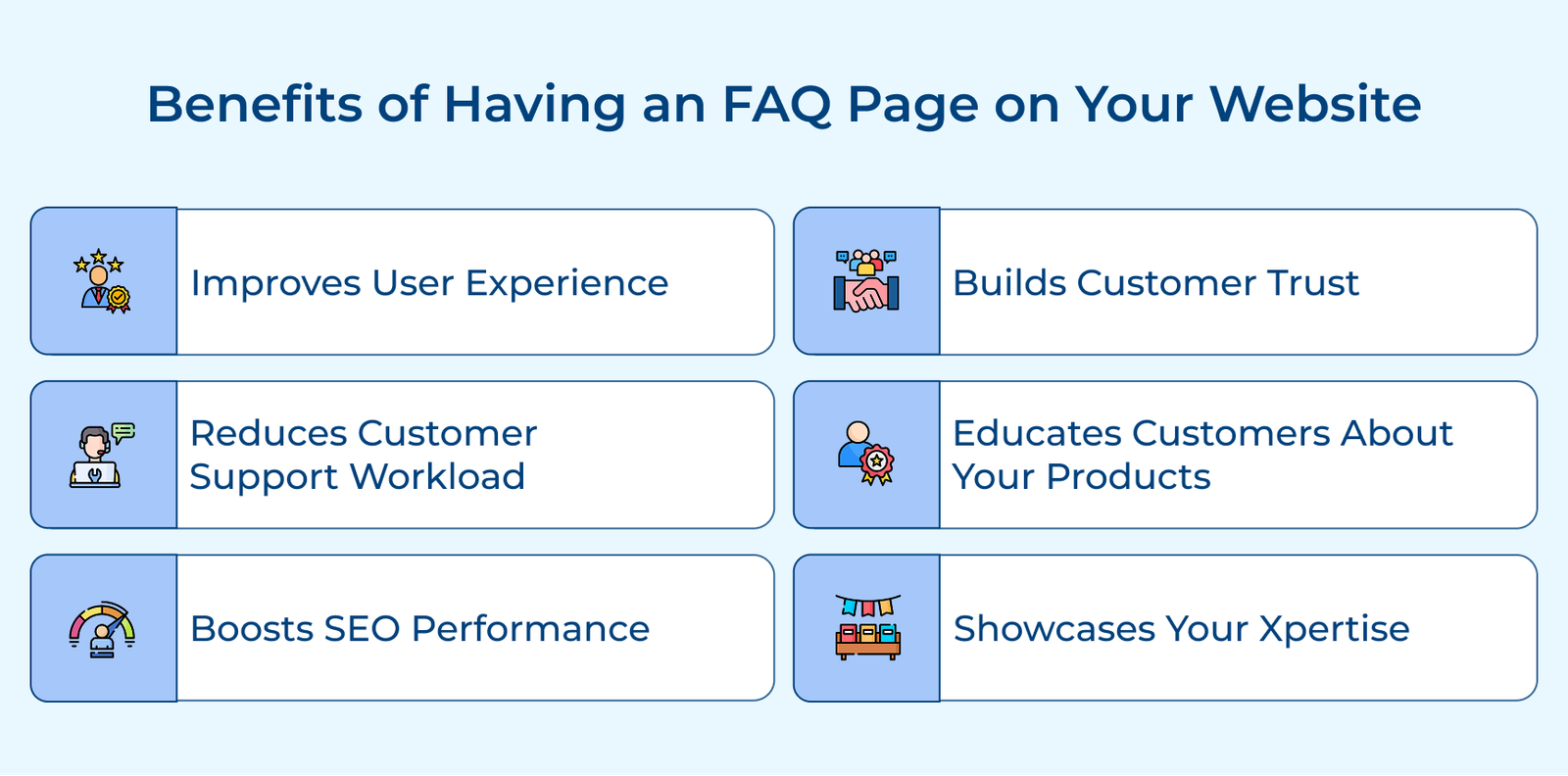
Improves User Experience
People come to your site looking for quick answers. A well-structured FAQ helps them find what they need right away, no digging through pages, no waiting on replies. The smooth experience keeps visitors on your site longer and increases the chances they’ll take the next step, be it about buying, booking or reaching out.
Reduces Customer Support Workload
Every time your FAQ answers a common question, that’s one less email or call your team has to handle. It frees up your support staff to focus on more involved issues, improving response quality without increasing headcount as your business grows.
Boosts SEO Performance
FAQs naturally contain the kind of real-world questions people type into each search engine. Pages that directly answer the questions are more likely to appear in search results. It means more qualified visitors landing on your site and finding the helpful information they need right away. Adding FAQ sections to your pages can boost your organic traffic by up to 30%.
Builds Customer Trust
Clear answers to common concerns show that you’re transparent and prepared. When a business openly addresses return policies, pricing or potential downsides, it gives customers confidence. It tells them you care about their experience, not just making a sale.
Educates Customers About Your Products
An FAQ is a great place to explain the details like how your product works, what it includes and why certain features matter. It helps visitors understand the full picture, especially the things they might not think to ask.
Showcases Your Expertise
When your answers are thoughtful and informative, they show that you know your stuff. A good FAQ positions your business as competent and helpful, not through flashy claims, but by actually being useful.
Let’s go through the essential steps to help you create a compelling FAQ page that meets the needs of your audience and elevates their overall experience.
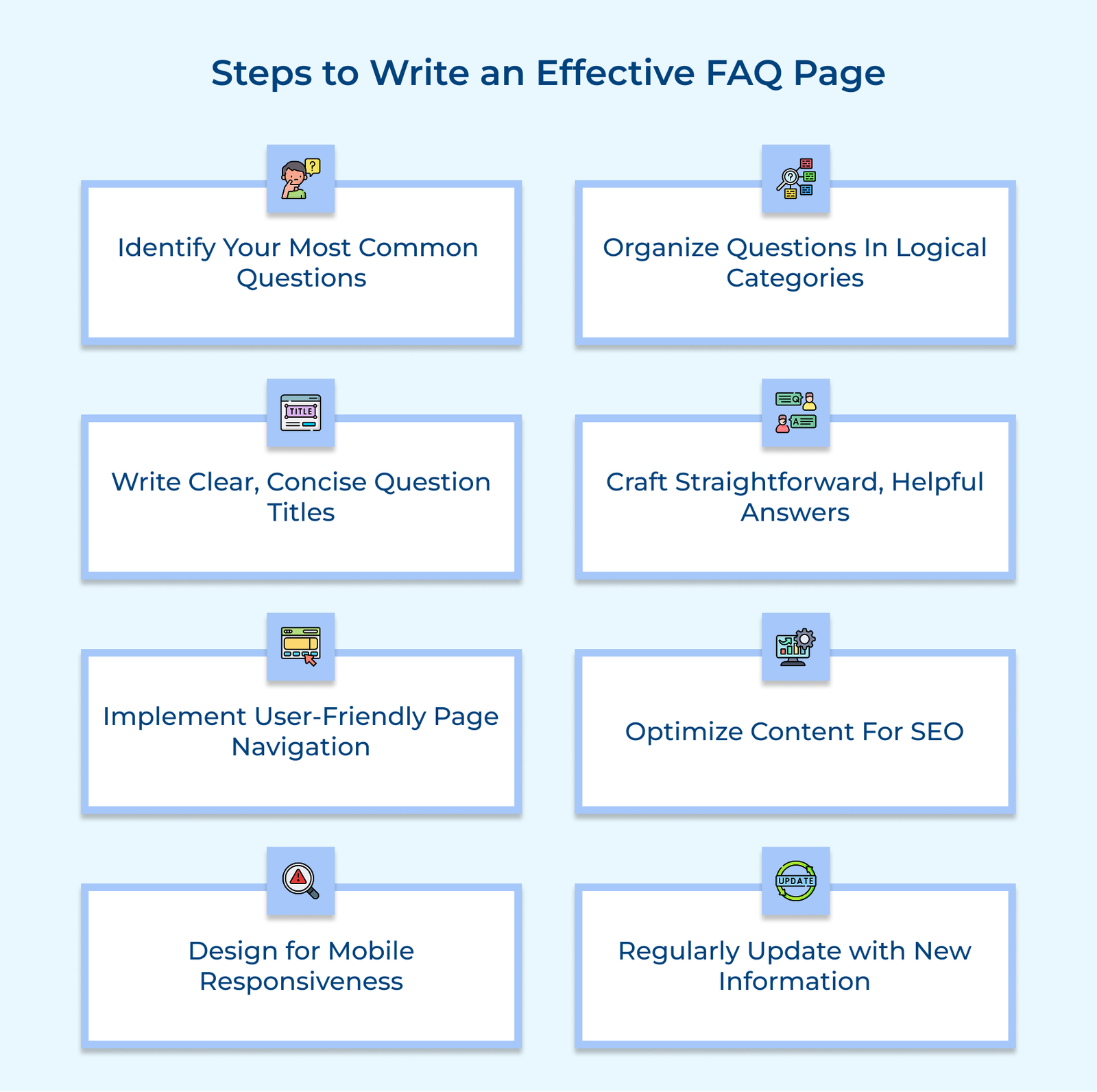
The first step to building a useful FAQ page is simple: find out what your customers are asking. If your answers don’t reflect real concerns, the page won’t be helpful, no matter how well it’s written.
Review customer support interactions by looking through emails, chat logs and help desk tickets.
Even a well-written FAQ fails if it’s a disorganized wall of text. When visitors can’t quickly locate the answer they need, they either give up or contact your support team, defeating the purpose of having an FAQ in the first place.
Imagine an online apparel brand reorganising its FAQ into simple sections like sizing, shipping, delivery and care Instructions. Customers jumped straight to what they needed without scrolling or guessing. Support tickets dipped, satisfaction climbed and the whole experience felt smoother for everyone.
The key to a helpful FAQ isn’t just what you answer, it’s how clearly you ask the question. Visitors should be able to scan your FAQ section and spot their questions instantly, without digging through long answers or trying to decode your company’s terminology.
Use the Customer’s Exact Language
Your customers have specific ways they describe problems and their vocabulary might differ significantly from your internal terminology. Adopting their natural phrasing in question titles creates immediate recognition when they scan your FAQ page.
Focus on One Issue Only
Each question title should address a single specific concern rather than bundling multiple questions together. The focused approach prevents confusion and makes your content more scannable for visitors looking for quick answers.
Keep Under Ten Words Total
Short questions are easier to scan and mobile-friendly. Long-winded questions create visual clutter and slow down the search for information. Short titles also display better on mobile devices, where screen space is limited and encourage visitors to click through to find exactly what they need without feeling overwhelmed by walls of text.
Your FAQ answers should do one thing: give customers the complete, clear information they need, without forcing them to contact support or hunt through the rest of your site.
Address Concerns Completely Directly
Your answers should get straight to the point without unnecessary preamble or marketing language that dilutes the helpful information. Begin with the direct solution, then provide context or explanation as needed afterward. The direct approach respects your visitors’ time and builds trust by demonstrating that you prioritize solving their problems over promoting your products.
Include Relevant Product Specifications
Back up your answer with any specific info your customer might need, dimensions, timelines, limitations or pricing. Provide sufficient detail so that no follow-up is necessary. Being upfront builds trust and prevents returns or complaints down the line.
Link to Additional Helpful Resources
Not every answer can contain all relevant information without becoming unwieldy. Strategic links to detailed guides or related products create pathways for customers who need deeper information on specific topics. The connections between content pieces help customers explore your knowledge base naturally while keeping individual FAQ answers concise and focused on their primary purpose.
Even the most helpful FAQ is useless if people can’t find what they’re looking for. A good layout or clear navigation prevents frustration, reduces support requests and keeps users engaged.
If you want people to find your FAQ page, search engines need to understand it. Structuring your content for SEO helps your answers appear in search results when people look for help online.
FAQ pages are especially effective for SEO because they match how people ask questions, especially in voice searches. Done right, your FAQ can even show up in Google’s “People also ask” box or featured snippets, giving your content more visibility without users even needing to click through.
Pro tips:
Over half of all website visits now happen on mobile devices. It means if your FAQ page doesn’t work well on a phone or tablet, you’re frustrating a large share of your visitors, especially those seeking quick answers on the go.
72% of shoppers are more eager to shop from a website that is mobile-friendly. A responsive, easy-to-use mobile FAQ page helps people find what they need fast, without pinching, zooming or getting lost in cluttered layouts.
A travel site realized most customers reached out through their phones, so they reworked their support page with a clean layout, tap-to-expand sections, clear text and quick loading. The shift made a real difference. Travelers on the move got answers faster and satisfaction shot up because the help they needed was finally easy to access.
An FAQ page isn’t a one-and-done task, so it should evolve with your products, policies and the questions your customers are asking. Letting it go stale leads to confusion, frustration and more support requests than necessary. Worse, outdated answers can make your business seem careless or unreliable.
The updating process should follow a consistent schedule with quarterly reviews at a minimum, plus immediate updates whenever significant changes occur to your products or policies. Create a collaborative system where customer support teams can flag new common questions for addition and identify outdated information for removal.
Actionable tips:
Check out the must-have questions that every FAQ page should feature to ensure you provide value and clarity to your audience.
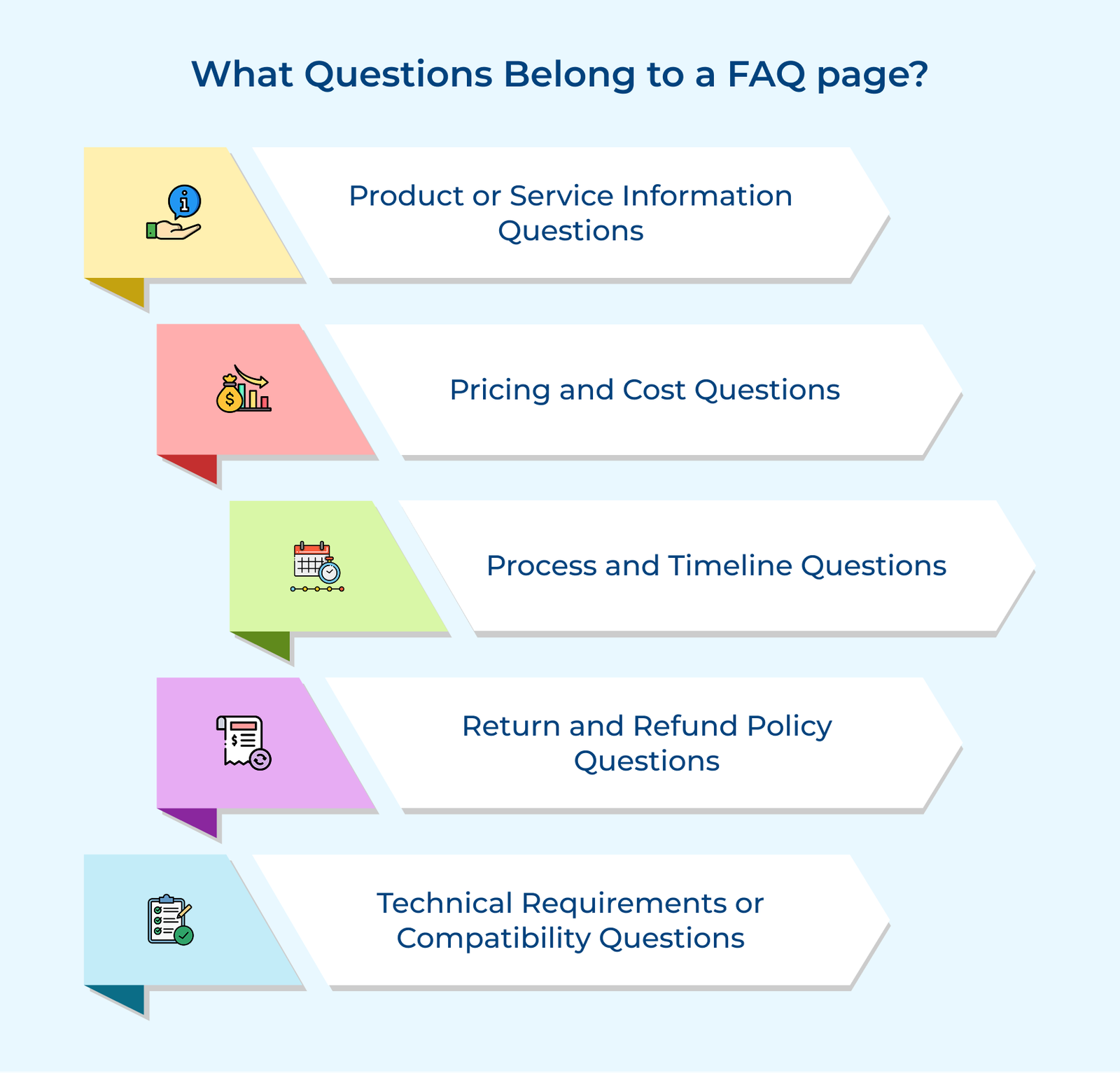
The questions clarify exactly what your business offers. They’re essential for new visitors who need to quickly understand if your product or service is a good fit. Clear, straightforward answers help them grasp your value without confusion. Examples include “What does your service include?” or “How does your product work?”.
People want to know what they’re paying for. Transparent answers about pricing, billing cycles and any extra costs help build trust. They also filter out unqualified leads early in the process. Questions like “How much does your service cost?” or “Are there any hidden fees?” prevent unpleasant surprises that damage customer relationships later.
Customers like to know what comes next. The question explains the steps after a purchase, how long things take, what actions are required and when they can expect results. Setting the right expectations up front reduces confusion and frustration. Examples include “How long will shipping take?” or “What happens after I place an order?” It reduces anxiety about next steps.
People want to feel secure in case things don’t go as planned. Answers here should clearly explain how returns work, what’s refundable and how to initiate the process. It gives shoppers peace of mind and shows that your company stands behind its product. Examples include “What is your refund policy?” or “How do I return a product?” It demonstrates confidence in your offerings.
Customers need to know your product fits their setup. The questions help avoid problems after purchase by addressing system requirements, platform compatibility or other technical limitations. Clear answers prevent unnecessary support issues later. Examples include “Does your software work on Mac?” or “What browsers support your platform?”
Below are the best practices for crafting a compelling FAQ page that meets the needs of your audience and elevates your brand’s communication strategy.
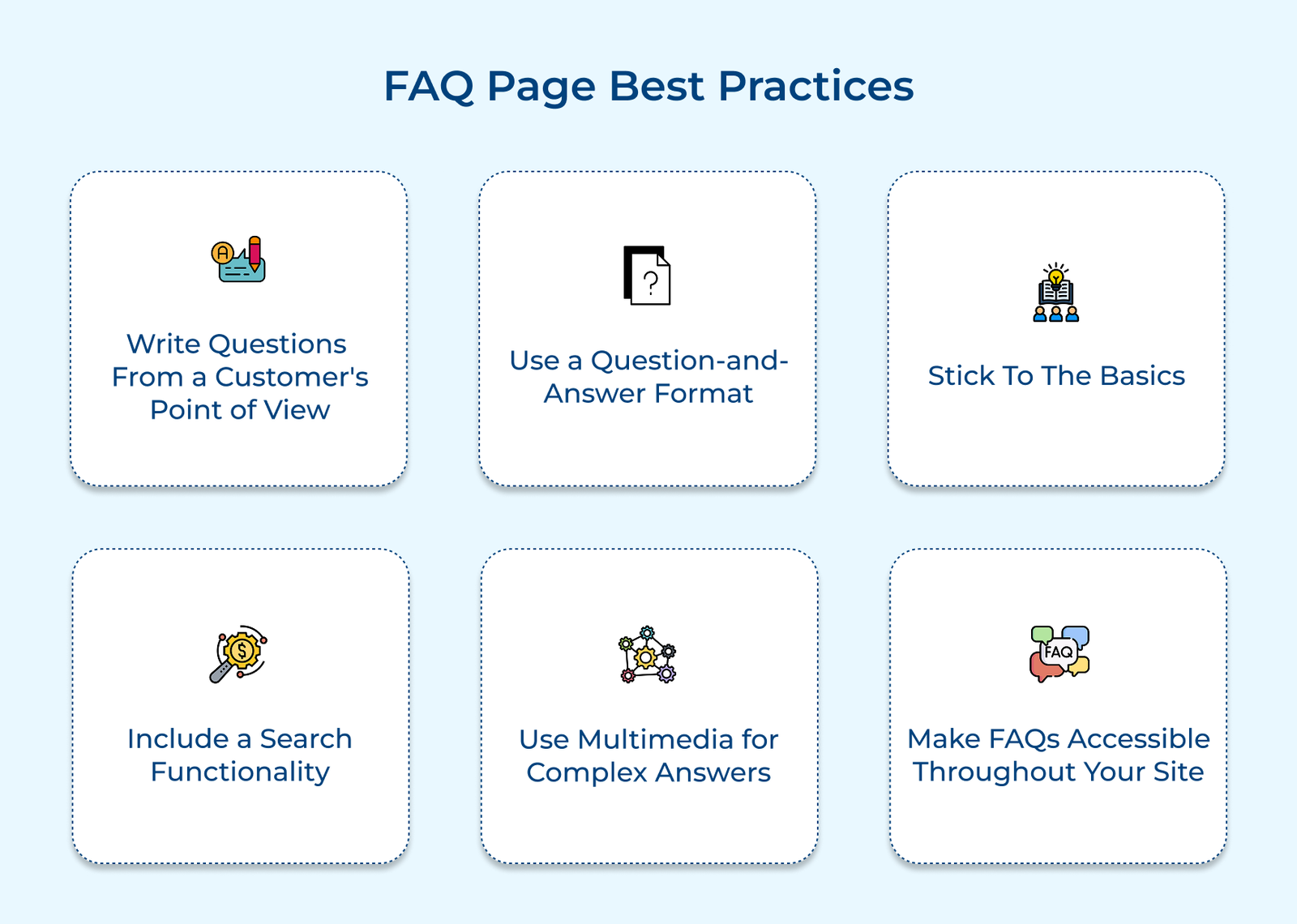
Use the same language your customers do when they ask for help. Skip internal terms and speak plainly, it makes answers easier to understand. Using natural language like “How do I reset my password?” is far more useful than something like “Account credential restoration process.” Familiar phrasing helps customers feel like the page was written with their needs in mind.
Stick to a simple format: question first, clear answer right below it. It mirrors how people search for help and lets them skim. A well-written question signals exactly what kind of help is coming next, and a clear, direct answer resolves it without any guesswork.
Focus on what people ask most often. Covering too many fringe cases clutters the page and hides the answers most visitors are looking for. A good FAQ page should answer practical, high-impact questions like things that influence purchases or reduce support tickets, not every rare issue.
Add a search bar to your FAQ page so visitors don’t have to scroll endlessly. It should be able to handle typos or similar terms and highlight matches in the results. The small feature makes a big difference, especially when your FAQ grows to include dozens of entries.
Not every answer works best in plain text. Use screenshots, quick videos or simple diagrams to explain steps that are better shown than described. If it takes a lot of words to walk someone through a process, a 30-second video might do the job more effectively.
Don’t hide your FAQ in the footer. Add links in places where people are most likely to have questions on product pages, next to pricing, during checkout. Offering help right when it’s needed reduces friction and keeps visitors from bouncing away to find answers elsewhere.
The following are examples that showcase how leading brands have strategically developed their FAQ sections to address customer needs while advancing their business goals.
Zappos
Zappos structures its FAQ page like a user-friendly knowledge base, featuring a clear search bar and easy-to-browse categories. Questions are written in everyday language that matches how real shoppers ask about pricing, returns and sizing. Their answers keep a conversational tone, staying true to the brand’s approachable style.
Visual guides help customers with tasks like finding the right shoe size or understanding width measurements. The well-thought-out FAQ setup helps cut down on support calls while enhancing customer confidence. Zappos minimizes avoidable returns and builds trust with shoppers who appreciate finding answers on their terms by addressing common questions before purchase.
Bank of America
Bank of America organizes its FAQ by banking services and common customer actions. Users can filter questions by account type or banking activity, making it easy to find the right information fast.
The site gives clear, plain-language answers to complex topics like fraud protection and identity verification, helping customers navigate important issues without jargon. The structure empowers customers to handle their accounts with less assistance. Bank of America gives support teams more room to focus on deeper financial conversations by being transparent about security measures and account features.
McDonald’s UK
McDonald’s UK uses a visual FAQ format with expandable sections that address both practical topics like app ordering and bigger-picture concerns, such as food quality. The page presents allergen and nutrition info front, balancing the brand’s fun voice with serious, clear responses to questions about ingredients.
The approach tackles consumer concerns directly while encouraging more app-based ordering. McDonald’s builds trust and reduces friction during the buying process, especially with health-conscious customers, by being upfront about what goes into their food or how it’s made.
The Honey Pot
The Honey Pot turns its FAQ page into an educational space where product questions and health education go hand in hand. The tone is honest, calm and respectful, helping customers feel safe asking about topics they may not want to discuss in person. Answers go beyond instructions to explain ingredients and the purpose behind their products.
The Honey Pot deepens relationships with its audience by treating the FAQ as more than a help page. It becomes a resource customers trust, not just for product support but for health-related guidance, which strengthens loyalty and encourages positive word of mouth.
Dropbox
Dropbox uses an adaptive FAQ system that changes based on where users are in their journey. Prospective users see different questions than long-time customers. The page includes short videos and GIFs to show how features work, alongside step-by-step instructions. It also links to deeper help center content without breaking the flow.
The thoughtful setup helps new users get started without confusion and encourages them to explore more advanced features. Dropbox increases adoption and boosts the number of users who go from free to paid plans by lowering the learning curve during onboarding.
An effective FAQ page does more than just answer questions, it helps visitors help themselves. When you anticipate common concerns and provide clear, honest answers, you make it easier for people to move forward with confidence, often without needing to contact support at all. The value of a well-built FAQ goes beyond convenience.
It reduces the strain on your support team, improves how your site appears in search results and reveals patterns in what your customers care about most. The patterns offer insight you can use to improve everything from your product features to the way you explain them.
Building a great FAQ page takes time and regular updates, but the payoff is real in the form of fewer customer hurdles, better decisions and more trust in your business. Focus on what your customers are really asking and give them answers that are helpful.

An FAQ page gives visitors quick answers to common questions, so they don’t have to reach out for help. It clears up confusion, builds trust and helps people make informed decisions without delays. A good FAQ page removes small roadblocks that might otherwise stop someone from buying or signing up.
Include the questions customers actually ask, especially those that affect if they buy or not. They usually include topics like pricing, product details, shipping, returns and setup or compatibility. Pull the questions from support tickets, live chat logs or customer emails, not from guesses about what people might want to know.
Besides clear answers, link to detailed guides, contact pages or tutorials if more explanation is needed. Use images or videos for questions that are hard to answer with words alone. If it makes sense, include brief customer stories or a simple next step like “Contact us” or “View plans.”.
FAQs help people feel more confident in your product by answering questions before they even ask. They reduce the load on your support team, improve how your site ranks in search results and help people understand features they might otherwise miss. Done right, they save time for you and your customers.
Group related questions into sections so people can quickly scan and find what they need. Use expandable answers to keep the page from feeling overwhelming. Think about your customer’s journey from first-time visitor to long-time user and order questions to match. Add a search bar and jump links for faster navigation.
Review your FAQ content regularly, at least once a quarter. Update it anytime your product, pricing, or policies change. Watch for new questions popping up in customer service or feedback and add them when needed. Keeping it current helps you stay useful and reliable.

Grow Customer Relationships and stronger team collaboration with our range of products across the Conversational Engagement Suite.
Omnichannel Customer Support & Help Desk Software
AI Enabled Business Messaging and Chatbot Software
Sales Engagement & CRM Software
Call Center Software & Virtual Phone System
Product Marketing & Experience Platform
Customer Experience & Feedback Management Software

 What is Sales Development? Benefits, Steps & Tools
Scroll to top
What is Sales Development? Benefits, Steps & Tools
Scroll to top