1. Track Sentiment Across Customer Journeys
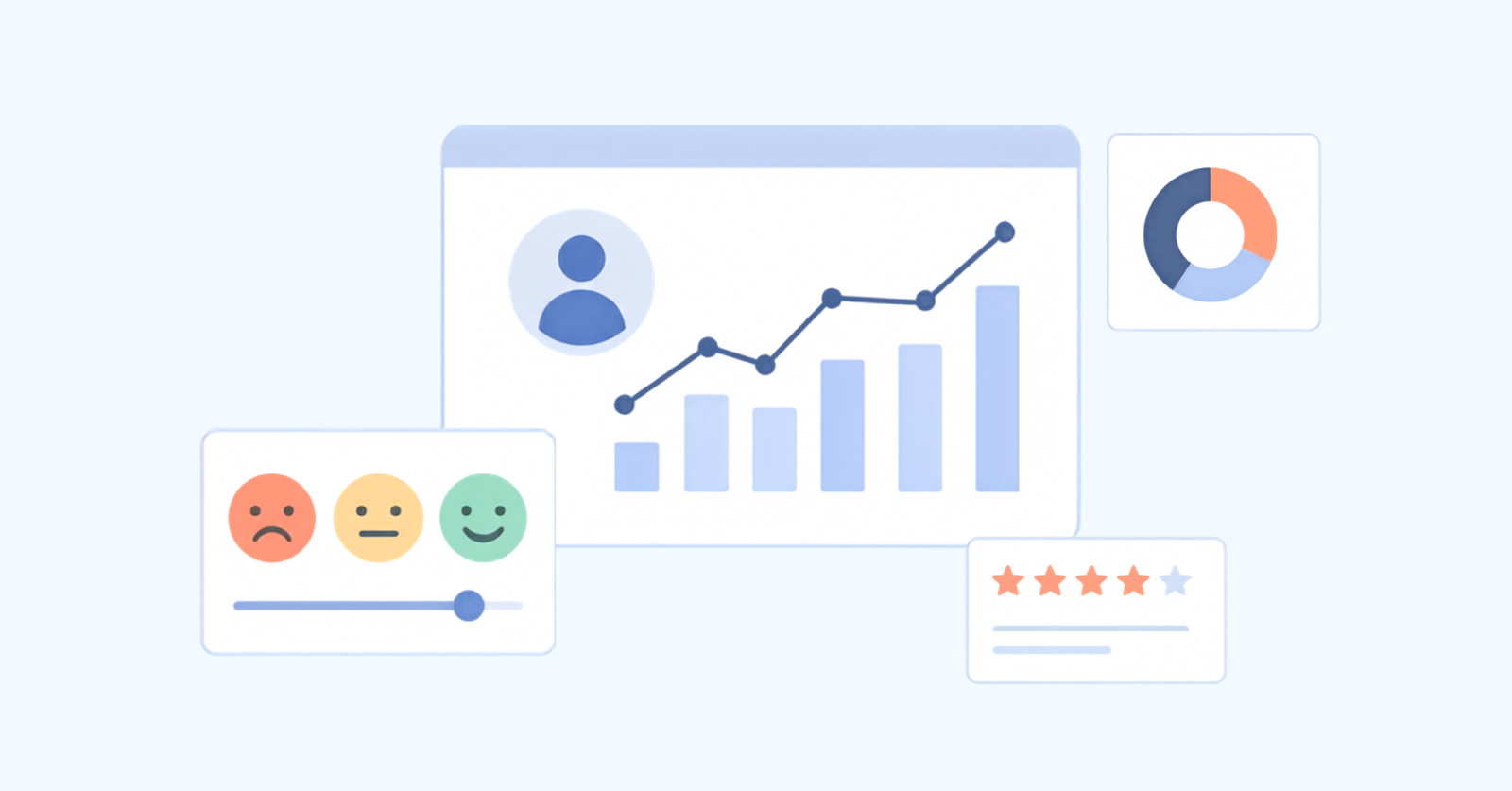
Traditional surveys offer a snapshot of how customers feel, but only at a single moment. AI-powered sentiment tracking goes further by analyzing the emotional tone of every interaction across the full journey. It gives companies a more accurate, real-time view of customer feelings and what’s causing them.
- Set emotional benchmarks: Start by mapping the typical emotional flow across key touchpoints from first contact to final resolution. The baseline helps you spot where customer experiences fall short or improve over time.
- Find emotional spots: Identify specific moments when a customer’s mood changes, like frustration rising after an unclear email or relief after a helpful chat. The inflection points often hold the clues to improving the experience.
- Link emotions across channels: Pull together data from across the website, call center, email and more to see how each step in the journey influences the next. A poor self-service experience can sour a support call that follows, even if the agent does everything right.
- Redesign with emotion in mind: Use the insights to fix the parts of the journey that consistently trigger negative reactions. Test, refine and improve, not just for efficiency, but for emotional clarity.
A telecom company discovered that customers who faced website issues and then had to wait on hold ended up with a much worse experience, even when their problem was eventually solved. Offering instant callbacks to these users reduced frustration, leaving customers feeling valued and more likely to stay loyal.
2. Analyze Conversation Topics for Product Insights
AI-driven topic analysis digs through thousands of customer conversations to spot patterns, hidden issues, and emerging concerns. It highlights what customers are actually talking about. Traditional surveys and focus groups often reflect what companies already expect. Topic analysis shows the story from the customer’s perspective, uncovering unexpected use cases, overlooked pain points, and insights that formal methods can’t reveal.
When conversation data is grouped into clearly defined categories, it becomes easier to spot which issues affect the most users, which generate the most frustration and which feature requests are gaining momentum, broken down by segment, region or product line. It turns support data into a practical feedback loop for your product and operations teams.
Pro tips:
- Don’t just identify common topics, track whether the product team follows up and measure if the changes reduce related support tickets.
- Train your AI to catch not just complaints but also clever workarounds your customers use. They often point to high-value product opportunities that might otherwise go unnoticed.
3. Map Customer Effort Across Support Channels
AI can help pinpoint where customers struggle when trying to get help with something most support teams miss when looking at channels individually. Customers don’t experience support in silos, they jump between chat, phone and email when answers are hard to find. AI in customer analytics helps connect the dots.
- Self-service knowledge bases: See how often customers start here but still end up contacting support.
- Chatbots and virtual assistants: Measure how often conversations are resolved versus handed off to a human.
- Live chat: Track resolution speed and whether customers have to follow up elsewhere.
- Phone support: Identify if long hold times or repeated transfers frustrate callers.
- Email/ticket systems: Assess how many messages it takes to resolve an issue and spot tone changes that indicate frustration.
4. Predict Customer Behavior From Interaction Patterns
AI can now spot the signals customers send, sometimes without even realizing it, that hint at what they’re going to do next. Instead of relying on outdated profiles or past purchases, behavioral prediction AI looks at the actual conversations happening between your customers and your team. It results in better timing, fewer surprises and fewer missed opportunities.
Forecasting Churn Through Communication Signals
Customers rarely leave without warning. AI can pick up on clues like slower replies, more emotional language or repeated complaints, weeks before a customer cancels. It gives your team a chance to step in and fix the issue before it’s too late.
Identifying Future Purchase Intentions
Customers don’t always ask to buy, they often drop hints. Questions about features, comparisons or how other customers use your product can all signal future purchase intent. AI picks up on these clues in support chats and emails so your team can follow up when it’s helpful, not pushy.
5. Benchmark Agent Performance With Context
Not all support conversations are created equal. Some are short and routine. Others involve upset customers, complex issues or both. Traditional scorecards often miss the nuance, grading all interactions by the same yardstick. Contextual agent benchmarking changes that by using AI to evaluate performance in a way that’s fair, situational and more accurate.
Evaluating Against Consistent Quality Standards
AI reviews every customer conversation with a more complex lens, factoring in tone, topic complexity and emotional intensity. The system considers the full interaction context, recognizing that a perfect resolution delivered without empathy in an emotional situation may represent a quality failure.
Comparing Resolution Metrics with Complexity
Support agents shouldn’t be judged the same way when their daily tickets vary in difficulty. AI groups conversations by complexity, skill level and subject matter, then compares agents within those bands. That way, someone handling billing questions isn’t unfairly stacked against a teammate resolving technical escalations.
Identifying Targeted Coaching Opportunities
Instead of random spot-checks and one-size-fits-all feedback, AI looks at trends across hundreds of interactions to pinpoint where each rep thrives or where they need help. It tells managers to provide personalized coaching rather than generic training, focusing on exactly where each agent needs the most support.
6. Link Support Interactions to Business Outcomes
Outcome linking uses AI to connect specific support approaches with measurable business results like retention, repeat purchases and referrals. This way to use AI in customer service analytics is essential because it transforms customer service from a cost center into a strategic asset by quantifying exactly how service quality drives revenue and loyalty, not just satisfaction scores.
AI doesn’t just track if a conversation was polite or fast. It digs deeper, finding out which agent behaviors and support strategies result in customer retention, additional purchases or positive word of mouth.
Pro tips:
- Track different business outcomes separately. The things that drive retention might not be the same as those that encourage upselling or referrals.
- Use control groups. If you’re testing a new support tactic, try it with one group of customers while keeping everything else unchanged. That way, you can measure the impact.
7. Create Self-improving Support Knowledge Systems
Most company knowledge bases are slow to update and full of articles that no one reads. AI-powered knowledge systems fix that. Instead of relying on someone to manually rewrite content every few months, the systems learn continuously by watching what works in live support conversations.
Key process:
- Spot the gaps: AI compares new customer questions to what’s already in your documentation. It highlights articles that don’t prevent support tickets and flags new issues that aren’t covered at all.
- Learn from what works: Study conversations where agents effectively solved problems, identifying the explanation approaches, examples and troubleshooting steps that led to quick comprehension.
- Write, test, repeat: The system creates new articles from proven support conversations. Then it tracks how customers use them, like what they read, where they stop and what they skip.
- Refine based on real use: Track which parts of articles customers read, where they abandon content and which sections they return to repeatedly, then restructure information to prioritize what customers need first.
Instead of a stagnant knowledge base full of outdated instructions, you get a living system that evolves with your customers. Support teams waste less time repeating answers. Customers find help faster. Every solved issue helps improve the next one.
8. Personalize Service Based on Customer History
Support shouldn’t feel like starting over every time you reach out. Personalization AI fixes that by using a customer’s full interaction history to tailor each conversation to their needs, preferences and past experiences. It helps support teams act less like strangers and more like someone who’s been listening.
Tailoring to Communication Preferences
Some people want clear, step-by-step instructions. Others prefer concise answers or technical explanations. AI learns how each customer communicates by analyzing past chats, emails or calls. It helps agents match their style, whether that means being brief and to the point or walking through every step with patience.
Customizing Solutions Based on Outcomes
Even if two customers report the same issue, their ideal solution might be different. One may care about speed, another about control or reliability. AI tracks what’s worked in the past for each person, helping agents offer fixes that align with real preferences, not generic advice pulled from a script.
Best Practices for AI Customer Insights
Below are the best practices that help organizations maximize the value of their AI customer analytics while maintaining customer trust and operational effectiveness.