How To Create Lead Assignment Rules, Steps & Examples
Lead assignment rules automate how new leads are distributed to the right sales reps. It ensures faster responses, fair workload distribution and improved conversion rates across your sales team.

Lead assignment rules automate how new leads are distributed to the right sales reps. It ensures faster responses, fair workload distribution and improved conversion rates across your sales team.
Sales teams respond to incoming leads, yet competitors still move faster and close first. Deals stall because follow ups lack ownership. Leads remain unassigned for hours while marketing continues to generate demand and leadership questions why pipeline growth feels inconsistent.
The issue is rarely effort, it is structure. Clear lead assignment rules are missing, so distribution depends on chance instead of logic. Availability becomes the deciding factor instead of expertise, territory, product knowledge or deal size. That creates delays, uneven workloads and missed revenue opportunities.
What businesses need is a defined assignment rule that’ll ensure every lead reaches the right representative the moment it enters the pipeline. Let’s dive in to understand how businesses can design practical assignment rules aligned with territory models and sales capacity.
Lead assignment rules refer to automated systems that direct new leads to the right sales reps based on set criteria. Think of them as a simple, reliable way to make sure every prospect reaches the person best suited to help them. The criteria can include location, industry, company size or product interest, anything that ensures the lead lands with the right expert.
When set up properly, lead assignment rules help your team respond faster, avoid confusion and close more deals. Matching each lead with the right rep leads to better conversations and stronger customer relationships from the start.
Key objectives:
The following are the benefits of creating lead assignment rules. Let’s check them out in more detail.
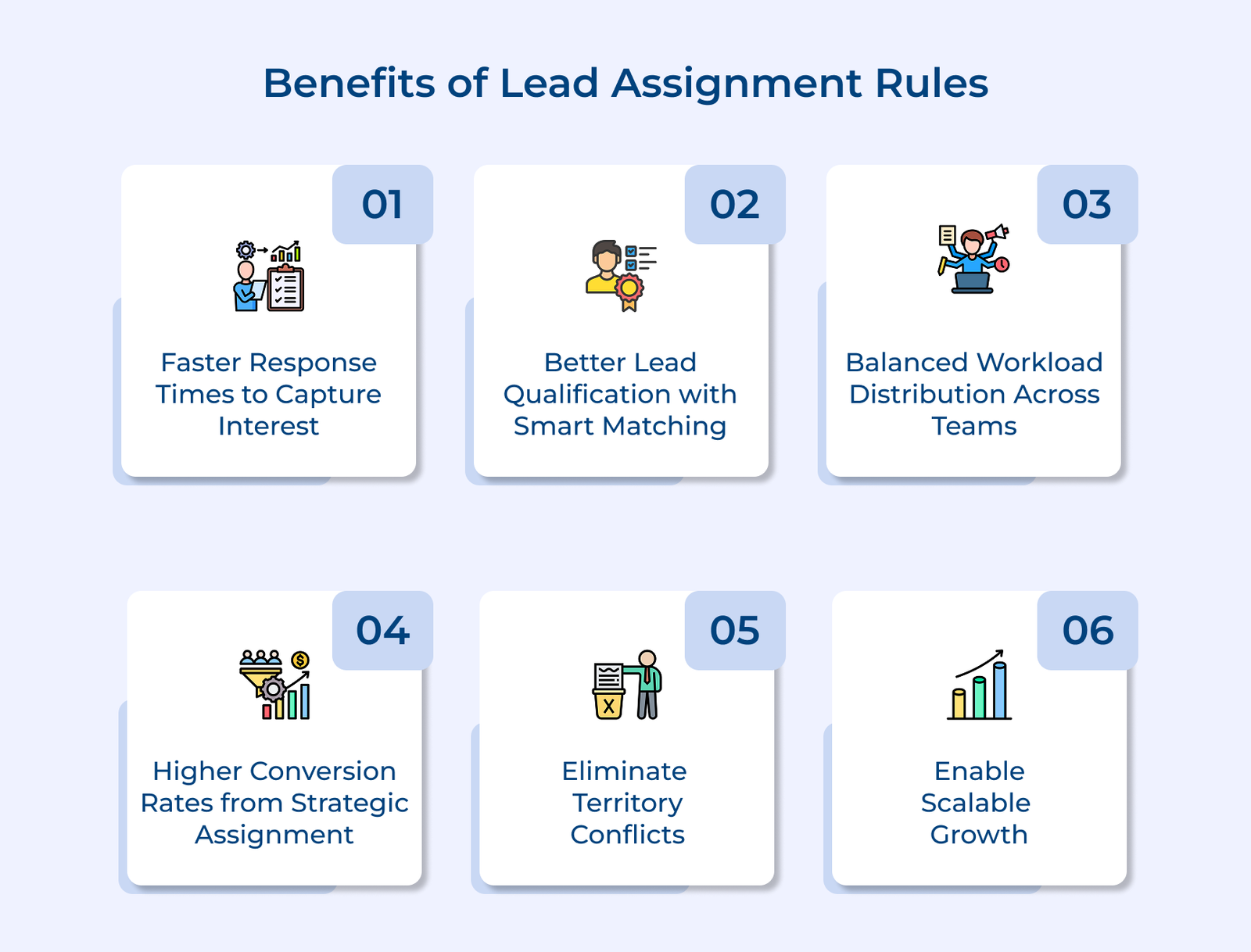
Faster Response Times that Keep Interest Alive
Automated assignment removes manual delays and gets leads to reps within minutes. The speed matters because prospects who wait too long often move to competitors or lose interest entirely.
Smarter Lead Qualification
Rules send leads to reps with the right experience or product knowledge to assess them properly. When someone who understands the prospect’s world takes the first call, qualification becomes quicker and more accurate.
Balanced Workload Across the Team
Fair distribution ensures no one is overloaded while others have too little to do. A balanced workload keeps motivation high and prevents burnout among your best performers.
Higher Conversion Rates from Strategic Pairing
Assigning leads based on factors like region or specialization helps reps have more relevant conversations. The better matches translate directly into more closed deals and higher revenue.
Fewer Territory Disputes and Confusion
Clear assignment rules establish ownership immediately so multiple reps don’t contact the same prospect. The professionalism protects your brand reputation and eliminates internal friction over who owns which opportunities.
Built-in Scalability As You Grow
Once you establish solid rules, handling increased lead volume requires no additional manual effort. Your system automatically processes hundreds or thousands of new leads while maintaining the same quality and speed of distribution.
Check out the eight crucial steps to implement lead assignment rules that will maximize your sales potential and improve your team’s efficiency.
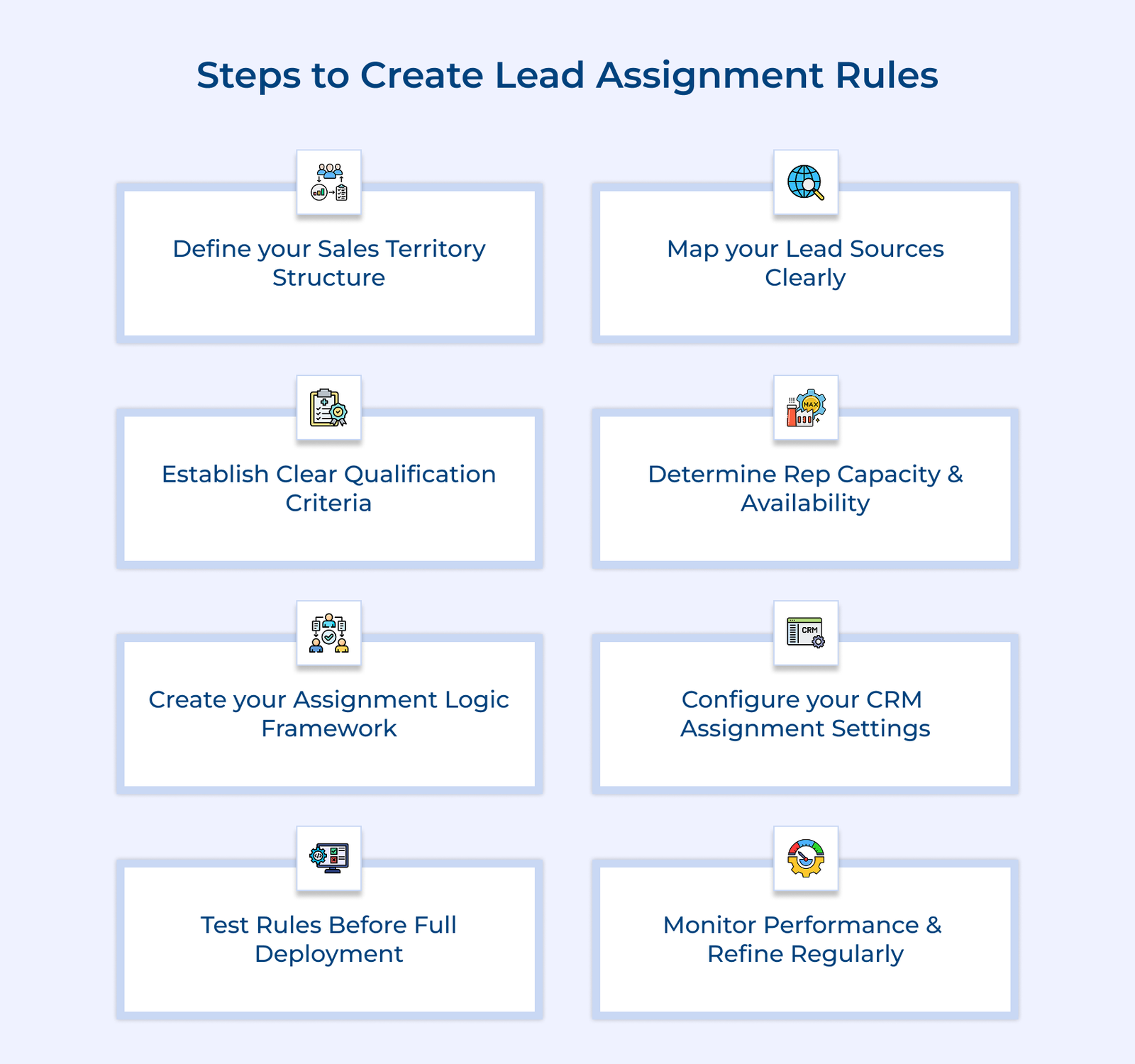
Your territory structure decides which reps handle which leads usually based on location or company traits. Without a clear plan, leads get around at random and reps end up competing instead of working as a team.
Key factors:
Start by mapping where your current customers live and identifying patterns in deal size by region. Then assign reps to territories that match their experience level and give each person a realistic mix of account types they can actually serve well.
Knowing where your leads come from helps you assign them more effectively. A demo request from your website isn’t the same as a reply to a cold email and it shouldn’t be treated that way.
Key questions:
Answering the questions helps you spot which sources deserve your fastest response and most experienced reps. You can then route high-intent leads directly to closers while educational content downloads go to nurturing sequences first. You should categorize leads by quality and intent levels. It helps your reps focus on serious buyers ready to purchase. Tag each lead with quality scores based on their actions and match those scores to rep skill levels.
Qualification criteria help your team decide which leads are worth pursuing now and which should be nurtured for later. Setting clear standards saves time and keeps reps focused on prospects who are actually ready to buy.
Key questions:
Answering this gives you a simple framework for separating real opportunities from early-stage interest. Your team knows when to engage and when to wait, avoiding wasted effort and missed timing.
Examples:
The criteria work together as filters that screen leads before assignment to ensure reps only receive prospects worth their effort. Score leads against each criterion and only pass those meeting your threshold to the sales team for active pursuit.
Pro tips:
Capacity planning helps make sure each sales rep gets a lead volume they can actually manage. When reps are overloaded, good leads sit untouched and competitors often close them first.
Key methods:
The biggest challenge here is that capacity fluctuates based on pipeline stage and seasonal demand changes throughout the year. Create dynamic rules that slow new lead flow when reps are at capacity and automatically reassign leads when someone’s out of office.
Assignment logic is the set of rules your system uses to decide which rep gets each lead. Without it, your CRM can’t distribute leads automatically, leaving you to sort them manually or risk letting good ones sit idle.
Your logic framework works by stacking criteria in order of importance so the system checks territory first and industry second for example. When a lead comes in, the system runs through your hierarchy until it finds a match and instantly assigns ownership.
Pro tips:
CRM configuration turns your assignment framework into actual automation that works without manual intervention or constant monitoring. It matters because even perfect rules are useless if they sit on paper instead of running inside your system.
Enter Your Assignment Rules
Add all your rules into the CRM using the fields and criteria you’ve already defined. Test each one as you go to catch mistakes early, then combine them into your full workflow once everything runs correctly.
Set Up Notifications and Alerts
Configure instant alerts that notify reps the moment a lead gets assigned through email or Slack integration. Set up escalation alerts that ping managers when leads sit uncontacted beyond your target response time threshold.
Create Workflows and Triggers
Build workflows that trigger lead assignments based on specific actions, such as form submissions or demo requests. Add conditions that automatically reassign a lead if the original rep doesn’t respond within a set time frame.
Testing makes sure your assignment rules actually work as intended and that leads land with the right reps every time. Skipping it means finding mistakes only after real opportunities are lost or misrouted.
Actionable tips:
Run tests during business hours and after hours to ensure round-robin distribution actually rotates fairly across your team. Have them double-check that they can view all lead details easily without digging through multiple screens.
Once your lead assignment rules are live, don’t assume they’ll run perfectly forever. Regular monitoring shows whether they’re actually improving response times, lead quality and conversion rates or if they need adjustment.
Set baseline measurements for response time and conversion rates from your pre-automation period so you can quantify improvement accurately. Then define what success looks like with specific targets like reducing average response time to under five minutes or increasing lead-to-opportunity conversion by twenty percent.
Key metrics:
Beyond metrics, collect sales team feedback on lead quality and workload balance. Use the insights to adjust territories or qualification criteria based on what truly works.
Below are the technologies that help businesses respond faster and match leads with the perfect rep every single time.
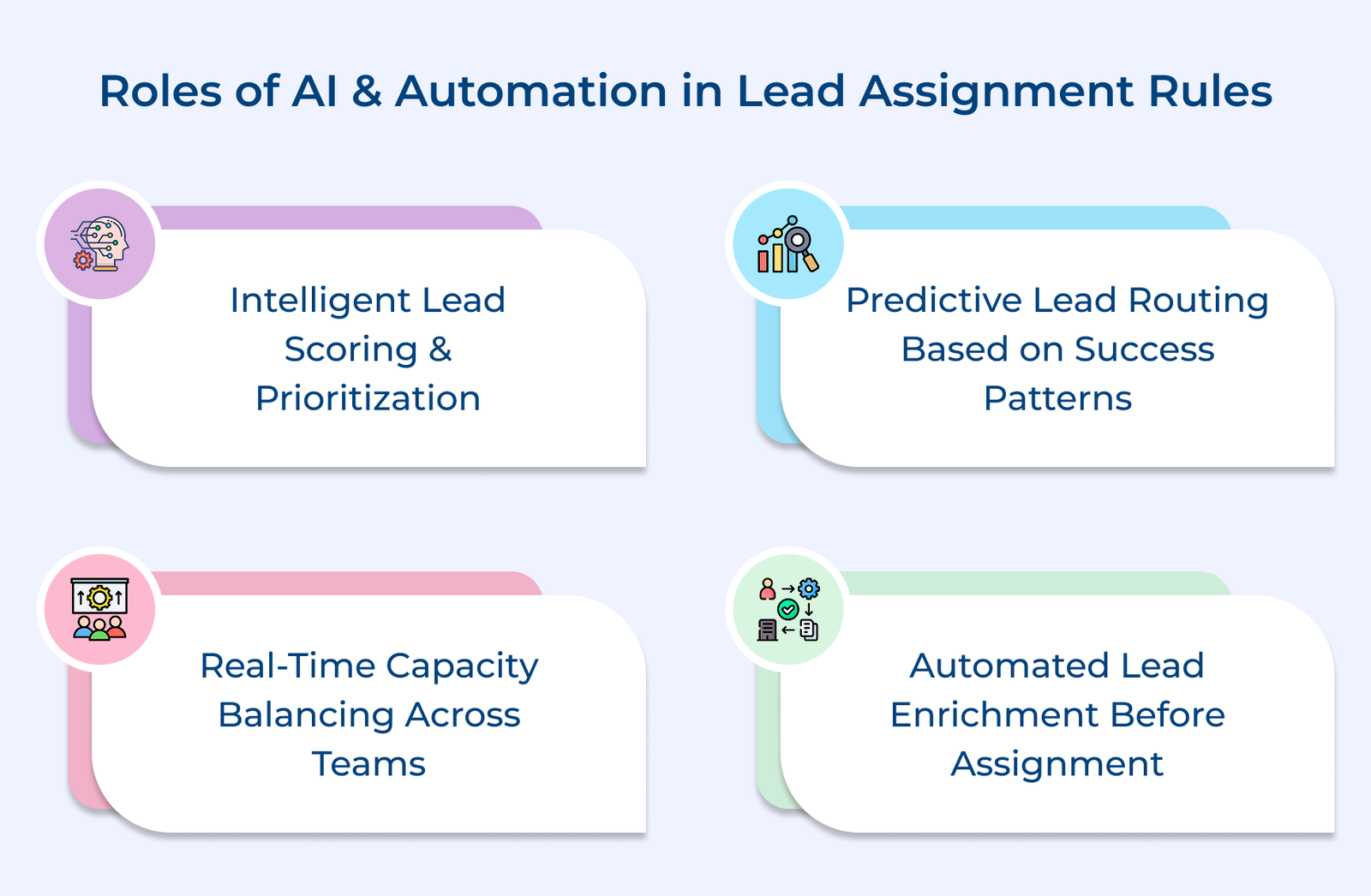
1. Intelligent Lead Scoring and Prioritization
AI evaluates each lead’s behavior and company details to assign accurate priority scores. It continuously learns which traits predict real buying intent and updates the scores automatically.
2. Predictive Lead Routing Based on Success Patterns
Machine learning studies past wins to see which reps close specific lead types most effectively. The system then routes new leads to reps most likely to convert them based on past performance patterns rather than simple round-robin distribution.
3. Real-Time Workload Balancing
Automation tracks each rep’s workload and open pipeline so new leads only go to those with time to follow up. If someone’s overloaded or out, the system instantly redirects to others.
4. Automated Lead Enrichment Before Assignment
AI tools automatically gather missing information about leads from public databases and social profiles before routing them to sales reps. It gives reps key details like company size and decision-makers, helping them personalize outreach right away.
Let’s go through the constraints that help you set realistic expectations and build backup processes where automated rules fall short.
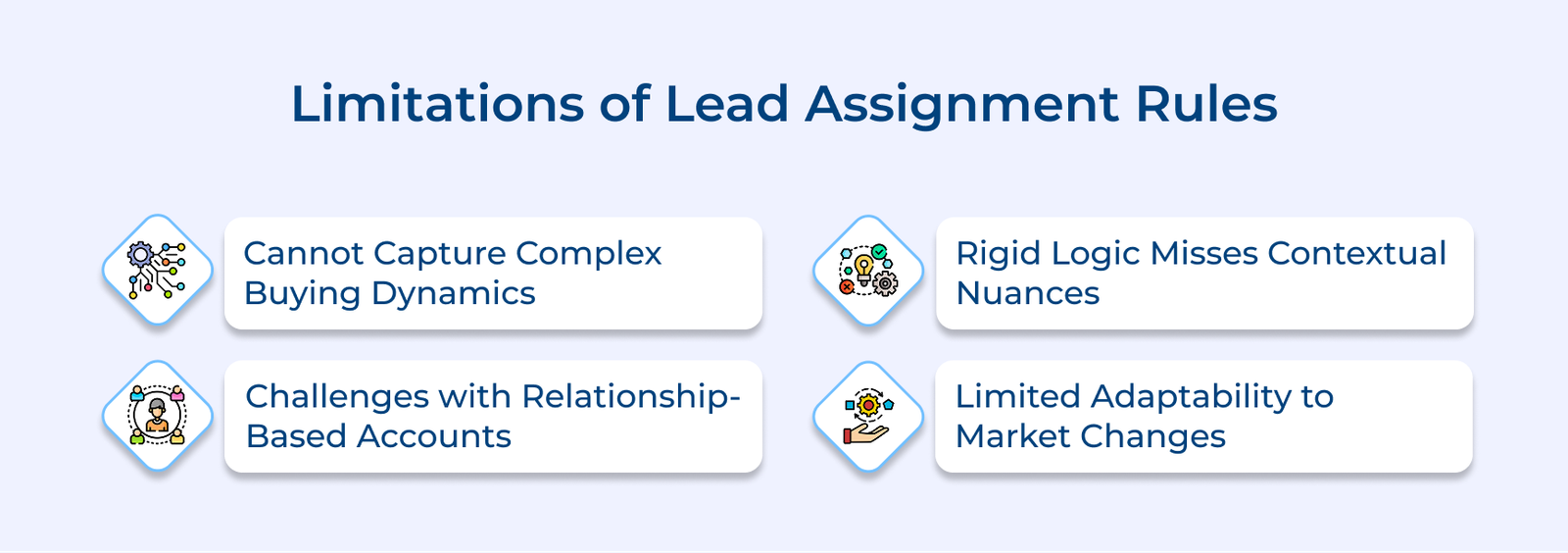
Most rules assign leads based on a single contact, but B2B deals rarely involve just one person. You might route a lead to the enterprise team because of company size while overlooking that the real decision-maker sits elsewhere.
Rules can’t see context or urgency. A lead from a competitor’s former customer might deserve priority but still gets sent to a junior rep because of standard territory logic.
Automated systems can’t tell when a lead comes from a company where your rep already has a relationship. The system might assign new contact to someone different and create awkward situations where multiple reps approach the same organization independently.
Rules require manual updates when your business model shifts or new competitors emerge requiring specialized handling. Delays in updating rules can cause poor lead assignments during fast-changing conditions.
Implementation steps:
The following are the four common approaches that B2B companies use to distribute leads effectively.
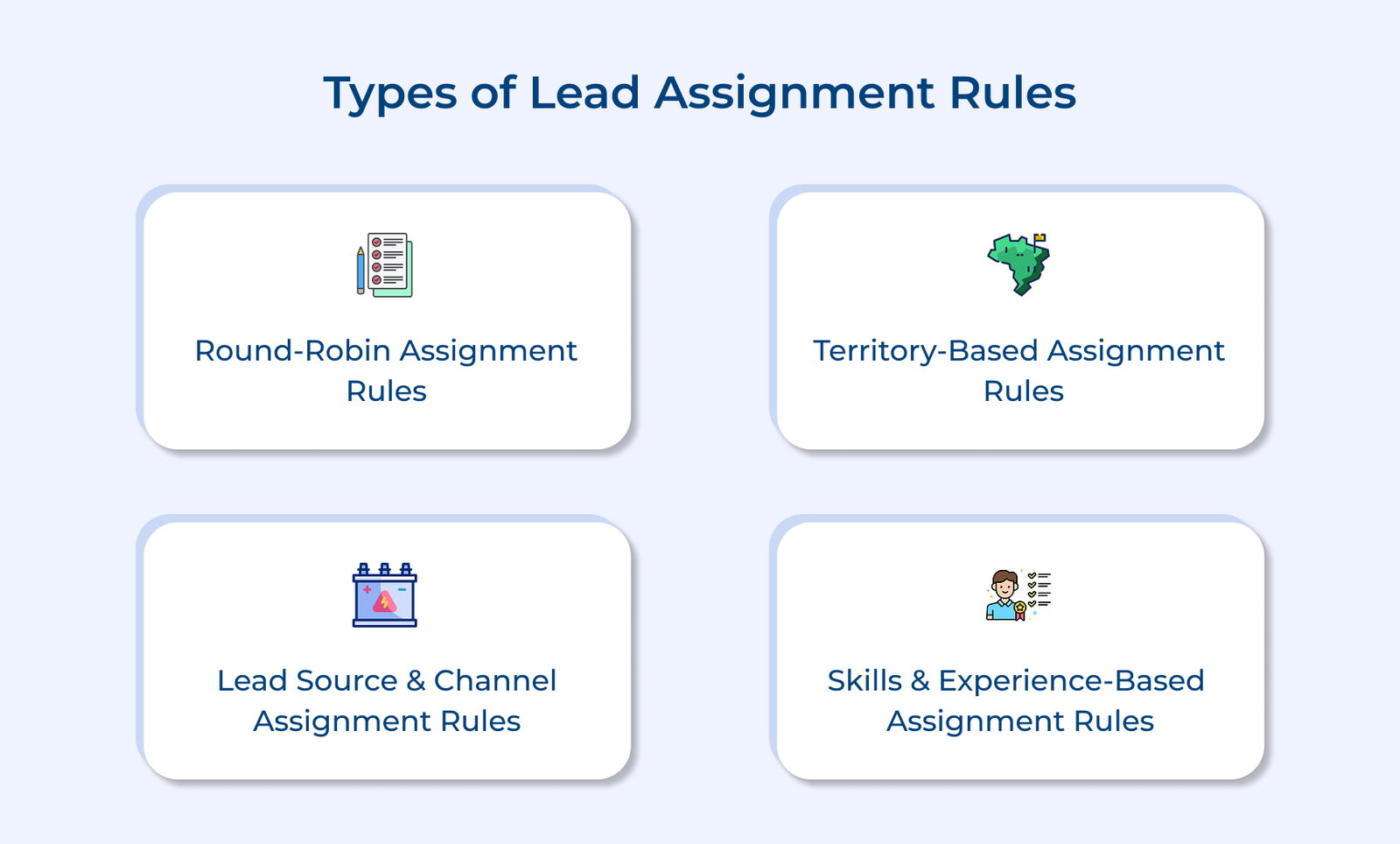
1. Round-robin Assignment Rules
Round-robin rules distribute leads evenly by rotating through your sales team. Each new lead goes to the next rep in line, keeping workloads balanced and ensuring everyone gets a fair share of opportunities.
2. Territory-based Assignment Rules
Territory rules assign leads to reps based on location, company size, or industry. A lead from a healthcare company in California automatically goes to your West Coast healthcare specialist, while manufacturing leads from Texas go to your Southwest industrial rep.
3. Lead Source and Channel Assignment Rules
The rules route leads based on where they came from. A demo request from your website might go directly to an experienced closer, while a whitepaper download goes to an SDR for qualification first.
4. Skills and Experience-based Assignment Rules
Skill-based rules route complex deals to senior reps and smaller ones to junior reps. The system considers factors like deal size, potential and product complexity to ensure leads requiring consultative selling go to reps with proven track records in similar situations.
Lead assignment rules remove the confusion of manual distribution and make sure every prospect reaches the right rep fast. Done right, they shorten response times, improve conversions and keep workloads fair across your team.
Begin by defining clear territories and qualification standards, then set up your CRM to handle routing automatically. Regular reviews keep your rules aligned with market changes so your sales process stays effective.

Most CRMs let you create unlimited rules, which helps to create multiple lead assignment rules within your organization, but only one rule can be active at any given time. The currently active rule automatically evaluates all incoming leads and web-generated leads against its defined assignment criteria.
You can use round-robin for equal distribution, territory-based for geographic or account segmentation, source-based for channel differentiation or skill-based for expertise matching. Most businesses combine multiple methods by creating a hierarchy where territory gets checked first and then the round-robin distributes within that territory group.
Assignment rules typically trigger when a new lead gets created in your CRM through form submissions or manual entry by team members. You can also set triggers for status changes or when a lead score hits a specific threshold.
Sort order determines the specific sequence in which rule entries are evaluated by most. The system checks each entry numerically from the lowest to the highest number and assigns the lead to the first rule entry whose criteria successfully match the lead’s details.
Unmatched leads either sit unassigned in your system until someone manually assigns them or go to a default owner you specify as a catch-all. Smart teams add a final rule that sends unmatched leads to a manager for review and manual routing.
Grow Customer Relationships and stronger team collaboration with our range of products across the Conversational Engagement Suite.
Omnichannel Customer Support & Help Desk Software
AI Enabled Business Messaging and Chatbot Software
Sales Engagement & CRM Software
Call Center Software & Virtual Phone System
Product Marketing & Experience Platform
Customer Experience & Feedback Management Software

 10 Best Sales Presentation Tips & Techniques To Use in 2026
Scroll to top