What is a Website Usability Survey? 35+ Questions
Learn how to conduct a website usability survey, gather meaningful user feedback and identify usability issues. The blog also explores ways to improve navigation, functionality and user experience.

Learn how to conduct a website usability survey, gather meaningful user feedback and identify usability issues. The blog also explores ways to improve navigation, functionality and user experience.
Many websites struggle with high bounce rates, abandoned carts and low conversions without a clear understanding of the causes. Making website changes without user feedback often leads to decisions based on assumptions instead of actual user needs.
A website usability survey collects structured feedback from real users about their experience navigating and completing tasks on your website. The insights can help in driving better conversion rates as well as lower bounce rates, making the insights invaluable as customer expectations intensify.
The guide provides 35+ survey questions, industry-specific strategies and best practices to uncover where customers struggle. You’ll learn to design surveys that capture honest feedback, analyze responses strategically and prioritize fixes that boost revenue through improved website usability.
A website usability survey refers to a structured way to collect feedback from users about their experience on your website. It helps you understand how easily visitors can navigate, find information, complete tasks and achieve their goals.
The purpose of a website usability survey is to identify usability issues, areas of confusion and obstacles that may affect the overall user experience. Feedback collected through surveys helps businesses understand what is working well and what needs improvement.
Businesses can prioritize improvements strategically by systematically analyzing website usability survey responses and user behavior patterns. The data-driven approach ensures that development resources focus on changes that genuinely enhance user experience, increase conversion rates and build customer loyalty over time.
Key objectives:
Live website usability testing reveals how real users interact with your website. Let’s go through the key reasons why it is important for improving user experience.
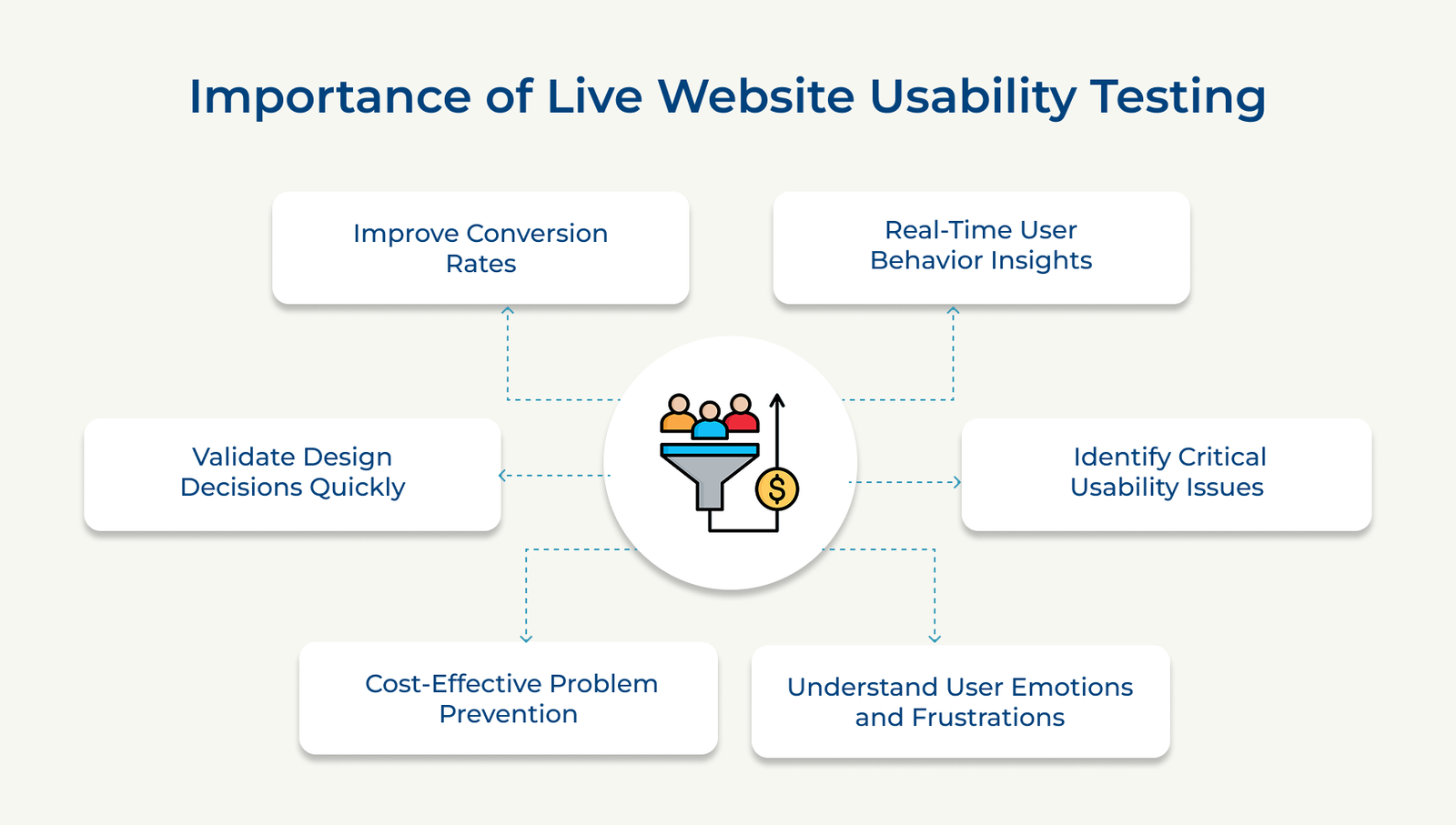
Live testing shows how real users move through your website, where they pause and which tasks create confusion. A website usability survey becomes much more valuable when paired with observed user behavior because it helps explain why users respond the way they do. Watching users complete tasks provides a clearer understanding of the actual experience than analytics alone.
Observers can spot navigation problems, design flaws and technical glitches as they occur, allowing immediate documentation or prioritization of fixes that significantly impact user experience. Early detection prevents the issues from reaching your broader audience and causing widespread frustration or abandoned visits.
Observing users as they interact with your website helps reveal moments of confusion, frustration and uncertainty. A website usability survey adds valuable context by capturing feedback directly from users about their experience. Facial expressions, verbal comments and user actions often highlight issues that website data alone cannot reveal.
Finding usability problems early is often less expensive than correcting them after launch. Live testing helps identify issues before they affect a large number of users or require significant redesign efforts. Addressing problems at an early stage can also reduce support requests and improve the overall user experience.
Live testing allows you to evaluate design updates, new features and interface changes with real users before a full rollout. A website usability survey can support the process by collecting feedback on how users perceive the changes. The approach helps teams make decisions based on user feedback rather than assumptions.
Usability issues often create obstacles that prevent users from completing important actions. Identifying and removing the barriers makes it easier for visitors to complete purchases, submit forms or achieve their goals. A smoother user experience can lead to higher engagement, stronger customer satisfaction and improved conversion rates.
The following are the best moments to deploy website usability surveys and gather meaningful user insights.
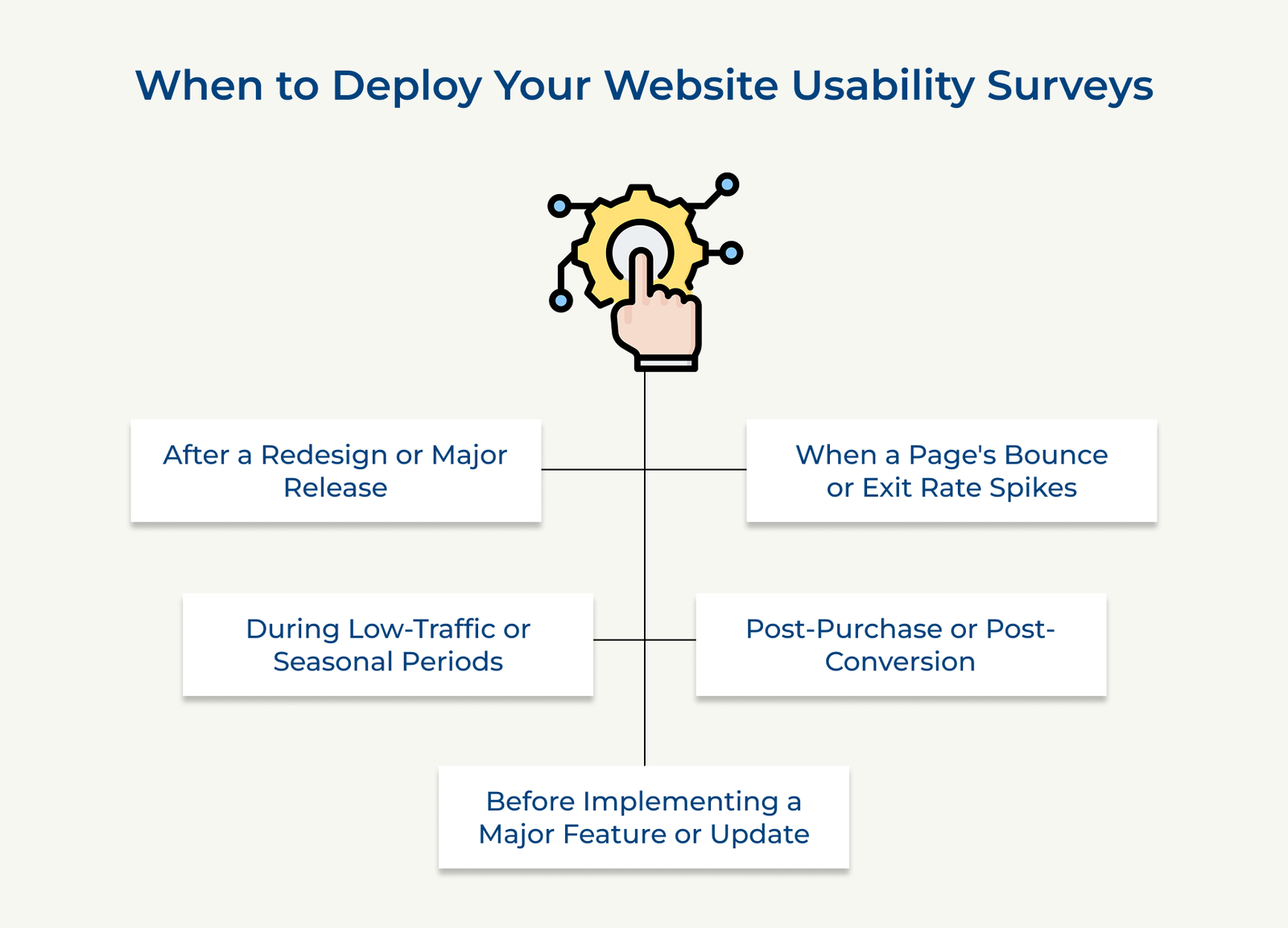
A website redesign may improve the user experience, but the only way to know how users actually respond is to ask them. Deploying surveys shortly after launch helps you understand what users find helpful, confusing or difficult to use.
New layouts, navigation structures and features can take time for users to adjust to. Website usability survey feedback helps identify which changes are improving the experience and which areas may need refinement before they start affecting user satisfaction.
A sudden increase in bounce or exit rates is often a sign that something is preventing users from continuing their journey. A website usability survey helps uncover what users experienced before leaving, making it easier to understand the reasons behind the drop in engagement.
High exit rates point to a problem, but analytics alone rarely explain the cause. Surveys deployed during spike periods capture authentic frustration, revealing if the issues stem from poor design, unclear messaging, slow loading or mismatched user expectations versus actual page content.
A completed purchase or conversion is the perfect opportunity to understand how users experienced the process. Sending a website usability survey immediately after the action helps capture feedback while the experience is still fresh in the user’s mind.
Users who have just completed a transaction can often provide clear and detailed feedback about the checkout process, forms, navigation and overall experience. Their responses can highlight points of confusion, unnecessary friction or obstacles that may affect future conversions and customer satisfaction.
Planning a major website update is a good time to gather feedback from the people who use your website most. A website usability survey helps you understand user expectations, identify common frustrations and uncover improvement opportunities before development begins.
Developers often build features based on assumptions rather than user research, wasting time and budget on unwanted functionality. Pre-launch surveys validate that your planned improvements align with actual user needs, preventing costly misdirected development and ensuring features gain immediate adoption upon release.
Low traffic periods can be an excellent opportunity to collect thoughtful and detailed user feedback. A website usability survey deployed during these times often receives more considered responses because users are typically under less pressure to complete tasks quickly.
Users surveyed during peak traffic provide rushed, surface-level responses because they’re focused on completing their tasks quickly. Slower seasonal periods attract more engaged respondents who willingly invest time offering detailed, constructive feedback that reveals deeper usability issues and improvement opportunities.
Check out the following website usability survey questions organized by category to help you gather meaningful user insights.
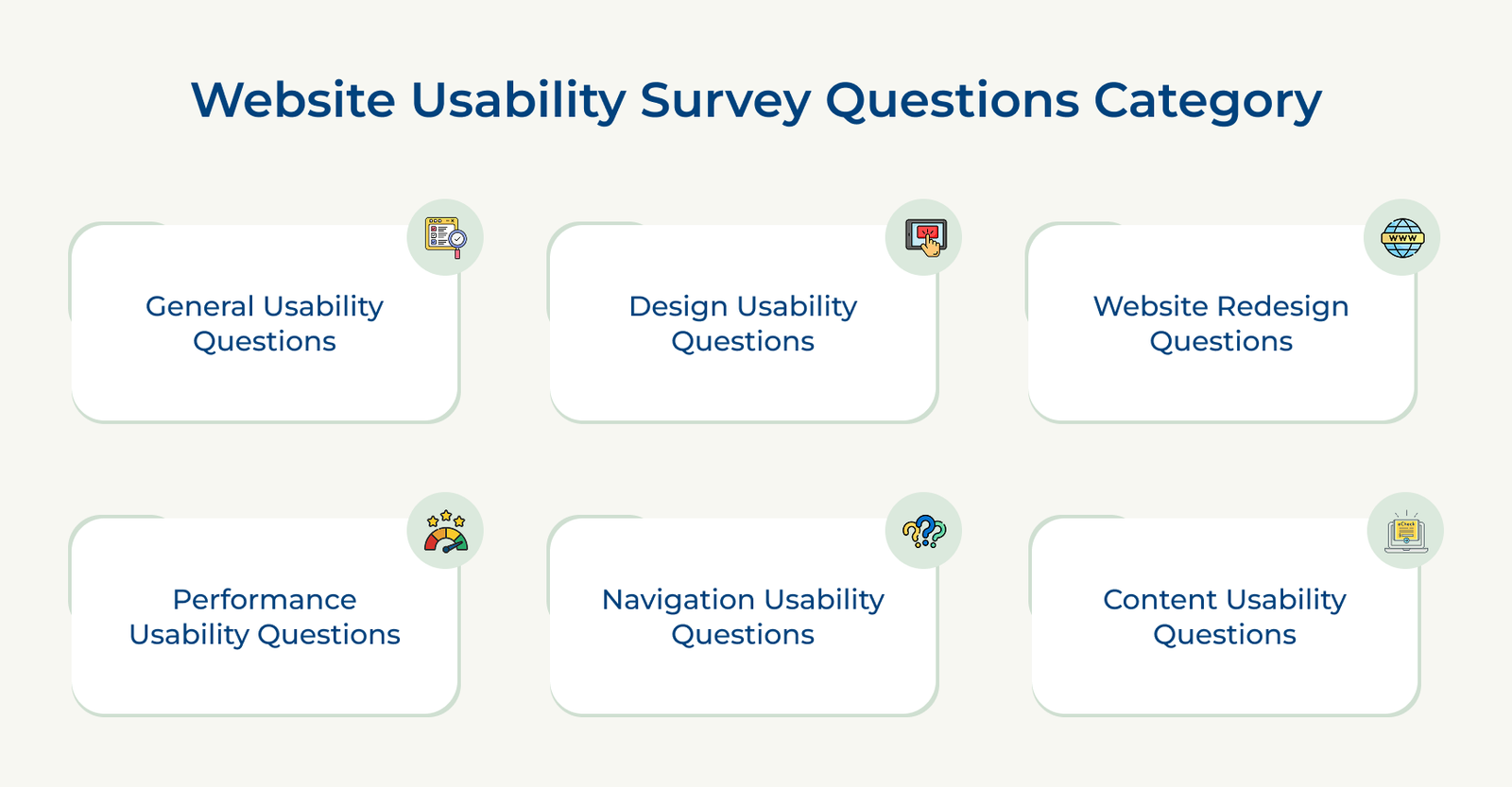
General website usability survey questions help measure overall user satisfaction, ease of use and the quality of the website experience. The questions provide a broad understanding of how users feel about the website and how easily they can accomplish their goals.
Key questions:
Responses to the questions help uncover satisfaction levels, identify common frustrations and highlight areas that need attention. They also provide insight into how users perceive the overall experience and where improvements could have the greatest impact.
Best practices:
Design website usability survey questions help evaluate how users perceive your website’s visual appearance, layout and overall presentation. The questions reveal if the design conveys professionalism, creates a welcoming atmosphere and makes customers feel confident in your brand.
Key questions:
Responses to the questions help you understand how design influences user perceptions and overall experience. They can also reveal elements that create confusion, reduce trust or make navigation more difficult than it should be.
Best practices:
Website redesign questions help you understand how users are responding to recent changes and if the updated experience is making tasks easier to complete. The questions highlight improvements, uncover new usability issues and reveal how users feel about the redesigned website.
Key questions:
High-quality responses connect design changes to improved customer relationships and service delivery. Users should explain if the redesign demonstrates that you value their feedback, whether new features better serve their needs and if changes strengthen their emotional connection to your brand.
Key takeaways:
Performance website usability survey questions help evaluate how website speed, reliability and technical stability affect the user experience. The questions can uncover performance issues that make it difficult for users to complete tasks or interact with the website smoothly.
Key questions:
Good response analysis:
Responses to these questions help identify performance issues that may affect user satisfaction and engagement. They can also reveal how website reliability influences user perceptions and highlight technical problems that require attention to improve the overall experience.
Navigation website usability survey questions help evaluate how easily users can move through your website and find the information they need. The questions highlight navigation challenges, confusing pathways and areas where users may struggle to complete their tasks.
Key questions:
Excellent responses reveal if the customers feel respected and understood through thoughtful navigation design. Users should explain if the website structure aligns with how they naturally think about your business and if navigation demonstrates that you value their time.
Best practices:
Content usability questions help assess how clearly your website communicates information and how easily users can understand your products, services, or solutions. The questions reveal content gaps, areas of confusion and opportunities to make information more relevant to visitors.
Key questions:
Responses to the questions help identify how effectively your content supports users throughout their journey. They can reveal missing information, unclear messaging and areas where additional detail may help users make more informed decisions.
Check out the key steps to create surveys that genuinely capture customer insights and drive meaningful improvements to your website experience.
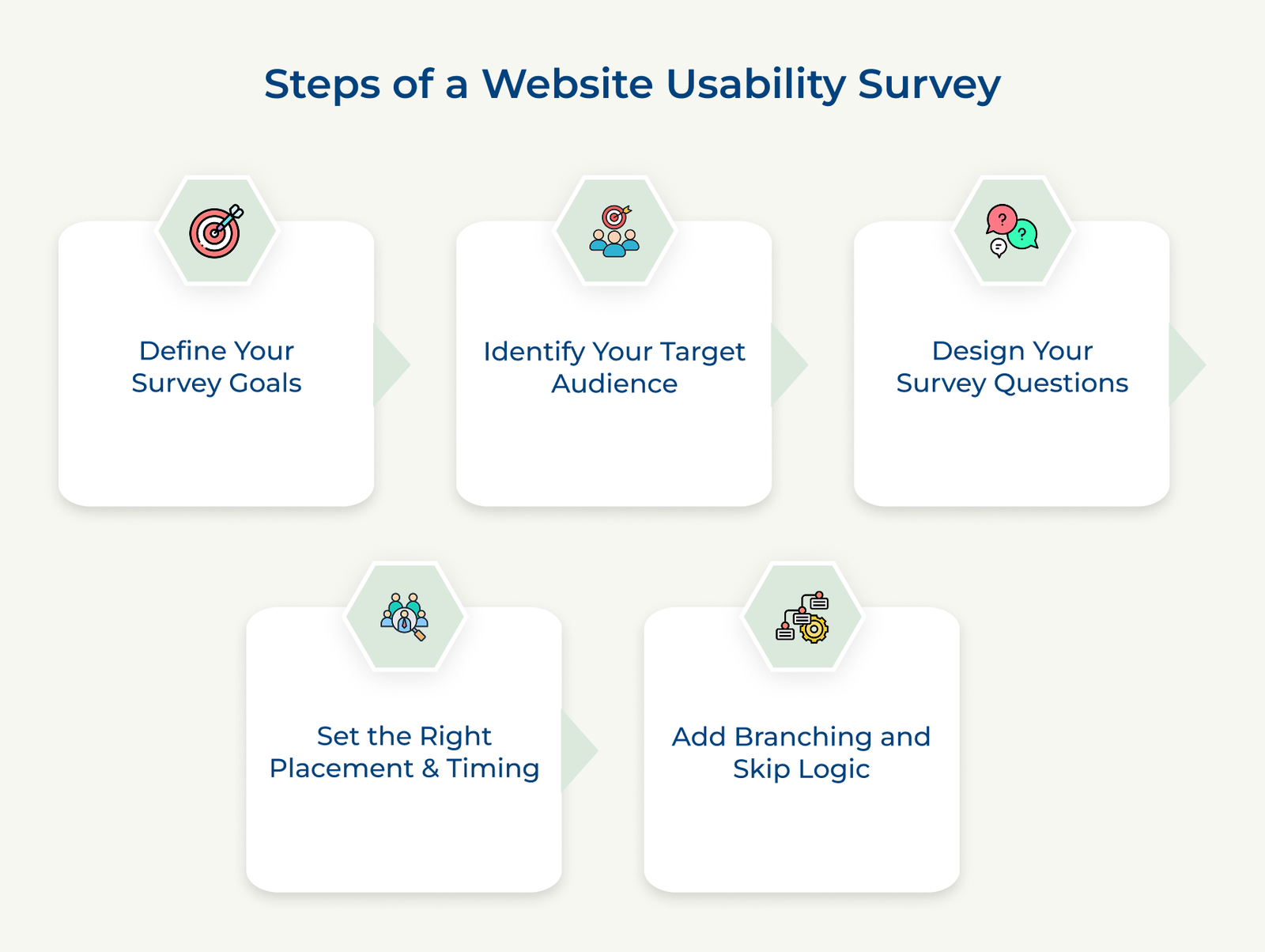
A successful survey starts with a clear purpose. Before creating any questions, identify the specific user experience issue you want to understand or improve. A website usability survey is most effective when it focuses on a well-defined objective instead of trying to evaluate every part of the website at the same time.
Clear goals help you collect relevant feedback and make the results easier to act on. Start by defining the exact problem you want to investigate, such as cart abandonment, navigation difficulties, design confusion or content that is not meeting user expectations.
Key considerations:
Choosing the right audience is one of the most important steps in a website usability survey. Different users interact with the same website in different ways, which means the feedback you collect can vary significantly across customer groups.
Think about which customer segments matter most to your business and what distinct problems each faces. A customer considering a purchase has different pain points than someone researching competitor options, requiring tailored questions that capture each group’s unique experience and barriers to success.
Key questions:
Creating effective website usability survey questions feels simple but requires intentional effort to avoid leading questions, confusing wording and bias. Mix question types, such as combining rating scales with open-ended questions, yes/no questions with follow-ups and multiple-choice options with detailed feedback opportunities for comprehensive insights.
Should your survey ask about specific pages or the overall website experience? Consider asking both to identify if problems are widespread or isolated to particular sections, helping you prioritize fixes strategically and allocate resources toward the biggest customer experience barriers.
Key elements:
The timing and placement of a website usability survey can have a significant impact on the quality of the feedback you receive. Asking users for feedback at the right moment helps capture more accurate responses and provides better context about their experience.
Timing matters as much as placement. Should you survey immediately after completing tasks or wait until emotional reactions settle? Surveying shortly after experiences captures authentic frustration and excitement, while waiting risks customers forgetting specific barriers or rationalizing their experience differently than they felt in the moment.
Key strategies:
Branching and skip logic help make a website usability survey more relevant for each respondent. Instead of showing the same questions to everyone, the survey can adjust based on previous answers, making it shorter, easier to complete and more focused on the user’s experience.
Smart branching ensures each customer only answers questions relevant to their experience, reducing survey fatigue while collecting targeted feedback that actually informs improvements. If someone says navigation confused them, ask which pages were confusing; if they said navigation was intuitive, skip to design questions instead.
Key implementations:
Different industries face different usability challenges, which means survey questions should reflect specific user expectations. Let’s go through the key website usability survey questions for different industries.
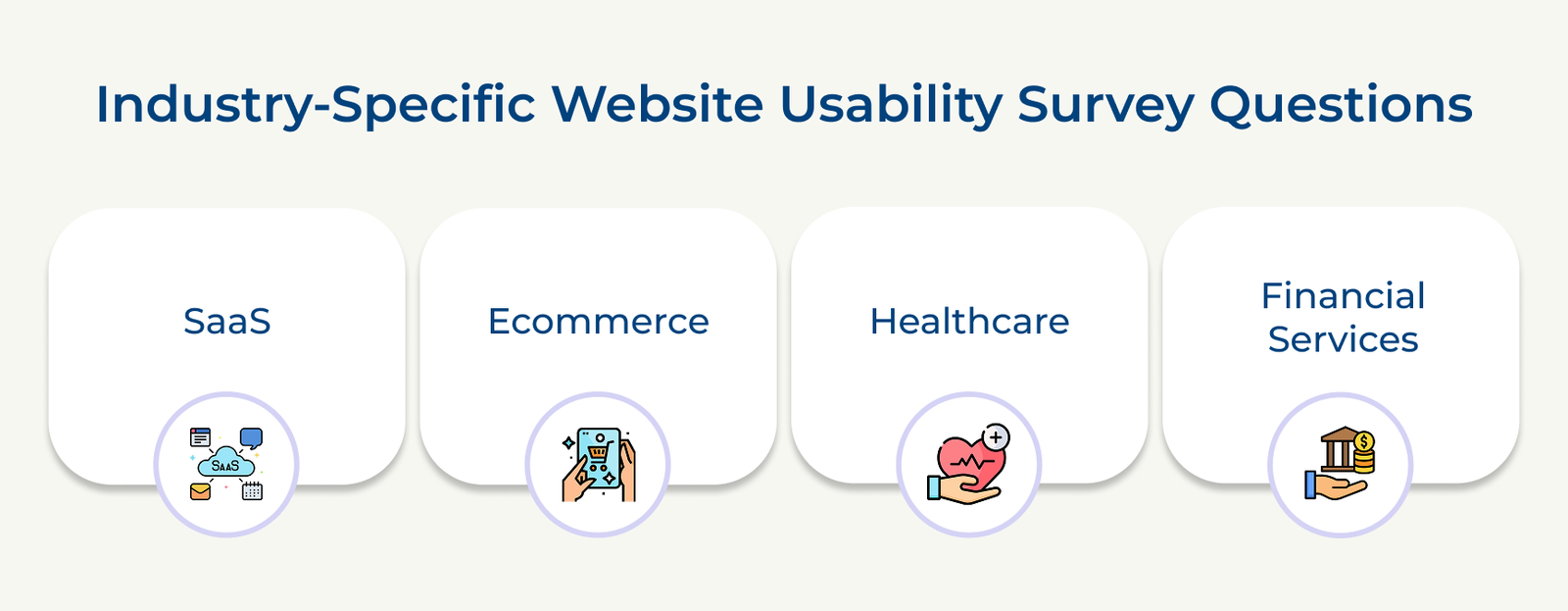
SaaS (Software as a Service)
SaaS websites need to help visitors understand the product quickly and determine if it can solve their specific challenges. A website usability survey helps identify gaps in product communication, pricing clarity and the overall evaluation experience.
Survey questions:
Ecommerce
Ecommerce websites need to make product discovery, comparison and purchasing as simple as possible. A website usability survey directly impacts conversion rates, cart abandonment and customer satisfaction, making every friction point a potential lost sale.
Key questions:
Healthcare
Healthcare websites must build patient trust, clearly explain complex medical information and make appointment scheduling or service access straightforward. Patients need to feel assured that their privacy is protected while finding critical health information without confusion or anxiety.
Survey questions:
Banking and Financial Services
Banking and financial services websites need to make complex information easier to understand while helping users feel secure when managing their finances. A website usability survey can reveal areas where customers need more clarity or support.
Key questions:
The following are the key steps to analyze website usability survey responses, identify recurring issues and turn feedback into practical website improvements.
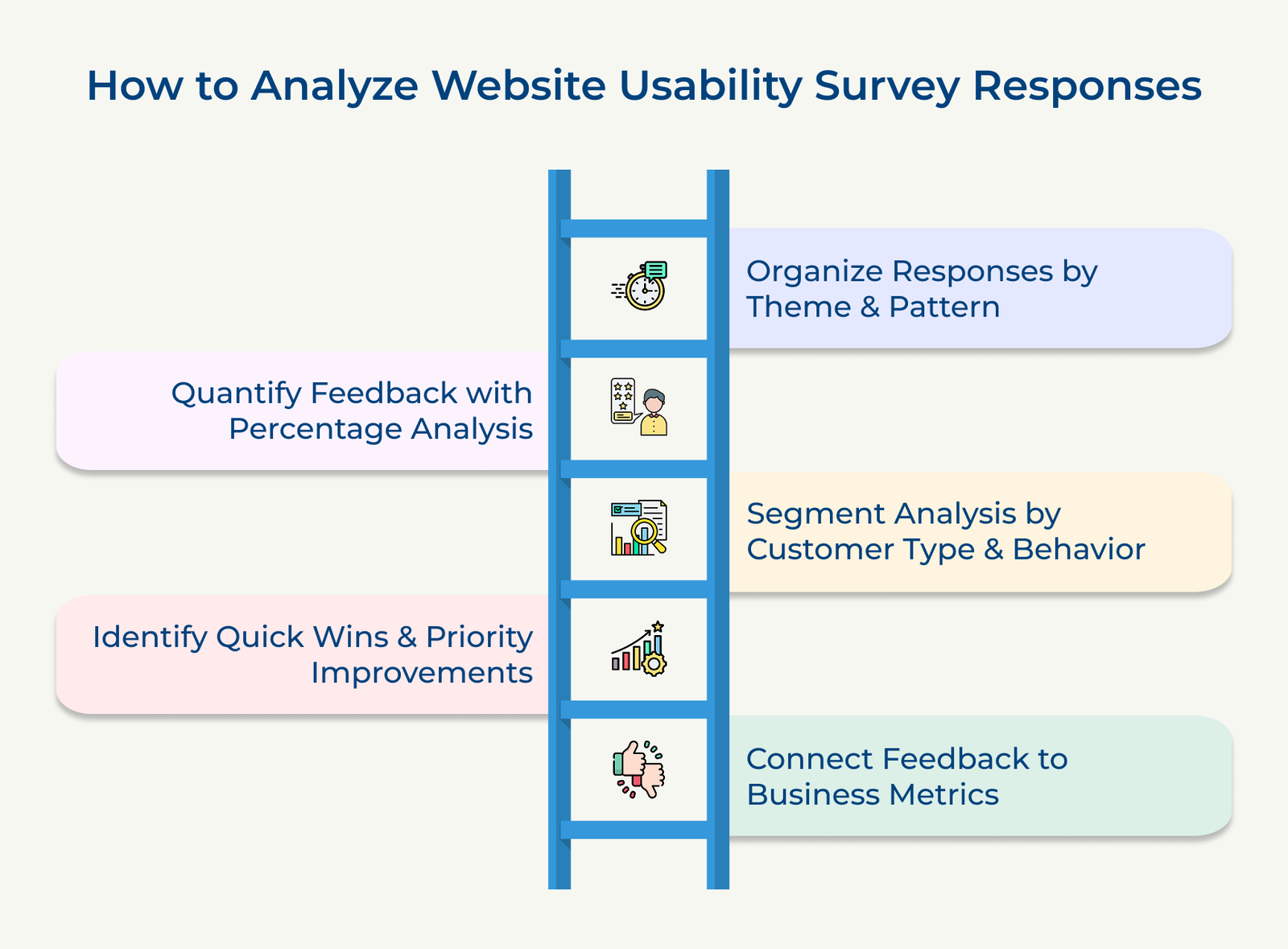
Start by grouping responses into common themes such as navigation issues, design concerns or performance problems. A website usability survey becomes much easier to analyze when similar feedback is organized together, helping you identify recurring issues that affect multiple users.
Convert qualitative feedback into percentages showing how many customers mentioned each theme or problem area. Numerical analysis reveals which issues matter most. If 60% mention navigation confusion versus 10% mentioning design, navigation improvements deliver greater customer experience impact and should receive priority resources.
Analyze responses across different user groups, devices and behaviors to uncover meaningful differences. Some usability issues may affect first-time visitors, mobile users or specific customer segments more than others, making targeted improvements easier to prioritize.
Compare survey responses with website data such as bounce rates, conversion rates, session duration or abandonment rates. Connecting website usability survey feedback with performance metrics helps confirm which issues are affecting user experience and business results.
Separate feedback into improvements that can be implemented quickly and larger changes that require more planning. Quick fixes can address common frustrations immediately, while long-term improvements help create a better overall website experience.
A website usability survey helps you understand where users face difficulties, what prevents them from completing tasks and which improvements will have the greatest impact. Consistent feedback gives you a clearer picture of the user experience and helps guide better website decisions.
Key takeaways:
Ready to transform customer feedback into improvements? Start with one focused survey targeting your biggest challenge and implement findings within 30 days. Download our free survey template to begin gathering insights today and improve your website usability survey results.

A website usability survey helps you understand how users interact with your website and where they encounter difficulties. Data-driven insights guide improvements that directly increase customer satisfaction, reduce bounce rates and boost conversion rates through targeted enhancements.
A website usability survey collects feedback about the user experience, including navigation, content, design and functionality. It helps uncover issues that may not be visible in analytics alone and provides direct insight into what users need from your website.
Combining scale questions for quantifiable data, open-ended questions for context and multiple-choice questions for specificity creates comprehensive feedback. The mixed approach captures both measurable satisfaction and actionable details explaining why customers struggled or succeeded with your website.
A response rate between 10% and 15% is generally considered strong for website surveys, though results can vary across industries or audiences. Short, relevant surveys targeted to the right users often achieve better participation rates.
Usability surveys focus on specific website functionality, navigation and design effectiveness, while satisfaction surveys measure overall emotional contentment. Usability identifies what is broken that needs fixing; satisfaction reveals how customers feel about your brand, requiring different questions and improvement approaches.

Grow Customer Relationships and stronger team collaboration with our range of products across the Conversational Engagement Suite.
Omnichannel Customer Support & Help Desk Software
AI Enabled Business Messaging and Chatbot Software
Sales Engagement & CRM Software
Call Center Software & Virtual Phone System
Product Marketing & Experience Platform
Customer Experience & Feedback Management Software

 Best Knowledge Management System Examples in 2026
Scroll to top
Best Knowledge Management System Examples in 2026
Scroll to top