1. Identify Customer Touchpoints to Map Their Journey
Identifying customer touchpoints and mapping their journey is a crucial strategy for managing an omnichannel help desk. Start by listing all customer interaction channels including social media, email, phone, live chat and in-person interactions. Examine how customers move between touchpoints and which channels they prefer for different types of interactions.
Create a visual customer journey map that illustrates the typical paths customers take when seeking support. The map should highlight key touchpoints, pain points and opportunities for improvement. It serves as a valuable tool for understanding the customer experience holistically and identifying areas for optimization.
Pro tips:
- Involve cross-functional teams in the mapping process to gain diverse perspectives.
- Use customer feedback to validate and refine the journey map.
- Regularly update the map to reflect changing customer behaviours and new touchpoints.
2. Plan an Omnichannel Support for Seamless CX
Planning an omnichannel support strategy is essential for delivering seamless customer experiences (CX). Begin by ensuring consistent messaging across all channels, maintaining a uniform brand voice and information accuracy.
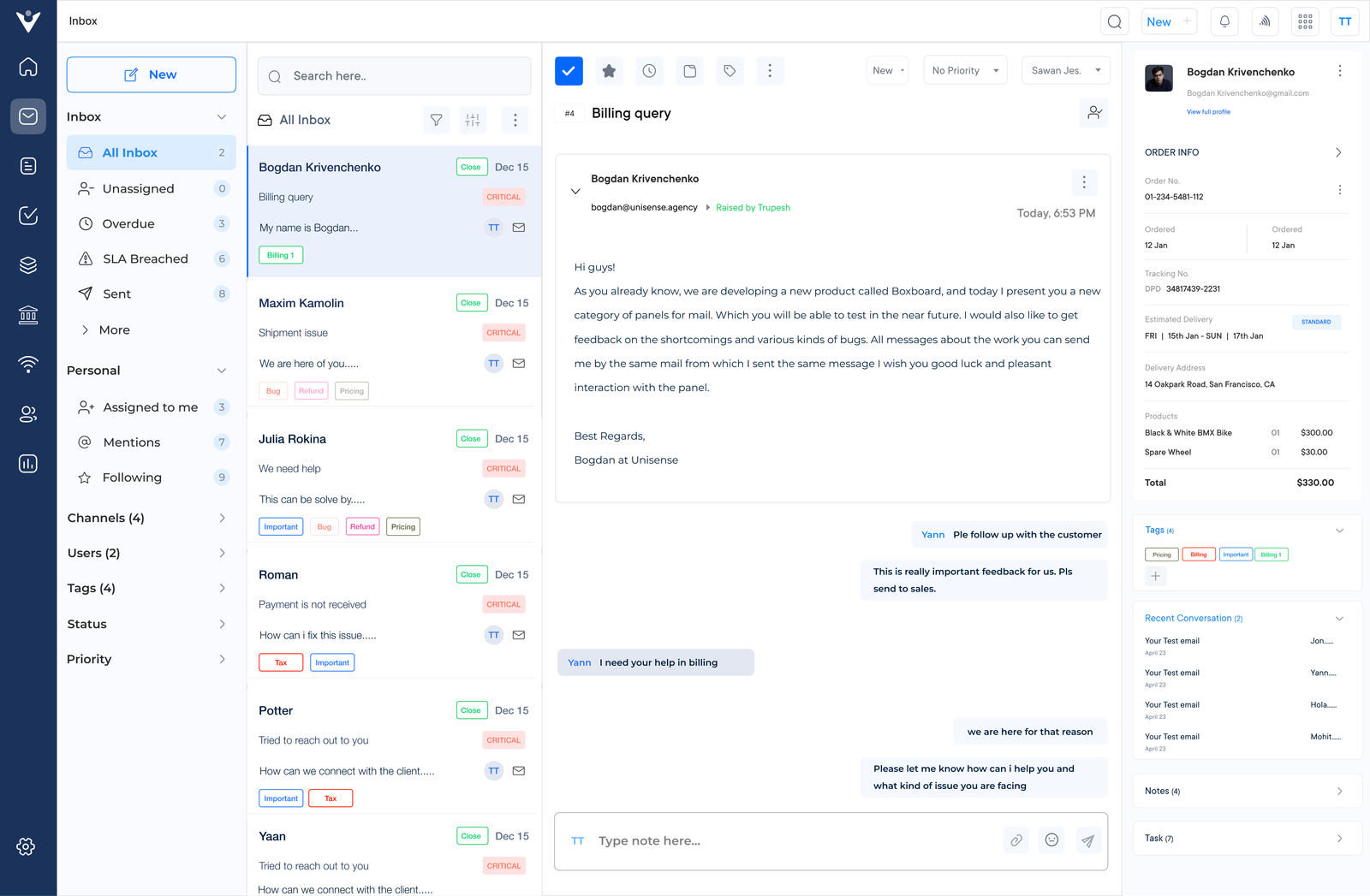
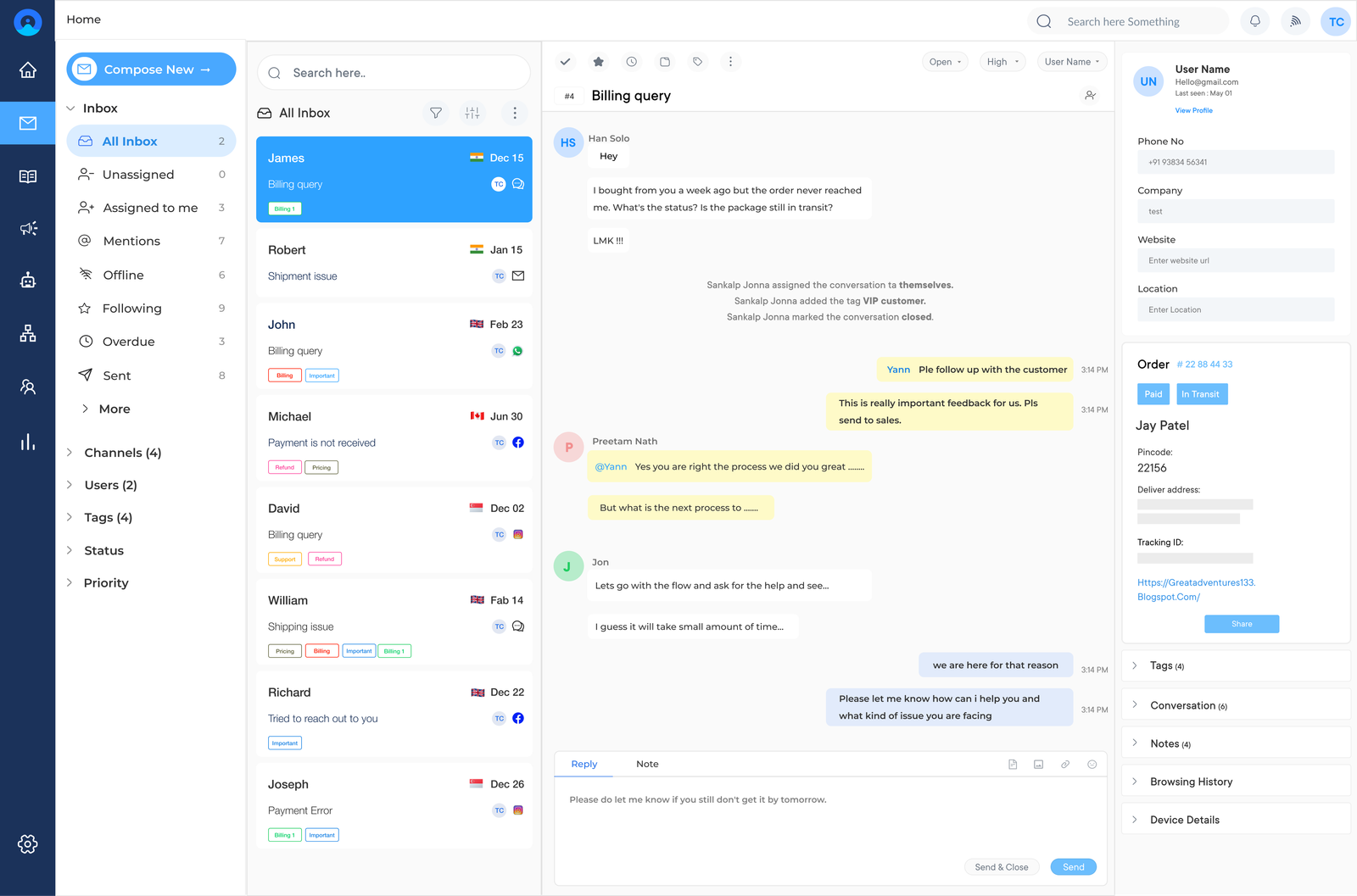
Design a unified customer view by consolidating data from various touchpoints into a single platform. The comprehensive profile helps agents understand the customer’s entire journey, leading to more contextual and effective support.
How to implement:
- Develop a centralized content repository to maintain consistency across channels.
- Invest in robust CRM software that integrates with all the support channels.
- Conduct regular cross-channel training for support agents to ensure they can handle inquiries on any platform.
3. Document Help Desk Processes & SLAs
Documenting help desk processes and Service Level Agreements (SLAs) is crucial for maintaining consistency in omnichannel support. Start by defining standard operating procedures for each channel. Outline step-by-step instructions for handling various types of customer inquiries.
Establish clear SLAs that set expectations for response times, resolution times and escalation procedures across all channels. These agreements should be realistic, measurable and aligned with customer expectations. Create process flowcharts for common scenarios to visually guide agents through complex issues.
Pro tips:
- Involve frontline agents in the documentation process to capture practical insights.
- Regularly update procedures to reflect changing customer needs and new technologies.
- Use a collaborative document management system for real-time updates to processes and SLAs.
4. Create a Comprehensive Knowledge Base for 24×7 Support
Creating a comprehensive knowledge base is essential for providing 24/7 support in an omnichannel help desk environment. Start by developing detailed FAQs and troubleshooting guides that address common customer issues across all channels. The resources should always be clear, concise and easy to navigate.
The portal should be user-friendly, searchable and accessible across devices. Regularly update and maintain the knowledge base to ensure its relevance. Set up a system for agents to flag outdated information and contribute new content based on their interactions with customers.
Pro tips:
- Use analytics to identify frequently searched topics and prioritize content creation accordingly.
- Implement a feedback mechanism for users to rate and comment on knowledge base articles.
- Integrate the knowledge base with live chat and chatbot systems for seamless information retrieval during customer interactions.
5. Setup The Workflow Automation & Rules
Setting up workflow automation and rules is crucial for efficiently managing an omnichannel help desk. Begin by identifying repetitive tasks that can be automated such as categorizing incoming tickets or sending follow-up emails. Implement ticket routing and assignment rules to ensure inquiries are directed appropriately.
Set up automated responses for common inquiries across all channels. These can provide immediate acknowledgement of receipt, offer self-help resources or even resolve simple issues without agent intervention.
Pro tips:
- Start with simple automation and gradually increase complexity as the brand assesses its effectiveness.
- Regularly review and refine automation rules based on performance data.
- Use A/B testing for automated responses to optimize their effectiveness in resolving issues and satisfying customers.
6. Measure Key Help Desk Metrics to Track Performance
Measuring key help desk metrics is essential for tracking performance and improving omnichannel support. Begin by defining relevant Key Performance Indicators (KPIs) such as average response time and channel-specific metrics. Make sure these KPIs align with overall customer service goals and SLAs.
Regularly review performance data and act on the insights gained. Schedule periodic performance reviews to identify trends, areas for improvement and best practices. Use the information to make data-driven decisions about resource allocation, training needs and process improvements.
Pro tips:
- Customize the analytics dashboard to focus on the most critical metrics for the business.
- Set up automated alerts for KPIs that fall below acceptable thresholds.
- Share performance data transparently with the team to foster a culture of continuous improvement.
7. Train The Support Team
Training the support team is crucial for managing an effective omnichannel help desk. Provide channel-specific training to ensure agents are proficient in handling interactions across all platforms. It includes mastering the nuances of written communication and developing strong phone etiquette.
Emphasize the development of soft skills, particularly empathy and communication. These skills are essential for understanding customer needs, de-escalating tense situations and providing a personalized experience. Role-playing exercises and real-case scenarios can help agents practice these skills in a controlled environment.
Pro tips:
- Use a mix of training methods, including e-learning modules, peer mentoring and hands-on practice.
- Encourage cross-channel training to build versatility and improve overall team flexibility.
- Regularly assess agent performance. Provide personalized coaching based on individual strengths and areas for improvement.