Key feature:
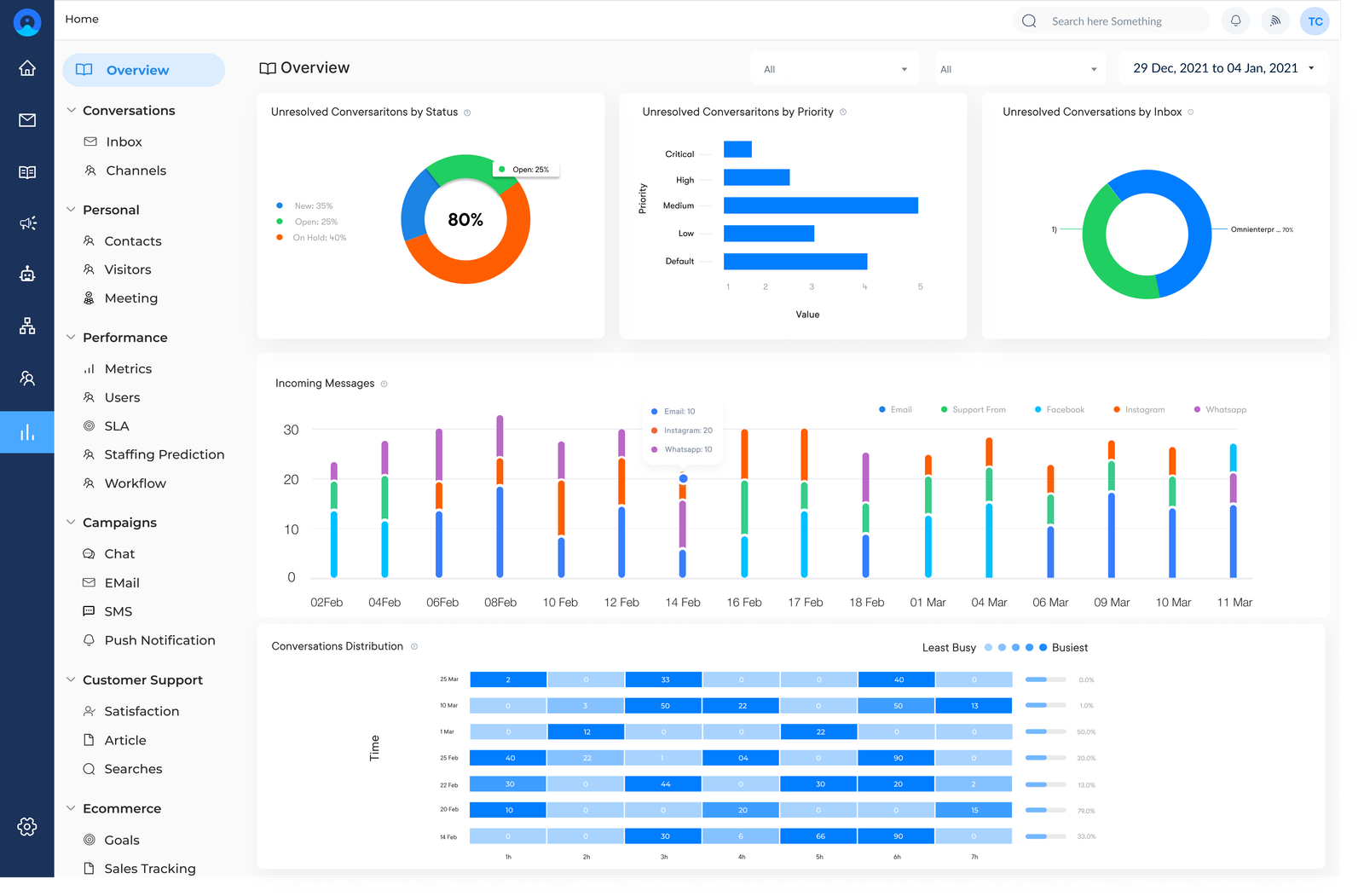
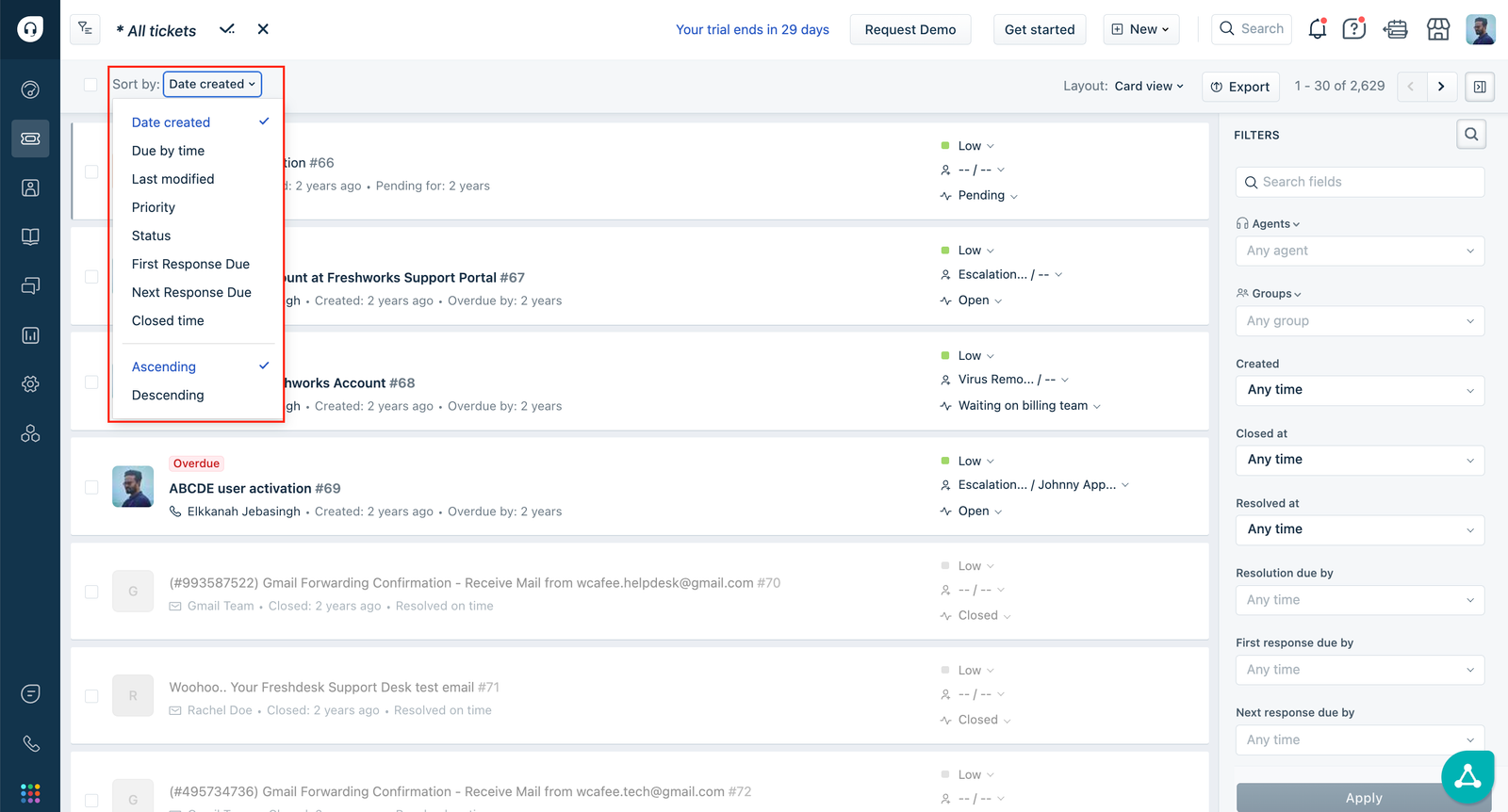
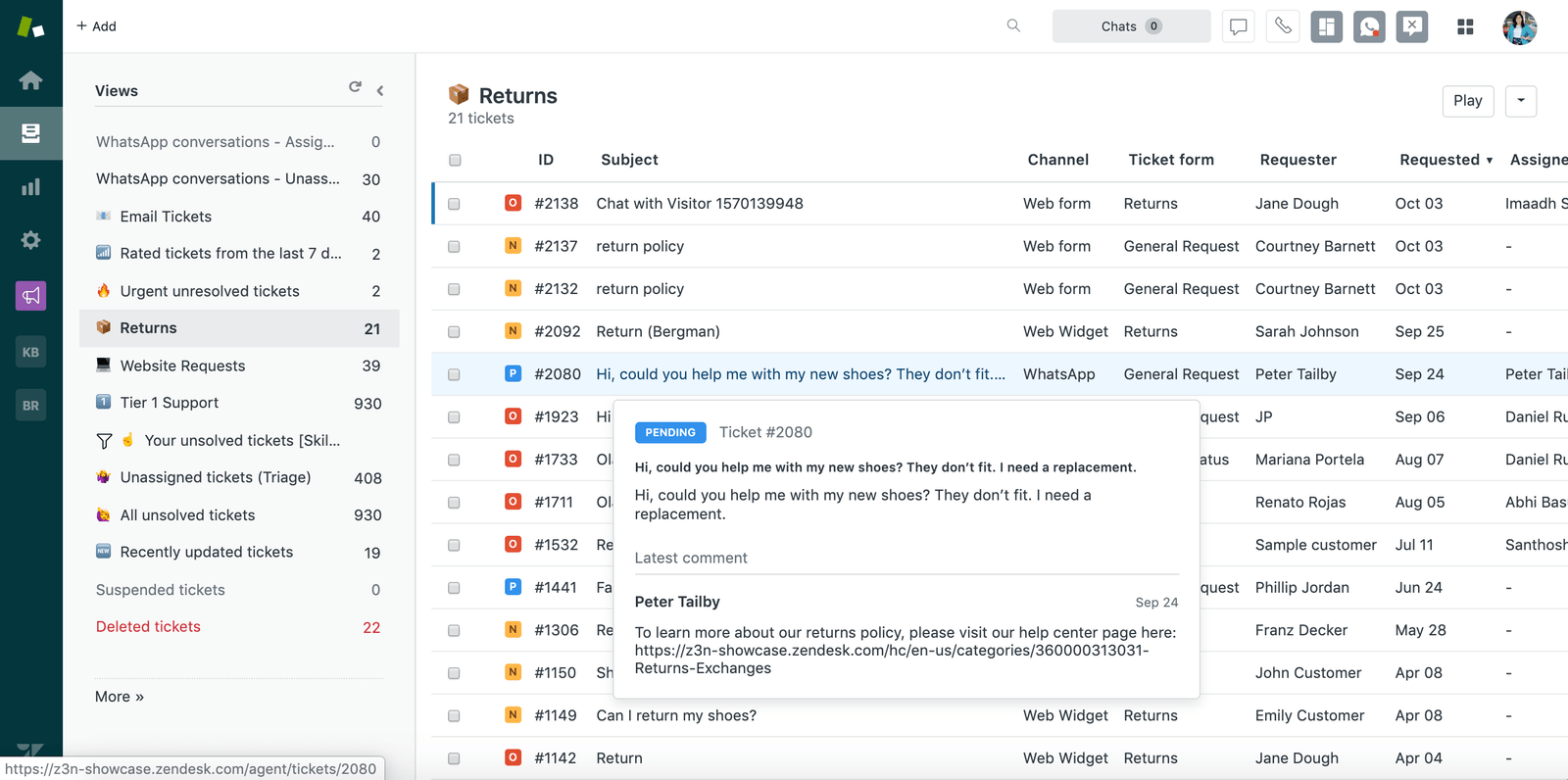
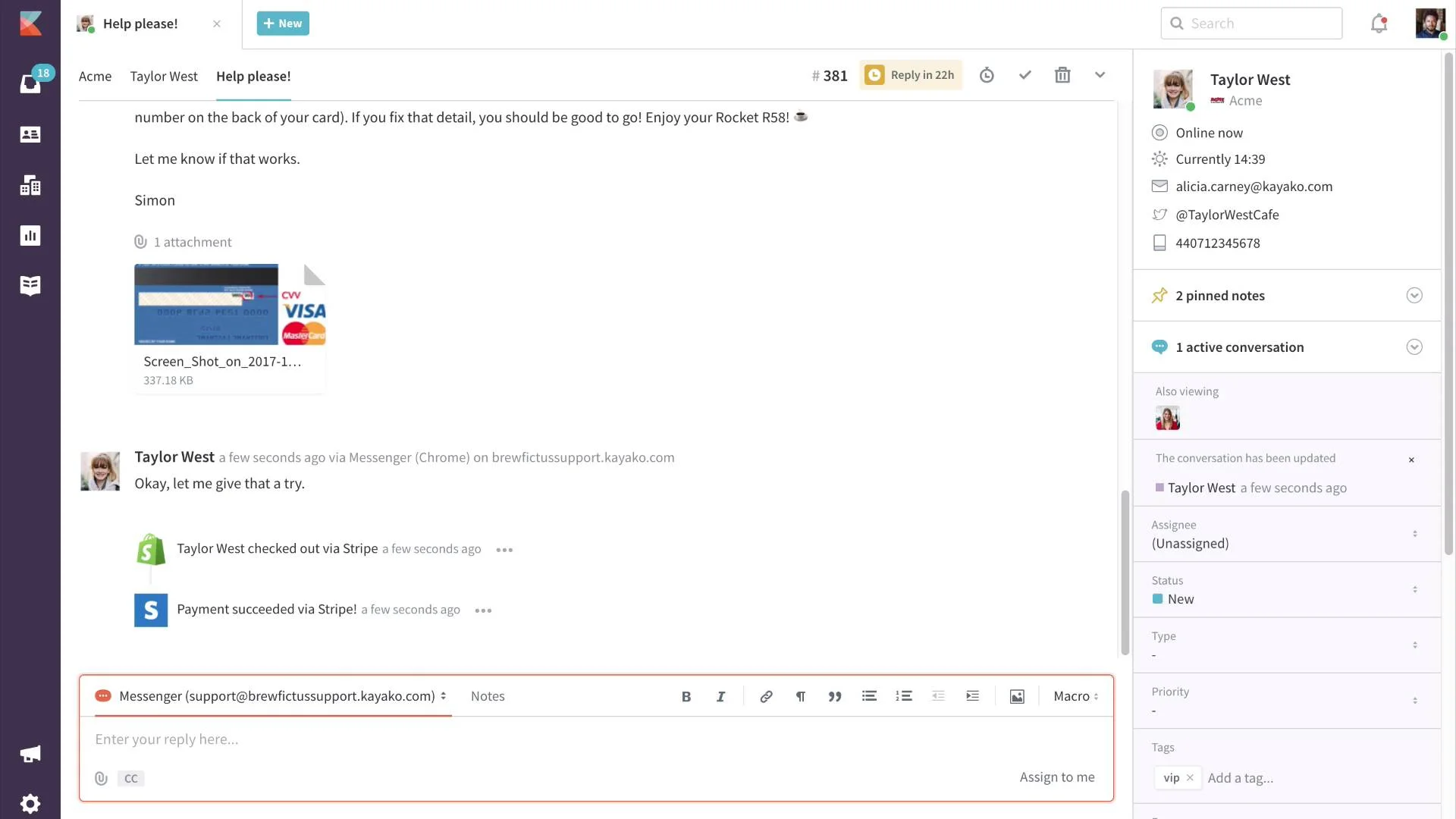
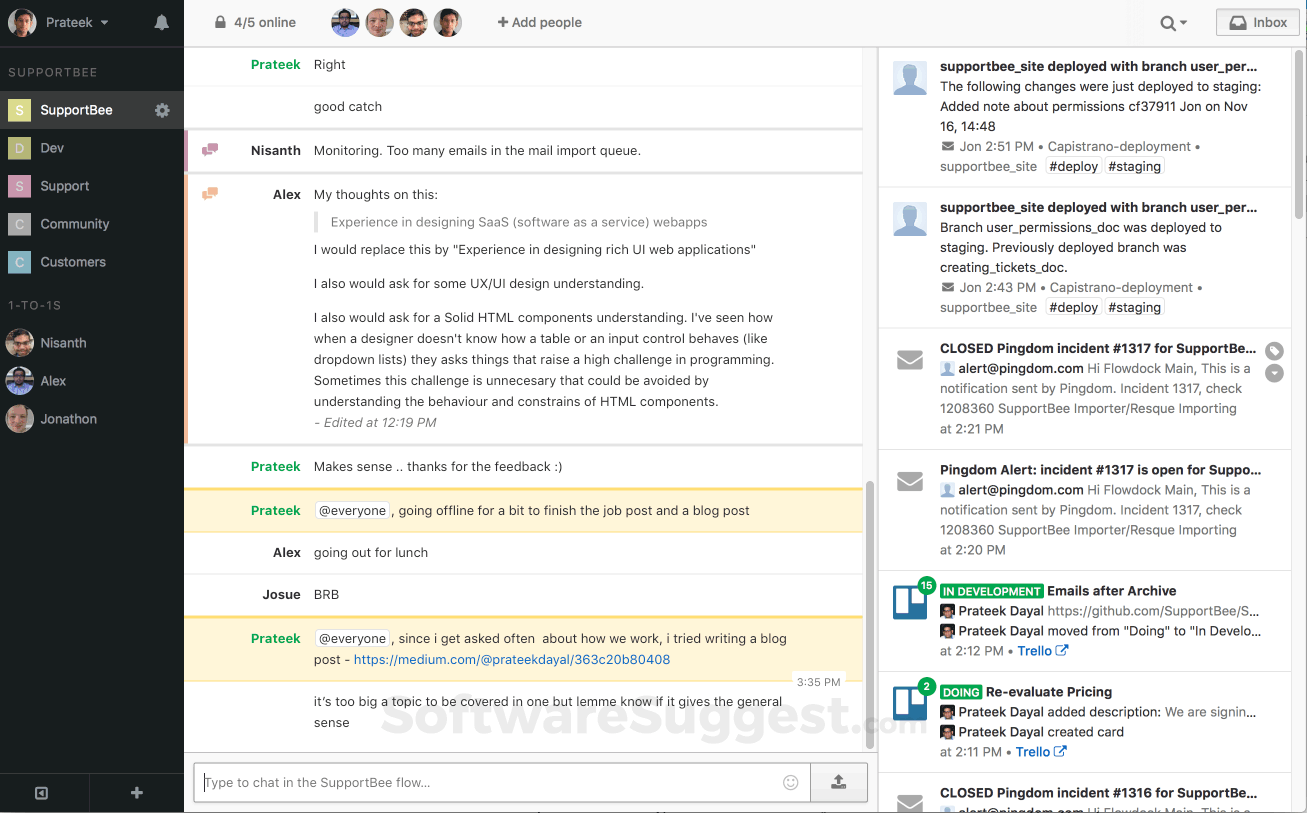
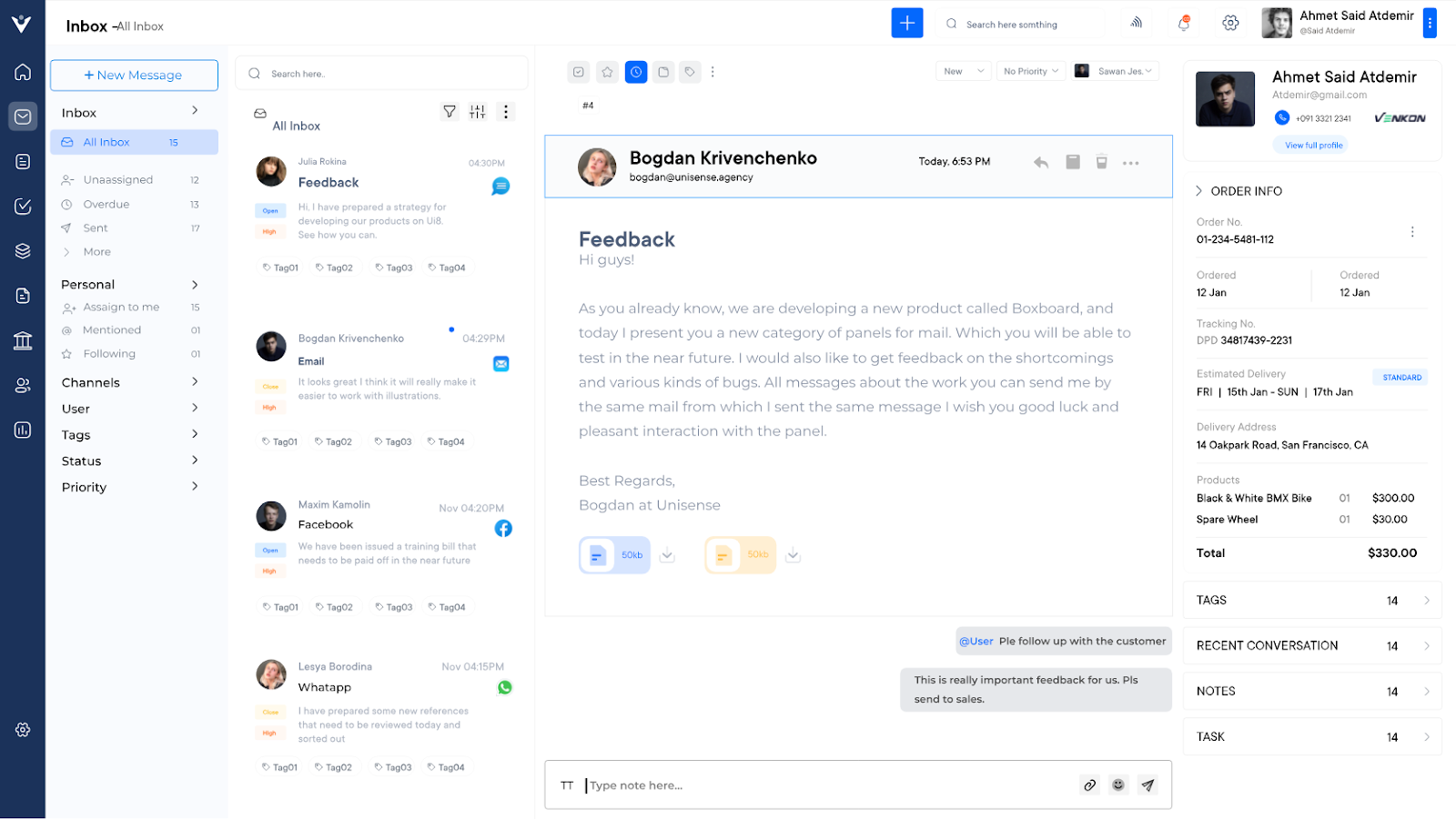
Team Inbox
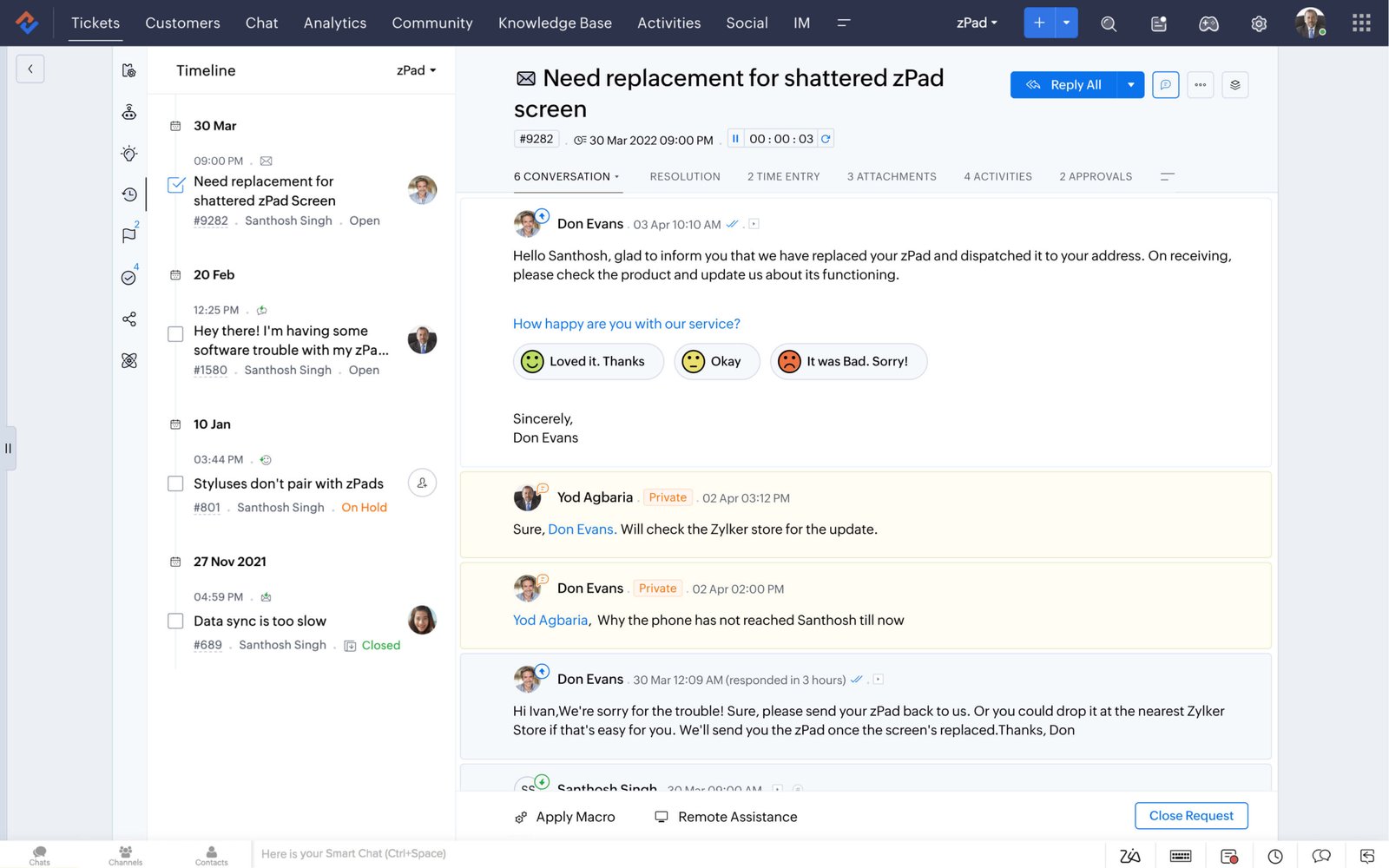
A centralised hub where all customer communications are consolidated, regardless of the channel. The feature enables support agents to collaborate effectively, ensuring no query goes unanswered. It typically includes features such as ticket assignment, internal notes and conversation history, enabling seamless teamwork.
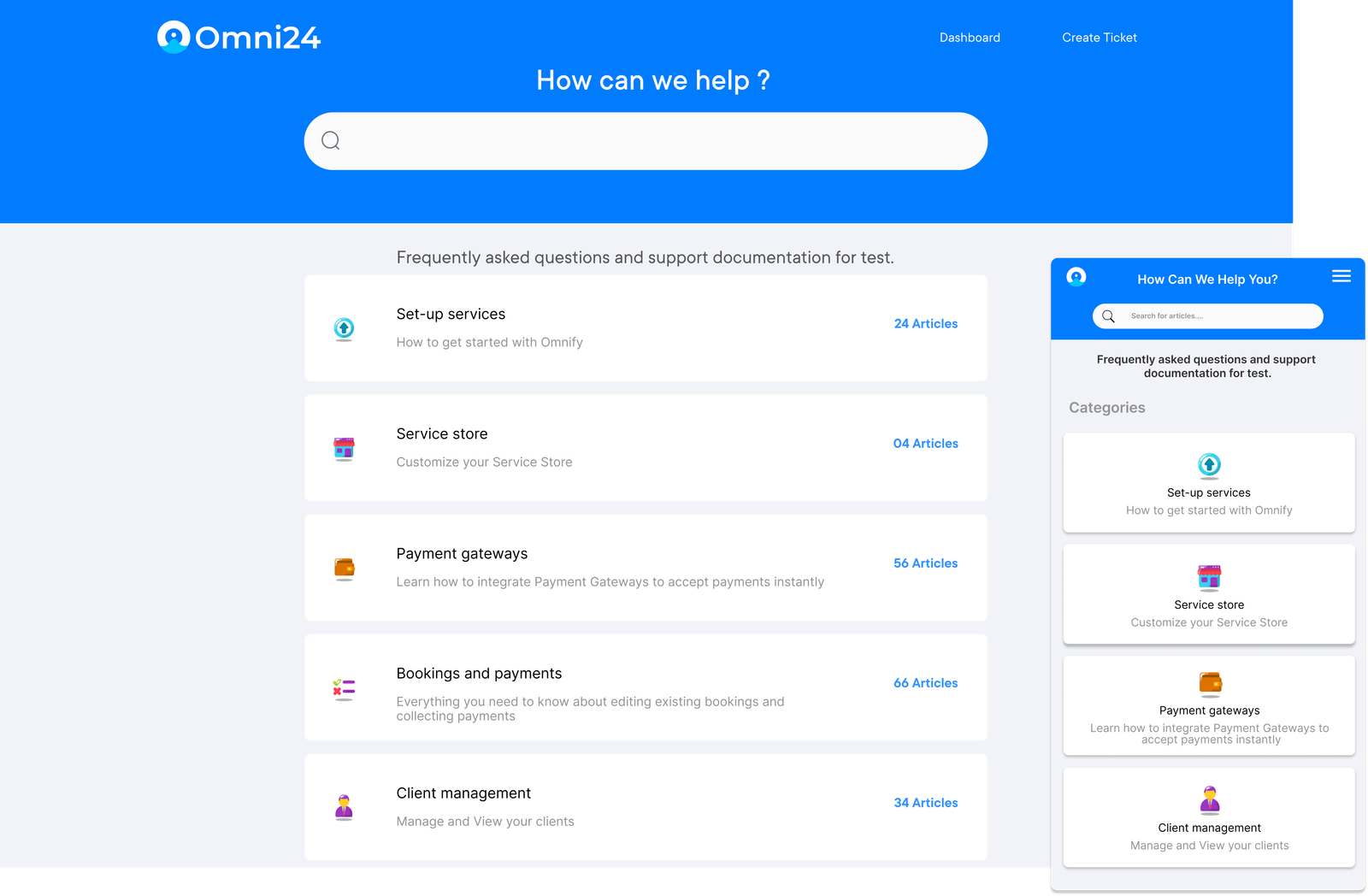
Knowledge Base
A self-service portal containing articles, FAQs and guides that customers can access to find solutions independently. It often includes search functionality, categorization and the ability for agents to easily update content based on common customer queries.
Workflow Automation
Rules-based systems automate repetitive tasks and streamline support processes. It includes automatic ticket routing based on customer attributes for common questions. Automation shortens response times, maintains consistency, enabling agents to handle more complex customer requirements.
Asset Management
The feature enables teams to associate support tickets with specific hardware or software, monitor warranties and keep a detailed inventory. It aids in troubleshooting, reduces resolution times and helps in planning upgrades or replacements.
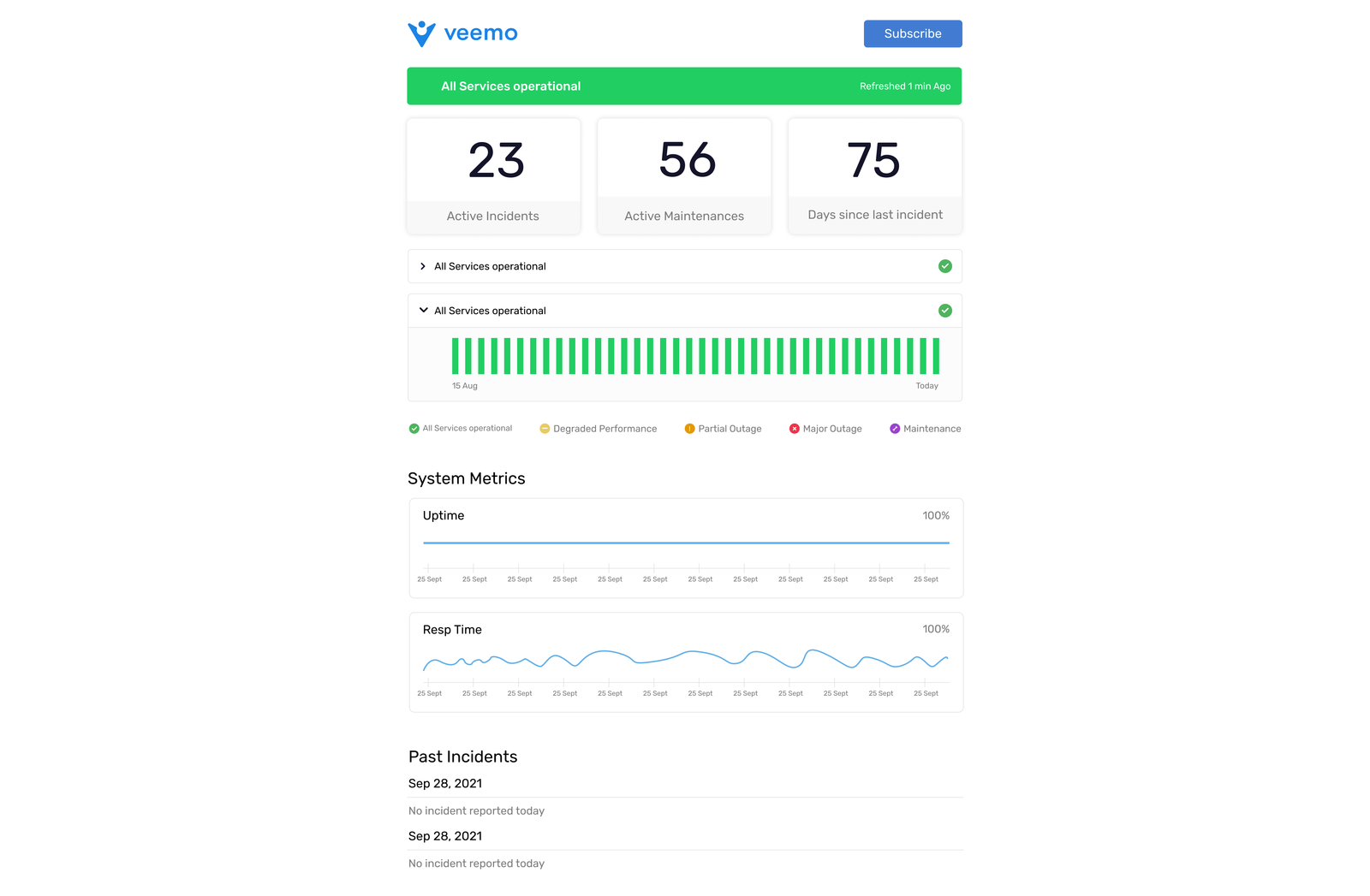
Status Page
A public-facing page that communicates the current status of your services. It provides real-time updates on known issues and service availability. Transparency decreases incoming support tickets during outages and enhances customer trust by keeping them informed.
Task Management
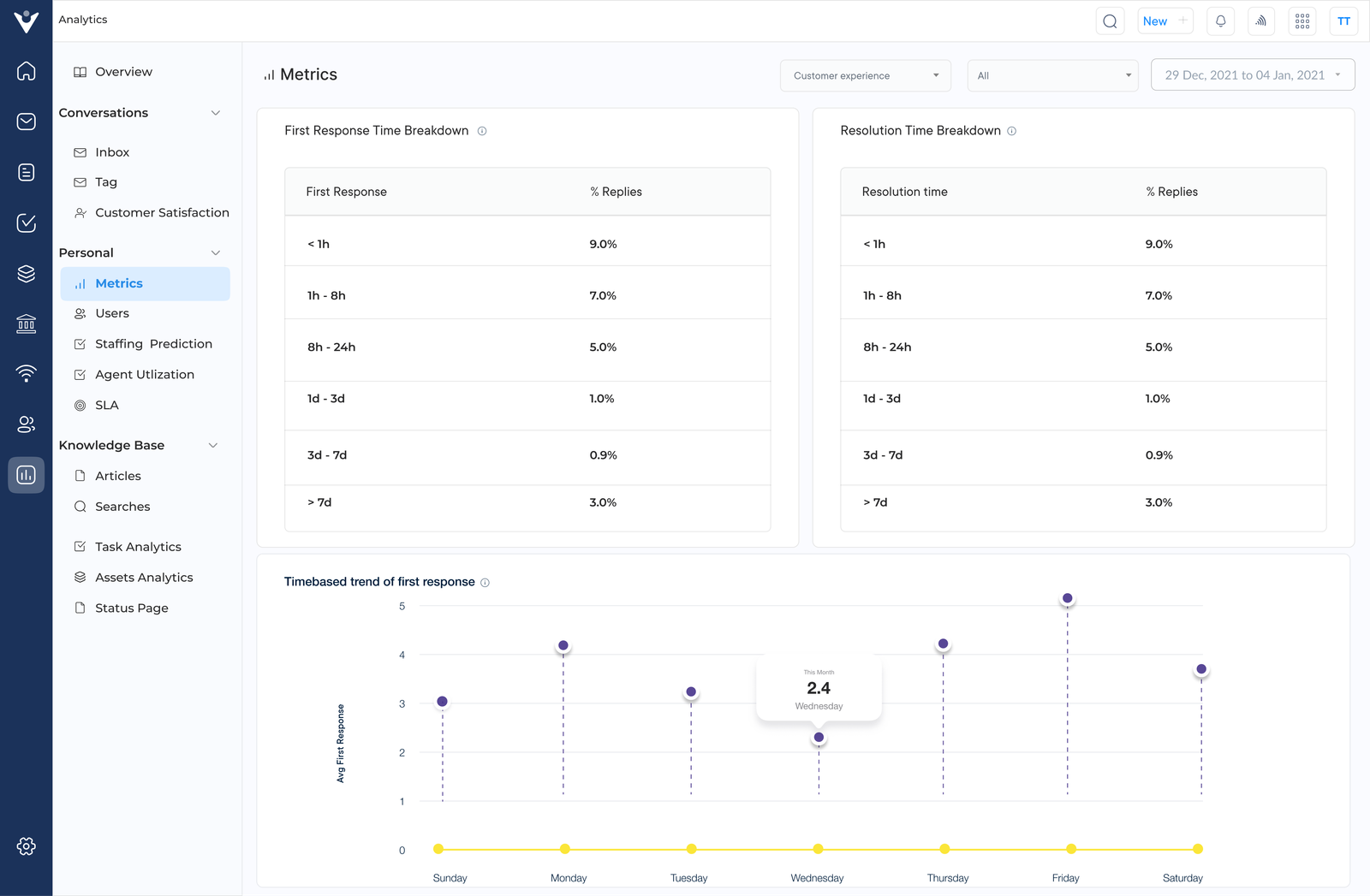
Tools for prioritising support-related tasks beyond ticket handling. The features typically include task assignments, due dates, progress tracking and integration with ticketing systems to facilitate thorough management of customer support.
Pricing: Veemo offers four different plans – The Growth plan consists of 3 inboxes and costs $29. The team plan consists of 10 inboxes and costs $59 while the Enterprise plan is for $129 and consists of unlimited inboxes. Visit Veemo’s pricing page for more details.