Best Knowledge Management System Examples in 2026
Dive into the top knowledge management system examples. Learn about the tools that enhance collaboration, organize information efficiently and empower businesses to improve customer support.

Dive into the top knowledge management system examples. Learn about the tools that enhance collaboration, organize information efficiently and empower businesses to improve customer support.
Teams lose hours every week hunting for information that already exists but feels impossible to find. Important knowledge is lost when employees leave, while new hires are left to ask the same basic questions repeatedly.
Knowledge management systems address this by consolidating scattered information into a single, clear and searchable location. Instead of digging through emails, chats, or old documents, teams get reliable answers when they need them and make better decisions without slowing down.
Below, we will be going through the real knowledge management system examples showing how they simplify daily work and improve customer interactions. Each one highlights a different approach, making it easier to see what fits your business and why it matters.
A knowledge management system refers to a digital hub that collects, organizes and shares an organization’s knowledge in one place. Think of it as your company’s central brain where procedures, solutions and expertise are easy to access. Instead of sifting through files or asking around, employees can quickly find reliable answers.
The systems change the way teams work. Instead of losing time or knowledge, employees gain instant access to structured resources. It means fewer hold times, faster resolutions and more consistent support for customer service teams.
Key objectives:
Let us go through the key benefits of maintaining a knowledge management system and how they improve the way teams access information, share expertise and get work done every day.
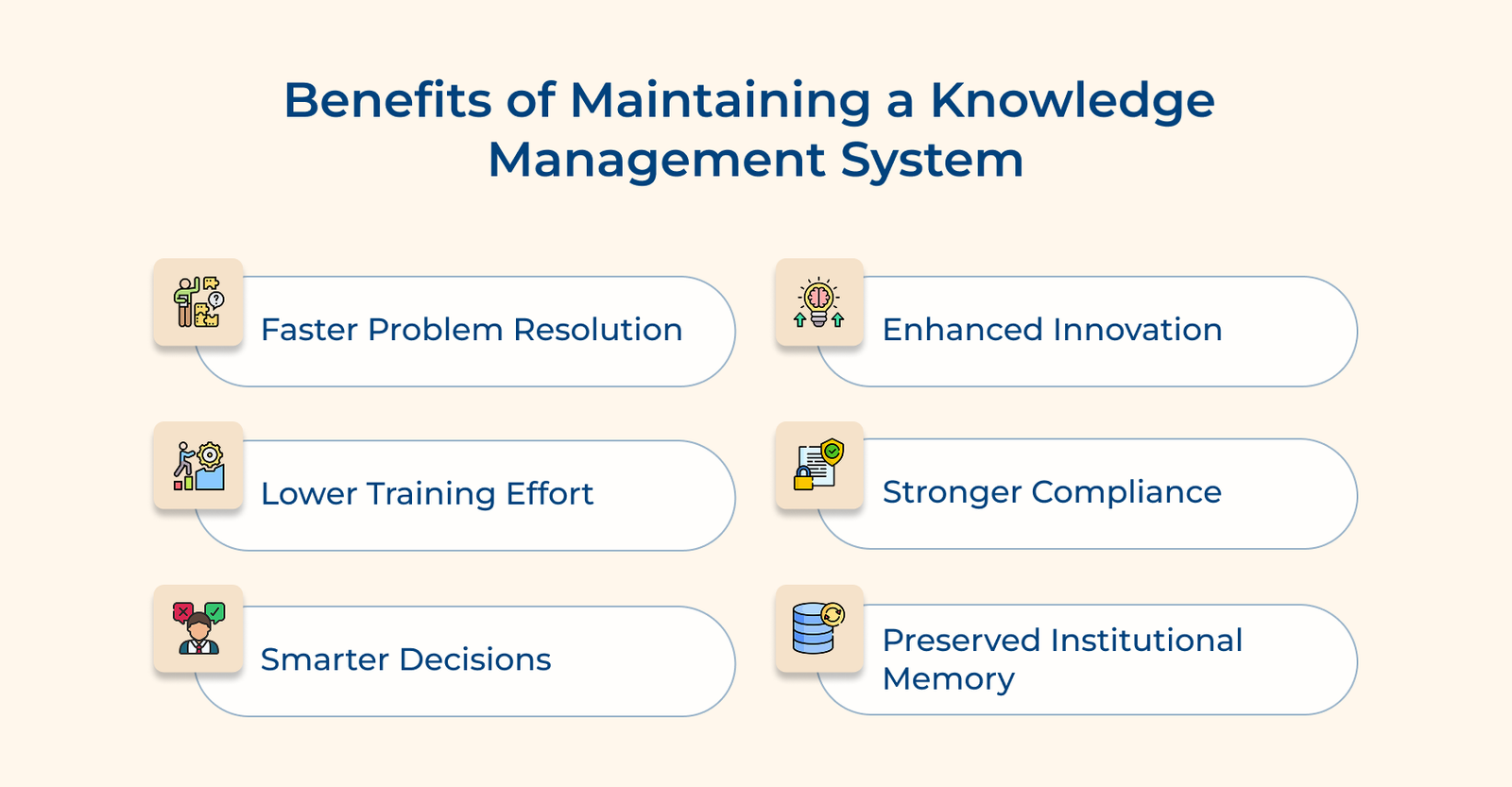
Faster Problem Resolution
Support teams can quickly find proven answers instead of escalating issues or starting from scratch. It shortens response times and gives customers accurate help on the first try.
Lower Training Effort
New hires can look up what they need in a searchable database instead of relying on long one-on-one sessions. It speeds up onboarding and lets experienced staff focus on higher-value work.
Smarter Decisions
Leaders gain access to historical data and documented lessons learned from previous decisions. The context helps avoid repeating costly mistakes and builds on successful strategies that have worked before.
Enhanced Innovation
Teams can easily discover what others have already tried and build upon existing ideas rather than starting from scratch. The cross-pollination of knowledge sparks creative solutions and prevents duplicate research efforts.
Stronger Compliance
Up-to-date policies and procedures are easy to find. It reduces compliance risks and keeps everyone aligned with requirements across departments.
Preserved Institutional Memory
Critical knowledge stays within your organization even when experienced employees retire or change roles. The continuity protects valuable expertise and maintains operational efficiency during workforce transitions.
Below are the main types of knowledge management systems that organizations use to share information.
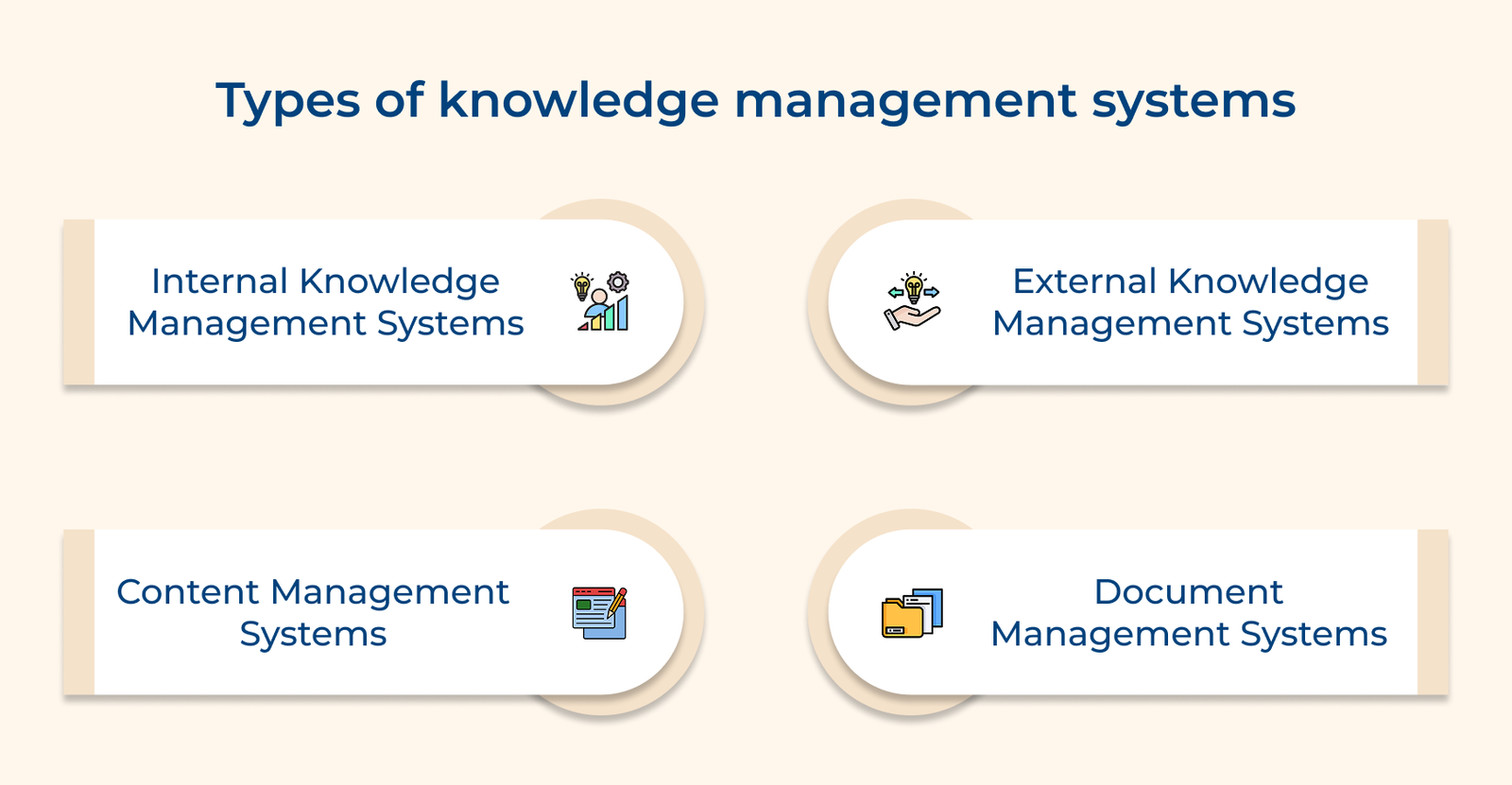
The systems act as an organization’s private knowledge vault, giving employees a space to share expertise and collaborate on solutions. They provide a secure place to document processes, record best practices and preserve valuable knowledge without outside disruption.
Key factors:
Internal systems are especially useful for preserving company-specific knowledge that sets you apart. They enhance collaboration, helping teams build on each other’s work and maintain continuity when staff change roles.
External systems share knowledge with customers, partners and the public through open, easy-to-use platforms. They build trust by giving people clear answers and reduce support workload by enabling self-service.
An external knowledge base also shows your expertise while helping users solve real problems. It creates self-service options that improve customer satisfaction and lets support teams focus on the tougher questions.
Content management systems organize and share information across different channels while keeping it consistent. They handle everything from blog posts to product documentation, with built-in workflows for editing and approval.
Modern content management does more than publish content. They track what content resonates, support team collaboration and keep published material accurate.
Document management systems focus on storing, tracking and controlling access to important files within an organization. They prevent the confusion of multiple versions scattered across inboxes and shared drives.
Key features:
The systems are especially valuable for keeping information current, meeting compliance requirements and managing critical records. They’re essential in industries where accuracy and accountability matter most.
Enterprise knowledge platforms bring together different knowledge management tools into one system that meets a variety of organizational needs. They combine internal collaboration features with external publishing, supported by strong security and workflow controls.
As organizations grow, the platforms scale by adding new functions as needed. They also provide unified search across all knowledge sources, giving both employees and external users a simple way to find information.
Hybrid systems blend different knowledge management approaches to serve both internal teams and external audiences. They allow flexible access controls while keeping search consistent across all content and users.
The systems adapt well to complex organizations by offering tailored interfaces for different groups. Central administration ensures data stays accurate and consistent across the board.
Check out the most effective knowledge management examples that have been implemented across various industries.
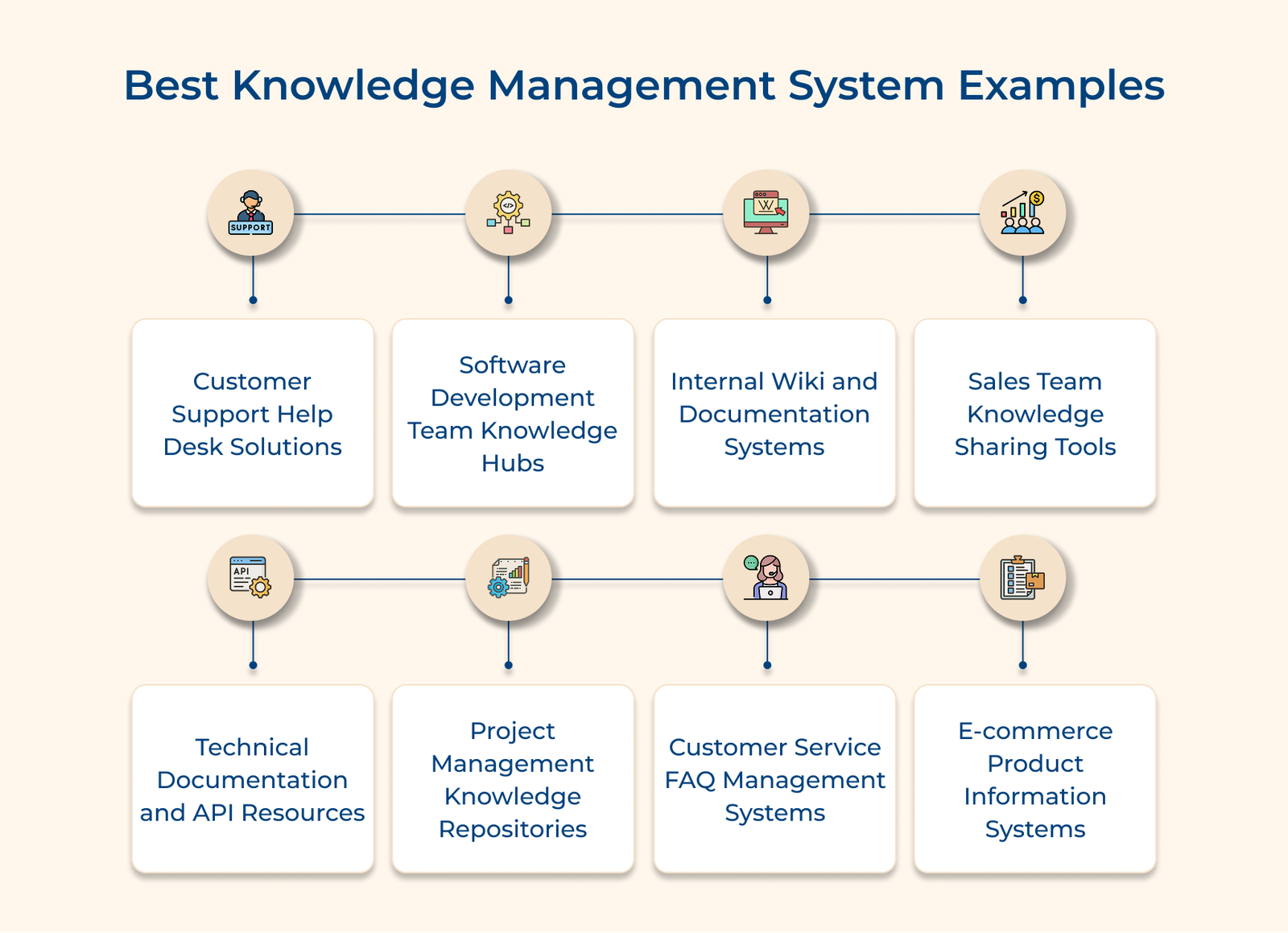
Customer support help desk systems bring all inquiries into one place and give agents quick access to the right information. It cuts down wait times, avoids frustrating transfers and ensures customers get clear answers across every channel.
Key methods:
The integrated systems transform customer support from reactive problem-solving into proactive assistance that anticipates needs. The result is higher customer satisfaction scores and more confident support teams who can focus on complex issues.
Software development knowledge hubs act as central repositories where teams store, share and access coding resources. They prevent knowledge silos and keep technical insights available even when team members move on.
Code repository documentation with examples
Good documentation explains not only what the code does but how to use it effectively. Repositories with practical examples show correct usage patterns and integration methods, helping developers apply code confidently.
Bug tracking with resolution histories
Bug tracking is most useful when it records how past issues were solved. Resolution histories help developers spot similar issues and apply proven fixes quickly.
Standards and guidelines library
Consistent coding needs clear guidelines for formatting, naming and architecture. The libraries help new members follow protocols and maintain code quality.
Internal wikis act as living knowledge bases where employees can add, update and find information in real-time. They break down silos and help teams work effectively by making company knowledge searchable.
Key questions:
The questions reveal knowledge gaps and set clear priorities for addressing workflow challenges. They also reveal potential adoption barriers that need addressing during system deployment and training phases.
Internal wikis work best when they’re part of everyday routines, not a separate task. The best wikis fit into daily workflows and provide immediate value, driving regular use.
Sales knowledge management software brings customer information and proven strategies into one place, helping reps close deals with consistency. The systems remove guesswork by giving instant access to customer preferences and proven approaches.
Key roles:
Technical documentation systems organize code details and examples to help developers integrate APIs or third-party services smoothly. They reduce trial-and-error coding and keep projects moving on schedule by offering clear guidance.
The best documentation goes beyond static text. Interactive code testing shows how APIs work before implementation, speeding up learning and reliability.
Pro tips:
Project repositories capture lessons and best practices to help teams avoid mistakes. They turn individual project experiences into shared knowledge that strengthens future outcomes.
Key applications:
The main hurdle with project repositories is getting teams to document what they’ve learned once a project ends. The best approach is to make it part of the closure process and keep it simple.
Customer service FAQ systems collect common questions into searchable databases so both customers and support agents can find answers quickly. They cut repeat inquiries by enabling self-service and ensuring consistent answers across channels.
The systems organize questions by topic and urgency, offering multiple ways for users to reach the right solution. The best ones adapt over time, learning from search patterns and updating content to reflect new or seasonal issues.
Best practices:
E-commerce product information systems bring all product details into one place, helping shoppers make confident choices. As catalogs grow, these systems ensure buyers have the clarity they need before checkout.
They combine inventory data, specifications and reviews to build product pages that answer questions upfront. Smart features can also suggest alternatives when something is out of stock, keeping the experience smooth.
Key takeaways:
Below are the steps to provide a roadmap for creating a system that gets used and delivers measurable value.
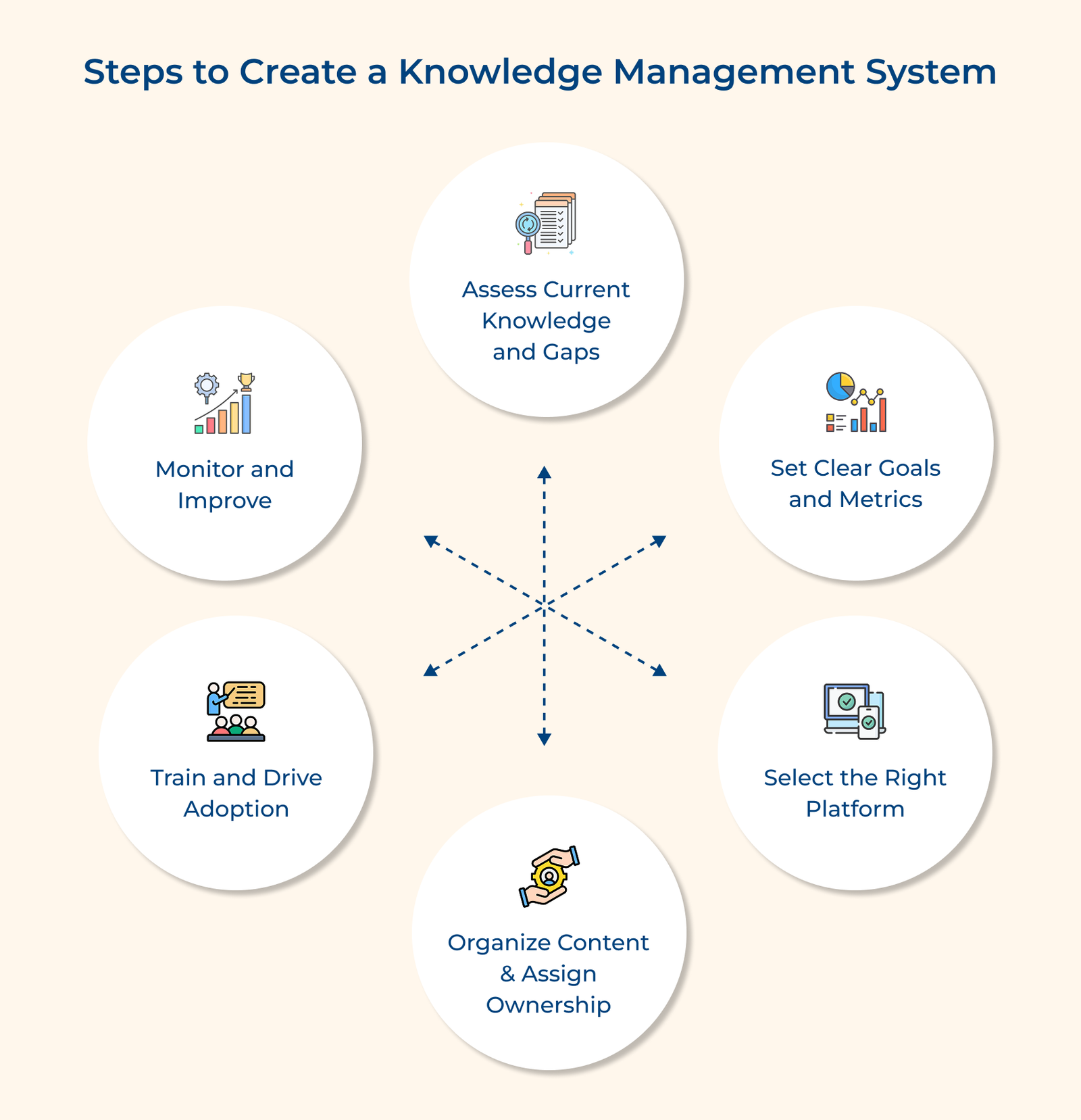
1. Assess Current Knowledge and Gaps
Begin with an audit of existing knowledge. Identify where information lives, be it in files, systems or employees’ heads. Spot gaps that slow down work or cause inefficiencies.
2. Set Clear Goals and Metrics
Define what you want to achieve, such as faster customer response times or smoother onboarding. Attach measurable targets so progress is clear and value can be demonstrated.
3. Select the Right Platform
Choose a system that fits your existing tools and feels easy for employees to use. The best platform is the one people will adopt, not just the one with the most features.
4. Organize Content and Assign Ownership
Create logical categories and standardized formats for organizing information while establishing clear roles for who can create, edit and approve different types of content. The structure prevents your knowledge base from becoming a disorganized collection of outdated or conflicting information, which can frustrate users.
5. Train and Drive Adoption
Show employees how the system makes their daily work easier. Use practical examples for each department so they see immediate value in using it.
6. Monitor and Improve
Track what people search for, which resources get used most and where gaps remain. Use the insights to update and refine content so the system grows with your organization.
Below are the real-world examples that demonstrate how organizations leverage centralized knowledge systems.
Amazon
Amazon relies on advanced knowledge systems to support both customers and employees. Internal wikis outline warehouse procedures, while customer-facing knowledge bases let millions resolve account or product issues on their own.
Agents also have instant access to product details and troubleshooting guides, which shortens response times. Together, the tools keep service consistent across global operations and improve customer satisfaction.
Nike
Nike uses knowledge platforms to share design ideas, materials data and production methods across global teams. Their platforms store material specs and production methods to keep quality consistent across all facilities.
The centralized approach speeds up development by letting teams build on past innovations instead of starting over. Nike maintains brand consistency and quality while enabling collaboration across global teams.
Spotify
Spotify documents its recommendation algorithms and platform architecture in extensive knowledge systems for engineers. The resources include API docs and troubleshooting guides that help developers see how system components interact.
Their knowledge systems speed up feature development and bug fixes by giving developers context on existing code as well as proven solutions. The approach helps Spotify keep the platform stable while steadily improving its streaming technology.
Airbnb
Airbnb uses knowledge systems to help hosts and guests with common booking or property questions. Their internal systems provide guidelines on community standards and safety to help teams manage property disputes.
The dual-purpose system cuts support tickets by enabling self-service and ensuring consistent policy enforcement globally. Airbnb can scale its operations globally while maintaining service quality between hosts and guests through accessible information resources.
Knowledge management systems turn scattered information into clear, usable knowledge that teams can actually rely on. Decision-making becomes faster and more confident because leaders have access to real context, past learnings and proven answers instead of assumptions.
This shift from information overload to organized knowledge changes how organizations think and operate. Teams work with more clarity, problems get solved more quickly, and results improve because decisions are grounded in what the business already knows.

Knowledge management systems include internal platforms for employees. They also include external systems for customer support. Content management systems handle publishing workflows, while document management systems organize files. Hybrid solutions combine multiple approaches into one system.
Popular tools include Confluence for team collaboration. ServiceNow is used for IT management. Zendesk supports customer service operations. SharePoint helps with document sharing. Notion provides a flexible workspace solution. Specialized platforms like Guru focus on sales knowledge capture.
The five core components include content creation tools for capturing knowledge. Organization structures, such as taxonomies, help categorize information. Search functionality allows users to find relevant content quickly. Collaboration features enable teams to share insights. Analytics dashboards measure system usage and effectiveness.
Leading companies like Amazon use knowledge systems for customer service. Microsoft leverages them for product documentation. IBM applies them for consulting expertise. Smaller organizations use platforms like HubSpot or Freshworks to manage customer relationships and internal processes effectively.
Organizations typically see reduced training costs through self-service learning. They also achieve faster problem resolution, which improves customer satisfaction. Duplicate work across departments decreases. Better decision-making comes from accessible historical data. Shared expertise and collaboration lead to enhanced innovation.

Grow Customer Relationships and stronger team collaboration with our range of products across the Conversational Engagement Suite.
Omnichannel Customer Support & Help Desk Software
AI Enabled Business Messaging and Chatbot Software
Sales Engagement & CRM Software
Call Center Software & Virtual Phone System
Product Marketing & Experience Platform
Customer Experience & Feedback Management Software
 Scroll to top