6 Top Chatbot Templates For Businesses in 2026
Learn how different chatbot templates help businesses automate conversations, improve customer support and capture leads. It streamlines communication across sales, marketing and service channels.
Learn how different chatbot templates help businesses automate conversations, improve customer support and capture leads. It streamlines communication across sales, marketing and service channels.
Customer support teams still spend hours answering the same repetitive questions while customers expect fast replies at any time of day. That operational gap is exactly where chatbot templates solve a real problem.
More than 85% of customers interacted with a chatbot at least once during the past year. Customer expectations around instant responses continue to grow and businesses that use structured chatbot workflows are handling significantly higher conversation volumes without increasing team workload.
Below we’ve covered the most important templates that help businesses improve response times, capture leads more efficiently, answer common support questions and create smoother customer interactions across key touchpoints.
Chatbot templates refer to pre-built conversation frameworks that help businesses create automated customer interactions without starting from scratch every time. It includes ready-made conversation flows, response structures, routing paths and common support scenarios based on real customer questions.
A chatbot template works by turning common customer questions into structured conversation paths that guide users toward answers or actions. The template predicts likely customer responses and maps out what the chatbot should say or do next at each step of the interaction.
Most chatbot templates already include conversation triggers, automated replies, fallback responses and escalation paths for transferring conversations to human agents when needed. Teams still need to customize the template with their own business information, support policies and communication style before deploying it live.
Key objectives:
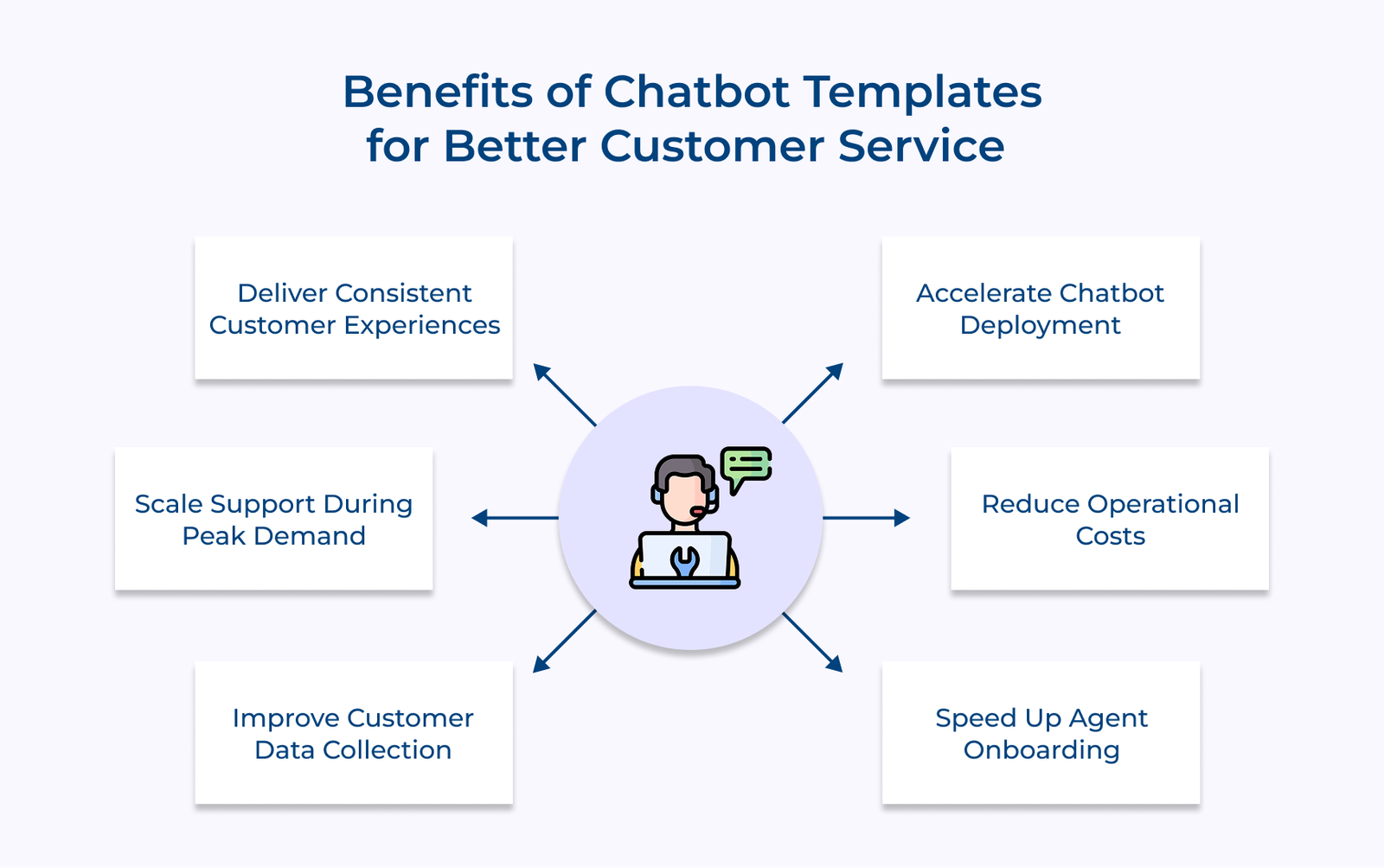
Let’s go through the key benefits of chatbot templates and how they help businesses create more consistent customer service experiences.
1. Faster Deployment Without Starting from Scratch
Building chatbot flows manually takes significant time because teams need to map conversations, test responses and fix gaps before launch. Chatbot templates reduce that workload by providing a ready-made conversation structure that businesses can customize and deploy much faster.
2. Consistent Customer Experience Across Every Touchpoint
Inconsistent responses are one of the biggest trust-killers in customer support. The templates ensure your bot delivers the same accurate answer whether a customer reaches out at 2 PM or 2 AM.
3. Lower Operational Costs Without Compromising Quality
Growing ticket volumes often push businesses toward hiring additional support agents just to keep up with demand. Chatbot templates help manage repetitive customer questions automatically so support teams can handle larger conversation volumes without significantly increasing operational costs.
4. Faster Agent Onboarding and Training
New agents struggle most when they don’t know how to handle edge cases or escalations. Well-structured chatbot templates act as a live training reference that shows exactly how conversations should flow.
5. Better Data Collection for Smarter Business Decisions
Customer conversations contain valuable information about recurring problems, product confusion and support gaps. Chatbot templates help businesses collect the information in a more organized and structured format so teams can identify patterns more easily.
6. Scalability During Peak Demand Without Operational Chaos
During sales seasons or product launches, your ticket volume can spike by 3x overnight. Chatbot templates handle that surge without requiring emergency hiring or compromising your response time standards.
The following are the types of chatbot templates that actually move the needle on customer experience.
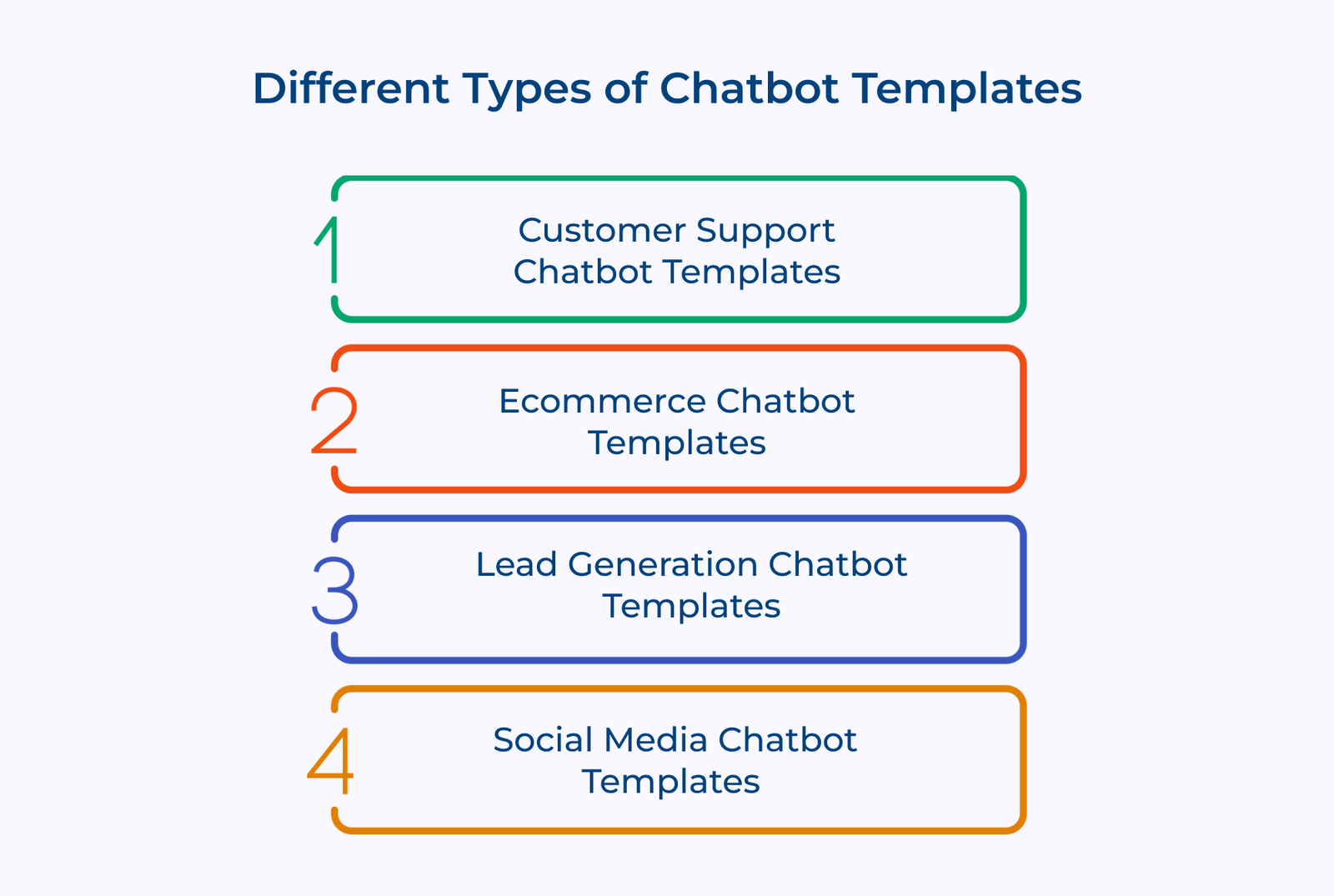
Customer support chatbot templates are designed to handle common customer problems before they need human intervention. The templates usually include ready-made workflows for refund requests, account issues and troubleshooting flows.
Key questions:
Well-structured customer support templates also include fallback responses, escalation paths and clear routing logic. They help conversations move forward smoothly instead of trapping customers inside repetitive loops.
Ecommerce chatbot templates are built around the customer buying journey from product discovery to post-purchase support. The templates help businesses manage product recommendations, order tracking, shipping updates, abandoned cart reminders and common purchase questions inside one conversation flow.
The templates include order tracking flows, product recommendation logic and cart abandonment recovery sequences that directly impact revenue. The best ecommerce templates treat every conversation as a sales opportunity without being pushy about it.
Lead generation chatbot templates help businesses qualify website visitors through interactive conversations instead of static forms. The templates collect customer information, identify buying intent, answer early questions and route qualified leads directly to sales teams.
Key questions:
A lead generation bot converts better than a landing page form in most cases because it responds instantly and keeps prospects engaged instead of making them wait for a follow-up email. A strong lead generation template routes hot leads directly to your sales pipeline without any manual sorting.
Social media chatbot templates are designed for fast-paced customer interactions across platforms like Instagram or Facebook; expect a response in minutes, not hours. The templates handle comment replies, DM flows and story interactions from a single pre-built framework.
Key questions:
Well-designed social media templates help businesses maintain fast response times during high interaction periods. They also keep conversations feeling natural, conversational and aligned with the brand personality customers already recognize.
Below are the top chatbot templates businesses can use to automate customer conversations and create smoother support experiences.
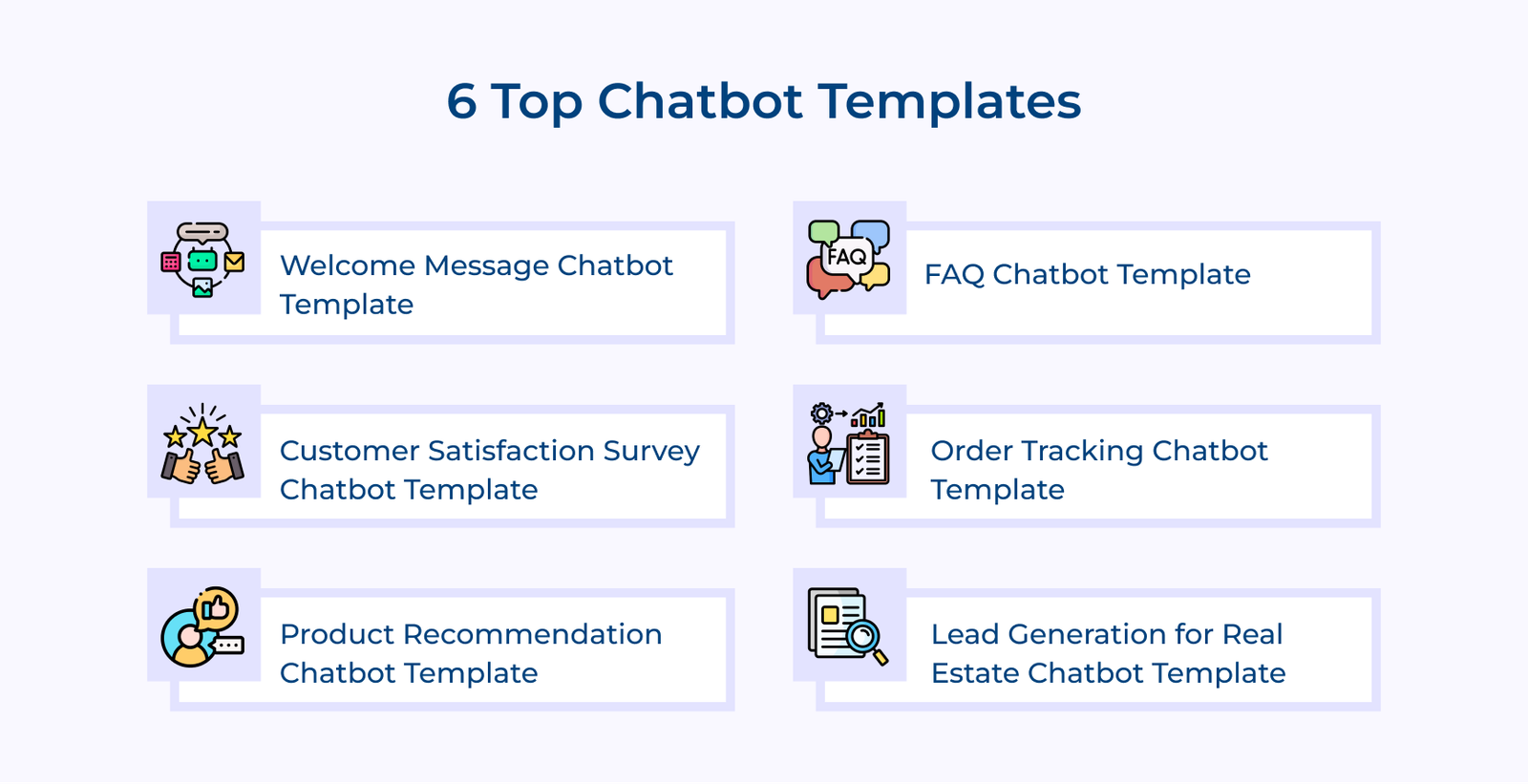
Welcome message chatbot templates act as the first point of interaction between your business and a website visitor. The template introduces the conversation, guides visitors toward the right action and helps reduce the chances of users leaving the site without engaging.
Key ways:
A strong welcome template does far more than display a generic greeting message. It identifies customer intent early and guides visitors toward the most relevant conversation path based on what they are trying to accomplish.
Type: Engagement Template
Best for: Websites with high traffic but low conversion rates
Common messages:
FAQ chatbot templates are designed to handle repetitive customer questions automatically before they reach a support agent. The templates act as the first support layer for common issues like return policies, account access, payment questions, delivery timelines and troubleshooting requests.
Many FAQ bots still fail because the responses sound generic and disconnected from how customers actually communicate. Strong FAQ templates are built using real customer conversations, support tickets and frequently searched questions so the bot understands the language customers naturally use.
Key template:
That final confirmation step, asking if the issue was solved, plays a major role in improving customer experience. Customers feel supported when the chatbot checks resolution instead of simply displaying information and ending the conversation.
Type: Self-Service Support Template
Best For: Businesses handling large volumes of repetitive support questions across industries like ecommerce, banking, telecom and SaaS
Common messages:
Traditional email surveys get ignored because they feel like homework. A survey chatbot template collects feedback inside the conversation immediately after the interaction ends. The template captures sentiment while the experience is still fresh in the customer’s mind.
Key questions:
Conversational surveys usually generate stronger response rates because customers can answer quickly without leaving the chat window or opening another email. Well-designed survey chatbot templates keep the process simple with short rating scales and minimal follow-up questions that take less than a minute to complete.
Strong survey templates also pay close attention to negative feedback instead of only collecting ratings. A follow-up question asking why the experience was poor often provides the most valuable insights for improving customer support and operational processes.
Key messages:
Order tracking chatbot templates are designed to handle one of the most common customer support questions in ecommerce which is checking delivery status. The templates connect directly with order management and shipping systems to provide real-time shipment updates without requiring support agent involvement.
Customers usually become frustrated when they cannot see what is happening with their order. Clear delivery visibility matters far more than perfect delivery speed in many situations. Customers are generally comfortable waiting when updates remain transparent and consistent throughout the shipping process.
Key ways:
Many basic tracking bots can only handle standard delivery updates and fail when unexpected situations appear. Well-designed order tracking chatbot templates handle both normal tracking requests and delivery exceptions smoothly without creating additional customer frustration.
Type: Transactional Self-Service Template
Best for: E-commerce brands, logistics companies and businesses shipping physical products at scale
Product recommendation chatbot templates work like experienced in-store sales associates who guide customers toward the right product through conversation instead of leaving them to browse endlessly. Strong recommendation templates focus on understanding customer needs first before suggesting any product.
Pro tips:
Many businesses mistake recommendation bots for advanced search filters, but the two work very differently. Search filters only display matching keywords, while recommendation templates understand context and guide customers through a more consultative buying experience.
The best recommendation templates handle objections. When a customer says “this is too expensive,” the bot explains the value difference clearly. That objection-handling capability is what turns a recommendation bot into a genuine revenue driver.
Common messages:
Real estate chatbot templates are designed to engage property buyers, renters and investors the moment they land on a website or listing page. The templates qualify leads in real time by collecting important details like budget, location preference, property interest and purchase timeline before an agent even joins the conversation.
Most real estate websites lose 80% of visitors without capturing a single lead. The static contact forms feel like a commitment; a chatbot template lowers that barrier by starting a simple, helpful conversation. It feels like getting assistance rather than filling out paperwork, which dramatically improves capture rates.
Key template:
That segmentation logic built into the template is what turns a basic lead list into a sales-ready pipeline. Someone buying in 30 days needs a completely different follow-up than someone casually browsing listings.
Type: Lead Qualification and Capture Template
Best for: Real estate agencies, property developers and rental platforms with high website traffic.
Common messages:
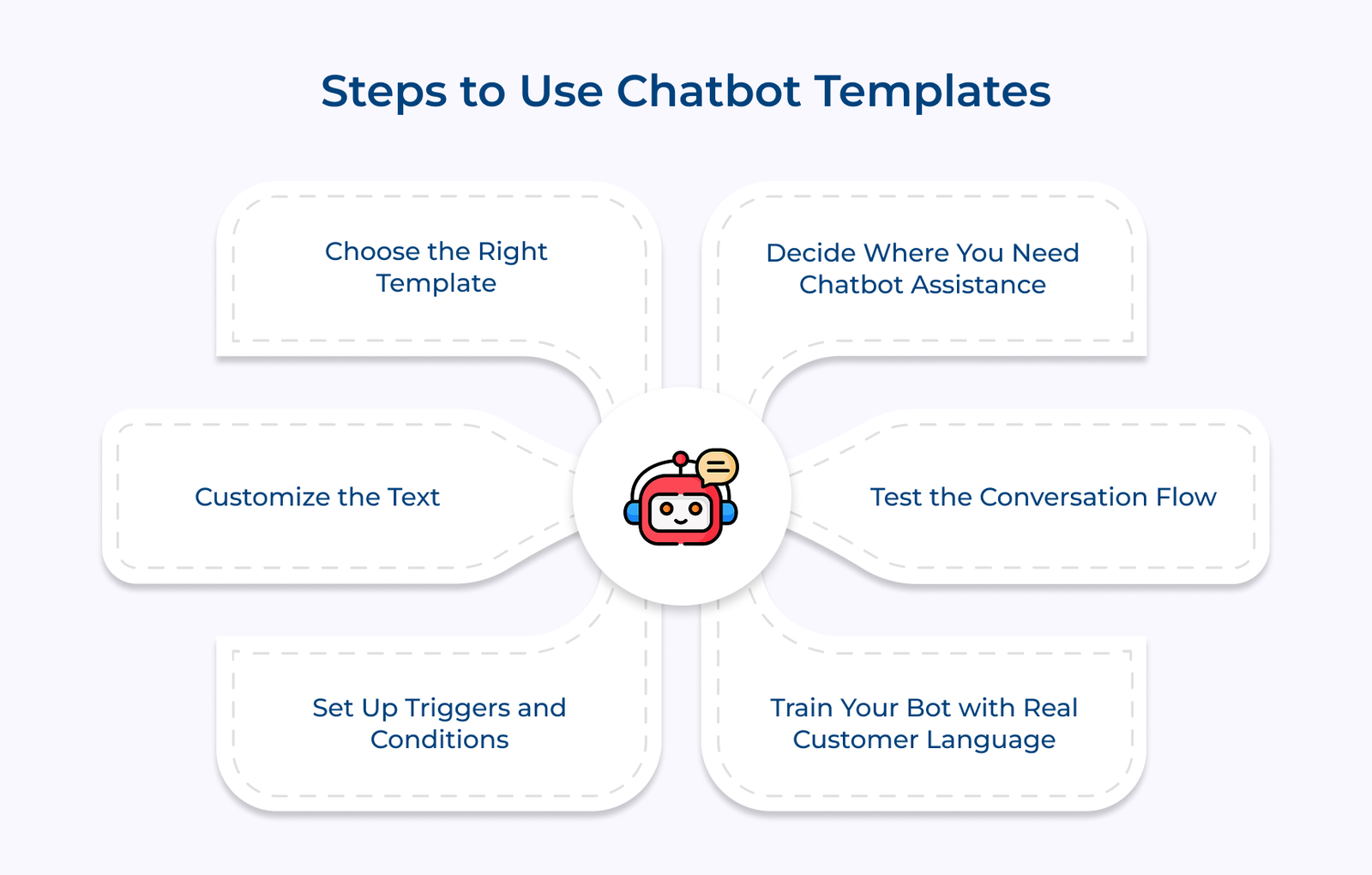
Check out the simple steps that help businesses set up AI chatbot templates faster and create smoother automated conversations.
Decide Where You Need Chatbot Assistance
Before using chatbot templates, identify the points where customers are waiting too long for replies or leaving without taking action. Review support tickets, live chat logs and high-traffic pages to understand where conversations break down most often.
The goal is not to automate every interaction immediately. Focus on a few high-impact areas where templates can reduce response delays, answer repetitive questions or improve lead capture quickly. Starting small usually delivers better results than launching automation across every channel at once.
Choose the Right Template
Choosing the right chatbot templates matters because each template is designed for a very specific type of conversation. A lead generation bot placed inside a support workflow creates friction, while a simple FAQ template on a product page may fail to guide customers toward a purchase.
Match the template to the actual purpose of the page or interaction. Support pages work best with customer service templates, while product or pricing pages often benefit more from recommendation or sales-focused templates.
Customize the Text
Most chatbot templates come with generic placeholder responses that sound robotic and disconnected from real customer conversations. Adjusting the wording to match your actual brand voice makes the interaction feel far more natural and engaging.
Customizing templates does not mean rewriting every message completely. Focus on replacing stiff generic phrases with the same conversational language your support or sales team already uses daily. Pay close attention to greeting messages, fallback replies and escalation prompts because these shape the overall customer experience most strongly.
Set Up Triggers and Conditions
Triggers determine when and where your chatbot enters a conversation and getting it wrong means your bot appears either too early or too late. A bot that pops up the moment someone lands on a page feels intrusive, while one that waits too long misses the opportunity entirely.
Strong trigger conditions are based on real customer behavior signals. A chatbot might appear after someone spends time on a pricing page, clicks a support article repeatedly or attempts to leave a checkout page. The conditions help the chatbot engage customers at the right moment instead of interrupting them randomly.
Test the Conversation Flow
Testing is one of the most important steps when launching chatbot templates, yet many businesses rush through it too quickly. Go through the full conversation flow yourself and test different customer scenarios, including unclear questions, incomplete replies and unexpected inputs.
Key takeaways:
Train Your Bot with Real Customer Language
Most chatbot templates start with clean, structured language, but real customers rarely type perfect sentences. Customers use shortcuts, spelling mistakes, slang and incomplete questions during conversations, which means your AI chatbot needs to understand the patterns naturally.
Training templates usually involves feeding the system with real customer phrases taken directly from support chats, emails and previous conversations. Using actual customer language improves intent recognition significantly and helps the chatbot respond more accurately during live interactions.
Chatbot templates give businesses a faster and more practical way to improve customer conversations without building every workflow from the ground up. A well-designed template placed at the right stage of the customer journey can reduce response delays, improve support consistency and help teams manage growing conversation volumes more efficiently.
Key takeaways:

Bot templates save businesses from building chatbot conversations from scratch every time a new workflow is needed. They provide a ready-made structure that teams can customize quickly and launch much faster than creating an entire chatbot flow manually.
Start by identifying the touchpoint where automation creates the most value, then pick a template that matches that specific use case. Customize the language, set the triggers, test the flow and deploy it directly into your existing support or sales channel.
The right chatbot template depends on the specific task you want the bot to handle, such as customer support, lead generation, feedback collection or product recommendations. Focus on the stage of the customer journey where your team currently spends the most time handling repetitive conversations manually.
Most chatbot templates are fully customizable, including the conversation flow, response wording, escalation paths and branding elements. The template provides the structure while your business adapts the experience to match your actual customer conversations and communication style.
Most modern AI chatbot templates are built to integrate directly with CRMs, helpdesk platforms and e-commerce systems without requiring heavy development work. The integration connects your bot to live customer data so responses are accurate and contextually relevant every single time.

Grow Customer Relationships and stronger team collaboration with our range of products across the Conversational Engagement Suite.
Omnichannel Customer Support & Help Desk Software
AI Enabled Business Messaging and Chatbot Software
Sales Engagement & CRM Software
Call Center Software & Virtual Phone System
Product Marketing & Experience Platform
Customer Experience & Feedback Management Software

 Conversation Analytics: Benefits, Strategies & Challenges
Scroll to top
Conversation Analytics: Benefits, Strategies & Challenges
Scroll to top