Knowledge Base SEO Guide: Types, Best Practices & More
Explain how to optimize your knowledge base SEO, covering keyword use, structure and user experience. It boosts search visibility and helps customers find answers faster.

Explain how to optimize your knowledge base SEO, covering keyword use, structure and user experience. It boosts search visibility and helps customers find answers faster.
Most businesses deal with overflowing support tickets while customers grow impatient waiting for answers to basic questions that could be solved in seconds. Helpful content already exists, but it stays invisible to search engines, so people searching for solutions never find it.
Each unanswered question quietly chips away at trust. Support teams spend hours replying to the same issues again and again, time that could be used on real problems. Customers leave when quick help feels hard to find and that frustration often turns into churn as well as poor reviews.
A knowledge base SEO friendly changes how support content works. It puts clear answers in front of people exactly when they search for them. Let’s dive in to learn more about it!
Knowledge base SEO can be defined as the process of making your help articles and documentation easy to find through search engines when people are looking for answers online. Rather than staying hidden in your support portal, your content can appear in search results, helping customers solve problems.
Search engines treat your help pages like any other web content, so with the right structure and keywords, your articles can rank for the exact questions people are asking. It means someone searching for a solution you provide could discover your article and already trust your brand before they’ve even considered buying.
Key principles:
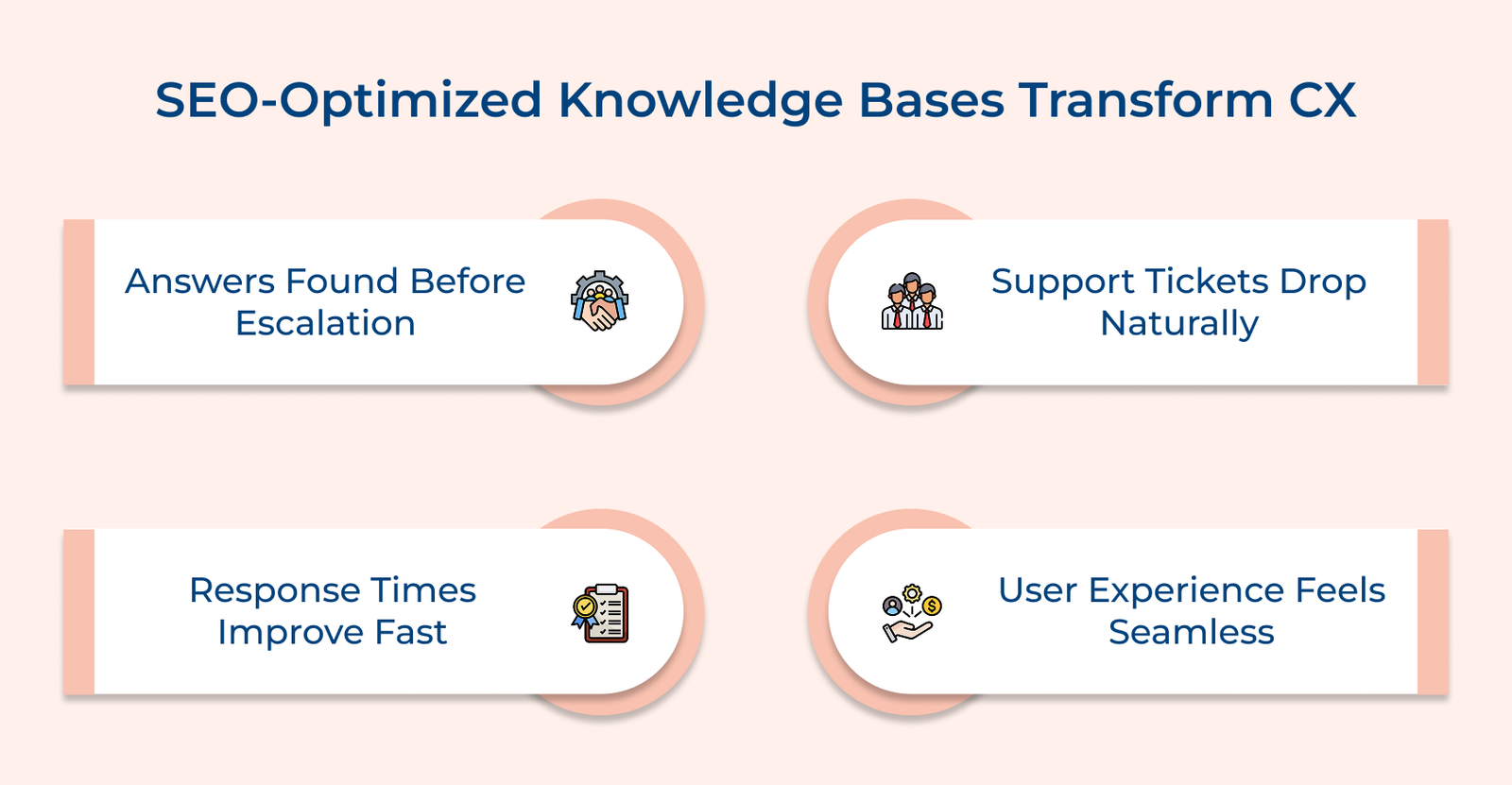
Check out the ways an SEO-optimized knowledge base article makes problem-solving into a smoother, more satisfying customer experience.
Key questions:
Adding FAQ and How To schema markup helps search engines understand your content better. Rich snippets start showing up in search results, giving people clear answers at a glance. Seeing useful information right away builds confidence and makes your page feel more reliable than the others.
Well-optimized articles intercept common questions before they reach your support team by appearing exactly when customers search for help. Your agents can focus on complex issues while routine questions get resolved through self-service discovery.
Customers no longer wait for email replies or queue in chat systems because they find immediate answers through organic search. The instant gratification creates positive associations with your brand and reduces the anxiety that comes with unresolved problems.
Regularly audit your knowledge base for broken links, duplicate content and crawling errors that hurt search performance. Technical problems create friction that prevents both search engines and customers from accessing your helpful content effectively.
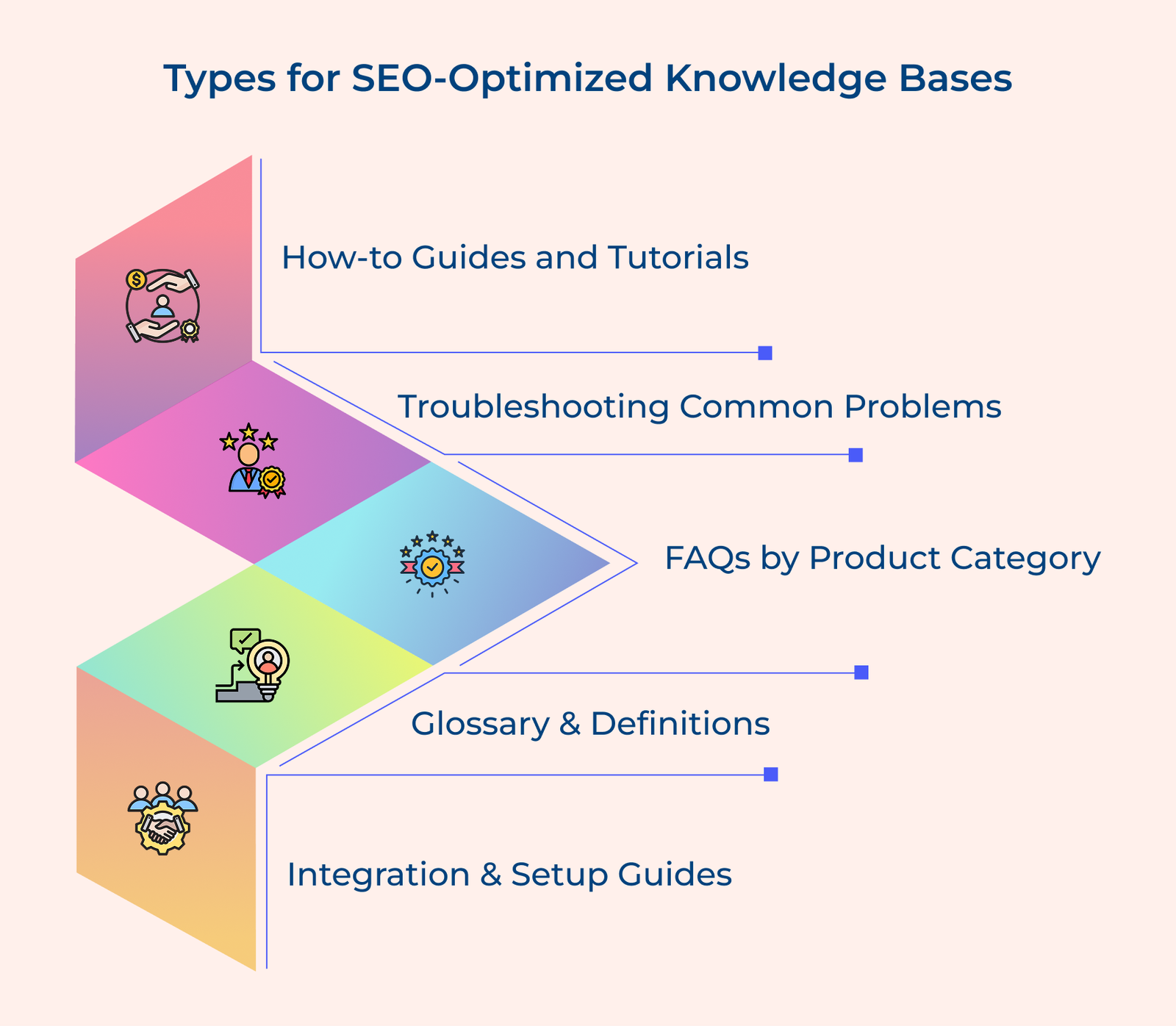
The following are the essential content types for SEO-optimized knowledge bases. Let’s check them out in more detail.
Check out how to transform your knowledge base into a powerful, search-optimized tool that maximizes visibility and accessibility.
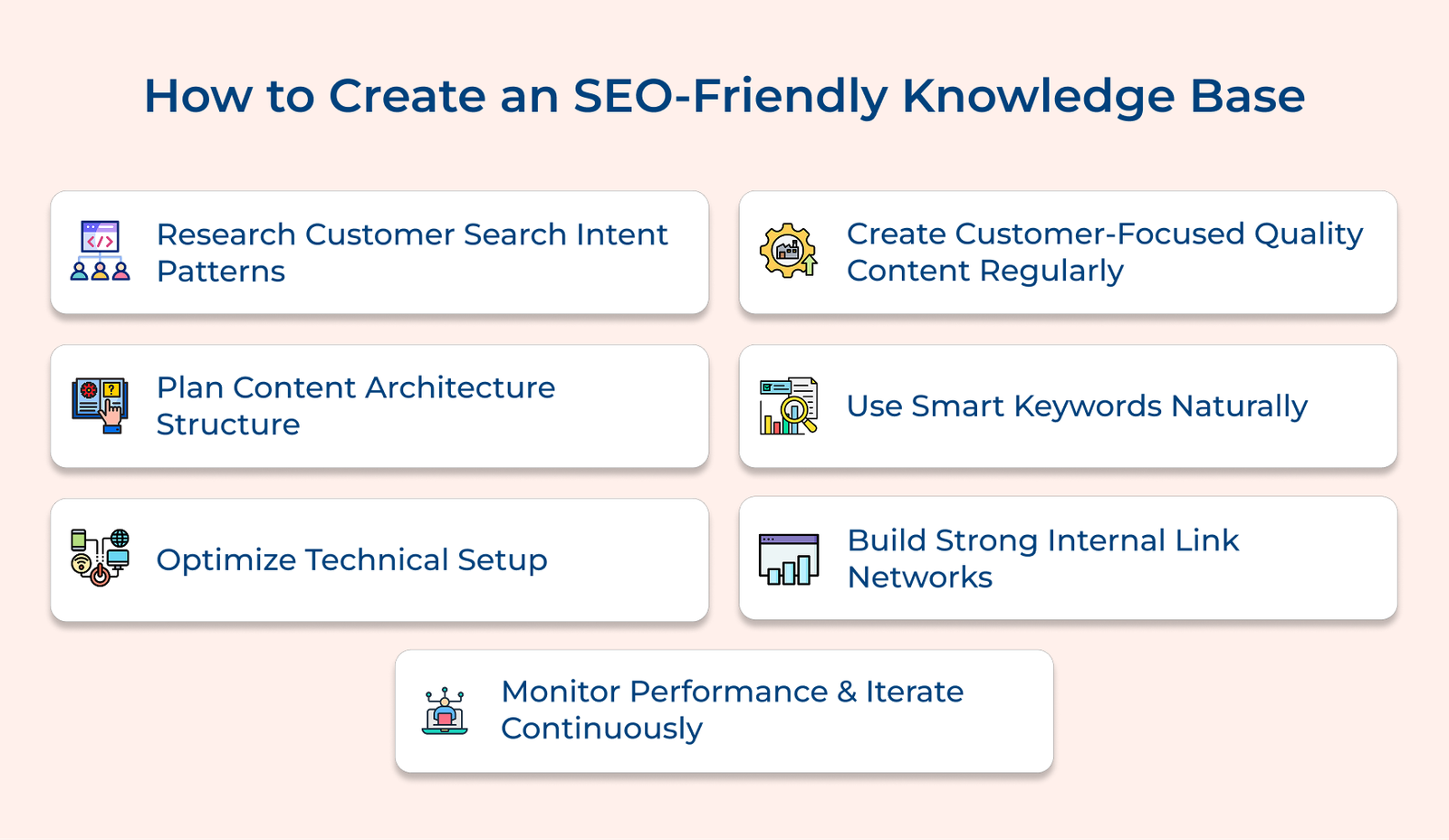
Understanding what people search for and how they phrase it is the first step to creating useful knowledge base content. It helps you focus on real problems your audience faces and write in the language they use.
Key factors:
A clear content structure makes your knowledge base easier to use and easier to find in search. When articles connect logically, people can move smoothly from one answer to the next without getting sidetracked.
Content architecture planning involves designing clear category hierarchies that mirror how customers think about problems rather than how your internal teams organize information. Good structure keeps users exploring and helps search engines link related topics for better rankings.
Pro tips:
Technical optimization establishes the infrastructure that allows your content to perform well in search results while delivering smooth user experiences across all devices. Even the best articles won’t help if they load slowly, display poorly on mobile or aren’t understood by search engines.
Key elements:
A solid technical optimization creates lasting competitive advantages because well-optimized knowledge bases continue delivering superior user experiences long after the initial setup. Poorly optimized systems frustrate customers regardless of content quality.
Customer-focused quality content addresses real problems using language that matches how your audience naturally describes their challenges and questions. The approach makes your articles genuinely useful to readers. It also reaches people who are already searching for solutions to the exact problems your product or service can solve.
Five fundamental questions guide effective content selection for knowledge bases:
Consider a project management software company that discovers customers frequently search “how to set project deadlines that send automatic reminders.” They create step-by-step guides for this workflow, with screenshots of reminder settings and notification options.
A smart keyword strategy means naturally using the words people search for. It keeps your content easy to read while matching the way they ask questions. The balance ensures your articles rank well in search results while maintaining the conversational tone that customers prefer when seeking help.
Use problem-focused keywords
Focus on specific problem statements and error messages that customers type into search engines rather than broad industry terms that generate massive competition. Long-tail keywords are effective because they reflect particular questions from individuals who are ready to solve a problem.
Match customer language
Write your articles using the same terminology that customers use in support tickets and search queries. Skip company jargon or overly technical terms and use the same words real people use when describing their problems.
Avoid keyword stuffing
Work target keywords into headings, subheadings and body text naturally, no stuffing or awkward phrasing. Search engines reward useful, well-written answers over keyword-heavy filler.
Internal linking creates pathways that guide customers from one helpful article to related solutions while signaling to search engines which content pieces connect thematically. Good linking keeps readers exploring by guiding them to related topics that solve connected problems.
Key approaches:
Good internal linking turns separate articles into a connected path that guides readers from one answer to the next. It helps them fully solve a problem instead of leaving them with only part of the picture.
Performance monitoring reveals which articles successfully help customers while identifying content gaps that need attention or improvement. Updating your knowledge base using real user behavior and search data keeps it relevant. It prevents it from turning into outdated, stagnant documentation.
Key metrics:
How do you transform raw performance data into actionable improvements that help customers? Begin by finding your weakest articles and deciding if they need clearer titles, simpler explanations or fuller coverage of the topic.
The following are the advanced strategies that help your knowledge base achieve superior search visibility and customer engagement.
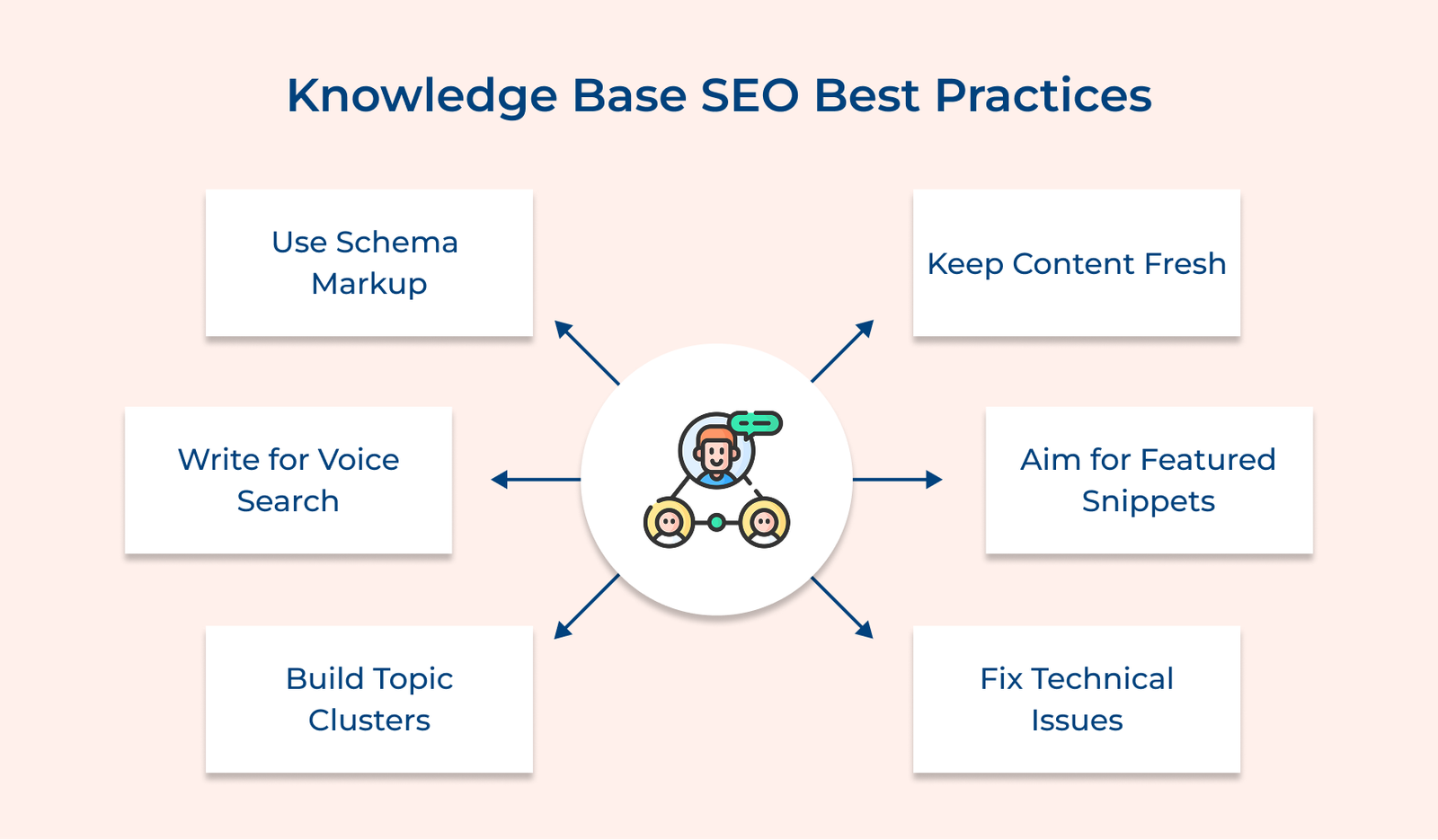
Use Schema Markup
Adding FAQ and How-To schema markup makes it easier for search engines to read as well as interpret your content. Rich snippets then appear directly in search results, giving people clear answers at a glance. The visibility builds instant confidence and pulls in clicks from users who are already looking for exactly what you offer.
Write for Voice Search
Create focused content hubs around real customer problems. Use a central pillar page and link it to clear, in-depth articles across your knowledge base. The structure shows search engines that you know the topic well and makes it easier for customers to find answers that actually help them.
Build Topic Clusters
Build comprehensive content hubs around major customer pain points with pillar pages linking to detailed supporting articles throughout your knowledge base. The content architecture signals topical authority to search engines while helping customers discover related solutions they might need.
Keep Content Fresh
Update existing articles with current insights instead of focusing only on new content. Refreshed pages tend to perform better in search because they reflect up-to-date knowledge. The tells search engines your content stays relevant and reliable when people look for real answers.
Aim for Featured Snippets
Structure answers to common questions using clear formatting that search engines can easily extract for position zero results. Featured snippets dramatically increase visibility while positioning your knowledge base as the authoritative source for customer solutions.
Fix Technical Issues
Regularly review your knowledge base to catch broken links, duplicate pages and crawling issues that quietly damage search visibility. These technical gaps add friction, making it harder for both search engines and customers to find and use the content meant to help them.
Check out the examples that demonstrate how strategic knowledge base optimization transforms customer support while driving organic discovery and engagement.
Amazon: Clear, Searchable Help Center
Amazon structures its Help pages to capture every possible customer question from order tracking to return policies using natural language that matches customer search behavior. They target long-tail keywords like “how to cancel Amazon Prime membership” that rank high in search results.
Amazon’s searchable help content reduces support contact volume while building customer confidence in their service reliability. Immediate answers via search build customer trust in Amazon’s support before issues worsen.
Spotify: Straightforward Troubleshooting
Spotify tailors support articles to common issues like “Spotify not working offline” and “how to download songs,” using exact phrases customers search. Their knowledge base ranks highly for technical problems across different devices while maintaining a conversational, helpful tone.
Spotify’s SEO-optimized help content positions them as the authoritative source for music streaming guidance, which reinforces customer loyalty. Users who discover helpful articles through search often become more confident power users who explore premium features.
Airbnb: Travel and Hosting Guidance Hub
Airbnb creates comprehensive guides that answer travel-related questions from both guests and hosts using location-specific keywords or common travel scenarios. Their articles, such as “what to do if Airbnb cancels your reservation,” target searches by travelers researching accommodations.
Airbnb’s educational content attracts potential users during their research phase while solving existing customer problems efficiently. The dual-purpose approach builds marketplace trust by demonstrating a commitment to successful experiences for both travelers and property owners.
Netflix: Streaming Technical Support Excellence
Netflix focuses its help center on device issues and account questions using terms customers naturally search when troubleshooting streaming problems. Their articles target queries like “Netflix error code solutions” that appear when people need immediate streaming assistance.
Netflix’s discoverable support content reduces subscription cancellations caused by technical frustration while improving customer satisfaction. Quick self-service helps customers stay positive about Netflix instead of focusing on technical issues.
Puma: Gear Care and Performance
Puma targets athlete searches like “how to clean Puma sneakers” and “Puma shoe sizing guide” with support content on gear care or performance. Their knowledge base combines product care instructions with performance tips, creating comprehensive athletic lifestyle guidance.
Puma’s athletic expertise content builds brand loyalty while reducing product return rates through better customer education about proper fit and care. Self-service gear care boosts brand loyalty and repeat purchases.
Knowledge base SEO transforms your customer support content into a powerful discovery engine that attracts new users while solving existing customer problems efficiently. Optimizing help articles creates multiple natural pathways for customers to find solutions.
The strategic approach reduces support costs while improving customer satisfaction through immediate self-service access to accurate information. Your knowledge base builds trust and positions your company as an industry authority.

SEO makes your help content easy to find when customers search online, so they don’t have to dig through your support portal. It prevents issues from escalating and attracts potential customers by sharing helpful information that builds trust.
An optimized knowledge base reduces support ticket volume by enabling customer self-service while improving search visibility that attracts qualified leads during their research phase. Your team becomes more efficient by focusing on complex issues, while routine questions get resolved automatically through discoverable, well-structured content.
How-to guides, troubleshooting articles and FAQs work well because they address specific problems people search for. Educational content like glossaries or best practices also ranks well and shows your expertise.
Most businesses start seeing better search visibility within three to six months after fixing their SEO basics. Meaningful traffic growth usually takes closer to a year. Results shift based on content quality, competition in your space, and how consistently you publish content that actually answers real customer questions.
Monitor organic search traffic to your help articles, along with search rankings for target keywords and customer satisfaction scores for self-service interactions. Track ticket reduction, article engagement and visitor conversion to measure SEO’s impact on customer experience.
Small businesses often outperform larger competitors by focusing on specific niche problems and long-tail keywords that big companies overlook in their broad content strategy. Your edge is creating targeted content that solves unique customer challenges with genuine, personal communication to build stronger relationships.

Grow Customer Relationships and stronger team collaboration with our range of products across the Conversational Engagement Suite.
Omnichannel Customer Support & Help Desk Software
AI Enabled Business Messaging and Chatbot Software
Sales Engagement & CRM Software
Call Center Software & Virtual Phone System
Product Marketing & Experience Platform
Customer Experience & Feedback Management Software
 Product Centric vs Customer Centric: Key Differences
Scroll to top
Product Centric vs Customer Centric: Key Differences
Scroll to top