Web Self-Service Guide: Types, Benefits & Mistakes
Web self-service allows customers to find answers and solve problems independently through tools like FAQs, chatbots or knowledge bases. It boosts satisfaction while reducing support workload.

Web self-service allows customers to find answers and solve problems independently through tools like FAQs, chatbots or knowledge bases. It boosts satisfaction while reducing support workload.
You’ve probably been there, stuck on hold just to check your account balance or update a phone number. It’s frustrating, especially when the solution is simple and could take seconds. Web self-service solves it by letting you handle everyday tasks on your own, no phone calls, no waiting. Whether it’s finding an answer or managing your account, the right tools let you take care of things instantly, on your schedule. 81% of customers want the brands they do business with to provide more self-service options that let them find answers on their own.
Let’s dive in to explore what web self-support means, how it works and why it matters. You’ll learn how it helps both customers and businesses, plus get practical advice on setting it up the right way.
Web self-service refers to a digital platform that empowers customers to handle their inquiries and tasks without contacting support staff. It’s like giving them a reliable, always-available toolkit to manage things like updating details, finding answers or troubleshooting issues. Instead of waiting for help, customers use a digital portal that guides them through common questions and tasks.
Start by identifying what customers ask most often. Then build a simple, well-organized support hub, think FAQs, how-to guides and step-by-step instructions that help them get what they need without extra effort.
Customers access the portal whenever they need assistance and navigate through organized sections to find solutions. The system tracks their journey and learns from common patterns to continuously improve the experience. At the same time, it also reduces the need for human intervention.
Key objectives:
The following are the main types of web based self-service that have proven most effective. Let’s check them out in more detail.
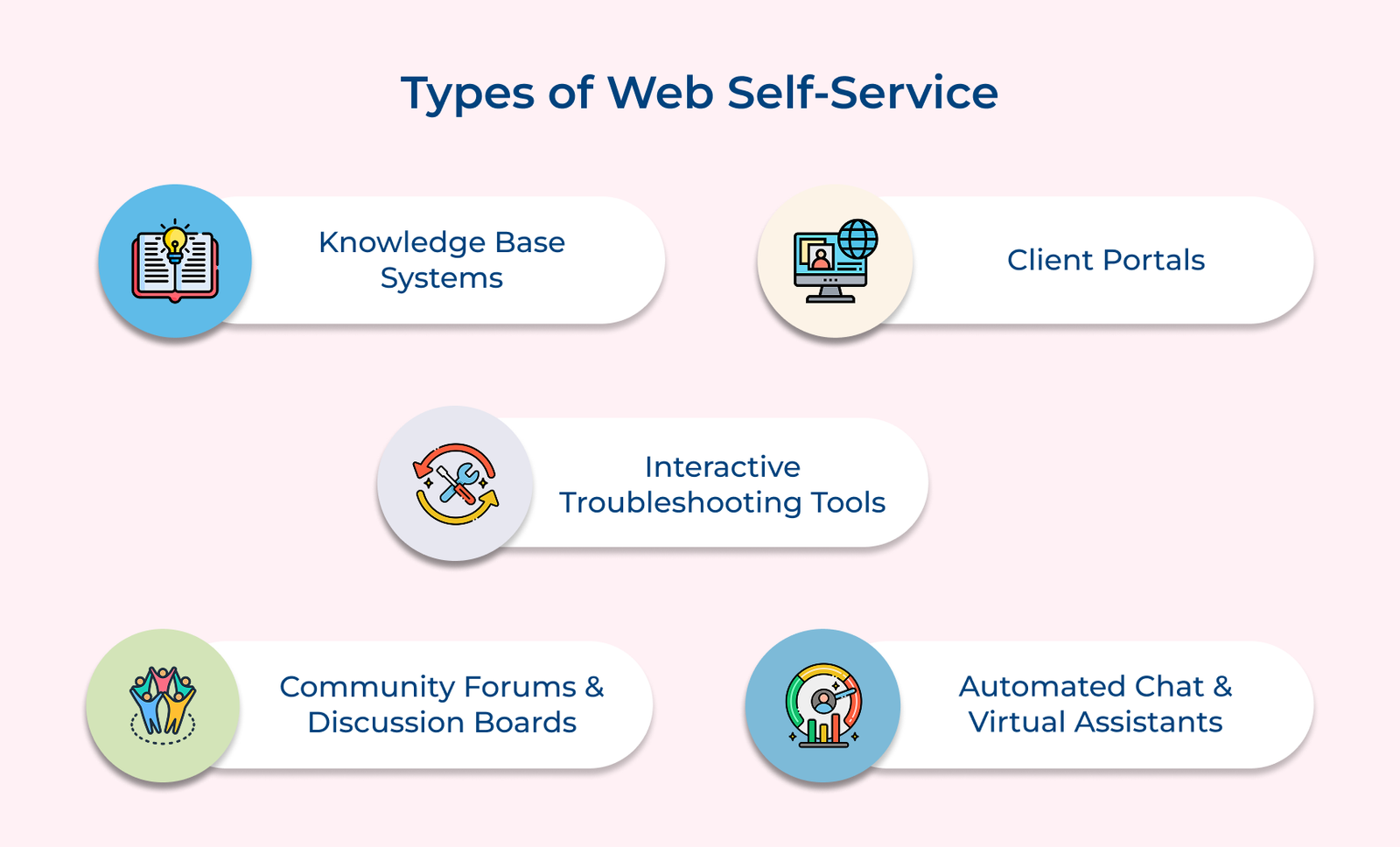
1. Knowledge Base Systems
A knowledge base is your company’s go-to library, organized, searchable and full of helpful content. It gives customers quick access to answers without needing to ask for help.
Key components:
People like knowledge bases because they work the way we think. Instead of waiting on hold, customers can solve problems on their own and often get better, more detailed answers than they would from a rushed phone call.
2. Client Portals
A client portal is a personal dashboard. It gives customers access to their data like past orders, account info and billing, without needing to contact support.
Key questions:
Portals make customers feel in control. No phone calls. No waiting. Just straightforward access to what’s already theirs.
3. Interactive Troubleshooting Tools
The smart diagnostic systems guide customers through step-by-step problem-solving processes. Rather than reading through lengthy manuals, users answer simple questions that lead them to targeted solutions. Think of the tools as having a tech support specialist walk alongside you.
Key features:
Advanced troubleshooting platforms learn from customer interactions to improve their recommendations over time. They can identify patterns in common issues and suggest preventive measures. The proactive approach helps customers avoid problems before they occur while building their confidence in using your products or services.
4. Community Forums and Discussion Boards
Sometimes, the best advice comes from another customer. Forums give people a space to ask questions, share fixes, or show off creative ways to use your product.
Over time, the communities build their rhythm, where experienced users help newcomers and real-world examples fill in gaps left by manuals or help guides. It’s more than support, it’s a shared experience.
5. Automated Chat and Virtual Assistants
AI-powered chat systems provide instant responses to common inquiries while learning from each interaction. The virtual helpers can handle routine tasks like password resets or order status checks. When questions become too complex, they seamlessly transfer customers to human agents with full context.
Core elements:
A good virtual assistant doesn’t pretend to be human. It just makes sure simple tasks are quick and complex issues land in the right hands.
Check out the crucial steps to help you implement an effective web-based self-service system that delights your customers and optimizes your operations.
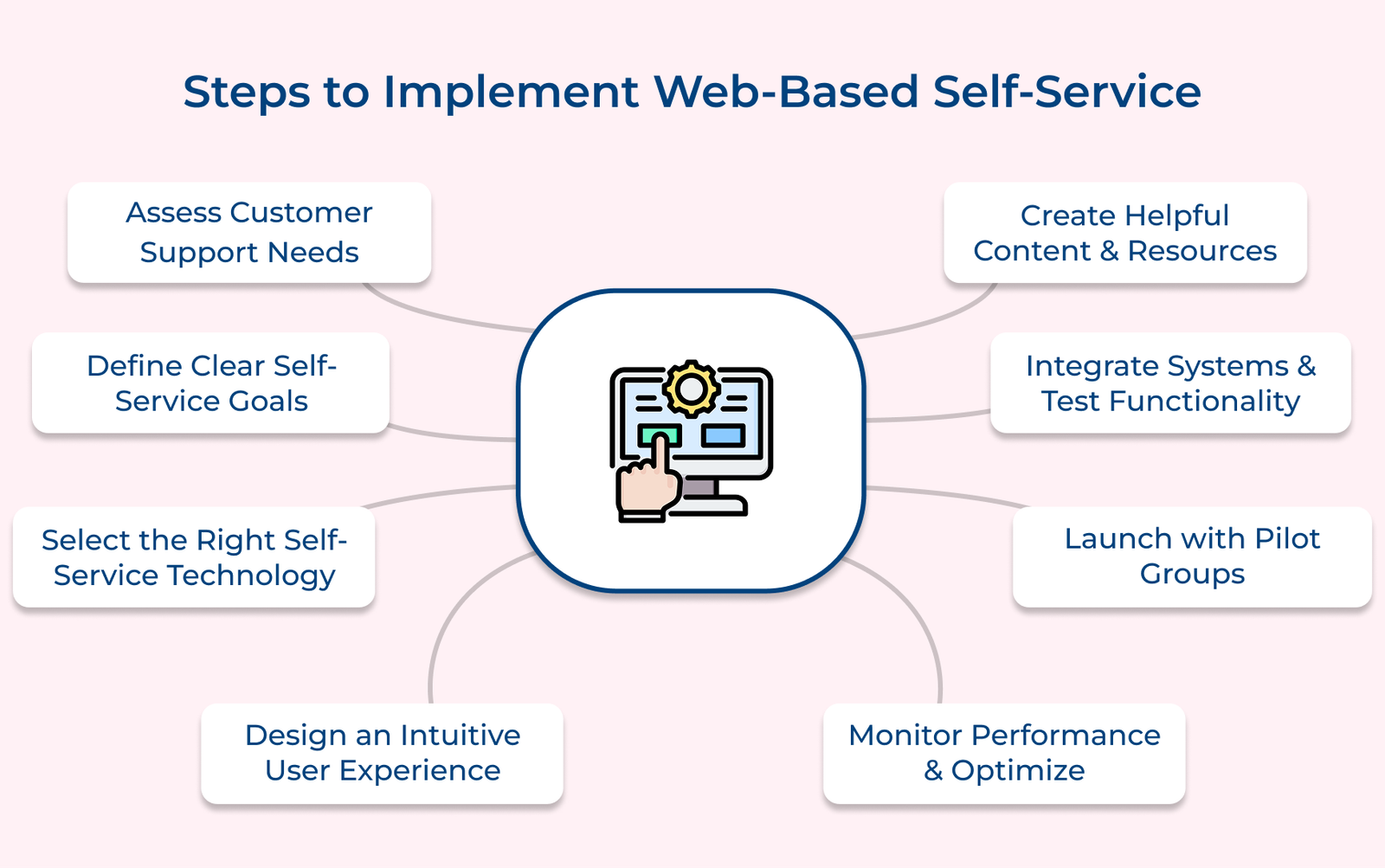
Before you roll out the service options, you need to know what your customers are already dealing with and where things are slowing down. It’s like taking a snapshot of your support system as it is today. You’re solving the right problems instead of just adding more tools.
Key ways:
Think of the assessment as building a foundation for your self-support strategy. Without understanding your starting point, you might create solutions that miss the mark. The data you gather here will guide every decision you make in the following steps. What patterns are you starting to notice in your current support requests?
Without clear goals, your self-service project stays stuck as just another “nice idea.” But when you define what success looks like, it becomes easier to make decisions, track progress and improve over time.
Key questions:
These questions help you create realistic expectations and measurable targets rather than hoping for undefined improvements. Establish customer satisfaction benchmarks for self-service by surveying current customers about their support experience and setting improvement targets of at least 10-15% higher satisfaction scores.
Picking the right technology for your self-support setup isn’t just a technical decision; it shapes how your customers interact with you every day. A bad choice leads to broken workflows, more calls and frustrated users. A good one quietly supports everything you need without getting in the way.
Key questions:
Let’s assume that a mid-sized insurance company chose a low-cost platform without checking for compatibility. It couldn’t link to their policy database, so customers had to call for simple updates. Instead of reducing calls, it made things worse.
A good self-service portal should feel like walking into a well-organized library: everything is easy to find and nothing slows you down. Here’s how to build that kind of experience.
Structure content in a clear, logical way
Organize your help content like a family tree. Start broad, then break topics down into smaller, more specific questions. Group related topics so users can follow a natural path to the answers they need without jumping around.
Develop consistent visual design elements and branding
Your portal shouldn’t feel like a different website. Use the same colors, fonts and layout style. Familiar design reassures customers that they’re still in the right place and builds trust through consistency.
Plan mobile-responsive layouts for all device types
Many people will use your portal on their phones, often while trying to fix something on the go. Design for small screens with touch-friendly buttons and easy-to-read text that doesn’t require zooming.
Creating strong content for your self-support portal is like putting together a solid, reliable toolbox. Every tool should serve a clear purpose and be easy to use. If your customer runs into a problem, they should be able to find what they need and fix it themselves without digging through clutter or guesswork.
Core types:
But here’s the key question many businesses overlook: How do you know if your content helps customers solve their problems? The answer lies in testing your content with real customers before you publish it.
Ask yourself if a customer who has never used your product could follow your instructions successfully. Would they understand the terminology you’re using? Can they complete the task without getting stuck halfway through the process?
Your self-service platform is only as helpful as the systems behind it. If it can’t connect smoothly to your existing tools like customer databases, order systems or account records, users end up frustrated, seeing outdated information or hitting dead ends that push them back to live support.
Testing functionality involves running through every possible user scenario to identify bugs, broken links and confusing workflows before customers encounter them. The process helps you catch problems when they’re easy to fix rather than after they’ve frustrated paying customers.
Best practices:
Rolling out your self-service platform all at once can backfire if something breaks or confuses users. A gradual launch gives you the space to spot problems, gather real feedback and make fixes before everyone relies on it.
Think of your early launch as a rough draft shared with a trusted few. The feedback you get here often highlights what your team missed, like confusing terms or unclear steps. Listen closely and adjust accordingly before inviting everyone in.
Even the best self-service platform will fall short if your team doesn’t know how to support it. Staff who are confused or unprepared can unintentionally steer customers away from using the tools you’ve worked hard to build. Start by giving your team the tools and confidence to handle the shift with clarity.
Here are four essential areas to cover:
Your team needs to know when to guide customers toward self-service tools and when human intervention provides better value. They should understand how the platform works so they can troubleshoot issues and help customers navigate effectively when needed.
Best practices:
The following are the benefits of the web-based service for businesses. Let’s check them out in more detail.
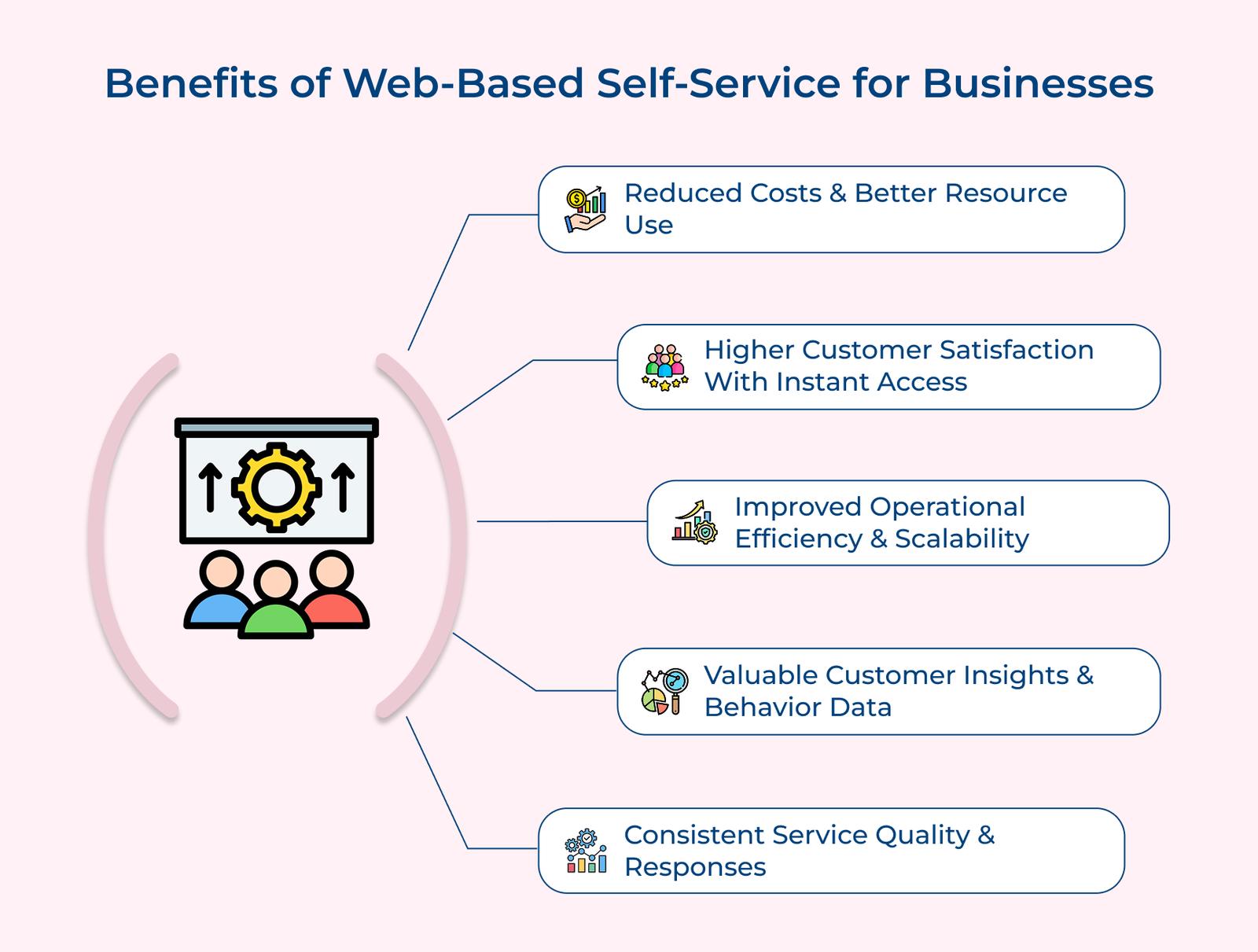
Significant Cost Reduction and Resource Optimization
Self-service takes over the repetitive, low-effort tasks like password resets or order status checks so your support team can focus on the problems that need a human touch. It’s like adding help without adding headcount.
Enhanced Customer Satisfaction through Immediate Access
When someone needs a quick answer, they don’t want to wait on hold or write an email. A good self-service setup gives them what they need right away, no delays, no back-and-forth.
Improved Operational Efficiency and Scalability
As your customer base grows, self-service tools can serve hundreds or thousands of users at the same time. You don’t need to hire extra staff just to keep up; your system scales quietly in the background.
Valuable Customer Insights and Behavioral Data
Every search, click and abandoned page tells you something. Self-service platforms give you a clearer view of what confuses your customers, so you can fix the root cause, not just the symptoms.
Consistent Service Quality and Standardized Responses
Human representatives might provide different answers to the same question depending on their experience level or mood on a particular day. Self-service platforms deliver identical high-quality information every time.
Let’s go through the key ways businesses can measure the effectiveness of web self-service by tracking the overall impact on support operations.
Key questions:
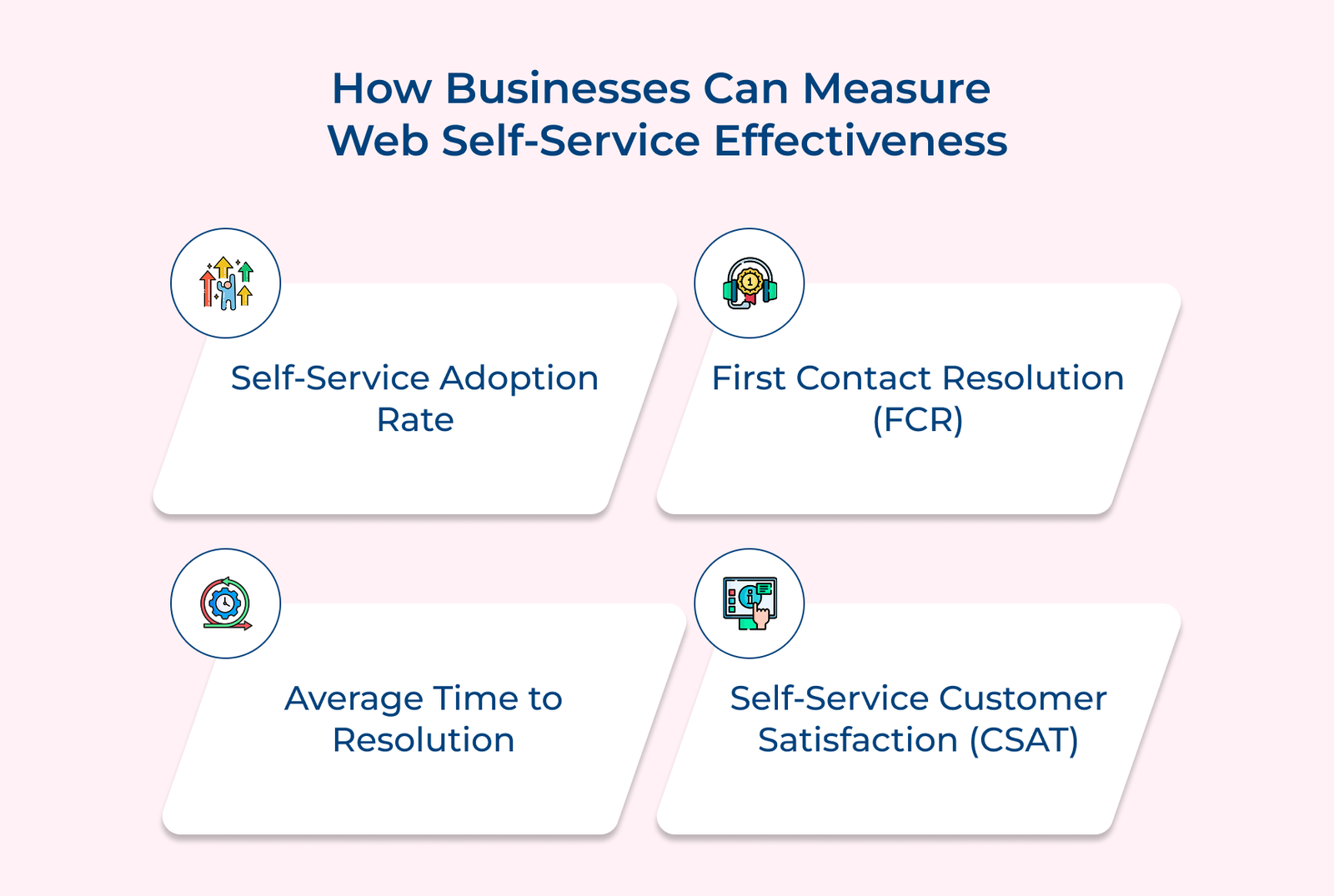
The metric shows what portion of your customers turn to self-service instead of calling or emailing for help. Think of it like seeing how many shoppers head straight to the express checkout, which is quick, convenient and independent.
The measurement reveals how often customers solve their issue on the first try without needing more help. A high rate means your content is clear, useful and easy to find.
The metric reflects how quickly users can fix a problem on their own. If customers get answers in minutes faster than waiting on hold or for a reply, it’s a win for everyone.
Collected through surveys or quick feedback, the score tells you if customers find the platform helpful or frustrating. High satisfaction usually means your design and content are doing their job.
The measurement tracks how many tickets were avoided because users found solutions on their own. It’s like noticing how many people follow a GPS instead of asking for directions, efficient and self-reliant.
The following are the most common mistakes businesses make when rolling out web self-service. Let’s check them out in detail.
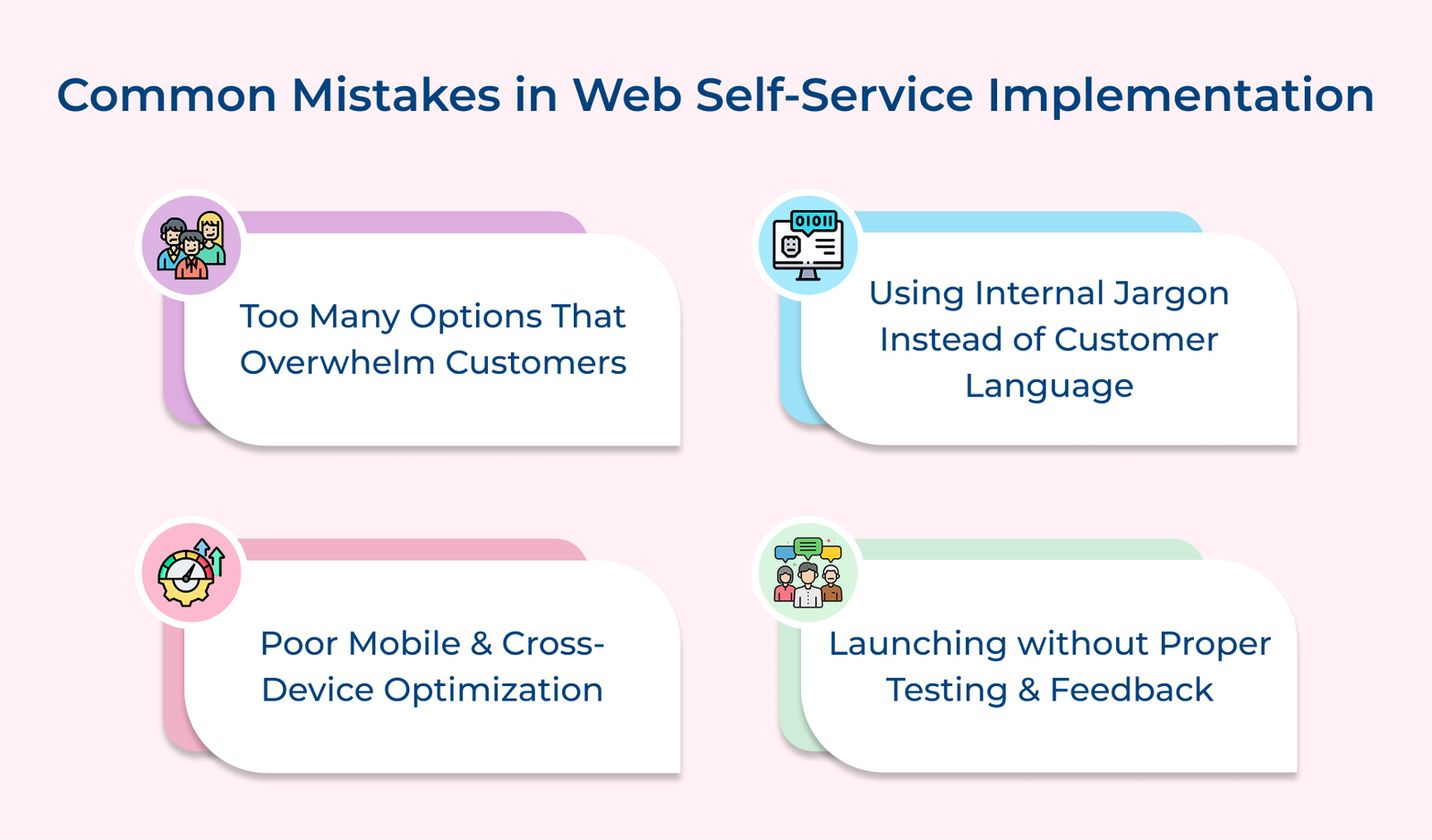
Overwhelming Customers with too Many Options at Once
Rolling out every feature at once can backfire. It’s like handing someone a 50-page manual when they just need one answer. When customers feel overwhelmed, they leave instead of using the tool.
Creating Content that Uses Internal Jargon Instead of Customer Language
If your content sounds like internal training material, customers will likely get confused and frustrated. Write as if you’re explaining things to someone completely new, not a coworker.
Neglecting Mobile Optimization and Cross-device Functionality
Most customers seek help on their phones. A sleek desktop design won’t matter if your site is clunky on smaller screens. Poor mobile layouts push people back to email or phone support.
Launching without Adequate Testing and Feedback Collection
Businesses sometimes rush platforms to market without thorough testing or feedback systems. It leads to platforms working in controlled environments but failing when real customers with diverse needs attempt actual problem-solving.
Implementation steps:
Web self-service turns support into something customers can use anytime, without any waiting, business hours or phone queues. It gives people the tools to solve everyday problems on their terms, which often leads to faster answers and fewer headaches for everyone involved.
Moving from traditional support to self-service isn’t something you do overnight. It takes planning, testing and regular updates. But when it’s done right, the payoff is fewer support requests, more satisfied customers and a system that grows with your business. Web self-service isn’t just a support tool; it’s a way to show customers you respect their time.

Web self-service changes how support teams work by taking routine questions off their plate. It’s like adding an express checkout lane; customers handle the simple stuff on their own, so your team can spend time on the tougher, more complicated problems.
Modern self-service platforms use customer data and behavioral patterns to create tailored experiences, much like how streaming services recommend content based on viewing history. The system can display relevant help topics based on previous purchases, show progress on ongoing issues and adjust language complexity based on user technical proficiency levels.
Keeping customer data safe means using secure logins, encryption and regular checks for weak spots. Think of it like locking up a vault; only the right people get in and the system gets reviewed often to keep it that way.
The biggest implementation challenges include resistance to change from both customers and staff, integration difficulties with existing systems and creating content that helps rather than confuses users. The obstacles resemble learning to drive a car, like initial discomfort gives way to appreciation once people experience the convenience and control.
Customer needs change, new issues come up and the way people use your tools evolves. If you don’t keep updating your self-service system, it quickly becomes outdated, like a garden that stops growing when you stop caring for it.

Grow Customer Relationships and stronger team collaboration with our range of products across the Conversational Engagement Suite.
Omnichannel Customer Support & Help Desk Software
AI Enabled Business Messaging and Chatbot Software
Sales Engagement & CRM Software
Call Center Software & Virtual Phone System
Product Marketing & Experience Platform
Customer Experience & Feedback Management Software

 How to Implement Multichannel Outreach? A Complete Guide
Scroll to top
How to Implement Multichannel Outreach? A Complete Guide
Scroll to top