What is Workflow Automation? Benefits, Steps & Examples
Workflow automation streamlines repetitive tasks, improves accuracy and saves time. Explore its benefits, key steps and real-world examples to help businesses focus on high-value work.
Workflow automation streamlines repetitive tasks, improves accuracy and saves time. Explore its benefits, key steps and real-world examples to help businesses focus on high-value work.
Your team spends hours stuck in repetitive manual work that should not exist anymore. Approval emails sit unread, data gets entered twice and small mistakes turn into avoidable customer frustration.
At the same time, competitors rely on automated systems to handle requests in seconds with far fewer errors. Customers get quicker responses while your team fights slow processes that drag down daily operations.
Workflow automation replaces manual effort with reliable digital workflows that run continuously. Workflow automation increases data accuracy by up to 88%, reducing errors in budgets, forecasts and audits.
So without further ado, let’s find out how automation actually works, where it delivers the most value and how to set it up so your team can focus on meaningful work while the customer experience improves.
Workflow automation refers to replacing repetitive tasks with digital processes that run on their own. Think of it as creating smart pathways where information and tasks flow automatically from one step to the next. The technology eliminates manual handoffs and reduces the time spent on routine activities that drain your team’s energy.
Imagine a customer fills out a form on your website. Instantly, their details are saved to your customer relationship management system and trigger a welcome email sequence. It can also notify your team and schedule a follow-up reminder without anyone manually coordinating the steps.
The magic happens through simple rules you set up once. When a condition is met, the system automatically triggers the next step. Each completed task kicks off the following one, creating an uninterrupted flow across your tools and platforms.
Key objectives:
Let’s go through the key benefits of workflow automation and see how it helps focus on more meaningful, high-value work.
Key statistics:
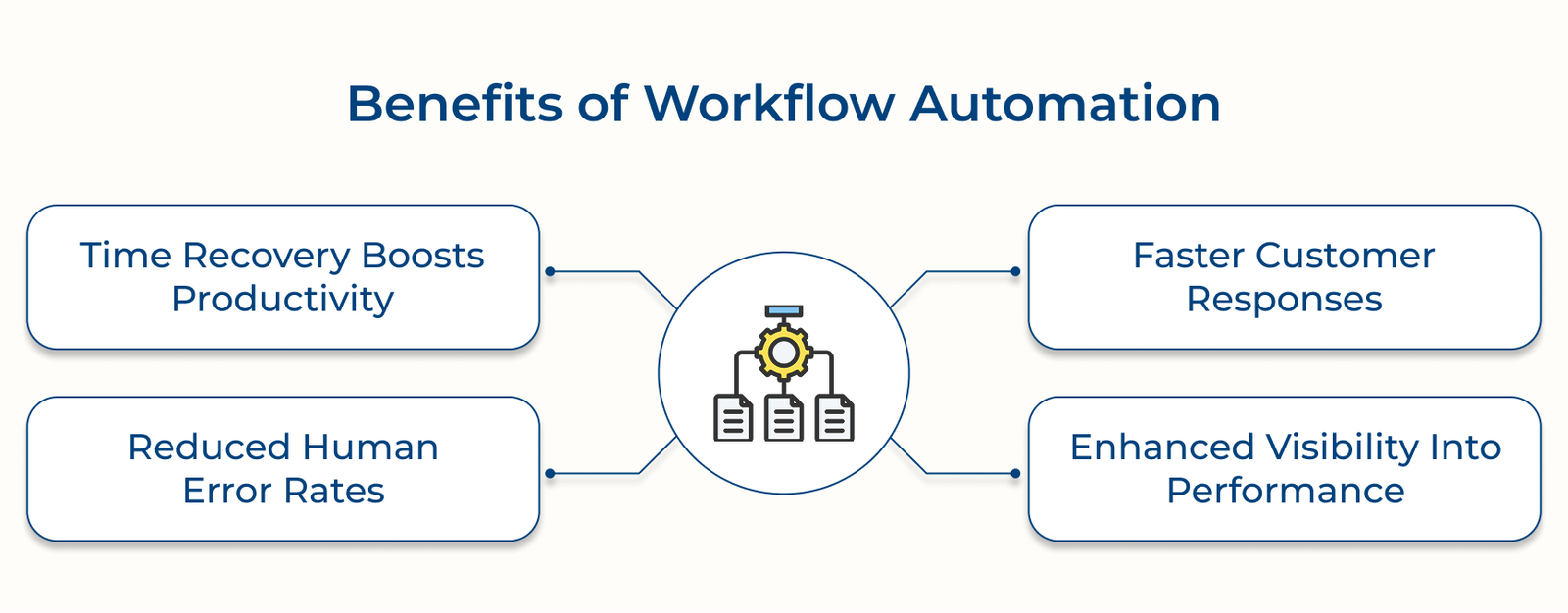
Time Recovery Boosts Productivity
Teams lose hours every week to repetitive chores that add little value. Workflow automation reclaims time by handling routine processes automatically. When staff stop copying data or routing approvals manually, they can focus on problem-solving and strategic work instead.
Reduced Human Error Rates
Manual processes create opportunities for mistakes that ripple through your entire operation. Automated workflows eliminate data entry errors and ensure consistent application of business rules. Your processes become reliable because they follow the same steps perfectly every single time without fatigue or distraction.
Faster Customer Responses
Customer expectations continue rising as digital experiences become the standard. Automated workflows respond to inquiries within minutes rather than hours or days. Customers get instant updates while your team handles only the cases that need human attention.
Enhanced Visibility into Performance
Manual processes often hide where time is being lost. Automation tracks every step, giving you the visibility to spot delays, measure efficiency and make informed improvements.
The following are the essential steps to create a workflow automation platform plan that will transform how you work and elevate your business to new heights.
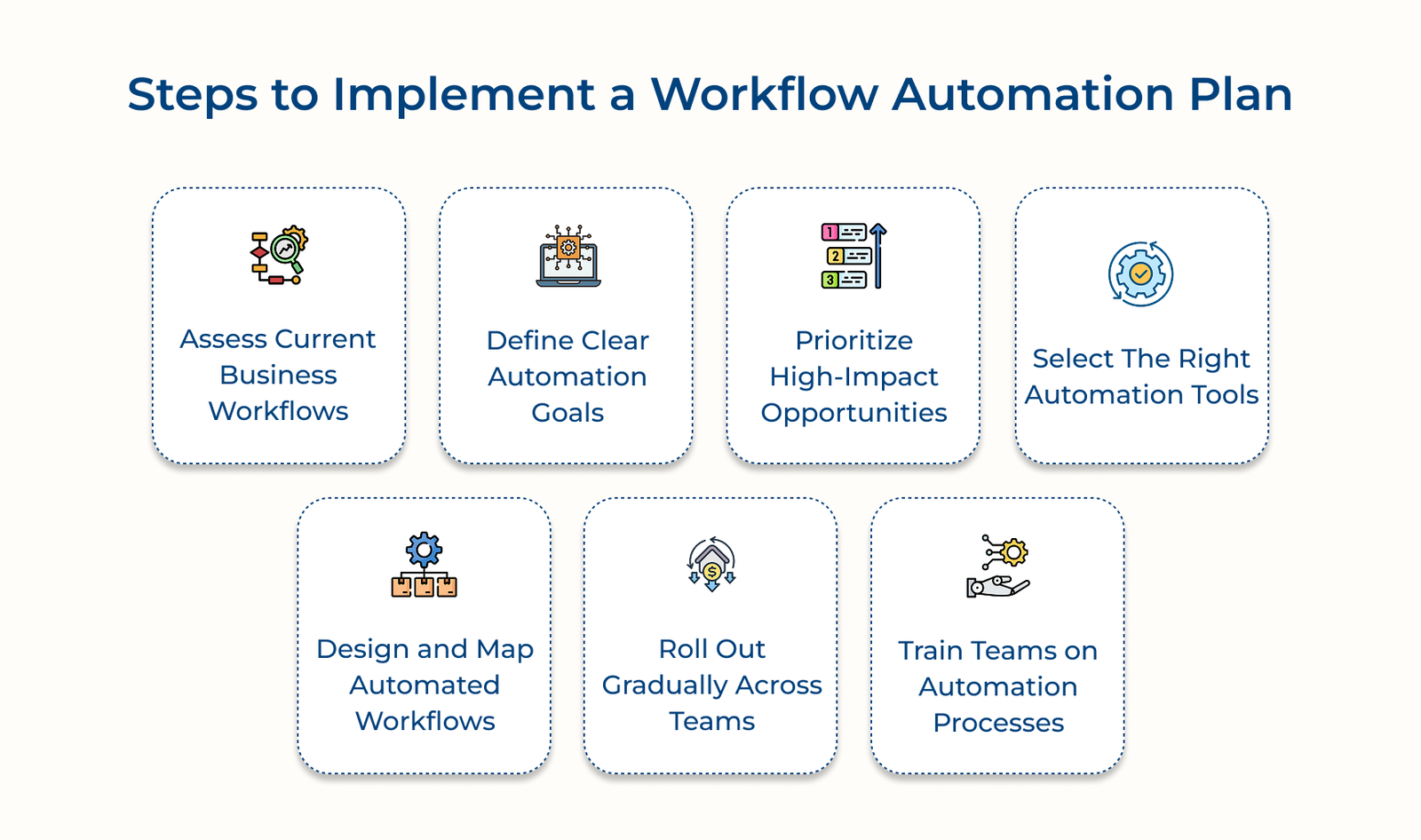
Before jumping into automation, you need to understand how work actually gets done today. Mapping your current workflows helps uncover delays, bottlenecks and repetitive tasks that waste time.
Key questions:
Automation only works if you know what you want it to achieve. Setting specific, measurable goals keeps the project focused and makes it easy to track progress.
Start by looking at your biggest pain points and what outcomes would make the most difference. Keep goals tied to things that directly improve customer experience or make everyday work smoother.
Key takeaways:
Implementation involves collaborating with department heads to establish realistic timelines and success metrics. Create written goal statements that specify exactly what will be automated and the expected improvements.
Not every task is worth automating. Focus first on the areas where automation will save the most time, reduce the most errors or directly improve the customer experience. Early wins here prove the value of automation and free up resources for the next stage.
Key areas:
Picture a manufacturing company deciding where automation actually matters. They start with inventory management instead of social media scheduling. That single choice avoids stock outs that could have cost thousands. Automating social posts might have saved a little time, but it would not have protected revenue in the same way.
What this really shows is simple. Smart automation starts with the systems that keep the business running, not the ones that just make work feel lighter.
Pro tips:
Choosing the right automation platform determines if your implementation is going to succeed or become a costly technical nightmare. The wrong workflow automation software can lead to integration failures and abandoned projects that waste resources.
Key factors:
Remember that the most expensive solution isn’t always the best fit for your specific business needs. Sometimes, simpler tools that integrate well with your current systems deliver better results than feature-rich platforms that create complexity.
Designing your workflows is where plans turn into action. The stage creates a clear, step-by-step blueprint that shows exactly how tasks will move once automated. Getting it right avoids costly rework and ensures the system runs smoothly in real situations.
Pro tips:
Rolling out automation in phases keeps your business running smoothly while you refine and adjust. Instead of overwhelming the entire organization, you build confidence step by step.
Start Small Before Expanding
Pick one department that’s ready for change. Test your workflows there, fix issues and learn what works before expanding to other teams.
Go in Phases
Introduce new features gradually. Don’t move on until the current setup runs reliably and employees are comfortable using it.
Have a Fallback Plan
Always prepare backup procedures so teams can switch back to manual processes if problems arise. It ensures work continues without major disruption.
Training ensures employees can effectively use new automated systems while understanding their role in the enhanced workflows. Without training, employees can’t use automation effectively and the investment won’t pay off.
Key approaches:
A retail company trained cashiers on automated inventory systems through role-playing exercises that simulated real customer scenarios. The practical approach helped employees understand exactly when and how to use the new automated features during busy periods.
Key factors:
Remember that automation training is an ongoing process rather than a one-time event that requires continuous reinforcement. Your team’s comfort with automation directly affects how well your organization achieves efficiency gains.
The following are examples that demonstrate how different departments can streamline their daily operations and focus on higher-value activities.
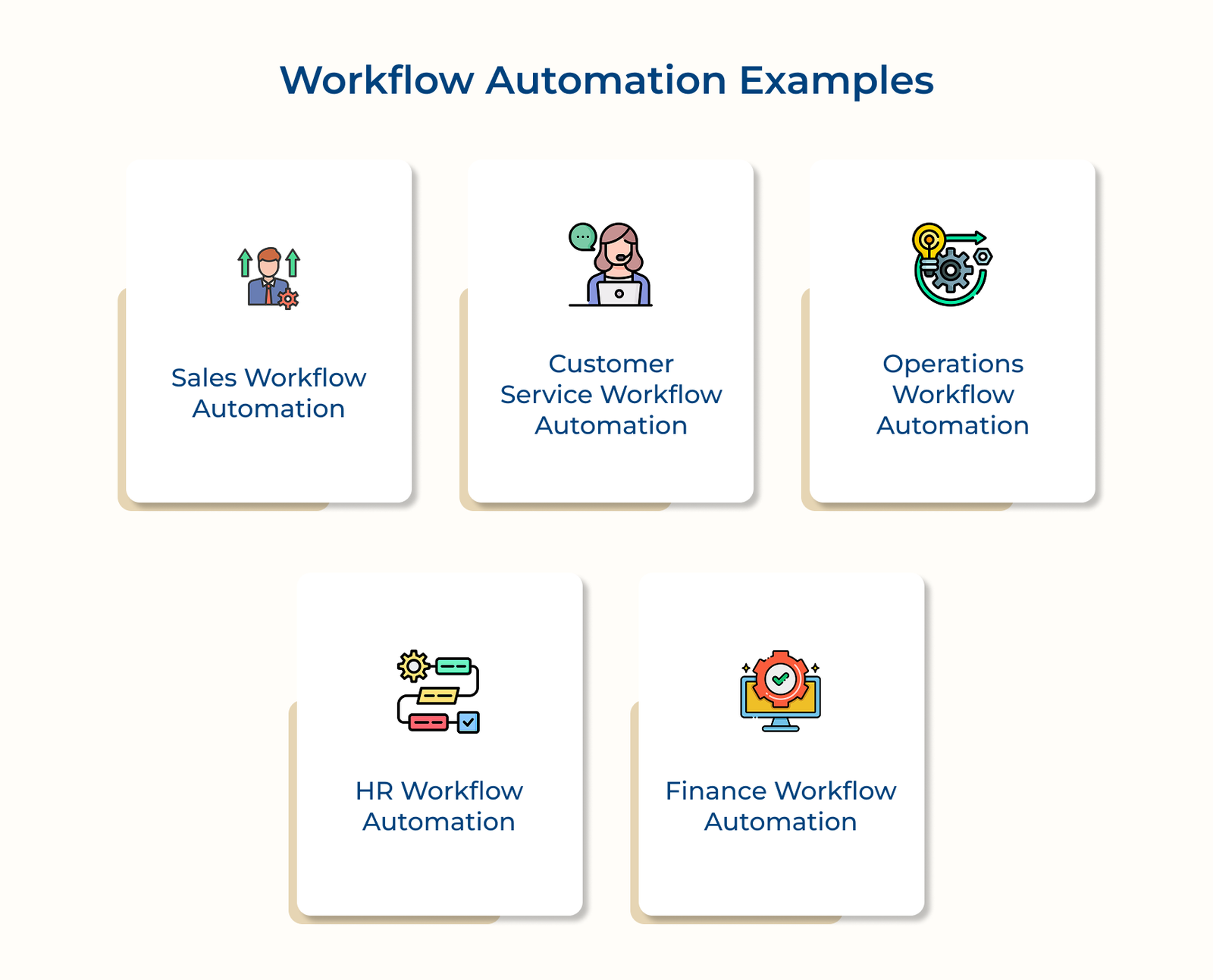
Sales workflow automation takes repetitive tasks off your team’s plate so they can spend more time selling. It ensures no opportunity slips away by streamlining lead management and follow-ups.
Key tasks:
Automation helps support teams respond quickly, even during busy periods. Routine inquiries are resolved instantly, while complex issues are routed to the right specialist.
Key tasks:
Your customers receive faster resolutions because simple issues get addressed immediately without waiting in queue systems.
Automation keeps daily operations running smoothly without requiring constant oversight. It reduces delays, prevents shortages and maintains quality standards..
Key processes:
Operations automation creates the reliable foundation your business needs to scale without proportionally increasing administrative overhead costs.
Finance automation speeds up routine processes and improves accuracy. It gives leaders a clear financial picture without delays.
Primary tasks:
Finance automation provides the accurate, real-time data your leadership team needs for informed decision-making while reducing month-end closing times significantly.
Check out the real-world applications to demonstrate how workflow automation solutions solve unique challenges across various sectors while delivering measurable improvements.
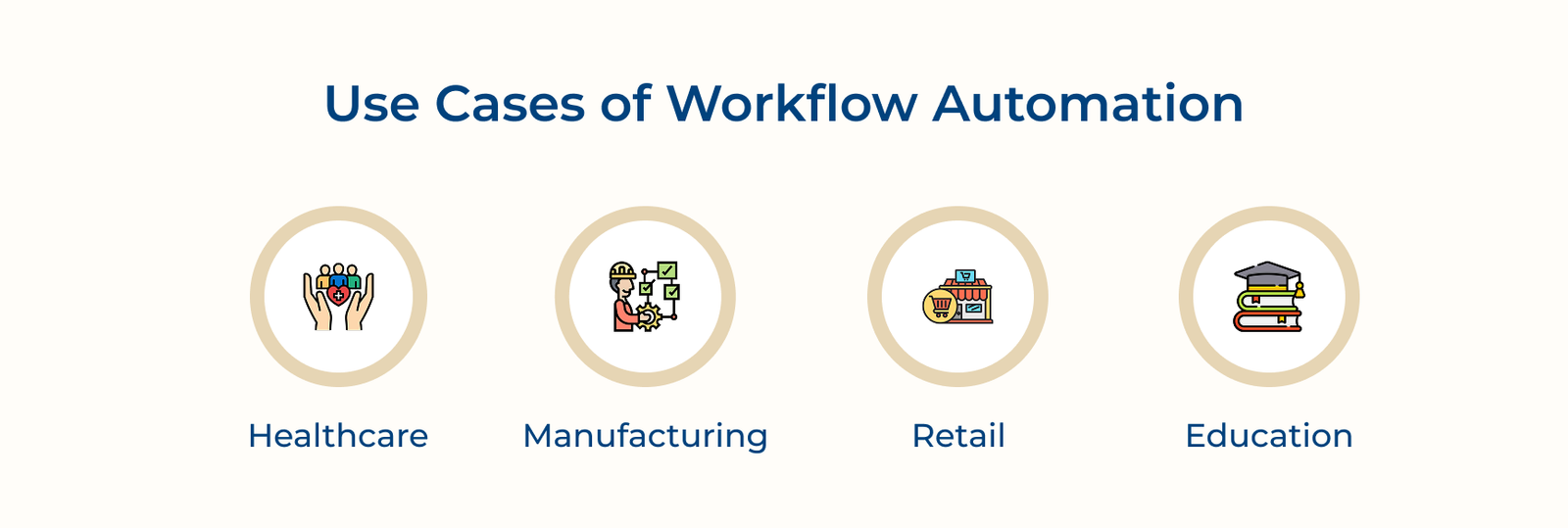
Healthcare: Patient Records and Appointments
Healthcare workflow automation streamlines patient care by eliminating paperwork bottlenecks that delay treatment and create administrative burdens for medical staff. It ensures patient details flow seamlessly between departments while maintaining strict privacy compliance. They also reduce human errors that could impact patient safety outcomes.
Manufacturing: Quality Control and Scheduling
Manufacturing automation coordinates complex production processes by automatically adjusting schedules based on material availability and quality inspection results. It prevents costly defects, optimizes machine use and reduces waste with predictive maintenance.
Retail: Inventory and Order Processing
Automation gives retailers accurate visibility into stock levels across both online and physical stores. It automatically reorders items before they run out and routes customer orders to the fastest fulfillment option, creating a smoother shopping experience.
Education: Enrollment and Grading
Educational process automation simplifies complex administrative processes that require extensive manual coordination between faculty and administrative staff members. Automated systems manage course registration, grade calculations, graduation requirements and timely notifications for deadlines or milestones.
Below are the platforms that represent different approaches to workflow automation, each designed to serve specific needs and technical requirements effectively.
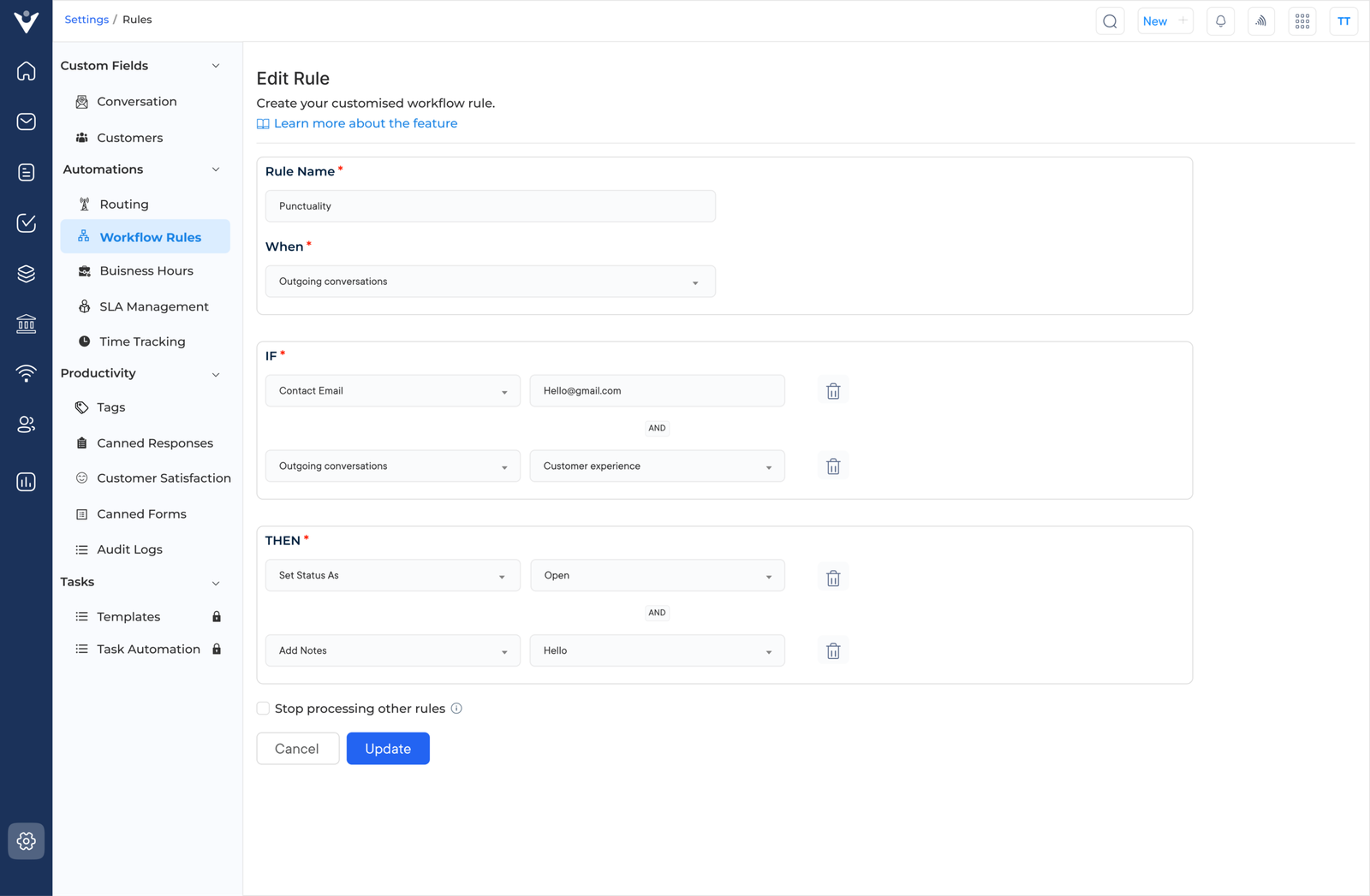
Veemo Support simplifies customer support by combining help desk management with automation that reduces repetitive tasks. It routes tickets, manages escalations and handles routine processes so your team can focus on solving complex issues.
Key features:
Price: The Growth plan costs $29 per month with 3 inboxes, while the Enterprise plan is $129 per month with unlimited inboxes. Check out Veemo’s pricing page for more details.
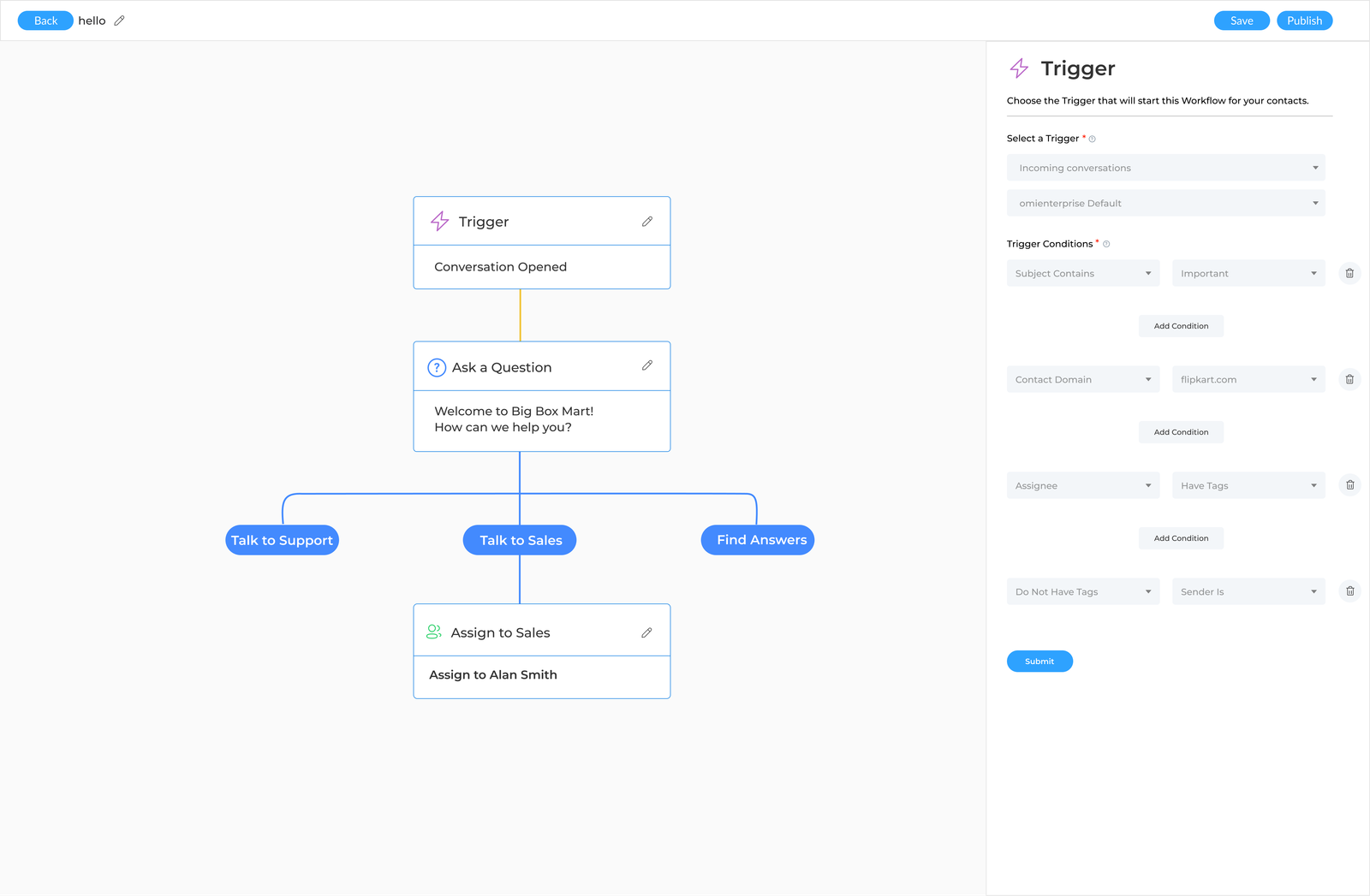
Omni24 streamlines customer experience by combining live chat and messaging with automated workflows. It helps businesses deliver consistent, personalized interactions across multiple channels while managing complex customer processes automatically.
Key features:
Pricing: The pricing starts from $29/month with one inbox feature and extends to $149/month for unlimited inboxes. They’re currently running a 14-day free trial. Sign up now!
Zapier connects your favorite apps without requiring technical skills. Small businesses can automate routine workflows between tools like Gmail and Salesforce. The platform uses a simple drag-and-drop interface that’s easy for anyone to use.
Asana combines project management functionality with workflow automation to help teams coordinate tasks and deadlines more effectively than traditional tools. It works best for creative agencies and consulting firms that need to automate project workflows while maintaining clear visibility into team progress.
Let’s go through the advanced strategies to help organizations maximize automation investments while avoiding common implementation pitfalls.
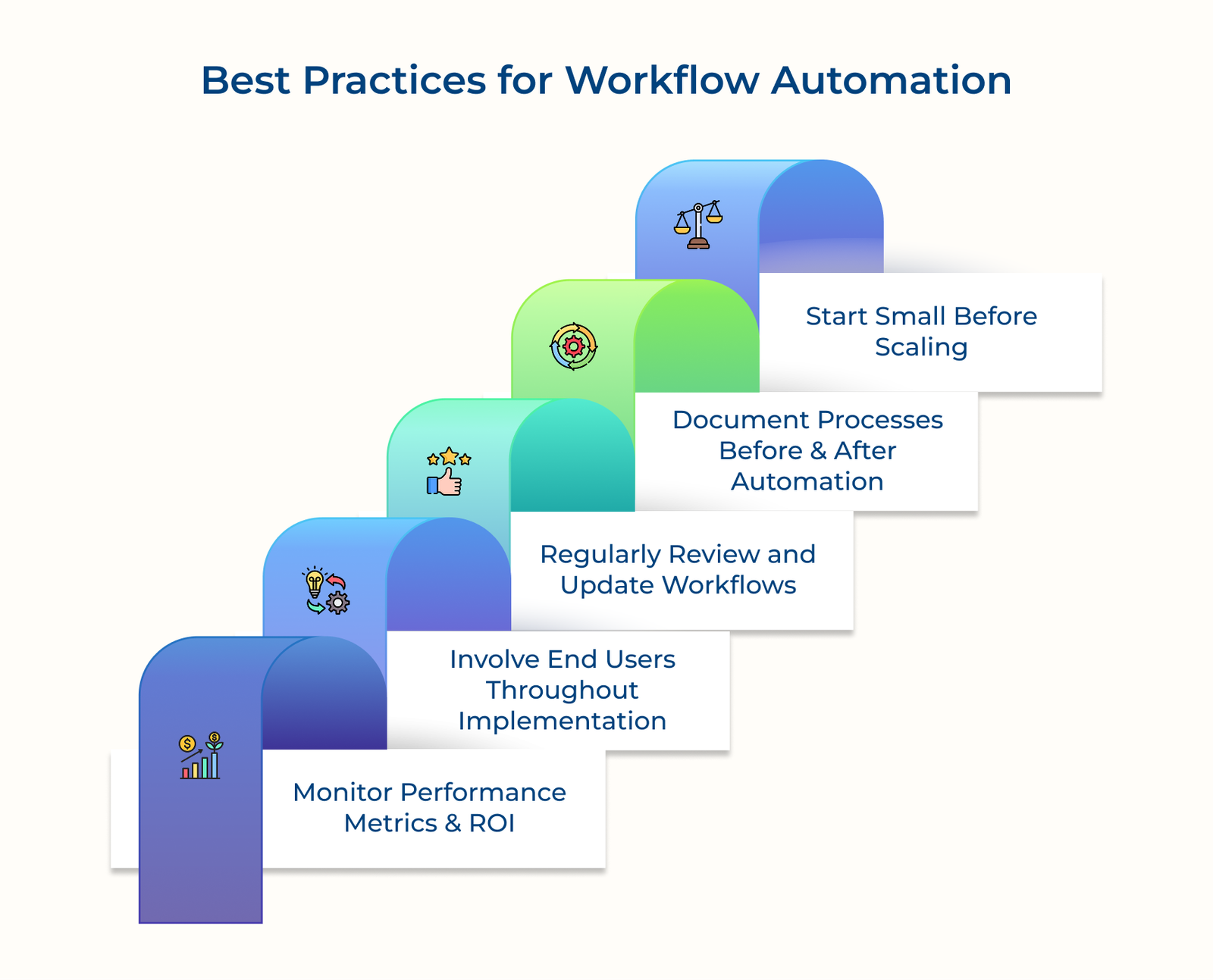
Check out the quantifiable measurements to help you understand if your workflow automation investment delivers the promised value and operational improvements you expected.
Key questions you may also consider:
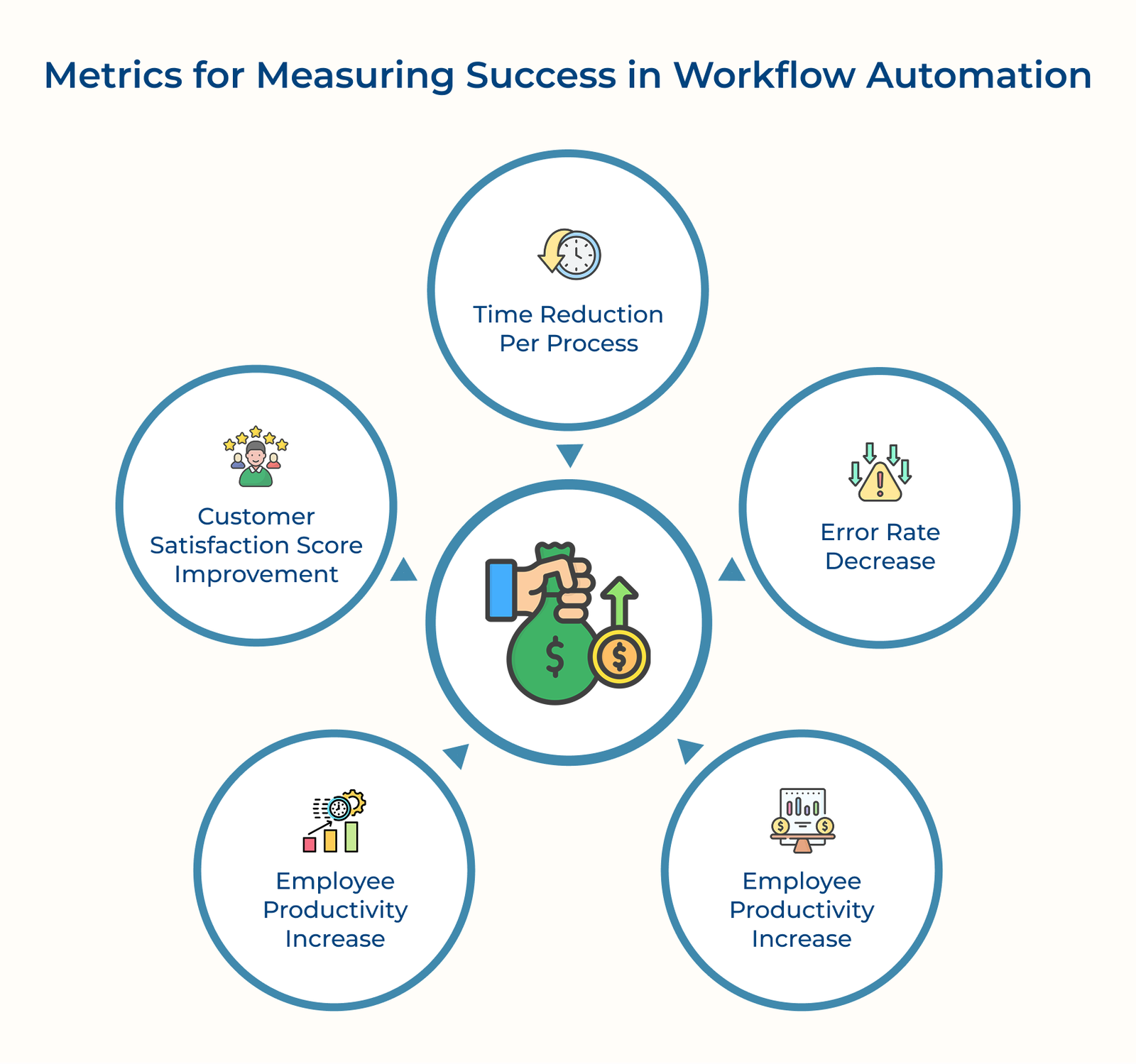
Time Reduction Per Process
The fundamental metric measures how automation shrinks the duration required to complete specific tasks from start to finish. Compare pre-automation benchmarks with current durations to quantify efficiency gains and calculate the value of reclaimed employee hours.
Error Rate Decrease
Track the frequency or severity of mistakes before and after automation. It shows how automation improves accuracy, reduces costly rework and enhances overall process reliability.
Employee Productivity Increase
Measure how automation enables your team to accomplish more meaningful work by eliminating repetitive manual tasks from their daily responsibilities. Use role-specific output metrics to highlight meaningful productivity improvements.
Customer Satisfaction Score Improvement
Monitor client feedback and response times to gauge automation’s impact. Faster, more consistent service often leads to higher satisfaction scores and stronger customer retention.
Workflow automation simplifies your operations by handling time-consuming repetitive tasks that slow your team and create bottlenecks. It allows employees to focus on creative problem-solving and building stronger customer relationships.
Transitioning from manual processes to automated workflows requires careful planning and phased implementation. Begin with high-impact tasks, refine as you go and gradually expand across departments to achieve lasting efficiency gains.

Organizations of all sizes rely on workflow automation to reduce manual work and streamline operations. Startups may automate customer onboarding, while large enterprises use it for complex supply chain management and compliance processes that demand consistency.
Workflow automation solutions execute predefined business processes automatically, without constant human oversight. The platforms connect different applications, ensure seamless information flow and trigger actions based on rules or conditions you set.
Process automation focuses specifically on automating the sequence of tasks and approvals within individual processes like invoice processing or customer service tickets. Business process automation automates entire end-to-end functions, connecting multiple workflows across departments and systems.
Workflow automation matters because it eliminates the repetitive manual tasks that consume valuable employee time while reducing errors that cost money and frustrate customers. It enables your team to focus on strategic activities that require human creativity and problem-solving skills rather than routine administrative work.
Challenges include employee resistance, integration with legacy systems, unclear processes before automation and maintaining systems as business needs evolve. Clear planning and ongoing monitoring help overcome the hurdles effectively.

Grow Customer Relationships and stronger team collaboration with our range of products across the Conversational Engagement Suite.
Omnichannel Customer Support & Help Desk Software
AI Enabled Business Messaging and Chatbot Software
Sales Engagement & CRM Software
Call Center Software & Virtual Phone System
Product Marketing & Experience Platform
Customer Experience & Feedback Management Software
 Chatbot Funnels Guide: Stages, Key Steps & Examples
Scroll to top
Chatbot Funnels Guide: Stages, Key Steps & Examples
Scroll to top