1. Define Clear Goals and Objectives
Building an effective chatbot strategy starts by identifying specific tasks and responsibilities that the chatbot can handle. Clear goals ensure the chatbot is designed and trained to meet business objectives effectively.
Key factors to consider for defining objectives:
- Primary Use Case: Decide the main focus of the chatbot on support, sales or lead generation.
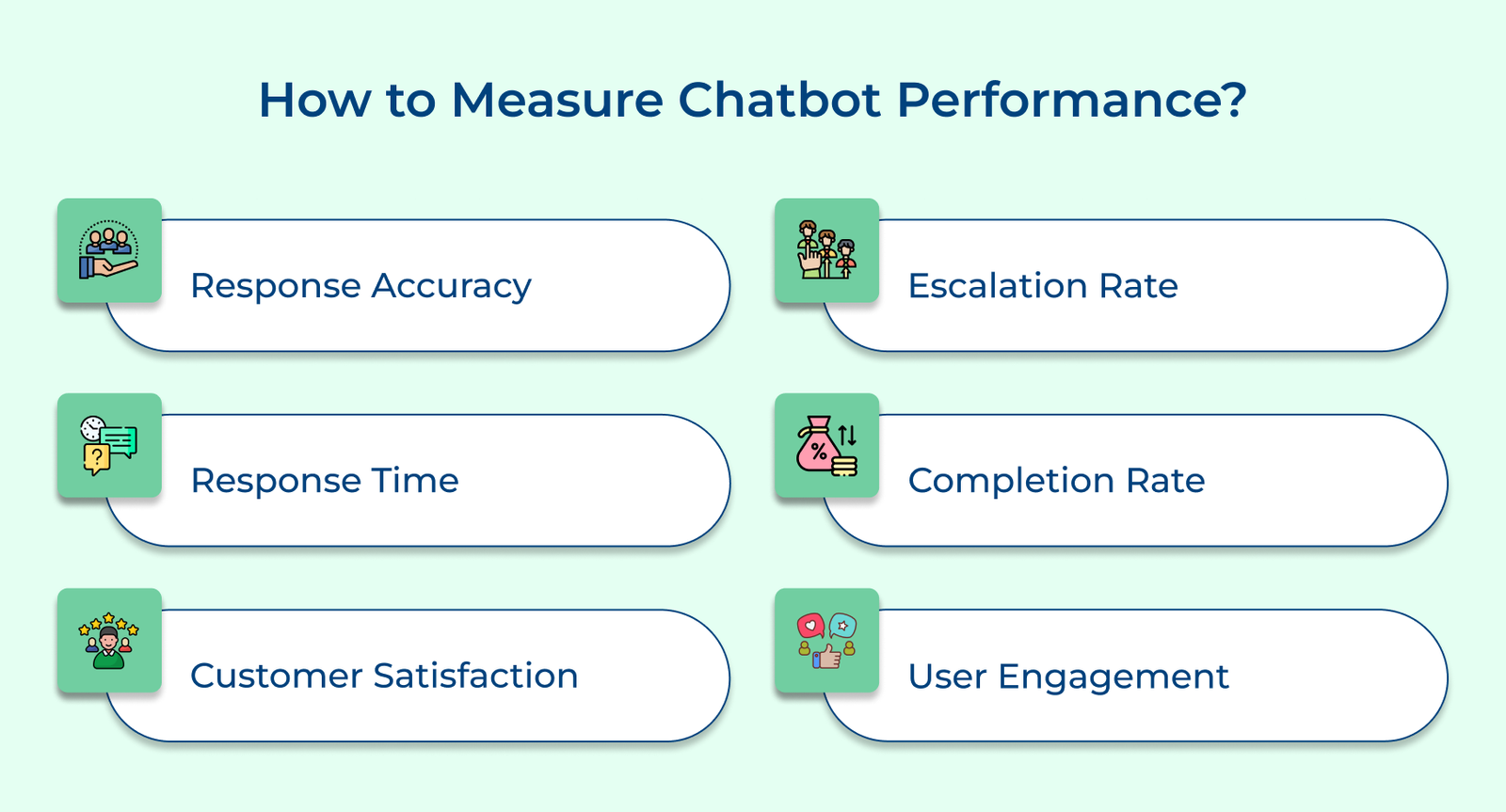
- Success Metrics: Establish measurable KPIs such as resolution rate or conversion percentage.
- Scope Boundaries: Define what the chatbot should escalate instead of attempting independently.
Unreal objectives often lead to chatbots that try to do everything poorly instead of excelling at focused tasks. Prioritizing goals based on business impact helps allocate resources where needed most.
2. Understand your Target Audience
Conduct detailed research to gain insights into customer preferences and pain points before designing conversational flows. It helps in creating interactions that genuinely resonate instead of being disconnected from real needs.
Below are key areas to focus research efforts:
- Demographic Data: Understand age, location and customer segments interacting with your brand.
- Common Pain Points: Identify recurring frustrations customers experience with existing support channels.
- Preferred Communication Style: Determine the type of communication your audience wants: is it formal, casual or highly efficient
Incorporating user feedback and conducting regular testing ensures the chatbot evolves with respect to changing expectations. Segmentation further allows different conversation paths for first-time visitors versus returning customers. This approach makes interactions feel tailored instead of one-size-fits-all across entire user base.
3. Train your AI Chatbot with Relevant Data
Provide your chatbot with a set of commonly asked questions along with additional data for accurate responses. Businesses should regularly update training data to keeps the chatbot aligned with evolving customer queries.
Outdated training data is a common reason chatbots fail so establish a routine review cycle to prevent knowledge gaps.
Pro tips:
- Historical Conversation Logs: Use past support tickets and chats to identify common question patterns.
- Edge Case Scenarios: Include unusual queries to prevent confusing fallback responses.
- Ongoing Data Audits: Schedule regular reviews to remove inaccurate information.
4. Maintain a Conversational Tone and Personality
AI chatbots stand out through their ability to deliver a human-like experience instead of robotic, scripted exchanges. A personality and warmth chatbot’s tone enhances user engagement and satisfaction.
Shape your chatbot’s personality by:
- Brand Voice Alignment: Match tone and vocabulary to your existing brand communication guidelines.
- Empathetic Phrasing: Use language that acknowledges frustration before providing a solution.
- Consistent Character: Maintain same personality across every conversation and channel.
5. Offer Omnichannel Support
Integrate AI chatbots across multiple channels, including websites, mobile apps and social media platforms, for broader accessibility. It allows customers to interact through their preferred platform while maintaining consistent responses.
Ways to strengthen omnichannel deployment:
- Unified Conversation History: make sure context are synced properly when customers switch between channels.
- Consistent Response Logic: Apply same rules and tone across every integrated platform.
- CRM Synchronization: Connect chatbot data with support tools for a complete customer view.
Businesses operating internationally should account for channel preferences that vary by region, since messaging apps popular in one market might see adoption elsewhere. Tailoring channel priority by region helps maximize reach without spreading resources.
6. Design a Conversational User Interface
A conversational user interface creates a dialogue flow that mimics natural conversation between a human and a chatbot. Concise language and offering multiple response options help guide users smoothly toward resolution without confusion.
Ways to improve interface design by:
- Quick Reply Buttons: Offer clickable options to reduce typing and speed up interactions.
- Progressive Disclosure: Reveal information gradually instead of overwhelming users with everything upfront.
- Visual Cues: Use icons to make responses easier to scan quickly.
Overly complex can overwhelm users, causing them to abandon the conversation before reaching a solution. Businesses that maintain visual simplicity keep engagement high across the interaction.
7. Provide Seamless Handovers to Human Agents
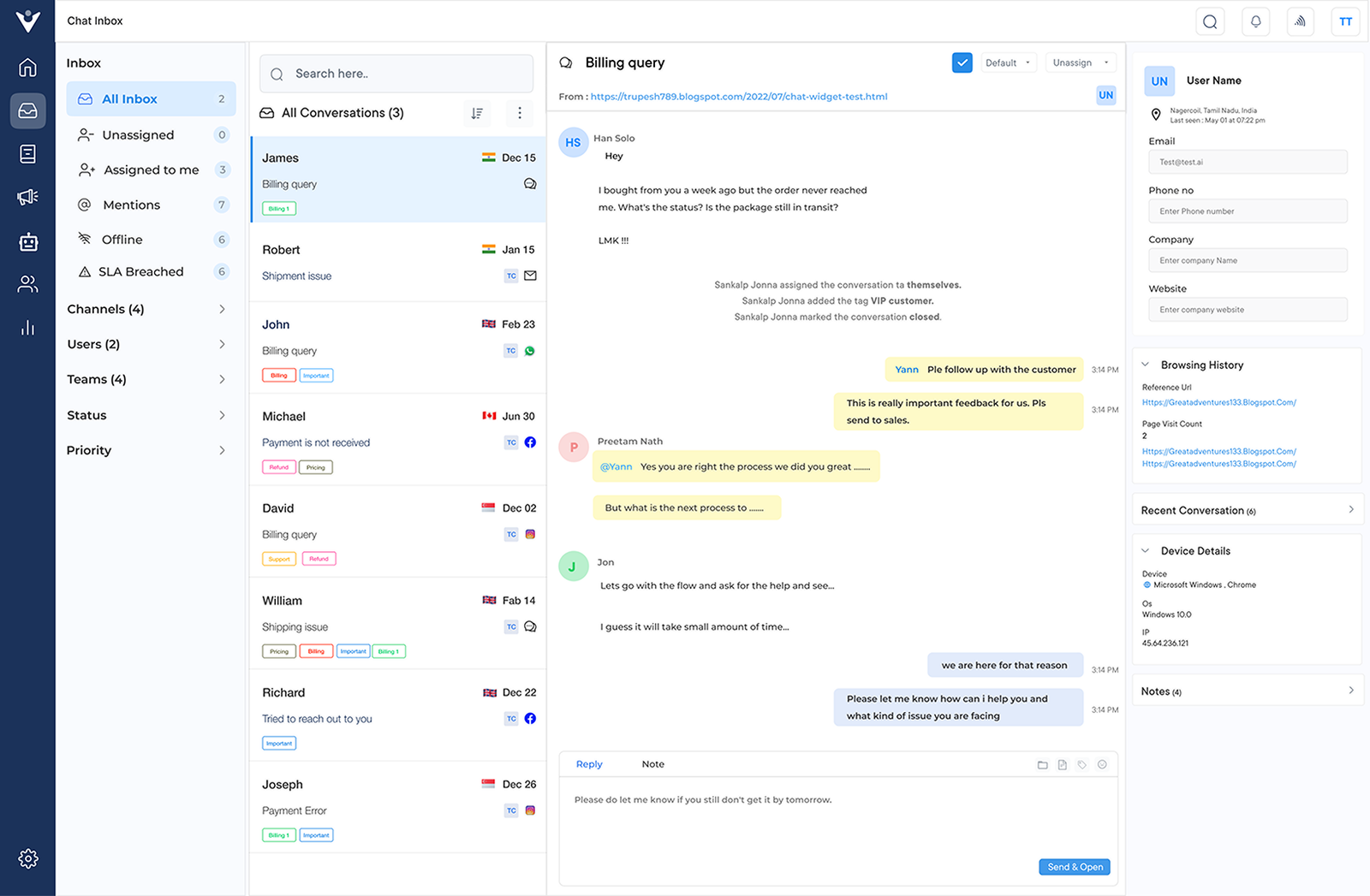
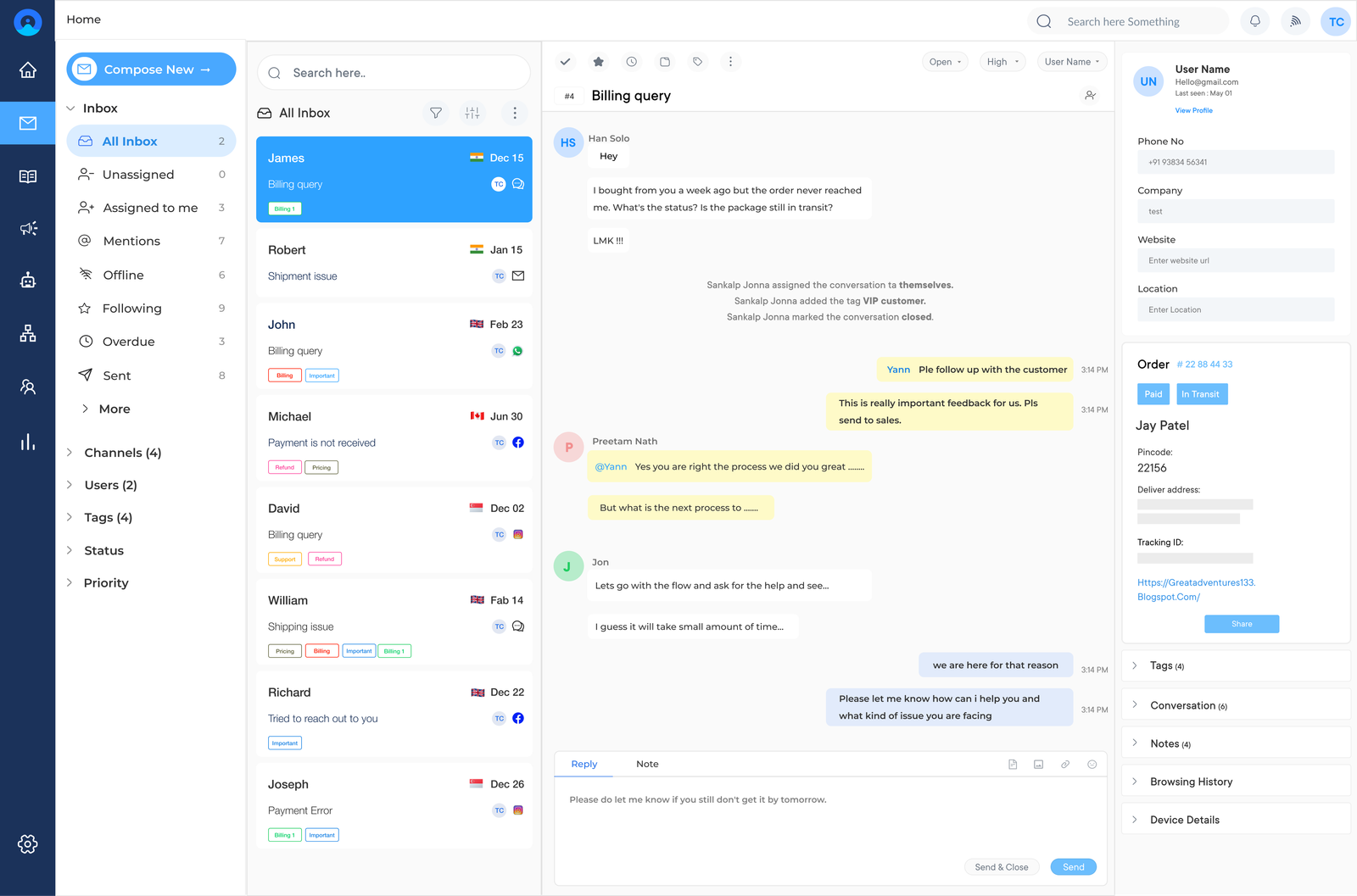
Implement a seamless handover process that transfers conversations from the chatbot to a human agent when high-value issues arise. A unified communication platform allows agents to pick up conversations with full context instantly.
Businesses with poor handovers force customers to repeat information shared with the bot, leading to frustration at the exact moment. A smooth transition preserves trust during critical moments.
Ways to ensure smooth handovers:
- Context Preservation: Transfer complete conversation history and content alongside to the agent before handoff.
- Clear Escalation Triggers: Define specific conditions that automatically prompt a handover to humans.
- Agent Notification Systems: Alert available agents when a handover request is required.
Beyond technical handoff, train your agents to acknowledge the bot’s presence before the handoff. This helps customers feel the transition is seamless instead of a failure of the automated system.