11 Best Sales CRM Software Reviewed: The Buyer’s Guide (2026)

Discover the best sales CRM software with our comprehensive buyer’s guide. Check the comparison to find the best tool for streamlining sales processes and enhancing customer relationships.

No credit card required. Easy setup

Sales CRM Sales CRM SoftwareSales Managent CRM Solution

Trusted By Leading Brands

Boost Sales, Build Relationships, and Close Deals Faster with Sales CRM

Streamline lead management, nurture customer relationships, and close deals faster with a powerful, all-in-one solution.

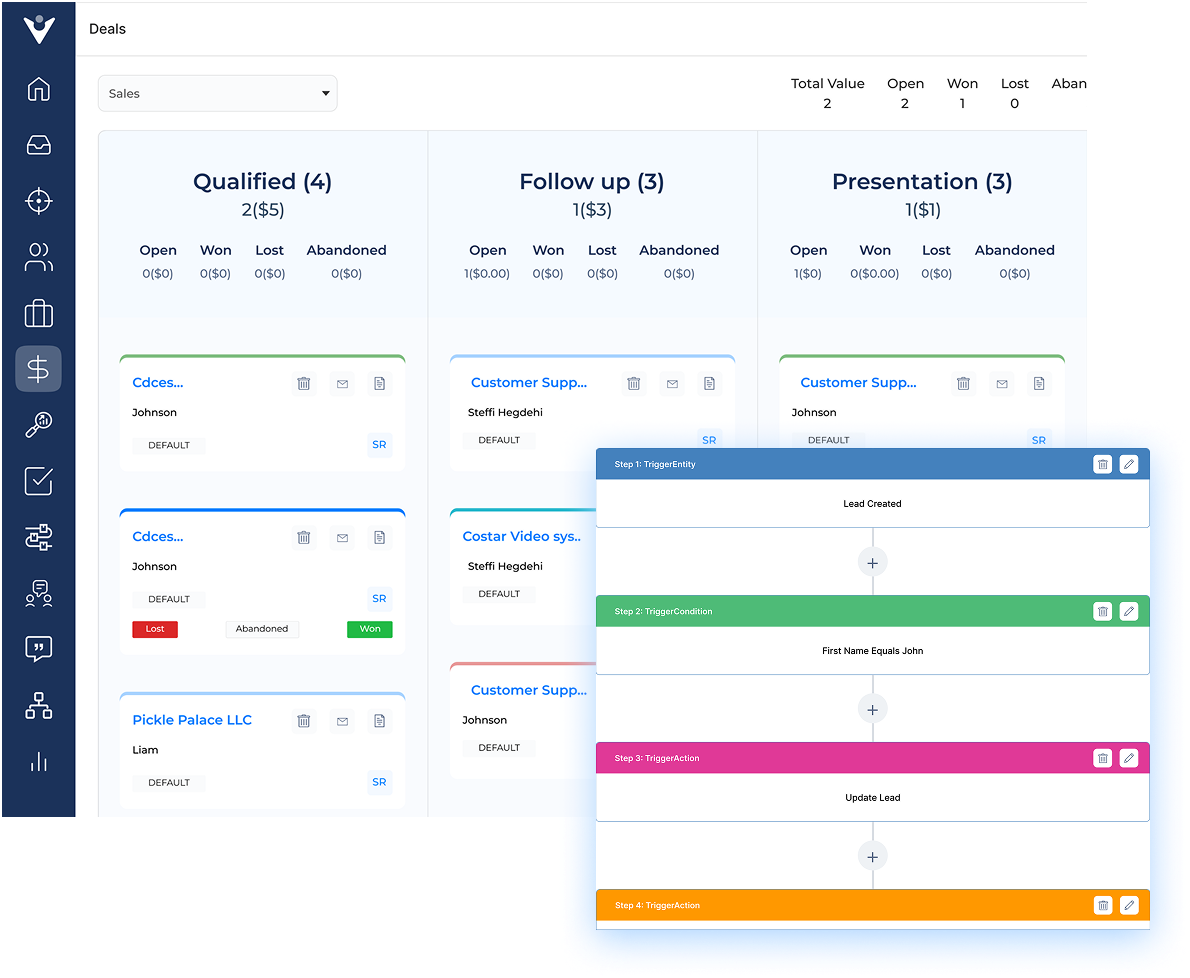
Sales CRM Sales CRM Software Sales Management CRM Dashboard 1

Automated Sales Processes

Tasks like follow-ups and lead tracking can be streamlined with automation, leading to increased efficiency. Automation ensures that repetitive tasks are completed consistently and on time.

Pipeline Management

Sales reps can control the sales stages to monitor developments and make precise revenue projections. The visibility enables them to make precise revenue projections and plan resources effectively.

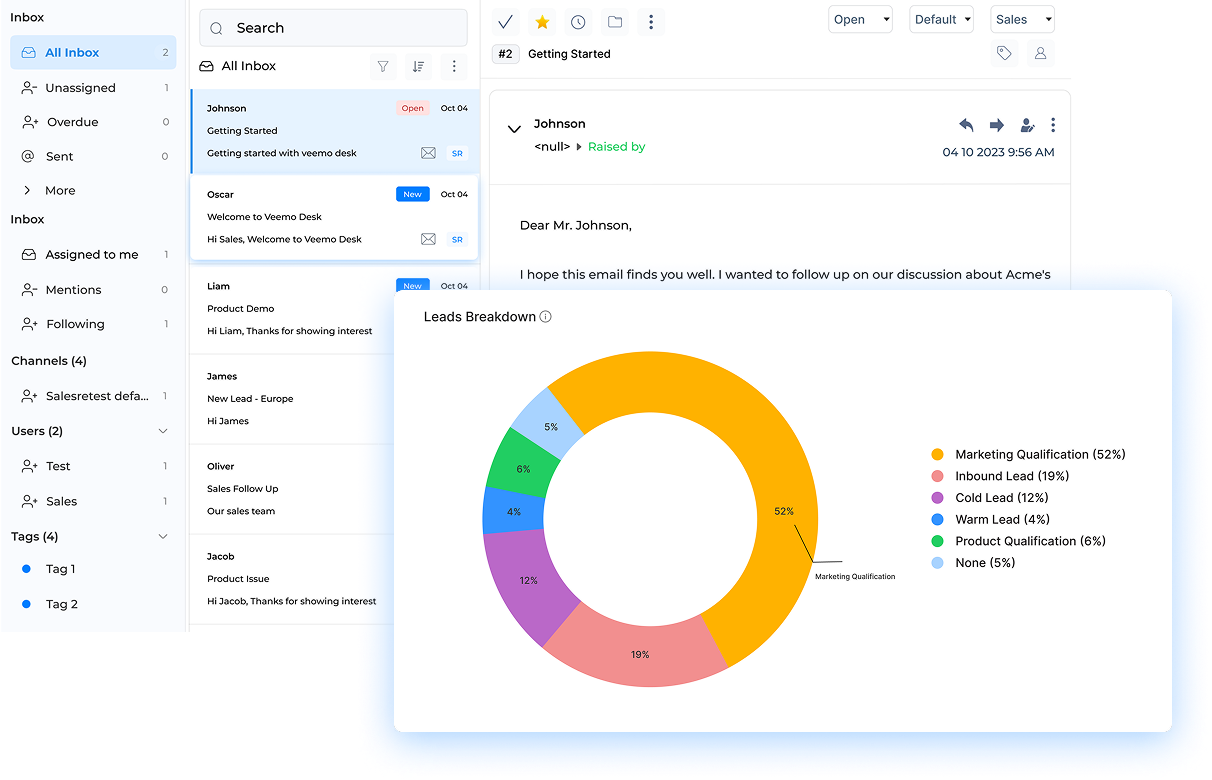
Detailed Analytics

Teams can utilize performance indicators and reports to generate insights. They can make informed strategic choices, enabling them to generate actionable insights.

Personalized Communication

Interactions can be tailored for each customer based on detailed histories for better engagement. The approach enhances engagement and increases the likelihood of successful outcomes.

Sales CRM Sales CRM Software Sales Management CRM Dashboard 2

Choosing the wrong sales CRM doesn’t just hamper the productivity of your team. Time. It means there will be missed follow-ups, lost deals and a team fighting the tool instead of using it. That’s why comparing different options matters before committing to one. 

Below we have compared the best CRM solutions in detail by looking at their features, pricing, and real user experiences, helping you navigate a crowded market with confidence.

What is a Sales CRM Software?

Sales CRM software can be defined as a tool that helps businesses seamlessly manage customer interactions throughout the sales process. It works by centralizing customer information, sales activity and communication history in one place.

Key objectives are:

  • Enhance customer relationships by providing a comprehensive view of each client’s history and preferences.
  • Increase sales productivity by automating routine tasks and providing real-time access to critical information.
  • Improve forecasting and decision-making through data-driven insights.
  • Streamline communication among sales team members and other departments.

Comparison of Top Sales CRM Tools and Software

Let’s dive into the comparison of the leading CRM tools to help to make a smart choice for the sales team.

CRM Software Pricing
Plan/Free Trial 5 Key Sales CRM Features
Veemo Sales $29/ user 14-days free trial
  • Contact Management
  • Pipeline Management
  • Sales Inbox
  • Sales Sequences
  • Email Automation
  • Sales Forecasting
  • Reporting and Analytics
HubSpot CRM Free – $1,200+ Free plan
  • Deal Tracking
  • Email Tracking
  • Meeting Scheduling
  • Live Chat
  • Custom Reports
Salesforce CRM $25-$300+/user 30-days trial
  • Lead Management
  • Opportunity Tracking
  • Sales forecasting
  • AI-powered Insights
  • Customizable Dashboards
Pipedrive $14.90-$99/user 14-days trial
  • Visual Sales Pipeline
  • Email Sync
  • Activity Reminders
  • Smart Contact Data
  • Sales Reporting
Zoho CRM Free – $52/user 15-days trial
  • Lead Scoring
  • Workflow Automation
  • Territory Management
  • Social Media Integration
Zendesk Sell $19-$99/user 14-days  trial
  • Sales email intelligence
  • Built-in calling
  • Lead enrichment
  • Sales forecasting
  • Mobile CRM
Freshsales Free – $69/user 21-days  trial
  • AI-powered Contact Scoring
  • Built-in Phone
  • Visual Deal Pipeline
  • Time-based Workflows
  • Sales Sequences
Insightly $29-$99/user 14-days  trial
  • Project Management
  • Custom Dashboard
  • Email Templates
  • Workflow Automation
Monday Sales CRM $10-$20/user 14-days  trial
  • Customizable Pipelines
  • Automations
  • Data Visualization
  • Team Collaboration
  • Integrations
Keap $79-$199/month 14-days  trial
  • Quote Management
  • Appointment Scheduling
  • Marketing Automation
  • Sales Pipeline
Copper CRM $23-$119/user 14-days  trial
  • G Suite Integration
  • Automated Data Entry
  • Custom Fields
  • Task Management
  • Reporting & Forecasting

11 Best Sales CRM Platforms Reviewed

Let’s dive into the detailed analysis of the top sales CRM platforms to elevate sales performance to new heights.

1. Veemo Sales

Best sales CRM to boost customer retention

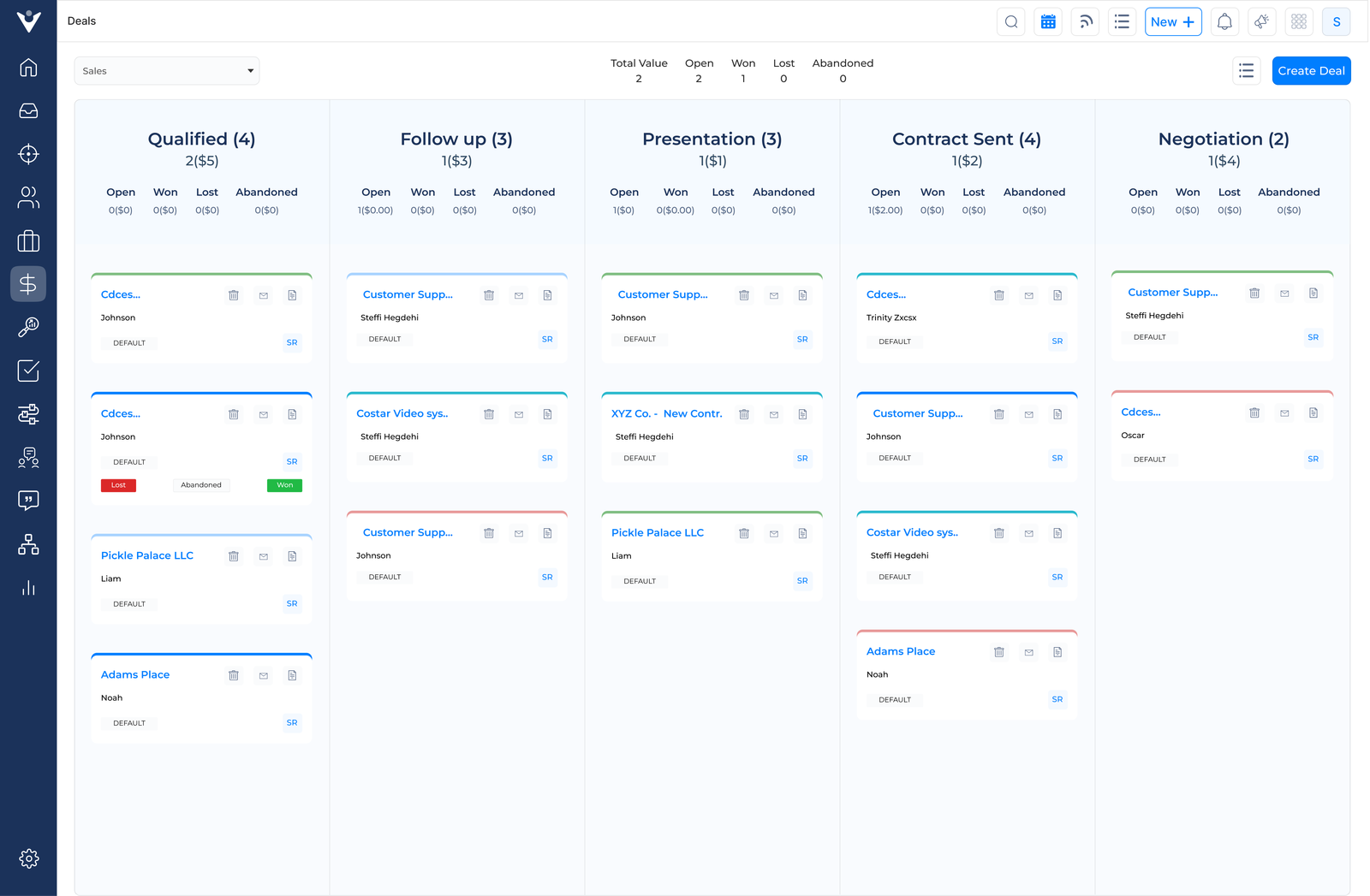
Veemo Sales Deals

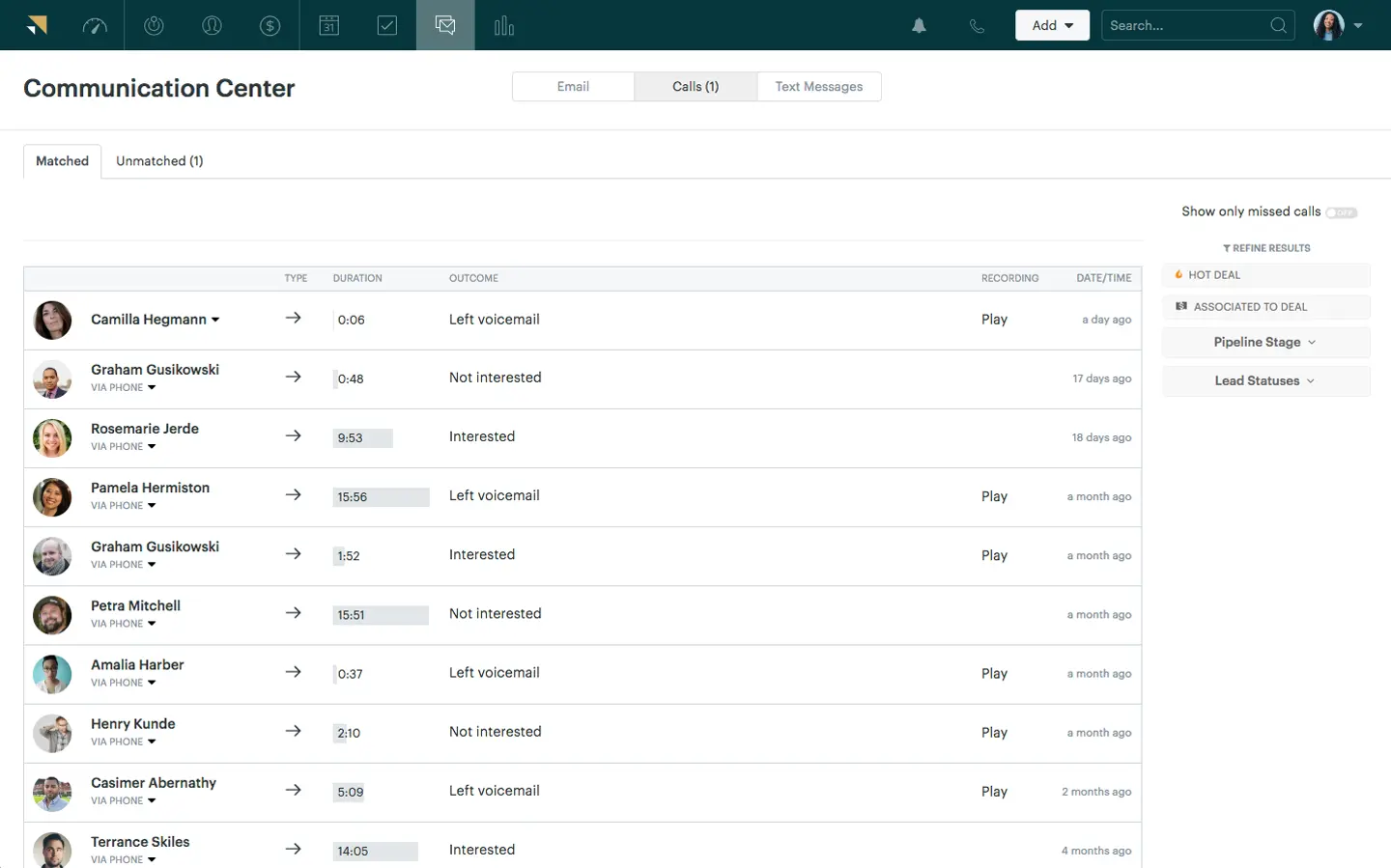
Veemo Sales is a cloud-based CRM platform designed for sales teams sales teams that need a clearer way to manage and grow their pipeline. It brings together pipeline automation, lead insights and multichannel communication to keep deals moving without adding unnecessary complexity.

Veemo Sales supports different sales processes, from SaaS startups handling inbound leads to field teams coordinating outreach across regions. Its flexible setup allows teams to adapt the platform to their workflows without extensive customization.

Key Features:

Advanced contact management: Veemo Sales provides a centralized database for storing and organizing customer information, It includes communication history, preferences and custom fields, enabling teams to maintain a 360-degree view of clients.

Visual sales pipeline: The software offers a highly customizable and visually appealing pipeline that allows sales reps to track deals at various stages. They can easily move opportunities through the process and identify potential bottlenecks.

Intelligent lead scoring: Veemo Sales employs a sophisticated lead scoring system that automatically prioritizes leads based on predefined criteria. Sales teams can focus their efforts on the most promising opportunities.

Automated email sequences: The platform includes a powerful email automation tool that enables users to schedule personalized email sequences and nurture leads.

Analytics and reporting: Veemo Sales offers robust reporting capabilities with customizable dashboards. Managers gain valuable insights into team performance, sales trends and key metrics for data-driven decision-making.

Pricing: There are four different plans ranging from $29 to $129. Visit Veemo’s pricing page for more insights.

2. HubSpot CRM

Robust sales CRM to boost team productivity

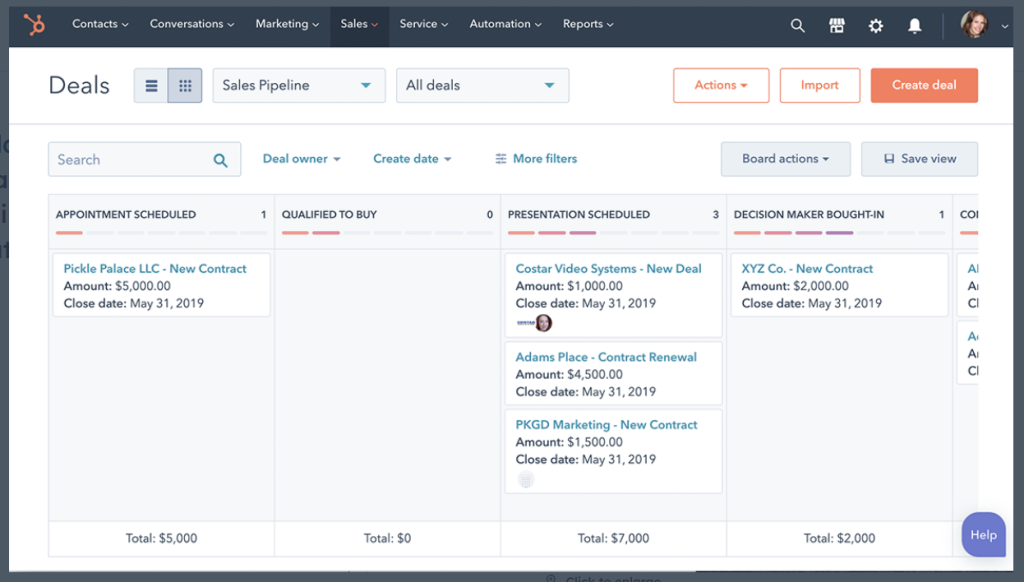
HubSpot Sales CRM

HubSpot CRM is a comprehensive platform that integrates sales, marketing and customer service functionalities. It offers a user-friendly interface and seamless integration with other HubSpot tools, providing a unified ecosystem for managing customer relationships.

The primary features of Hubspot include contact management, email tracking, meeting scheduling and pipeline visualization. The platform’s USP lies in its inbound marketing approach, offering tools like content management and SEO optimization alongside traditional CRM features.

3. Salesforce CRM

Seamless sales CRM software for sales forecasting

SalesForce Sales CRM

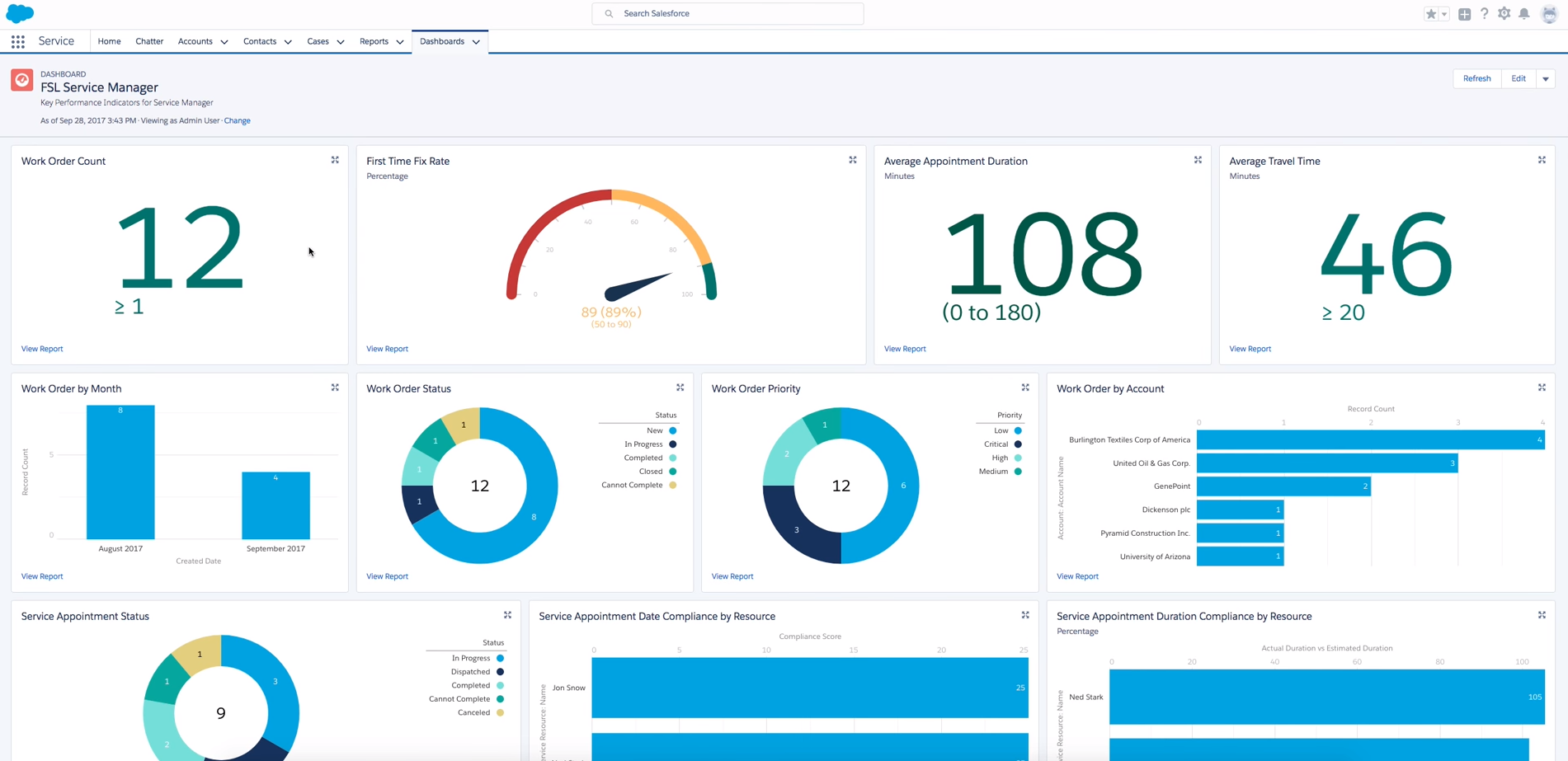
Salesforce CRM is a cloud-based platform that offers comprehensive CRM solutions. Businesses can manage sales, customer service, marketing and analytics in a unified ecosystem. The platform is known for its scalability and customization options, catering to businesses of all sizes across various industries.

The highlighted capabilities of Salesforce CRM include contact management, opportunity tracking, sales forecasting and workflow automation. The unique selling points are its extensive app marketplace (AppExchange), AI-powered insights (Einstein AI) and robust integration capabilities. Salesforce’s mobile-first approach and regular updates keep it at the forefront of CRM technology.

4. Pipedrive

Comprehensive sales crm tool for customizable pipeline

PipeDrive Sales CRM

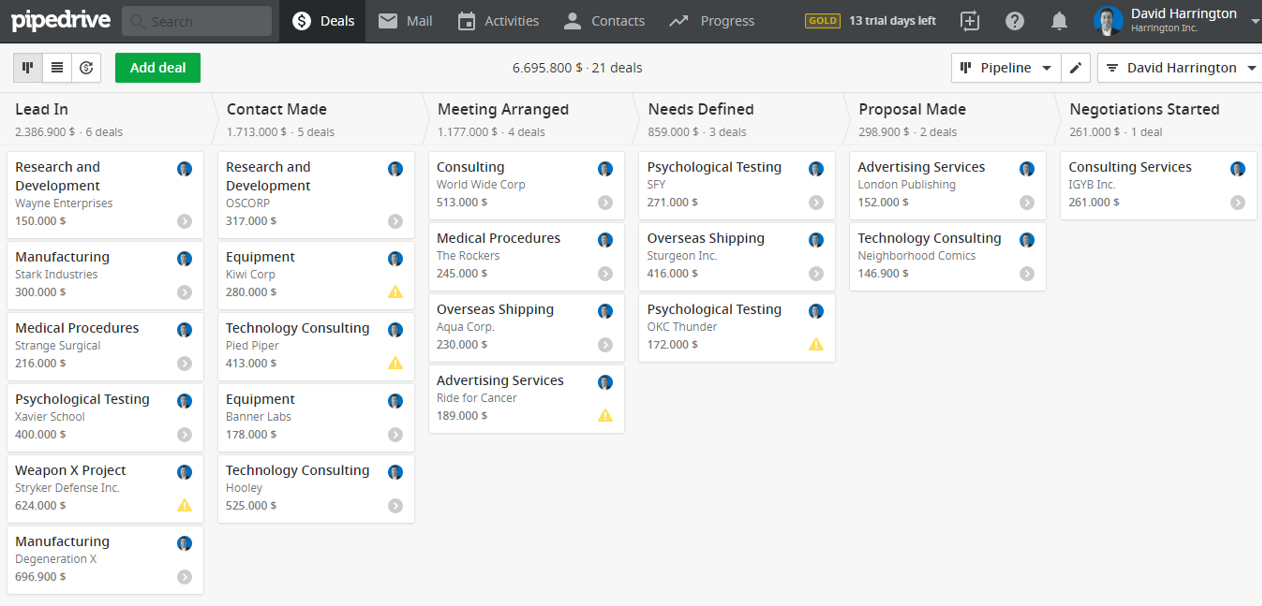
Pipedrive is a user-friendly sales CRM software designed to streamline the sales process for businesses of all sizes. It offers a visual pipeline-interface that helps teams track and manage deals effectively, providing a clear overview of sales activities.

The platform offers customizable pipelines, contact management, email integration and mobile apps. Pipedrive’s USP lies in its intuitive design and focuses on simplicity, making it easy for sales teams to adopt consistently.

5. Zoho CRM

Extensive sales tracking tool for multi-channel communication

Zoho Sales CRM

Zoho CRM is a comprehensive sales and customer relationship management platform designed for businesses of all sizes. It offers a user-friendly interface and integrates seamlessly with other Zoho applications. The platform provides a unified ecosystem for managing customer interactions, sales processes and business operations.

The highlighted attributes of Zoho CRM include AI-powered sales assistant (Zia), multi-channel communication, workflow automation and advanced analytics. Its unique selling points are its customizability, robust mobile app and extensive third-party integrations. Zoho CRM stands out for its balance of functionality and affordability.

6. Zendesk Sell

Robust sales crm for advanced analytics

Zendesk Sales CRM

Zendesk Sell is a comprehensive sales CRM software designed to streamline sales processes and enhance customer relationships. It offers a user-friendly interface that integrates with Zendesk’s customer service platform, providing a unified view of interactions across departments.

The primary attributes of the solution include customizable sales pipelines, email integration, mobile access and advanced analytics. The unique selling point is the seamless integration with Zendesk’s support tools, enabling sales and support teams to collaborate effectively.

7. Freshsales

Seamless sales crm platform for AI-powered lead scoring

FreshSales Sales CRM

Freshsales is a comprehensive sales CRM software designed to streamline the sales process for businesses of all sizes. It offers a user-friendly interface that centralizes customer data, communication and sales activities in one platform.

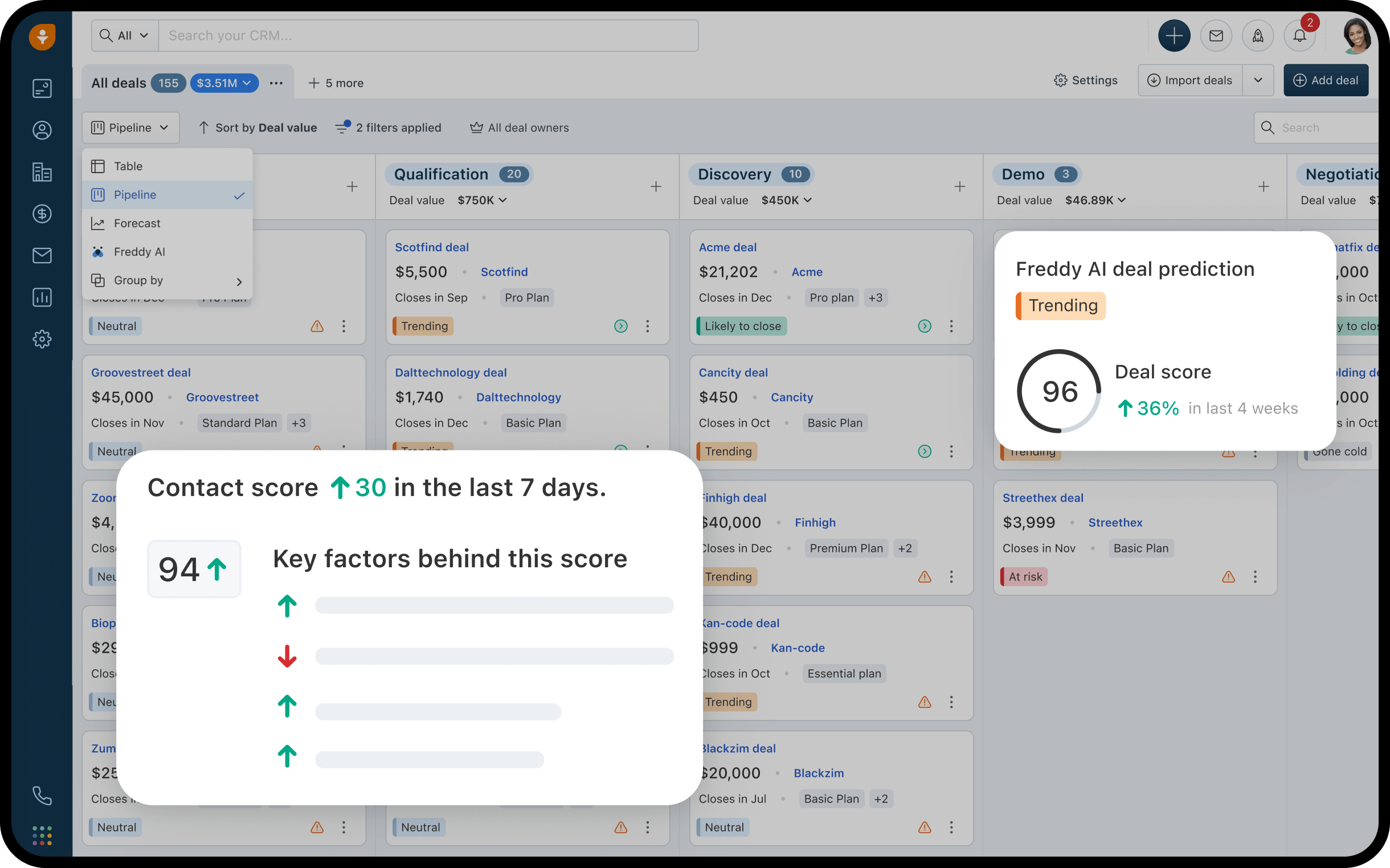
Key features of Freshsales include AI-powered lead scoring, built-in phone, automation tools and customizable sales pipelines. Its unique selling point is the integration of AI-assistant Freddy, which provides actionable insights and automates routine tasks.

8. Insightly

Comprehensive sales crm solution for customizable dashboards

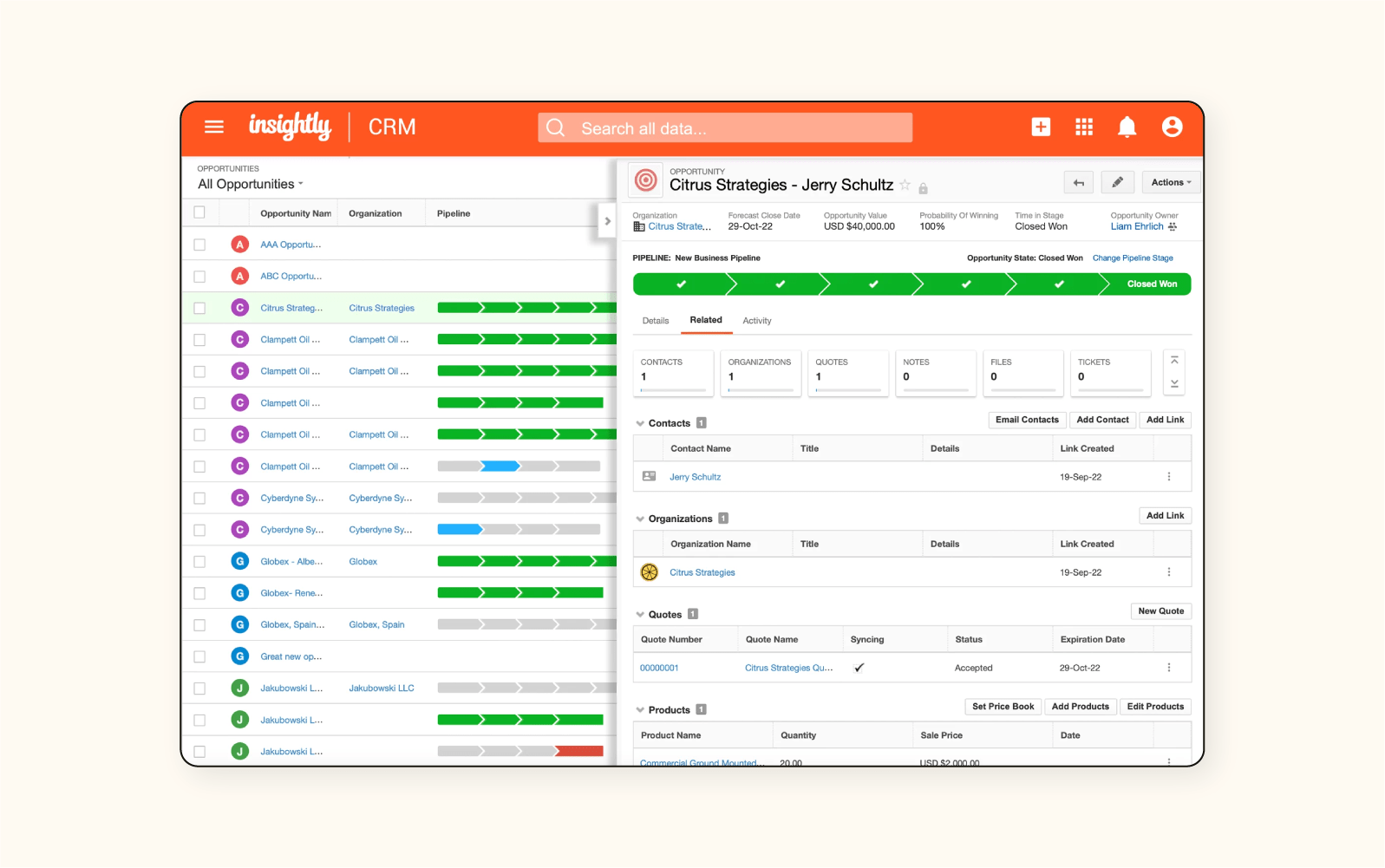
Insightly Sales CRM

Insightly is a comprehensive CRM software designed to streamline sales processes for businesses of all sizes. It offers a user-friendly interface that integrates customer data, project management and sales pipeline tracking in one centralized platform.

The customizable dashboards, lead routing, email integration and advanced reporting tools are some of the notable features of Insightly. The platform’s USP is its project management capabilities, allowing a seamless transition from sales to delivery, which sets it apart from traditional CRM solutions.

9. Monday Sales CRM

Robust sales CRM for pipeline management

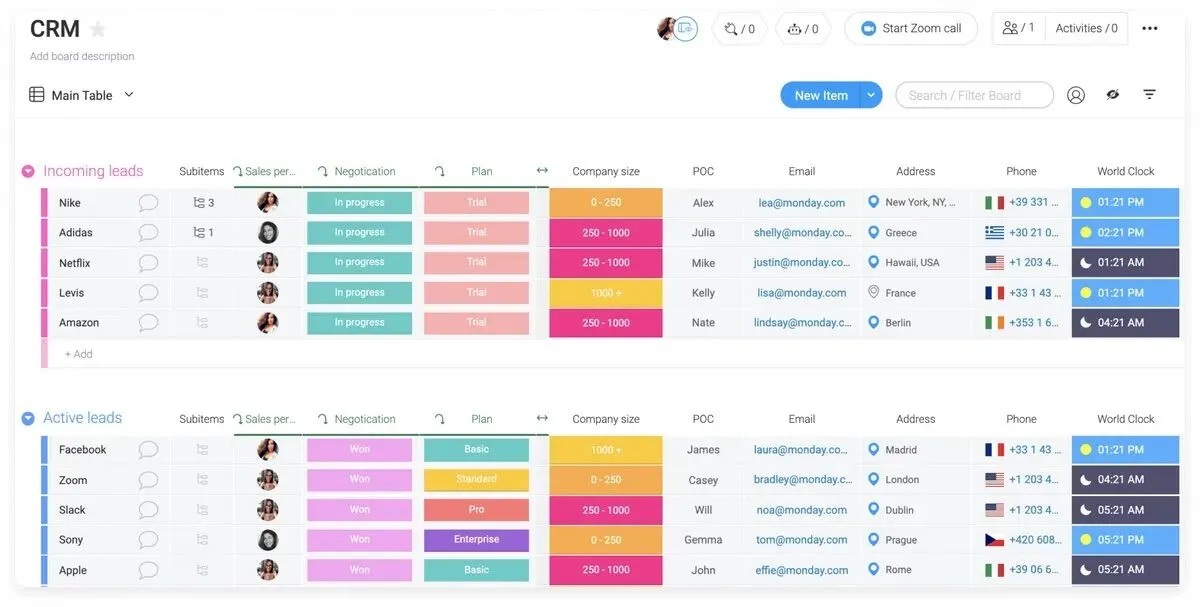
Monday Sales CRM

Insightly is a comprehensive sales CRM software designed to streamline business processes and enhance customer relationships. It offers a user-friendly interface that integrates sales, marketing and project management functionalities into a single platform.

The platform offers lead routing, pipeline management and customizable dashboards. Insightly’s unique selling point is its project management capabilities, allowing a seamless transition from closed deals to project execution.

10. Keap

Seamless sales CRM tool for automated follow-ups

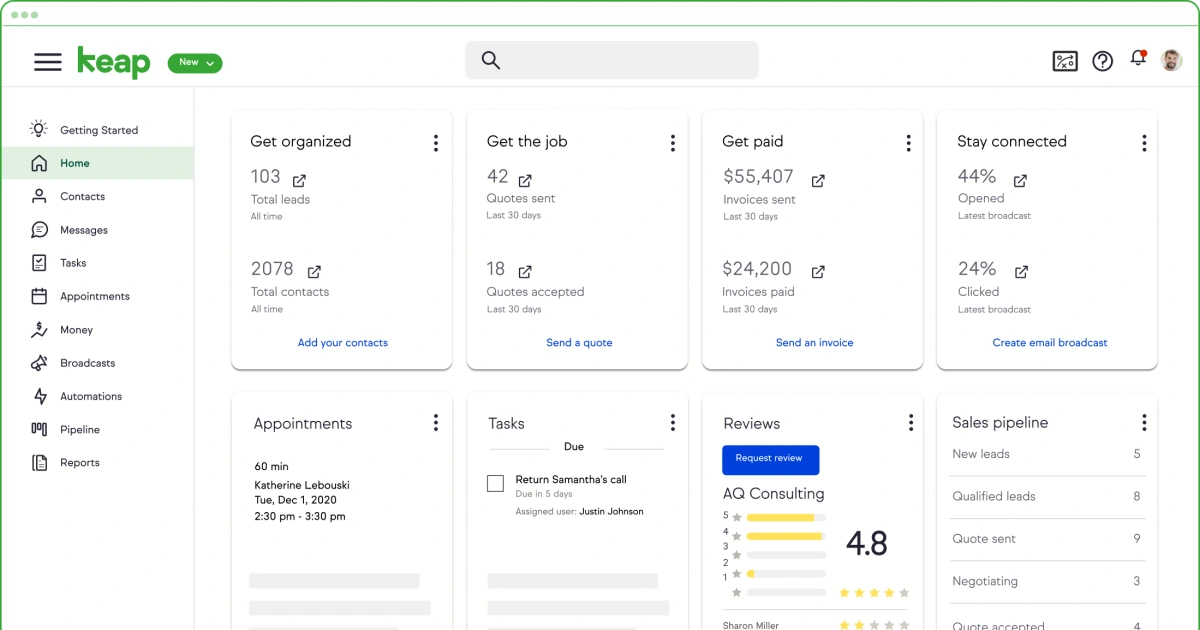
Keap Sales CRM

Keap is a comprehensive sales CRM tool designed to streamline business operations for small to medium-sized enterprises. It offers an all-in-one solution integrating contact management, marketing automation and e-commerce capabilities.

The solution offers lead capture, automated follow-ups and customizable sales pipelines. Its unique selling point is the seamless integration of marketing and sales functions. Users can create targeted campaigns and track customer interactions across multiple channels, all within a single platform.

11. Copper CRM

Robust sales crm solution for advanced reporting capabilities

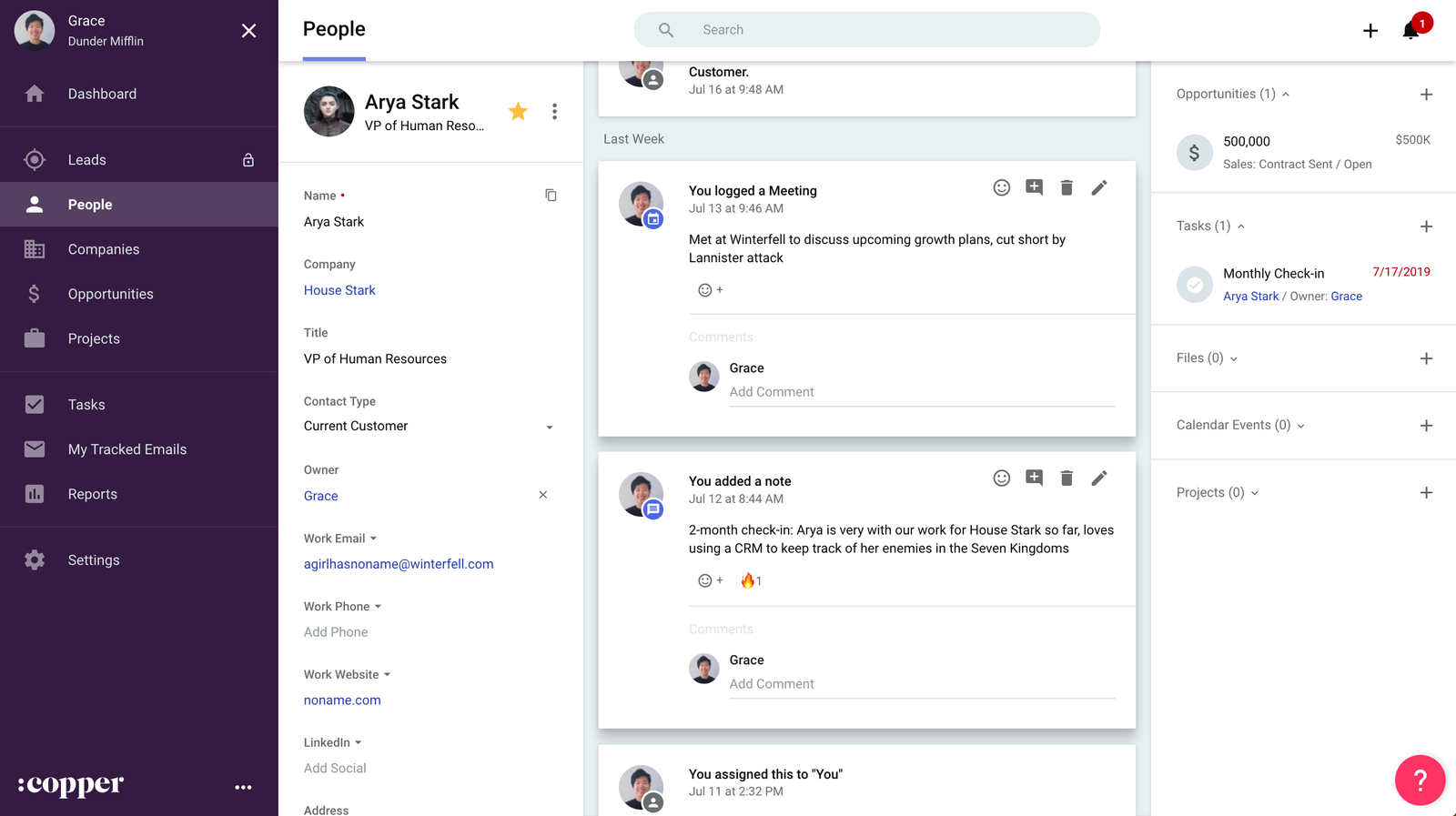
Copper Sales CRM

Copper CRM is a user-friendly sales management platform designed to streamline customer relationships and boost productivity. It integrates seamlessly with Google Workspace, making it an ideal choice for businesses already using Google’s suite of tools.

Copper CRM’s important features include automated data entry, customizable pipelines and advanced reporting capabilities. Its USP is its deep integration with Google Workspace. Users can manage leads and deals directly from their Gmail inbox, eliminating the need for constant app switching.

What are the Features of a Sales CRM System?

Understanding the key features of a sales CRM system is crucial for optimizing your sales efforts and driving better results.

1. Contact Management

The feature allows sales teams to organize detailed information about leads, prospects and customers in a centralized database. It includes contact details, communication history, purchase records and custom fields for industry-specific data.

2. Sales Inbox

The feature consolidates all customer-related emails, ensuring that important messages don’t get lost in cluttered personal inboxes. Teams can easily track conversations and have quick access to relevant contact information. Some advanced sales inboxes also offer AI-powered suggestions for email content and optimal sending times.

3. Sales Pipeline Visualization

Sales teams can track deals at various stages, from initial contact to closed sales. Pipeline visualization helps managers identify bottlenecks, forecast revenue and optimize the sales process. It also gives individual salespeople a clear overview of their active deals and priorities.

4. Lead Scoring and Routing

Lead scoring assigns numerical values to leads based on various criteria, such as demographic information, online behavior or engagement level. It helps sales teams prioritize their efforts on the most promising prospects. Lead routing, often coupled with scoring, automatically assigns leads to the most appropriate salesperson based on factors like territory, expertise or workload.

5. Task Management

CRM task management features help salespeople organize their daily activities and never miss important follow-ups. It typically includes to-do lists, reminders and calendar integration. Advanced task management may incorporate AI to suggest optimal times for specific activities or automatically create tasks based on pipeline stage or customer behavior.

6. Automated Sequences

Automated sequences, also known as drip campaigns, allow salespeople to set up a series of pre-planned touchpoints with prospects or customers. It ensures consistent follow-up, nurtures leads over time and frees up salespeople to focus on high-value activities that require a personal touch.

7. Workflow Automation

Workflow automation streamlines repetitive tasks and processes within the sales cycle. It can include automatically updating record statuses, assigning tasks based on specific triggers or sending internal notifications. Sales teams can focus more on building relationships and closing deals by reducing manual data entry tasks.

How to Choose the Right Sales CRM Solution?

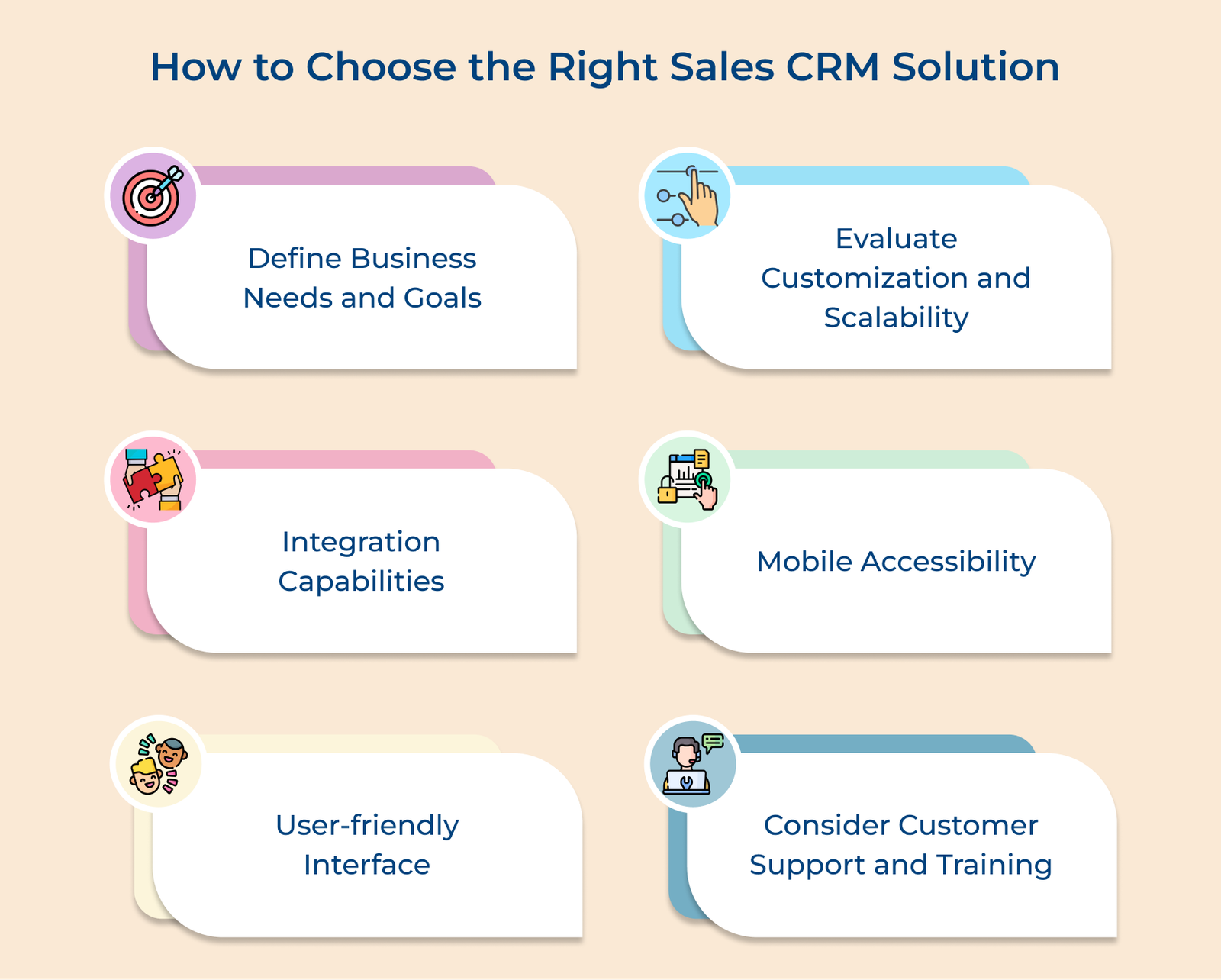
Deciding which CRM system is best suited for a business can be overwhelming. Here are six points to consider when choosing the right sales CRM solution:

How to Choose the Right Sales CRM Solution 

1. Define the Business Needs and Goals
Before selecting a CRM solution, it is essential to clearly define the business needs and goals. Consider factors such as the target market, sales process, team size and budget. Identify the specific features and functionalities the business requires in a CRM system to streamline the sales processes.

2. Evaluate Customization and Scalability
Look for a CRM solution that offers customization options to tailor the system to meet the unique business requirements. Ensure that the CRM platform is scalable and can accommodate the business growth over time. Consider the level of flexibility offered by the CRM system in terms of adding or modifying features as the business evolves.

3. Integration Capabilities
Choose a CRM solution that seamlessly integrates with the existing tools, such as email marketing software, social media platforms and accounting software. Integration capabilities enable data synchronization and enhance workflow automation. The sales team can access all information in one centralized location.

4. Mobile Accessibility
A mobile-friendly CRM platform empowers the sales team to access real-time data, update customer information and track sales activities on the go. It leads to increased productivity and improved customer engagement.

5. User-friendly Interface
Ease of use is a critical factor to consider when choosing a CRM solution. Opt for an intuitive and user-friendly platform, minimizing the learning curve for the sales team. A clean interface promotes user adoption and ensures that the team utilizes the CRM system effectively.

6. Consider customer support and training
When selecting a CRM solution, evaluate the level of customer support and training provided by the CRM vendor. Look for a provider that offers comprehensive training resources, tutorials and responsive customer support to assist the team in successfully utilizing the CRM system.

How Does a Sales CRM Software Work?

A sales CRM works by moving customer data through a defined process, from first contact to closed deal. Here’s how that flow actually functions behind the scenes.

1. Capturing leads: A sales CRM pulls in leads from multiple sources, including web forms, email inquiries, phone calls and manual entry by sales reps. It ensures there’s a single, consistent starting point for every potential customer instead of scattered records across different tools.

Here’s where lead capture typically originates:

  • Website forms and landing page submissions get logged automatically as new contact records.
  • Inbound emails along with the phone call logs are captured and linked to the right lead.
  • Manual entry from trade shows or referrals ensures offline leads aren’t lost.

2. Organizing customer data: Once captured, the contact details, communication history and deal information sync automatically into a single customer record. The shared profile gives every team member access to the same current information.

3. Tracking pipeline movement: As the reps engage with leads, the deals move through defined pipeline stages. The visual progression gives both reps and managers a real-time view of exactly where every opportunity currently stands.

Here’s how the stages undergo changes:

  • A completed call or meeting moves a lead from qualification to proposal stage.
  • A signed proposal or contract milestone advances the deal toward closing.
  • Manual updates made directly by the sales rep reflect judgment calls in real time.

4. Automating Follow-Ups
The CRM automatically triggers reminders, scheduled emails, or follow-up tasks based on set time intervals or specific lead actions. It keeps follow-ups on track and prevents promising leads from being overlooked when sales reps have competing priorities.

The automated sequences run consistently in the background, regardless of how many leads a rep is juggling at once. Every prospect ends up receiving timely attention, even during a team’s busiest weeks.

5. Reporting and Forecasting
Every interaction and pipeline update is reflected in the dashboards. The sales activity turns into forecasts, win rates and performance metrics. These insights are very helpful for the sales leaders to allocate resources effectively and adjust their strategy based on current performance.

Over time, studying these reports makes it easier to understand which activities that consistently contribute to conversions. Sales teams use these findings to refine their approach and focus their work on what the data shows is actually working.

Why Are CRM Solutions Important for Your Sales Team?

Let’s explore the key benefits of implementing a sales CRM system to understand why it has become an indispensable tool for modern businesses:

1. Increased Team Productivity
A sales CRM centralizes customer data, communication history and sales processes in one accessible platform. Sales teams can quickly access relevant data, automate routine tasks and focus more on high-value activities like building relationships.

2. Improved Customer Experience
CRM systems enable sales representatives to offer personalized interactions and tailored solutions by providing a 360-degree view of each customer. They can easily track customer preferences, past interactions and purchase history, allowing for more meaningful engagements.

3. Accelerated Sales Cycles
Sales teams can move prospects through the sales funnel more efficiently with streamlined processes and easy access to customer information. CRM systems help identify high-potential leads, automate follow-ups, and provide timely reminders for next steps.

4. Consistent Messaging
A CRM system serves as a central repository for sales collateral, product information and communication templates. It ensures that all members have access to the latest and most accurate information, promoting consistency in messaging across all customer touchpoints.

5. Increased Revenue and ROI
The culmination of all the benefits leads to increased revenue and a higher ROI. Businesses can expect to see a significant boost in their bottom line by improving productivity, customer satisfaction, decision-making and sales efficiency. The insights gained from CRM analytics can help identify new revenue opportunities and optimize sales strategies for long-term growth.

Close Deals Faster with Veemo Sales CRM

Slow, disorganized sales processes cost deals. Veemo Sales CRM closes that gap effectively. Teams get a faster, more structured way to move prospects through the pipeline.

  • Centralizing customer data and automating routine tasks frees reps to focus on high-value selling activities.
  • Real-time analytics help sales teams spot pipeline trends and make decisions based on current performance data.
  • A user-friendly interface drives rapid team adoption, while built-in scalability supports growth without switching platforms.

FAQs about Best Sales CRM Platform

CRM sales software is utilized by sales teams, business development professionals and customer service representatives. It helps them manage customer relationships, track sales activities and improve communication with clients. Small businesses, large corporations and organizations in various industries use CRM software to streamline their sales processes.

CRM software empowers the sales team with a clear, organized view of every opportunity. They no longer have to rely on memory or scattered notes. Here’s how that visibility translates into actual sales performance.

  • Automated follow-up reminders so no lead goes cold or forgotten.
  • Lead scoring that helps reps prioritize the deals that are most likely to convert.
  • Pipeline visibility that flags stalled deals before they’re lost.
  • Centralized communication history that keeps context intact across every touchpoint.

When it comes the sales CRM, the pricing varies depending on the features, scalability and level of customization a business requires from its. Here’s an idea of what you can generally expect across different pricing models available in the market today.

  • Basic CRMs start as low as $12 per user, per month.
  • Advanced CRMs can run up to $150 per user, per month.
  • One-time purchase options range from $200 to $1,000.
  • Custom-built CRMs typically cost more than standard subscription plans.

The different types of sales CRM platforms are designed around different business needs, team structures, and selling processes. Cloud-based CRMs give teams access to customer data from anywhere. The mobile CRMs support sales reps who spend much of their time meeting prospects or working outside the office. 

Apart from these, social CRMs integrate customer interactions directly from social platforms. The and industry-specific CRMs are built around specialized workflows for particular sectors. Choosing between them ultimately depends on how, where and with whom your team actually sells.

The buying process of sales CRM software involves identifying business needs, researching options, comparing features, requesting demos, seeking offers and making a final decision. It’s important to consider scalability, integration capabilities, user-friendliness and customer support when choosing the right CRM software for the sales team.

First, identify the business needs, then research and compare different CRM options. Choose a CRM system that aligns with the goals and budget. Next, set up the software, import the existing data and customize it according to the sales processes. Train the team on how to effectively use the CRM for optimal results.