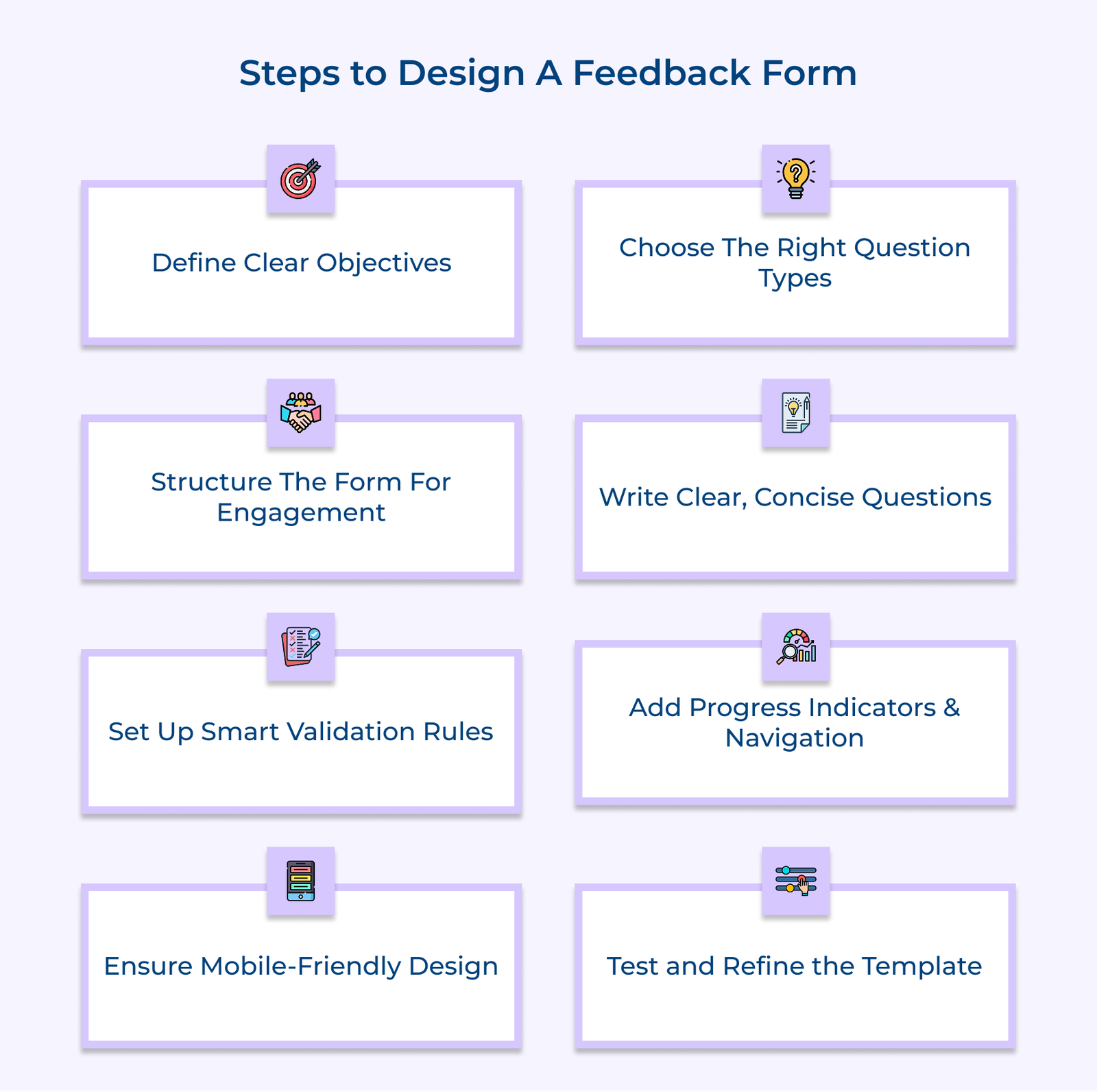
1. Define Clear Objectives and Goals
The first step to designing an effective feedback form is defining clear, specific goals. Ask yourself what you want to learn and why it matters. Without clear objectives, your form risks becoming too broad or unfocused, collecting data that’s hard to interpret or use.
Start by outlining the questions your business needs answers to, then prioritize them based on their relevance to ongoing challenges or decisions. The process ensures that every question on your form has a purpose and contributes to a larger improvement effort.
Pro tips:
- Link each question in your form to a specific business objective—it keeps the feedback focused and actionable.
- Revisit your objectives every quarter to keep your feedback efforts aligned with evolving business needs.
2. Choose Appropriate Question Types
Choosing the right types of questions is essential to collecting feedback that’s both useful and easy to analyze. Different question formats, such as multiple choice, rating scales or open-ended text, serve different purposes. Match each question to the kind of insight you’re after.
Multiple choice works well for quick selections, rating scales help measure satisfaction or frequency and open-ended questions allow for deeper commentary. A thoughtful mix keeps respondents engaged and gives you both structured data as well as meaningful context.
Actionable tips:
- Begin with a simple question to build momentum, then follow with open-ended ones for richer insights.
- Use consistent scale formats to make responses easier to compare and interpret.
3. Structure Form Layout for Engagement
A feedback form is only as effective as its structure. If a form feels cluttered or confusing, people are less likely to finish it or provide thoughtful answers. A clear, simple layout that moves logically from one section to the next makes the process easier for your customers and improves the quality of the feedback you receive. Start with general questions to ease people in, and gradually move toward more detailed or sensitive topics once they’re engaged.
Create Logical Flow in Templates
When designing your feedback form template, start with introductory questions to ease respondents in. Progress through related topics in a natural sequence that helps customers recall their experiences accurately. End with more detailed or sensitive questions once they’re engaged with the process.
Group Related Topics Effectively
Organize your feedback form template sections based on distinct aspects of the customer experience. Create clear section headings that help respondents understand what information you’re seeking. The organization helps customers focus on one aspect at a time while providing feedback.
Design Spacing for Visual Appeal
Implement consistent spacing throughout your online forms template to enhance readability. The visual hierarchy helps guide respondents through the form while reducing cognitive load and preventing overwhelming appearances.
4. Craft Clear and Concise Questions
Question clarity in your feedback form template has a direct impact on the usefulness of the data you collect. Clear questions reduce misunderstandings and make it easier for customers to provide thoughtful, accurate responses. When people know exactly what you’re asking, they’re more likely to give you the information you need to make meaningful improvements.
Write Unambiguous Question Statements
Create straightforward questions and leave no room for multiple interpretations. Use plain, direct language and avoid phrases that might confuse or mislead respondents. Each question should ask one thing and ask it.
Remove Technical Terms Effectively
Look through your form for industry-specific jargon or technical language. Replace these with simple, everyday words that all respondents will understand. The goal is to make your form accessible to everyone, not just those familiar with your business.
Focus Questions on Single Topics
Keep each question focused on one subject at a time. If you want to know about two things, like service speed and friendliness, ask two separate questions. It helps people give clearer, more relevant answers to each.
5. Implement Smart Validation Rules Setup
Smart validation rules in your feedback form template act as a simple but powerful way to keep your data clean and responses meaningful. They help catch errors before submission, reduce confusion for users and save you time during analysis.
The rules improve both the quality of the data and the overall form experience by guiding users to answer properly. Let’s explore some smart validation rules for feedback forms:
- Required field validation: The rule makes sure the most important questions aren’t skipped. Mark the fields in your feedback form template and prevent submission until they’re filled out.
- Format-specific validation: Use the rule to check that responses fit the right structure, like a correctly formatted email or a valid phone number. It reduces errors and keeps your data consistent, especially when collecting contact or demographic details.
- Range and limit validation: Set acceptable limits for number inputs and text lengths. Your feedback form template should notify users when they exceed the boundaries. It maintains data quality and prevents outlier responses.
- Conditional logic validation: The rules adjust questions based on previous answers. If someone answers “No” to a service use question, related follow-ups can be skipped. It keeps the form short, relevant and respectful of the user’s time.
Too many validation rules can overwhelm users and cause them to quit halfway. Strike the right balance to ensure solid data, but not so much that it becomes a chore to complete the form.
6. Add Progress Indicators and Navigation
Progress indicators and navigation elements in your feedback form template improve the overall experience. When people can see how far they’ve come and what’s left, they’re more likely to complete the form. The features add clarity and make the process feel manageable rather than overwhelming.
Show Progress Through Visual Elements
Your feedback form template should include simple, visual progress markers like step counters or percentage bars. It should update in real time as users move through the form. The template keeps respondents informed and encourages them to keep going.
Create Easy Navigation Options
Add clear “Next” and “Previous” buttons throughout the form. Place them consistently so users always know where to click. It makes it easy to go back and edit answers without losing any work.
Enable Save Progress Features
Allow respondents to pause and return later by saving their progress. Include auto-save functionality where possible and make sure instructions for resuming the form are easy to follow. It is especially helpful for longer forms and busy users.
7. Ensure Mobile-Friendly Design Elements
Mobile-friendly design ensures your feedback form template works smoothly across all devices. A responsive layout is essential for collecting feedback anytime, anywhere with more users accessing forms on smartphones. A mobile-optimized experience not only increases completion rates but also encourages better engagement and more accurate responses.
Design Touch-friendly Interactions
Ensure your feedback form template includes buttons and input areas that are easy to tap. Avoid small, crowded elements. Larger touch zones reduce frustration and make navigation easier on mobile screens.
Build Responsive Layout Structure
Use a flexible layout that adapts to different screen sizes. Make sure text is legible and elements stack cleanly without distortion. A consistent, readable format keeps your form usable and visually clear on any device.
Optimize Mobile Button Design
Position buttons within easy reach of thumbs and leave enough space between them to avoid accidental taps. Use clear labels and maintain uniform styling. It helps users move through the form smoothly and without errors.
8. Test and Refine Template Design
Testing and refinement are the crucial final steps in creating an effective feedback form template. The phase helps you spot usability issues and ensure your form works as intended before it reaches a wider audience. Like a chef tasting their dish before serving, testing ensures everything fits together and delivers a smooth experience.
Start with internal testing by having team members fill out the form like real users. Document their feedback and look for confusing sections or technical glitches. Then run a small external test with actual customers. Monitor completion rates, review the feedback quality and adjust your form based on what you learn.
Pro tips:
- Create a testing checklist that includes different devices, browsers and user types to ensure your form works in all scenarios.
- Set up regular review intervals ( monthly or quarterly) to evaluate form performance and apply changes based on real-world usage.
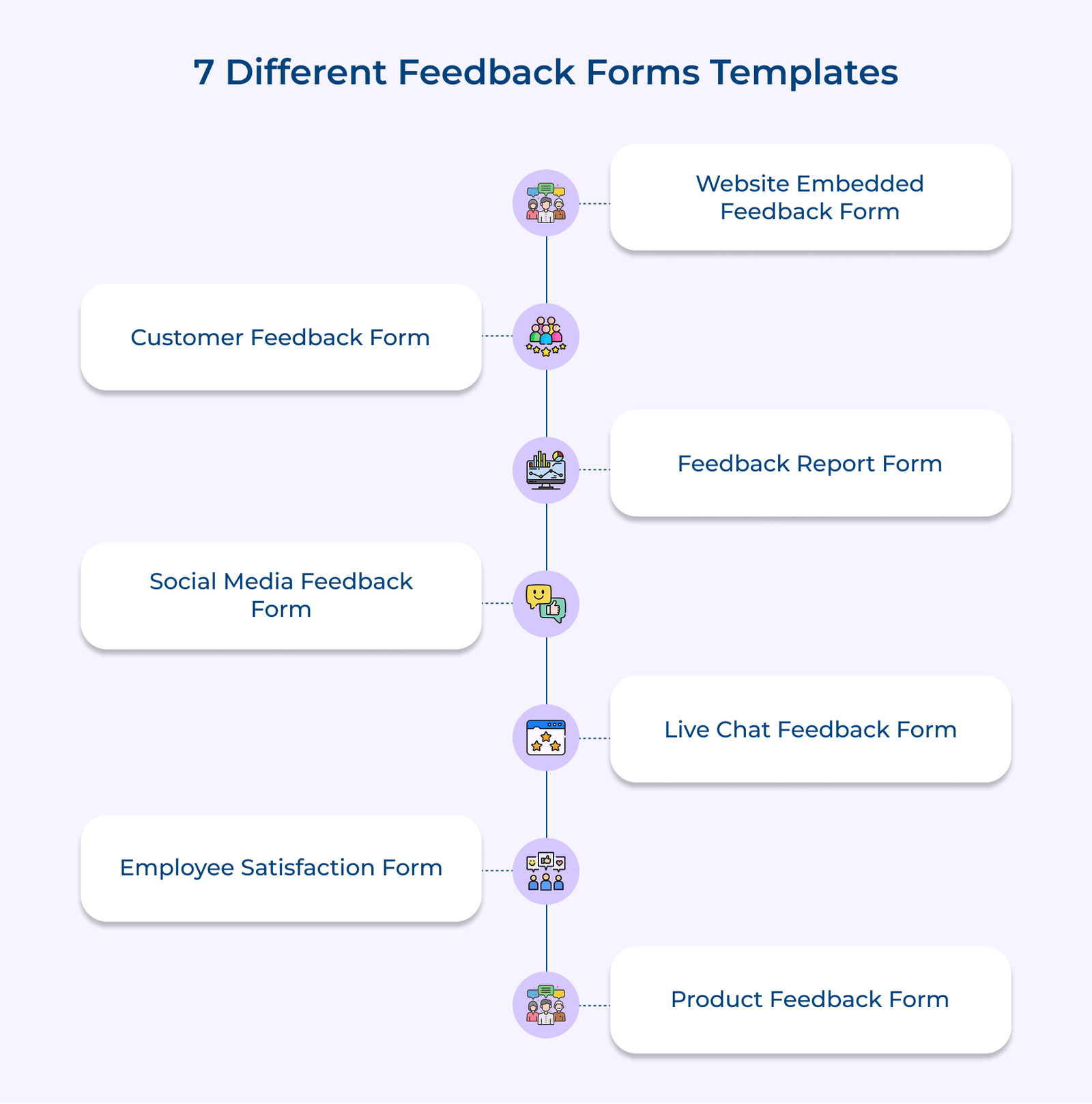
7 Different Feedback Forms Templates
Let’s go through some unique feedback form templates designed to help you collect valuable insights that can drive your business forward.