What is Inbox Zero? Benefits, Steps and Strategies
Learn what Inbox Zero means and how to achieve it with simple steps and strategies. Discover how better email organization reduces clutter and helps you stay focused on important tasks.

Learn what Inbox Zero means and how to achieve it with simple steps and strategies. Discover how better email organization reduces clutter and helps you stay focused on important tasks.
Your inbox refreshes and there you see 47 new emails. You quickly went through the 20 unread ones from last night. When you opened the first one, you got pulled into a thread. There, you ended up spending 20 minutes and never made it back to the rest.
If you think issues like these are a time management problem, let us tell you it’s rather a structural one. Employees tend to spend an average of 2.6 hours daily on email, yet they report missing action items buried in threads. The volume keeps climbing, but no one teaches you a system to handle it.
Below, we’ll take you through inbox zero – not as a fleeting productivity trick, but as a repeatable framework professionals use to make decisions on every email, keep their inbox cleared, and protect focused work time. Let’s understand exactly how to implement it inside your own workflow.
Inbox zero refers to an email management approach where every message is handled with a clear decision, such as reply, delete, delegate or archive. It keeps your inbox organized and reduces the mental load of pending email messages. An unorganized inbox often leads to missed follow-ups and slow decisions. A structured approach helps teams stay on top of communication and respond without delay.
Key objectives:
The following are the six real benefits that make Inbox Zero worth building into your daily work routine. Let’s check them out in more detail.
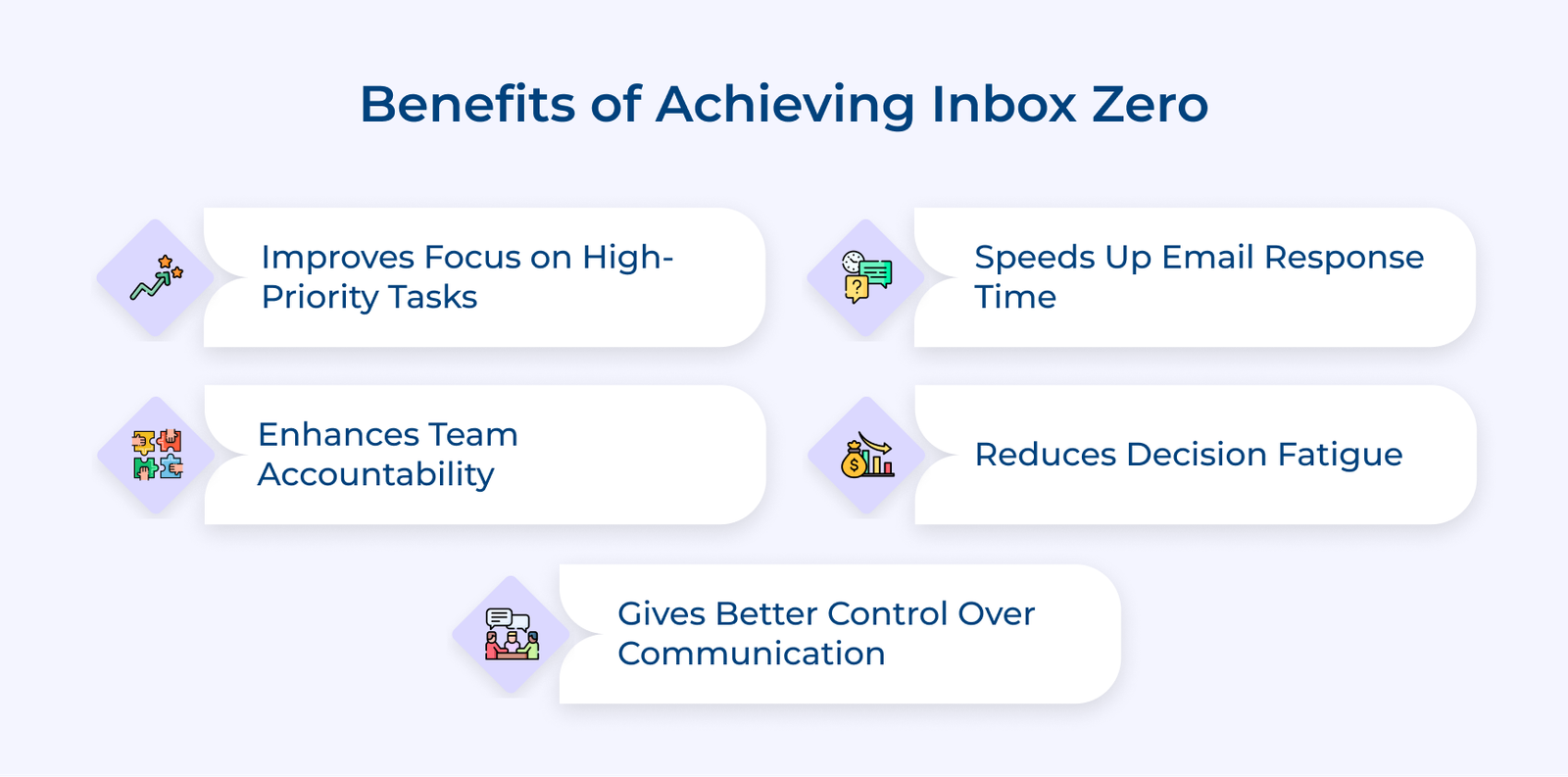
1. Sharper Focus on High-priority Business Tasks
Many professionals spend too much time scanning emails to figure out what needs attention. A clear inbox helps you focus directly on important tasks and decisions instead of sorting through clutter.
2. Faster Email Client Response Time
A delayed email reply in client-facing businesses is often interpreted as disinterest or poor service quality. Inbox Zero creates a system where client emails are never buried under internal threads or promotional clutter.
3. Cleaner Delegation and Team Accountability
Tasks often get missed when emails are not clearly handled. Processing each email with a decision makes delegation intentional and helps team members stay responsible for their work.
4. Reduced Decision Fatigue Across the Workday
Unanswered emails stay on your mind and reduce mental clarity. Closing those loops through Inbox Zero means your brain is freed up to make sharper business decisions when it matters most.
5. Full Control Over Business Communication Flow
Most business owners and managers feel controlled by their inbox rather than the other way around. Inbox Zero puts you back in the driver’s seat, where you decide when to engage with email instead of letting it dictate your entire workday.
Let’s go through the key steps of inbox zero that help you process emails efficiently and maintain a clear inbox without feeling overwhelmed by constant messages.
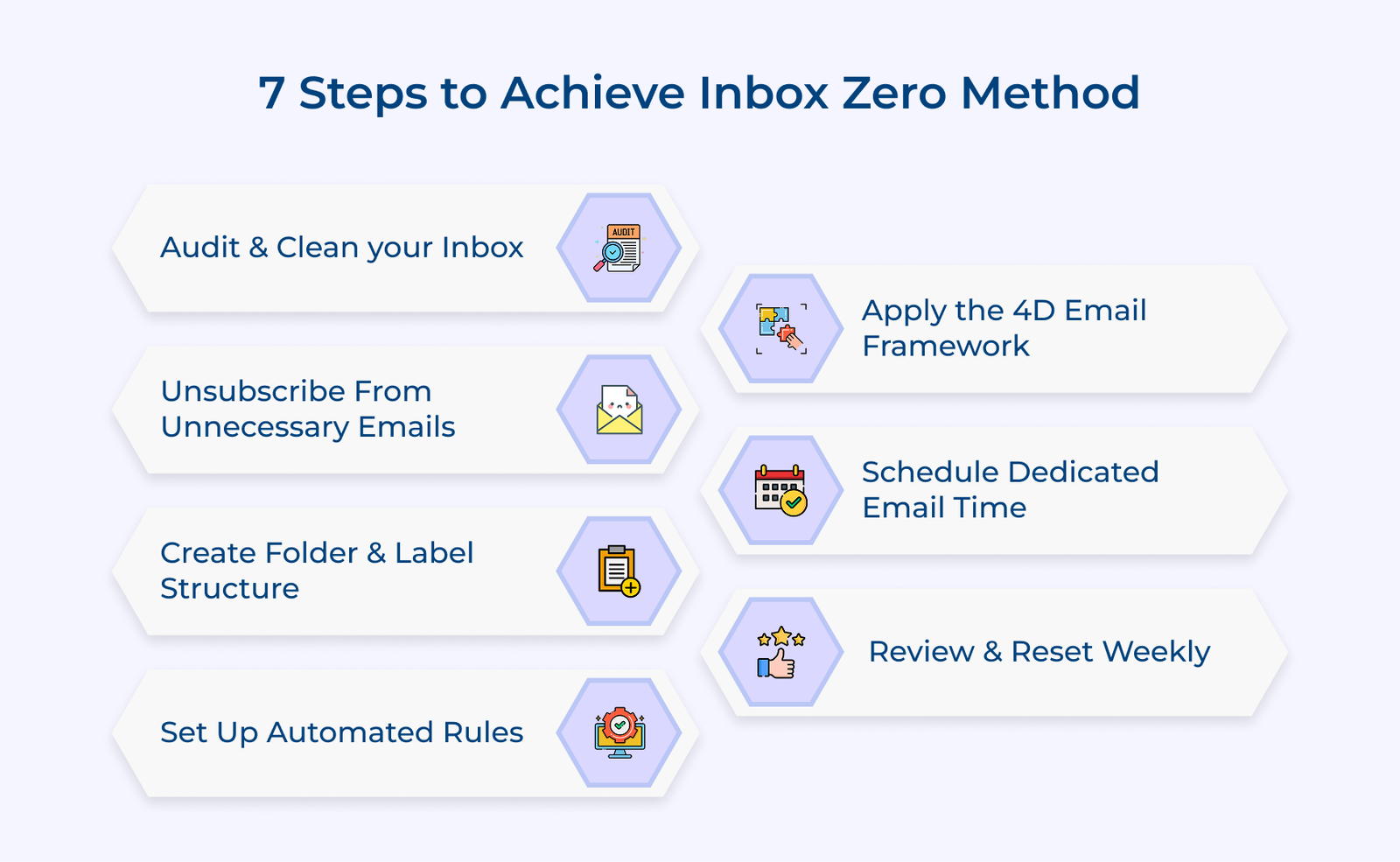
Start with a clean baseline where every email is reviewed and handled. A cluttered inbox hides what actually needs attention and makes it harder to take the right actions. Many professionals try to organize first without clearing old emails. The approach only adds structure to existing clutter and keeps the confusion intact.
Key ways:
Low-value emails make it harder to notice messages that actually need your attention. A crowded inbox shifts your focus away from important work and slows down decision-making. Many professionals struggle to maintain inbox zero because their inbox keeps filling up with emails that do not require action. Over time, it turns the inbox into a reading space instead of a place to manage tasks.
Key types:
The real problem is not just the volume. It is the emails that train your brain to treat your inbox as a reading feed rather than an action queue. Once that habit forms, critical client emails start getting the same passive attention as a newsletter.
Key questions:
Answering the questions makes it easier to decide what stays and what goes. Review your inbox and unsubscribe from anything that does not meet these checks. Your inbox will become easier to manage almost immediately.
Skip this step and emails will keep drifting back into your inbox. Each message needs a clear destination. Without a structure that matches how you actually work, your inbox may look clean, but it still slows you down when it matters.
Folders should reflect what is happening next, not just what the email is about. A folder named “Awaiting Client Response” shows exactly what you are waiting for. A folder named “Clients” leaves you guessing.
Best practices:
Inbox zero does not last without automation. Sorting the same types of emails every day drains time and attention. Rules take that repetitive work off your plate and keep your inbox under control without constant effort.
Start with a quick review of the emails you receive most often. Clear patterns make it easier to build rules that actually work. Overlapping rules can send emails to the wrong place or hide something important, so clarity at the start matters.
Key types:
Let’s consider a SaaS customer success manager setting a rule that flags emails containing “churn” or “cancellation” from client domains as high-priority. It makes sure important issues are seen and handled quickly, even during heavy email days.
Every email in your inbox represents a decision that directly affects your response quality and client satisfaction. Inbox indecision in B2B or SaaS environments specifically is one of the leading causes of missed follow-ups and broken client communication cycles.
Key takeaways:
Indecision is where most inbox systems fail. Leaving emails without a clear action creates silent delays. Conversations lose momentum and simple tasks start piling up. Applying 4D works only when used consistently during every session. Skipping decisions or revisiting processed emails brings back clutter and breaks the system
Pro tips:
Without fixed processing windows, email becomes a constant context switch that fragments your focus and creates a reactive work culture across your entire team. The key is to match your email time with how your work actually flows. Random time slots will not hold. Thoughtful timing makes each session more effective.
Pro tips:
When leaders operate within fixed email windows, it signals to the entire team that email is a scheduled business activity, not an always-on obligation. The cultural shift reduces unnecessary emails and sets healthier response expectations across the board.
Key takeaways:
A clean inbox during the week does not guarantee it stays that way. Small delays and missed actions build up quietly. A weekly review helps you catch these early and reset before they turn into a backlog. It is also your chance to step back and look at your communication as a whole. You see what is moving forward, what is stuck and where things are slipping.
Key methods:
Skipping the review is easy during busy weeks. Those are the exact times it matters most. Set a fixed 20-minute slot in your calendar and treat it like any other important commitment. A weekly reset keeps your inbox reliable. It helps you stay on top of conversations and avoid last-minute surprises. Combined with daily 4D processing, it turns Inbox Zero into a routine rather than a struggle.
The following are the six strategies that separate people who maintain it long-term from those who reset every few weeks.
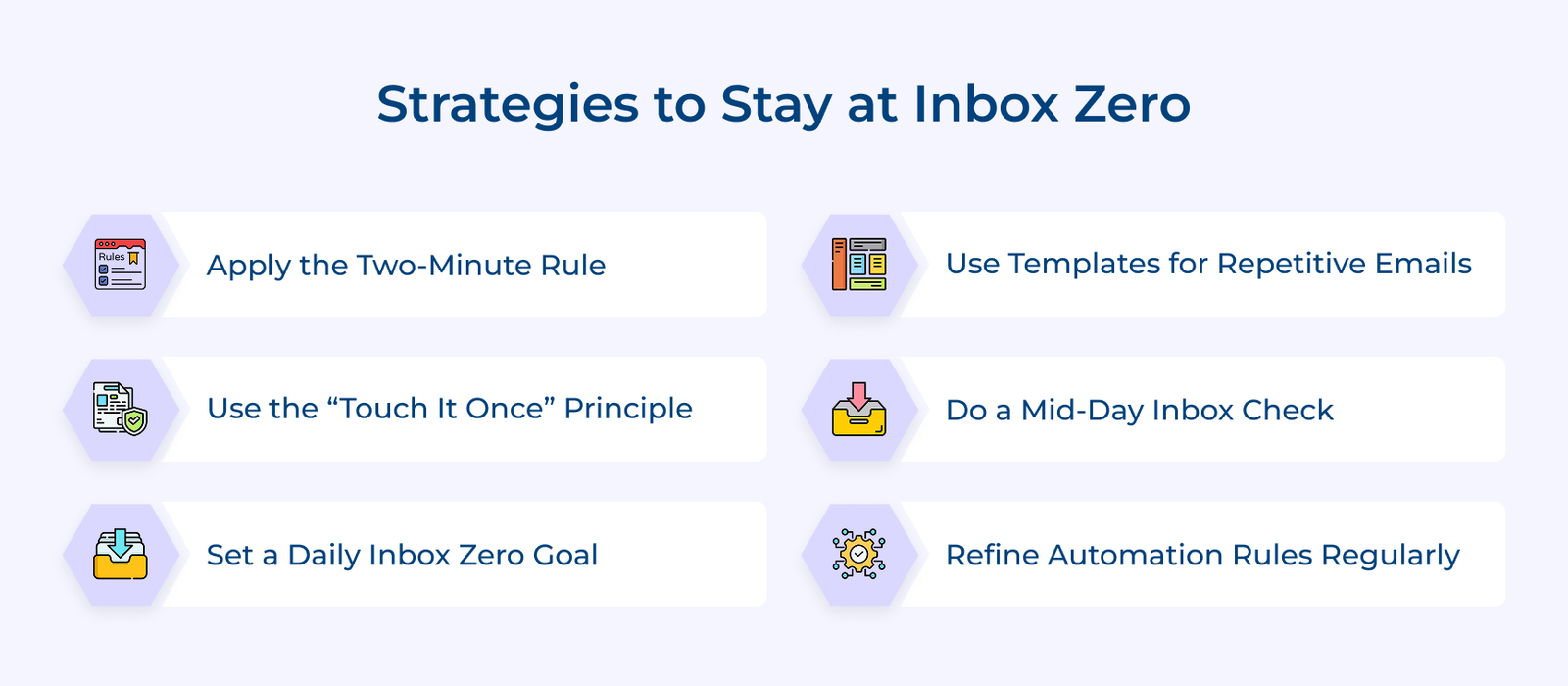
1. Apply the Two-minute Rule Without Exception
If an email can be handled in under two minutes, deal with it right away. Reply, confirm or close it on the spot. Quick actions like these stop small tasks from piling up and keep your inbox from growing unnecessarily.
2. Use the “Touch it Once” Principle
Open an email with the intent to finish it. Decide what needs to happen and act on it immediately. Reading the same email again and again without taking action is what creates clutter and slows you down.
3. Set a Daily Inbox Zero Target Before the End of the Day
Treat reaching zero as a non-negotiable daily close-out task rather than an occasional achievement. Ending each day at inbox zero in a B2B environment means you start every morning with full clarity on what actually needs attention.
4. Use Email Templates for Recurring Business Responses
Many emails follow the same pattern. Keep simple templates ready for common replies like confirmations, follow-ups and meeting requests. It saves time and helps you respond faster without starting from scratch each time.
5. Conduct a Mid-day Inbox Health Check
A quick mid-day scan, not a full processing session, helps you catch any urgent customer or stakeholder emails that cannot wait until your next scheduled window. It keeps your inbox responsive without turning email into a constant background task.
6. Regularly Audit and Refine your Automation Rules
Email patterns change over time. Review your rules now and then to make sure emails are still being sorted correctly. Small adjustments keep your system accurate and prevent important messages from slipping through.
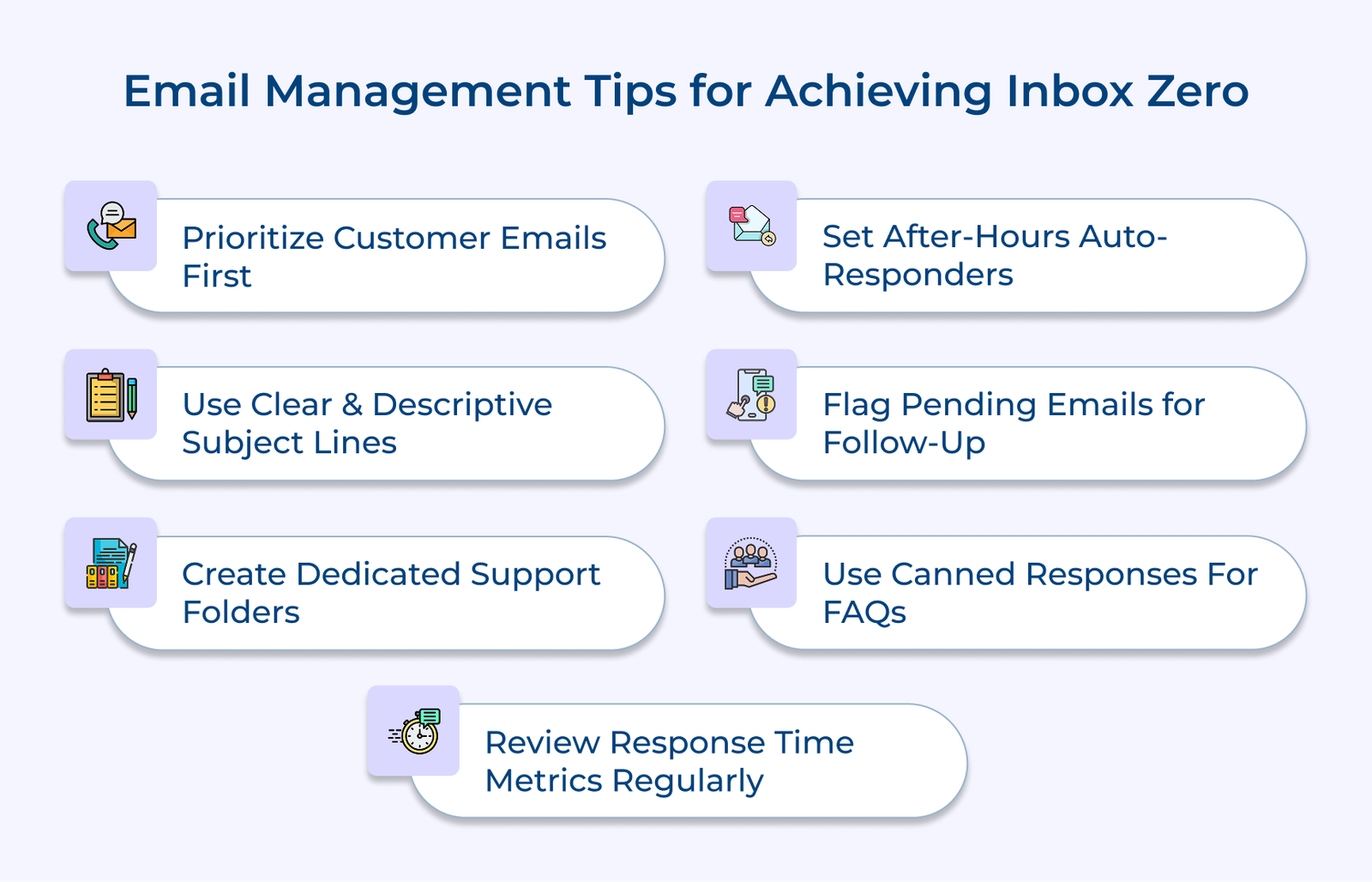
Check out the seven practical tips that keep your inbox under control and your customer communication sharp.
Inbox Zero is not about an empty inbox. It is about knowing every email has been handled and nothing important is left hanging. When your system works, your day feels clearer and more in control.
The professionals who sustain Inbox Zero long-term are not more disciplined by nature. They have simply built better habits and smarter automation around their email. Start with one step, stay consistent and your inbox will never control your day again.

Check your inbox in two or three fixed windows each day. Morning, after lunch and end-of-day work well for most schedules. It keeps you updated without letting email interrupt your focus throughout the day.
Yes, especially if your work depends on communication. A clear inbox leads to faster replies, fewer missed messages and better control over your day.
Inbox Zero helps if your inbox feels overwhelming or hard to manage. It gives you a simple structure to stay on top of emails and keep track of what needs action.
Start with a full inbox audit, build a folder architecture that mirrors your workflow and apply the 4D framework consistently across every processing session. The professionals who master it fastest are those who combine smart automation with fixed daily processing windows from day one.
Inbox Zero is achievable when you treat it as a part of your daily routine. The professionals who maintain it consistently are not spending more time on email. They are spending smarter time with a repeatable process behind every session.

Grow Customer Relationships and stronger team collaboration with our range of products across the Conversational Engagement Suite.
Omnichannel Customer Support & Help Desk Software
AI Enabled Business Messaging and Chatbot Software
Sales Engagement & CRM Software
Call Center Software & Virtual Phone System
Product Marketing & Experience Platform
Customer Experience & Feedback Management Software

 What are Customer Reviews? The Ultimate Guide
Scroll to top
What are Customer Reviews? The Ultimate Guide
Scroll to top