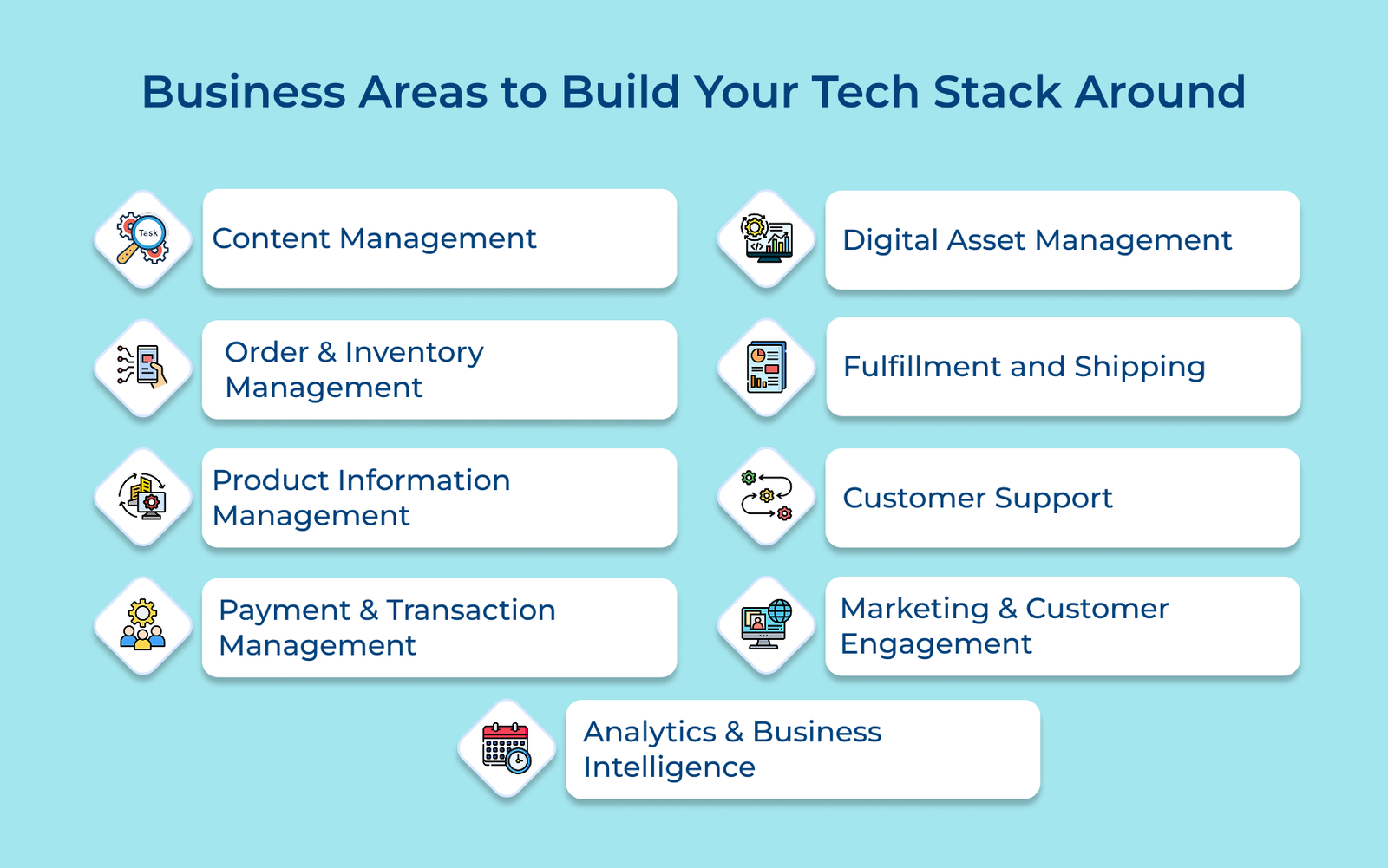
1. Content Management
Content is at the core of your online store. It shapes how customers experience your brand from the first click to the final purchase. A solid content management system makes it easy to update product pages, blog posts and campaigns without relying on developers.
Look for a CMS that’s simple to use but flexible enough to grow with you. Features like drag-and-drop editors, responsive layout tools, SEO settings and content scheduling help keep your site relevant across devices.
Best practices:
- Build your content around the customer journey—guide visitors with the right message at the right time.
- Set clear rules for content creation using style guides, templates and review workflows to keep things consistent.
2. Order & Inventory Management
Order and inventory management keeps everything moving, from tracking what’s in stock to gathering products out the door on time. It helps you avoid running out of inventory or sitting on too much of it while making sure customer orders are processed smoothly and shipped when promised.
Key vendors:
• NetSuite
• TradeGecko
• Brightpearl
• SkuVault
A solid system tracks inventory across all your locations such as the warehouses, stores and online channels in real time. It updates stock levels automatically with every order, flags inconsistencies and spots trends that could signal supply issues.
Key takeaways:
- Use alerts tied to sales trends and supplier lead times to restock before you run out.
- Set smart rules to ship orders from the fastest or most cost-effective location based on customer delivery expectations.
3. Product Information Management
PIM keeps all your product details in one place so everything stays accurate, up-to-date and consistent, if it’s showing up on your website, in a catalog or in a retailer’s system. A good PIM cuts down on errors, helps you launch products faster and makes it easier for customers to understand what they’re buying.
Your system should manage everything from basic specs to prices. It should also flag missing info, enforce quality standards and let you easily tailor content for different regions or languages.
Actionable tips:
- Assign clear ownership for each part of your product data—who updates it, who approves it and how often.
- Set up product attributes with future markets in mind, like multilingual support or different units of measurement.
4. Payment & Transaction Management
The system takes care of how money moves through your ecommerce platform, like processing payments securely, quickly and across different methods. It plays a key role in preventing fraud, reducing failed transactions and giving customers a smooth checkout experience.
Key vendors:
• Stripe
• PayPal
• Square
• Braintree
The system manages multiple payment gateway methods, real-time processing, encryption and compliance with security standards. Built-in features like automatic currency conversion and region-based tax calculation make global selling easier.
Best practices:
- Set up smart rules to automatically retry failed transactions—it can recover lost sales without customer friction.
- Monitor payment processing activity in real time and trigger alerts for suspicious patterns or high-risk behaviors.
5. Digital Asset Management
DAM systems keep all your digital files—images, videos, documents— all in one organized place. They help teams find, share and use the right content without wasting time digging through folders or risking outdated versions.
A good DAM setup should let you tag and sort digital assets by product, campaign or usage rights. It should also track metadata, ownership and permission details so assets are used correctly.
Pro tips:
- Use a clear naming convention and consistent metadata structure to make searching simple.
- Set up automated workflows for resizing, compressing and distributing assets so everything looks sharp.
6. Fulfillment and Shipping
The fulfillment and shipping handles everything that happens after a customer clicks “buy”. A solid setup keeps delivery costs down, cuts down on mistakes and makes sure customers get their orders on time.
Key vendors:
• ShipStation
• Shippo
Returns are part of the job, too. Your system should manage the full return process: create return labels, track packages, issue refunds and restock items when they’re in good shape.
Best practices:
- Lay out your warehouse and plan picking routes based on which products move fastest. It’s about less walking, more shipping.
- Use past return data to forecast busy return periods so you can plan staffing and inventory levels ahead of time.
7. Customer Support
Customer service is where problems get solved and trust is built. It handles every support request, be it’s about late delivery, a product issue or just a quick question, and makes sure customers get timely, helpful responses.
A good support system assigns incoming messages to the right teams based on topic and workload. It keeps a tab on how fast you’re replying, how quickly issues get resolved and how customers feel afterward. Helpful extras include automatic replies for common questions and special maintenance of high-value customer relationships.
Key vendors:
• Veemo Support
• Omni24
• Intercom
• Help Scout
• Gorgias
8. Marketing & Customer Engagement
Marketing tools help you reach the right people, keep them interested and bring them back. It manages everything from emails and promotions to product suggestions based on real customer behavior, not guesswork.
Your marketing system analyzes customer behavior and preferences to deliver personalized experiences. It manages product recommendations, content customization and targeted promotions.
Key vendors:
• Veemo Chat
• Mailchimp
• Omni24
Best practices:
- Build customer segments using actual behavior patterns and predictive insights.
- Set up automated workflows that react to customer actions, like browsing, buying, or going quiet.
9. Analytics & Business Intelligence
Analytics gives you a clear view of how your business is performing and where it’s heading. Instead of relying on gut feeling, you get hard data to guide decisions from product planning to customer retention.
The system pulls together data from across your operations to highlight trends, spot problems early and forecast what’s likely to happen next. It helps you figure out which products are moving, where customers drop off and how to plan for demand spikes.
Pro tips:
- Build dashboards around real business questions, not just a list of metrics.
- Use clear rules for how data is tracked and reported so everyone’s working from the same numbers.
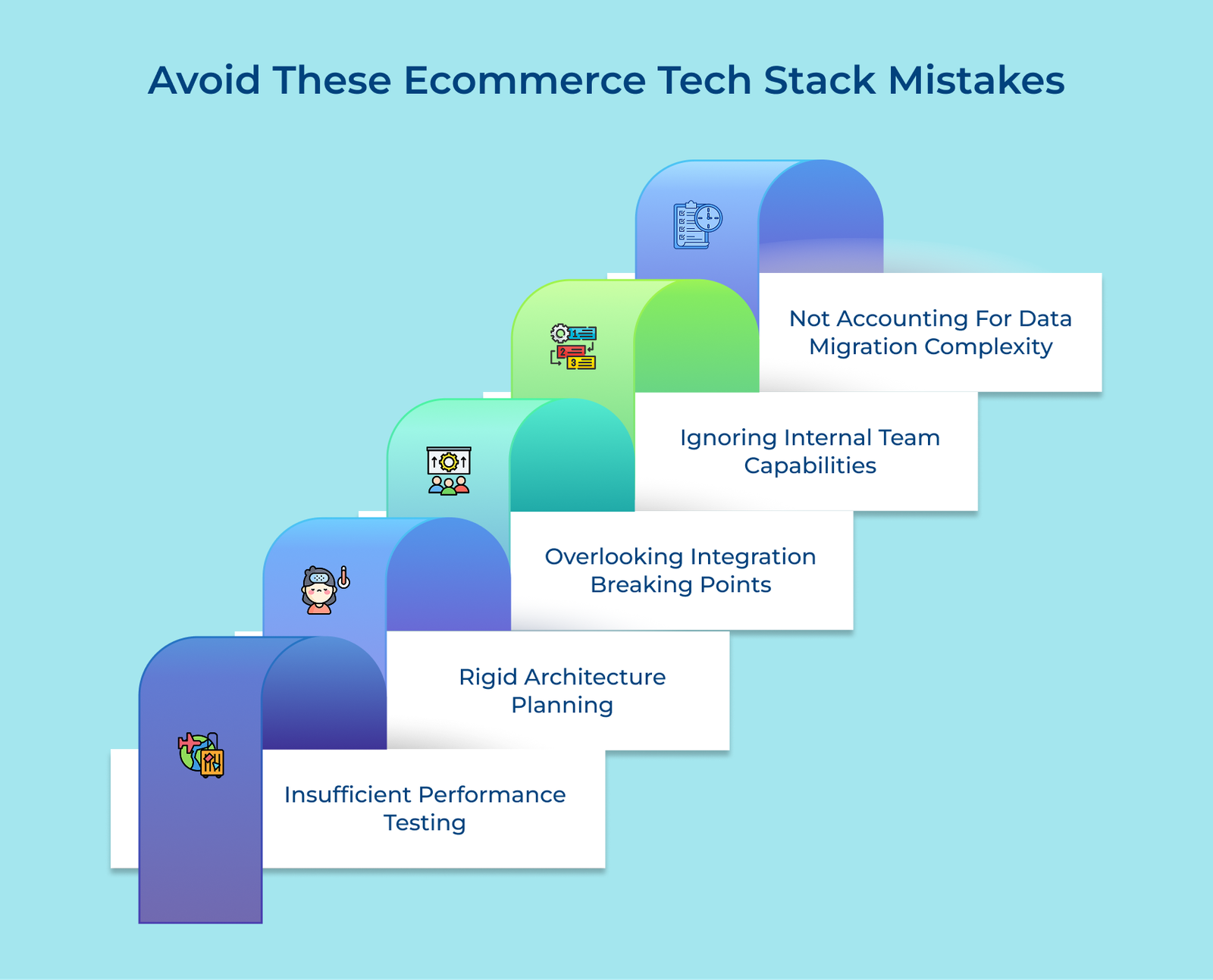
Mistakes to Avoid When Building Ecommerce Tech Stack
Below are the mistakes to avoid when building your ecommerce technology stack, paving the way for a thriving online business.