1. Automated Saved Replies
One of the key features of team email management is the ability to create and utilize automated saved replies. These saved replies are pre-drafted responses to commonly received emails, allowing team members to quickly respond to inquiries without having to type out the same response repeatedly.
The feature saves valuable time and ensures consistency in communication, especially for frequently asked questions or standard procedures.
2. Search & Filter
The ability to search and filter emails is an indispensable feature of team email management. With an ever-growing inbox, it can be challenging to locate specific emails or information quickly. The search & filter functionality allows team members to find emails based on specific criteria such as sender, subject, or keywords.
The feature significantly enhances productivity as team members can locate important information promptly, reducing the time spent on email management.
3. Bulk Action
Bulk action is an important feature that allows team members to perform actions on multiple emails simultaneously. Instead of individually marking emails as read, or unread, or deleting them one by one, bulk action enables the selection of multiple emails, applying the desired action to all of them at once.
This saves time and streamlines email management, especially when dealing with high email volumes or repetitive tasks.
4. Tagging
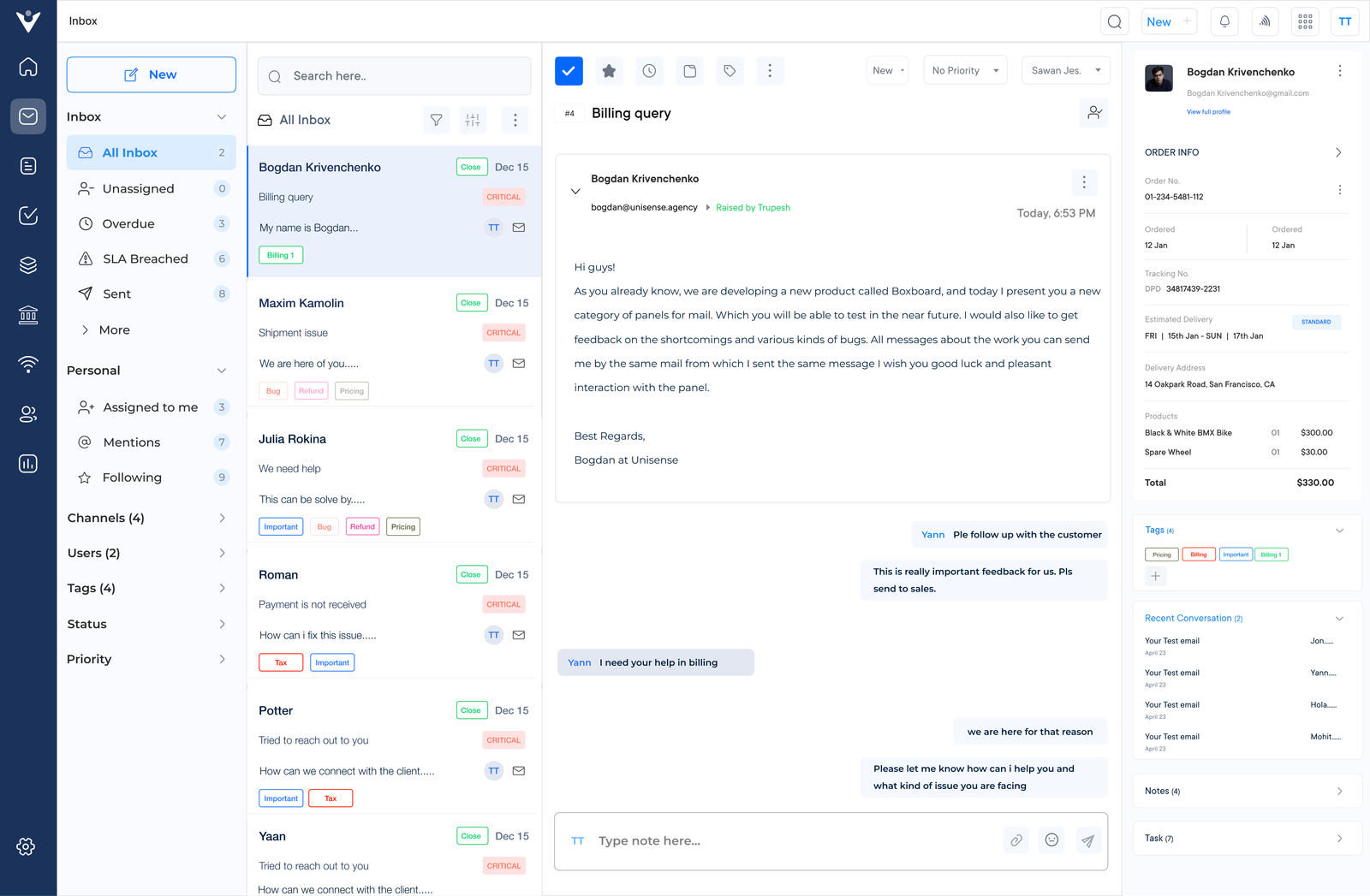
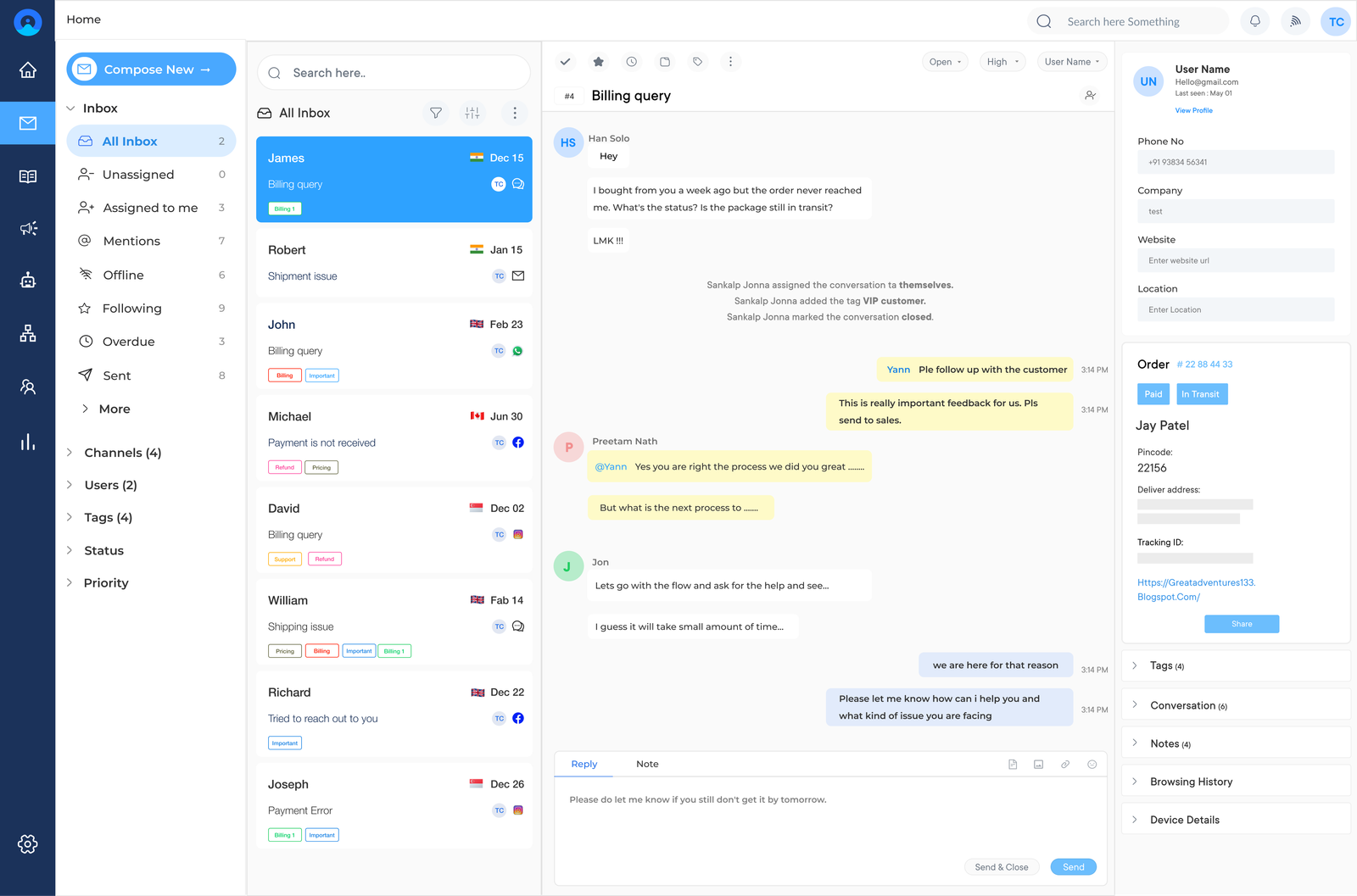
Tagging is an organizational feature that allows team members to categorize emails using labels or tags. Team members can quickly identify and sort them based on their importance, urgency, or topic by assigning specific tags to emails.
Tagging improves email workflow and helps prioritize & locate emails within a cluttered inbox, ensuring that nothing important falls through the cracks.
5. Assignment and Escalation
The ability to assign emails to specific team members and escalate them when necessary is vital for effective team email management. This feature ensures that emails are directed to the appropriate team member or department, preventing emails from being overlooked or left unattended.
The feature also facilitates collaboration among team members, allowing them to work together to resolve issues or respond to inquiries promptly.
6. Internal Comments
Internal commenting allows team members to discuss & provide context within the email thread itself. This feature is beneficial for collaboration and coordination, as it enables team members to share insights, ask questions, or provide additional information without having to switch to another communication platform.
Internal comments help streamline communication and ensure that all relevant information is easily accessible within the email thread.
7. Saved Customer History
Having access to a customer’s email history is crucial for providing personalized & efficient customer service. Team email management tools that offer saved customer history allow team members to view previous interactions and customer conversations.
Team email management helps build strong customer relationships, as team members can quickly refer to past conversations, understand customer preferences, and provide tailored solutions or recommendations.
8. Automatic Forwarding
Automatic forwarding is a feature that enables team members to automatically forward incoming emails to specific individuals or departments. This feature is particularly useful for teams with distributed responsibilities or when specific experts need to be involved in handling certain types of emails.
Automatic forwarding ensures that emails are promptly directed to the right person or team, reducing response time and ensuring efficient email management.
9. Out-of-office Replies
When team members are on leave or unavailable, out-of-office replies play a vital role in managing email communication. These automated responses inform senders about the team member’s absence, providing alternative contact information or expected response times.
Out-of-office replies help manage expectations and prevent delayed or unanswered emails, ensuring that important communication is properly addressed even when team members are unavailable.
10. Reporting & Analytics
The ability to generate accurate and detailed reports is crucial for assessing team performance & identifying areas for improvement. Team email management tools that provide reporting features allow managers & team lead to analyze key metrics such as response times, email volume, and customer satisfaction ratings.
These insights help optimize workflow, allocate resources effectively, and refine email management strategies for increased productivity & customer satisfaction.
11. Integration
Integration with other productivity tools is an important feature of team email management. Integration with project management platforms, customer relationship management (CRM) systems, or team collaboration tools enhances workflow efficiency by providing a centralized hub for communication and information sharing.
Seamless integration allows team members to access relevant data, assign tasks, and collaborate effectively without having to switch between different applications.
12. Workflows
Workflows enable teams to automate & streamline their email management processes. These workflows can be customized based on specific team requirements, allowing for standardized practices & reducing manual effort.
Workflows can include features such as email routing, automatic categorization, or template-based responses. Implementing workflows ensures consistent and efficient email management.
10 Best Team Email Management Software
These software solutions are designed to streamline email workflows, improve team collaboration, and enhance productivity. Here, we will explore the ten best team email management software available, highlighting their key features and pricing.
1. Veemo