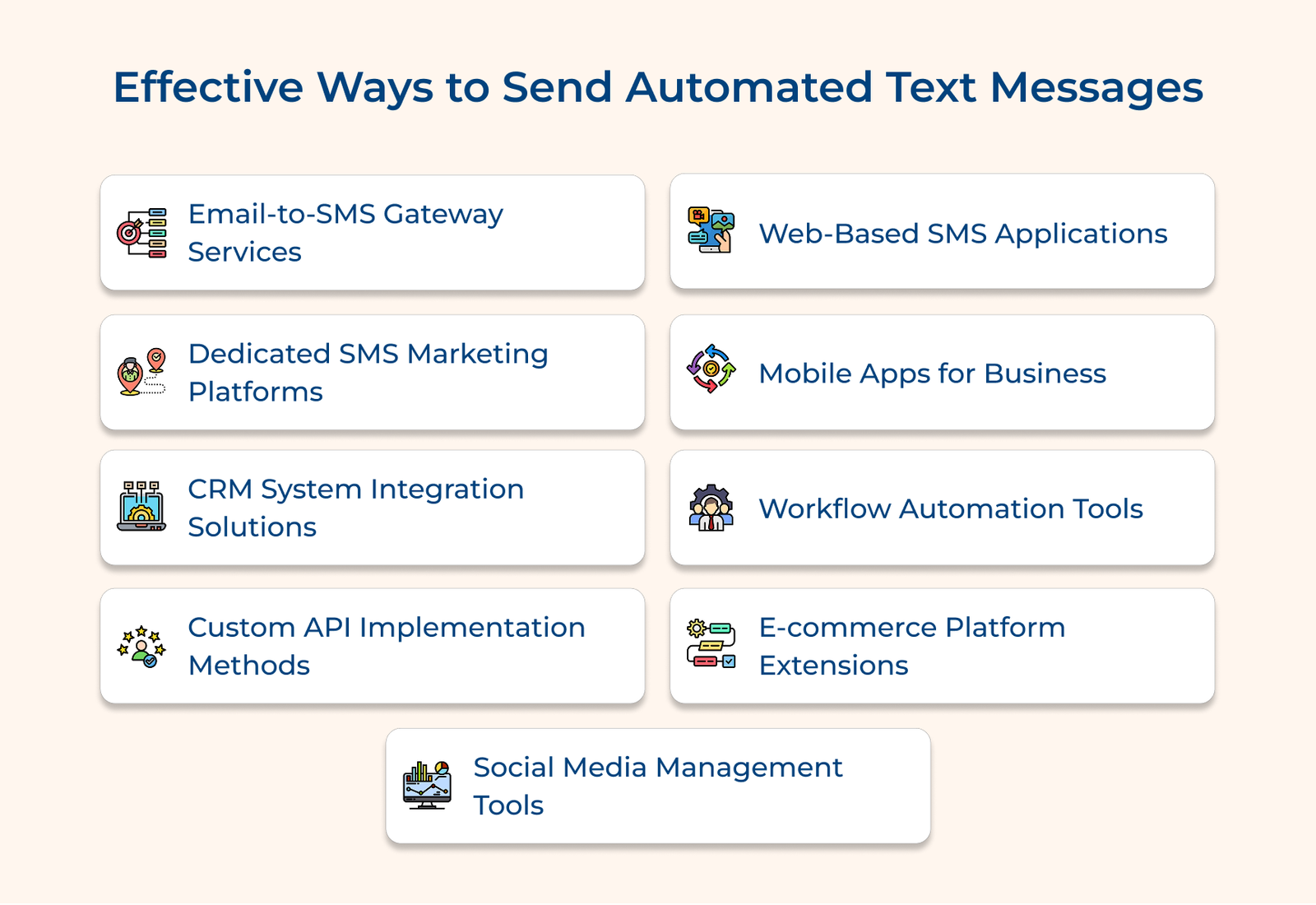
1. Email-to-SMS Gateway Services
Email-to-SMS gateways bridge email and SMS, converting email content into text messages through assigned phone number addresses. Businesses can send SMS using their existing email system with minimal setup. It’s an efficient, automated solution that works seamlessly with current email workflows, handling large volumes without extra technical requirements.
A healthcare clinic uses an email-to-SMS gateway to send appointment reminders. Their scheduling system automatically sends email details to the gateway, which converts them into text messages for patients. Patients receive appointment info and can confirm or reschedule via text.
Best practices:
- Structure email content with clear subject lines and message bodies to ensure proper conversion into SMS format.
- Set up delivery reports and monitoring systems to track message status.
2. Dedicated SMS Marketing Platforms
SMS marketing platforms offer powerful tools for crafting, managing and analyzing text message campaigns. The platforms simplify the entire messaging process with features like pre-built templates, scheduling, audience segmentation and in-depth analytics.
A retail store uses an SMS marketing platform to run its loyalty program, sending personalized promotions based on purchase history. The platform automates opt-ins, maintains subscriber lists and generates detailed reports on campaign effectiveness.
Pro tips:
- Create a consistent messaging schedule and leverage segmentation to deliver relevant content at the right times.
- Regularly review campaign metrics and run A/B tests to enhance engagement rates.
3. CRM System Integration Solutions
CRM integration brings automated messaging into customer relationship management platforms, streamlining communication based on customer actions and lifecycle stages. The seamless integration enables businesses to manage all customer interactions from one interface while automating key touchpoints such as order updates or support ticket notifications, reducing manual effort.
Let’s assume that a real estate agency integrates SMS with its CRM system. When a property listing matches a client’s preferences, the system automatically sends a notification. The CRM tracks responses and schedules follow-up messages, providing agents with a complete communication history for personalized engagement.
Actionable tips:
- Identify key customer journey touchpoints and set up automated message triggers for each milestone.
- Ensure consistent messaging by documenting templates and automation rules for all teams.
4. Custom API Implementation Methods
Custom API integrations offer businesses maximum flexibility to build tailored automated messaging systems. Developers can embed SMS functionality directly into applications, creating custom workflows that meet specific needs. APIs support advanced features like two-way messaging and delivery tracking, enabling efficient handling of large volumes of messages. The approach allows seamless integration with internal systems, providing full control over the messaging process.
Let’s consider that a logistics company uses a custom API to automate delivery updates. As packages move through different stages, customers receive real-time SMS notifications and can reply for further assistance, directly linking to the support system.
Pro tips:
- Implement error handling and message queuing to ensure reliable delivery, even during high-volume periods.
- Maintain clear API documentation and version control to streamline future updates.
5. Web-Based SMS Applications
Web-based SMS platforms offer convenient, browser-based messaging without the need for software installation. Accessible from any device with an internet connection, the platforms are ideal for remote teams. Real-time tracking lets businesses monitor delivery status and engagement, making it easy to adjust campaigns promptly.
Take the example of a fitness studio that uses a web-based platform to send class updates and availability alerts. The system tracks message delivery and responses, allowing quick adjustments to fill empty spots by notifying waitlisted members.
Best practices:
- Establish user roles and permissions to control access while enhancing team collaboration.
- Create message templates and saved responses for consistent, streamlined communication across your team.
6. Mobile Apps for Business
Mobile business messaging apps enable on-the-go campaign management, allowing teams to create, schedule and track text campaigns from anywhere. The apps include features like quick response templates, automated scheduling and mobile-friendly dashboards real-time monitoring.
Let’s assume that a restaurant chain uses the app to manage daily specials and adjust promotions based on inventory. Managers can schedule messages across time zones, track customer responses and stay connected while moving between locations.
Best practices:
- Set clear guidelines for mobile message management, including approval workflows and emergency response protocols.
- Leverage features like message previews and scheduled sends to minimize errors.
7. Workflow Automation Tools
Workflow automation connects messaging to key business processes, triggering messages based on specific actions or events. It reduces manual work while ensuring timely, consistent communication at each stage. Automated triggers, like customer orders or milestones, activate messages that maintain engagement and reduce missed follow-ups.
Imagine a software company has automated its customer onboarding. New users receive a series of welcome messages and guides, with support triggered based on their progress.
Pro tips:
- Create detailed workflow diagrams to identify all trigger points and messaging needs before implementation.
- Set up monitoring and alert systems to notify staff when human intervention is needed in automated workflows.
8. E-commerce Platform Extensions
E-commerce extensions integrate messaging directly into online stores, automating communication throughout the customer journey from cart abandonment to order updates. Order confirmations, shipping notifications and support queries are handled seamlessly, ensuring brand consistency. Automated responses address common questions and complex issues are escalated to staff for customer support.
Let’s assume that an online boutique uses messaging extensions to boost customer experience. Shoppers receive cart recovery reminders, restock alerts, order status updates, personalized product recommendations and sale notifications based on their preferences.
Best practices:
- Set message frequency limits and optimal timing to avoid overwhelming customers while keeping them engaged.
- Develop scenario-based templates with clear calls-to-action and easy access to support.
9. Social Media Management Tools
Social media management tools integrate messaging across multiple channels, ensuring consistent brand messaging across platforms. Teams can coordinate SMS campaigns with social media posts for seamless customer experiences. Scheduling features optimize timing, while analytics track performance to refine strategies.
Assume that a travel agency synced SMS, email and social media promotions for a vacation package launch. Engagement data adjusts message delivery to focus on the most effective platforms for each customer segment.
Actionable tips:
- Tailor messages for each platform while keeping the brand consistent.
- Use analytics to determine peak engagement times and schedule accordingly.
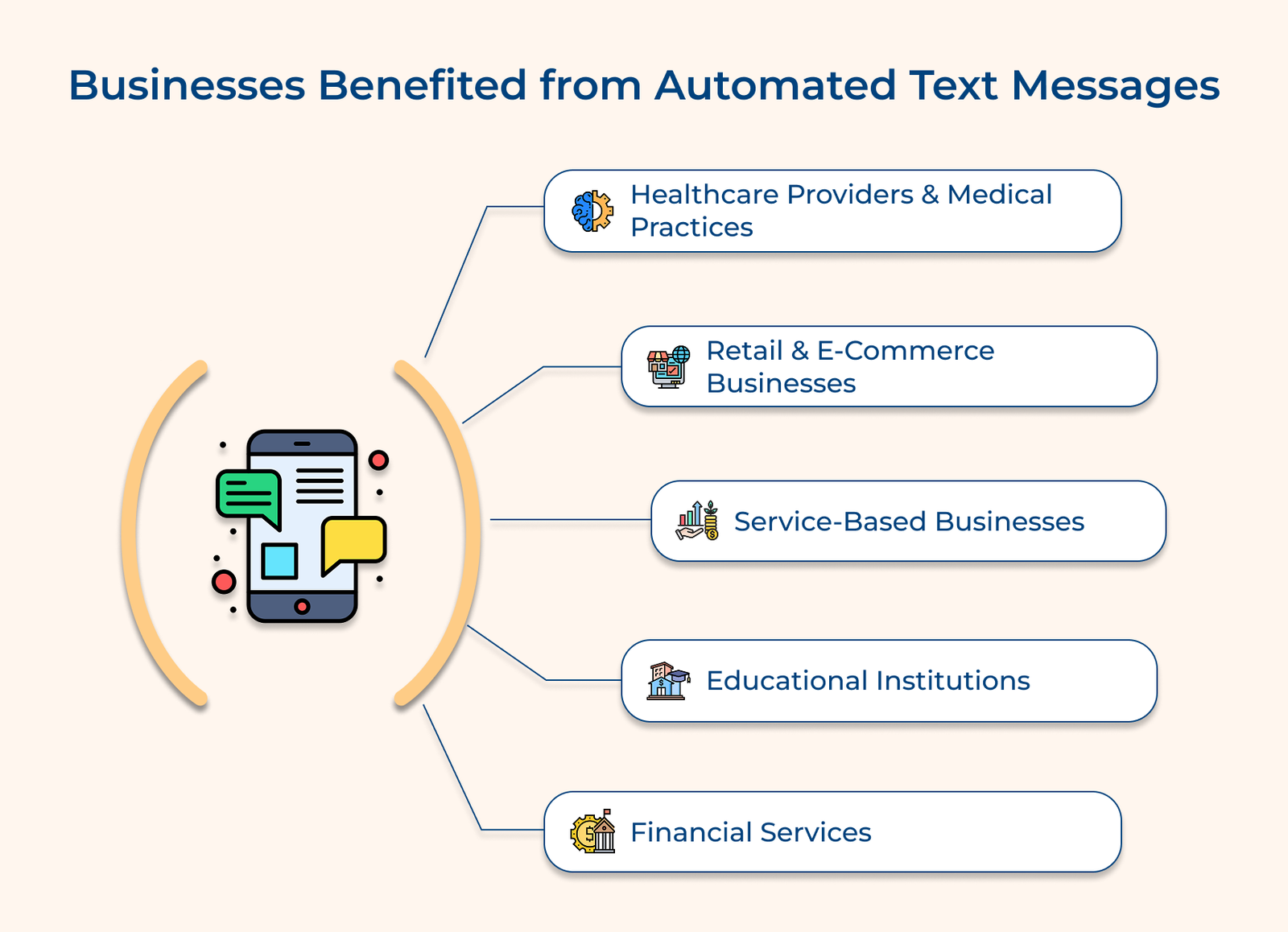
Which Businesses Can Benefit from Automated Text Messages?
Let’s discover the industries set to transform their operations with SMS automation and explore the powerful benefits they can gain by adopting cutting-edge communication solutions.
Key assessment questions:
- Is your business sending time-sensitive updates or reminders to customers?
- Are your customers engaging with you via mobile?
- Could real-time communication enhance your service or sales?
- Do you need to send regular notifications about appointments, orders or services?
- Could automation ease your team’s communication workload?