1. Don’t Make Assumptions
While writing efficient knowledge base article templates, it is important to remember not to make any assumptions. Making assumptions can lead to inaccurate information being shared and confusion for the reader. Businesses can write efficient knowledge base articles by promoting thorough research and fact-checking before providing information.
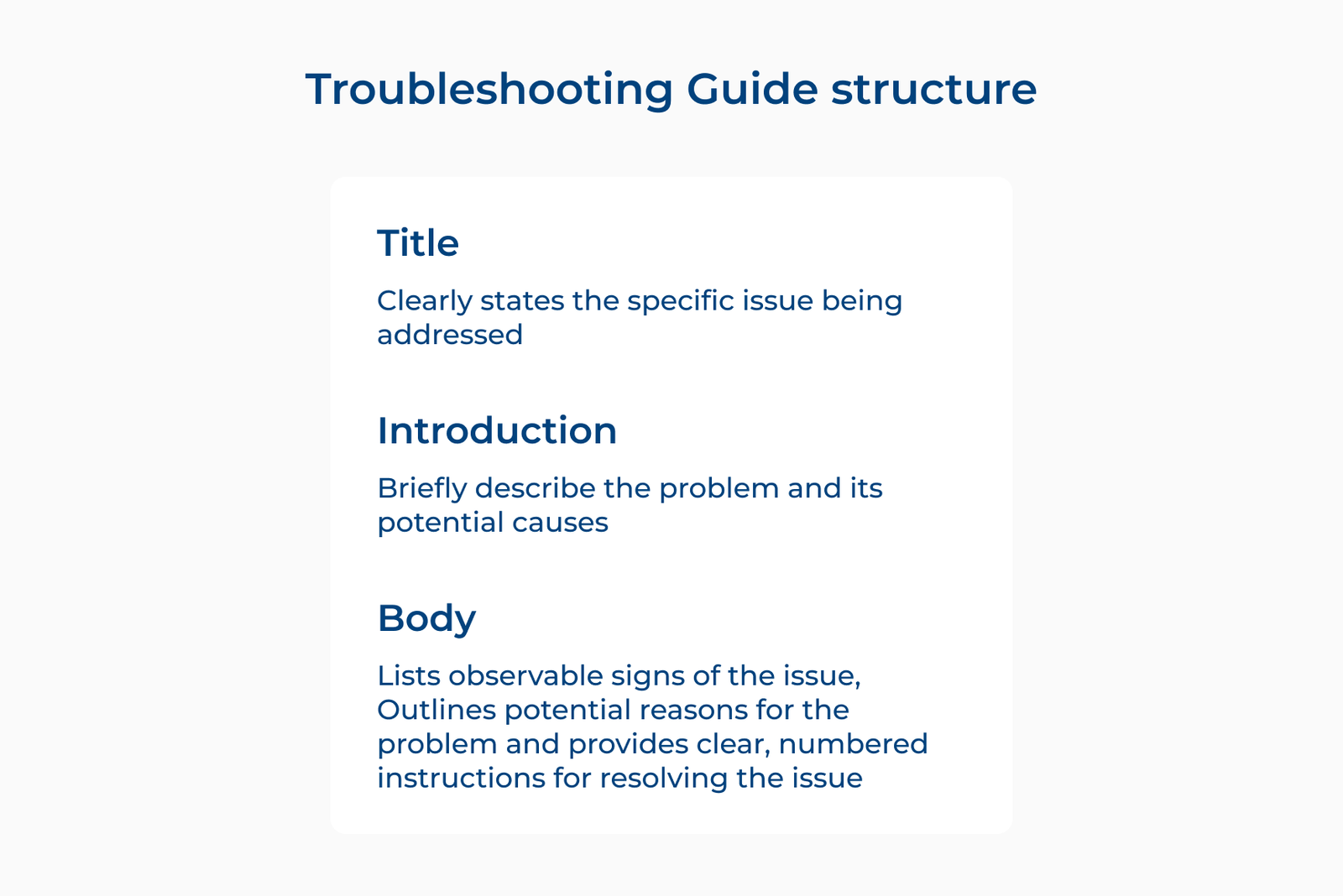
Avoiding assumptions allows writers to ensure that the information they are sharing is accurate and reliable for the reader. Let’s take an example of a writer creating a common knowledge base article on troubleshooting a software issue. It is important not to assume that all users will have the same setup or experience the same problem.
Ways to implement:
- Gather feedback and insights from users or experts in the field to ensure accuracy.
- Avoid using vague or generalized statements and provide specific examples or solutions in the article.
2. Use Anchor Links In Lengthy Articles
Anchor links are a powerful tool to enhance the user experience and improve the organization of lengthy articles in a knowledge base. Adding anchor links allows organizations to create a table of contents that allows readers to easily navigate to the specific section they are interested in.
Using anchor links in lengthy articles is essential for writing efficient knowledge base article templates as it helps users find information quickly. It also increases the readability of the content and improves overall user satisfaction.
Ways to implement:
- Use descriptive anchor text that accurately reflects the content of the section it links to.
- Test the anchor links to ensure they are functioning correctly and directing users to the correct sections.
3. Make The Content Easy To Skim
Making the content easy to skim is a crucial best practice to ensure the effectiveness of knowledge base templates. Structuring the content in a way that allows readers to quickly scan and find the information they need. It saves them time and increases the likelihood that they will find the answer they are looking for.
A use case for the best practice could be a software company creating a knowledge base article on troubleshooting common issues. Using headings to separate different types of problems and bullet points to list potential solutions allows users to quickly find the information they need to resolve their issue.
Ways to implement:
- Use clear and concise headings to divide the content into easily digestible sections.
- Keep paragraphs short and to the point to improve readability. Make it easier for users to skim the content.
4. Make Things Easy To Read
Writing efficient knowledge base article templates is crucial for helping users find the information they need quickly and easily. One effective best practice to achieve this is to make things easy to read. Following this practice allows businesses to ensure that their article is clear, concise and easy for users to understand.
When businesses make things easy to read, they are breaking down complex information into simple, digestible chunks. The users can quickly scan the article and locate the information they are looking for. It also improves comprehension and retention of the information being presented.
Ways to implement:
- Use clear headings and subheadings to break up the content.
- Use simple language and avoid jargon or technical terms that may confuse users.
5. Organize Knowledge Base Article Logically
Organizing a knowledge base article logically is one of the most effective best practices for writing efficient knowledge base article templates. Structuring information clearly and coherently allows organizations to help users easily navigate the information they need. A well-structured article also improves search engine optimization, making it more likely to appear in search results.
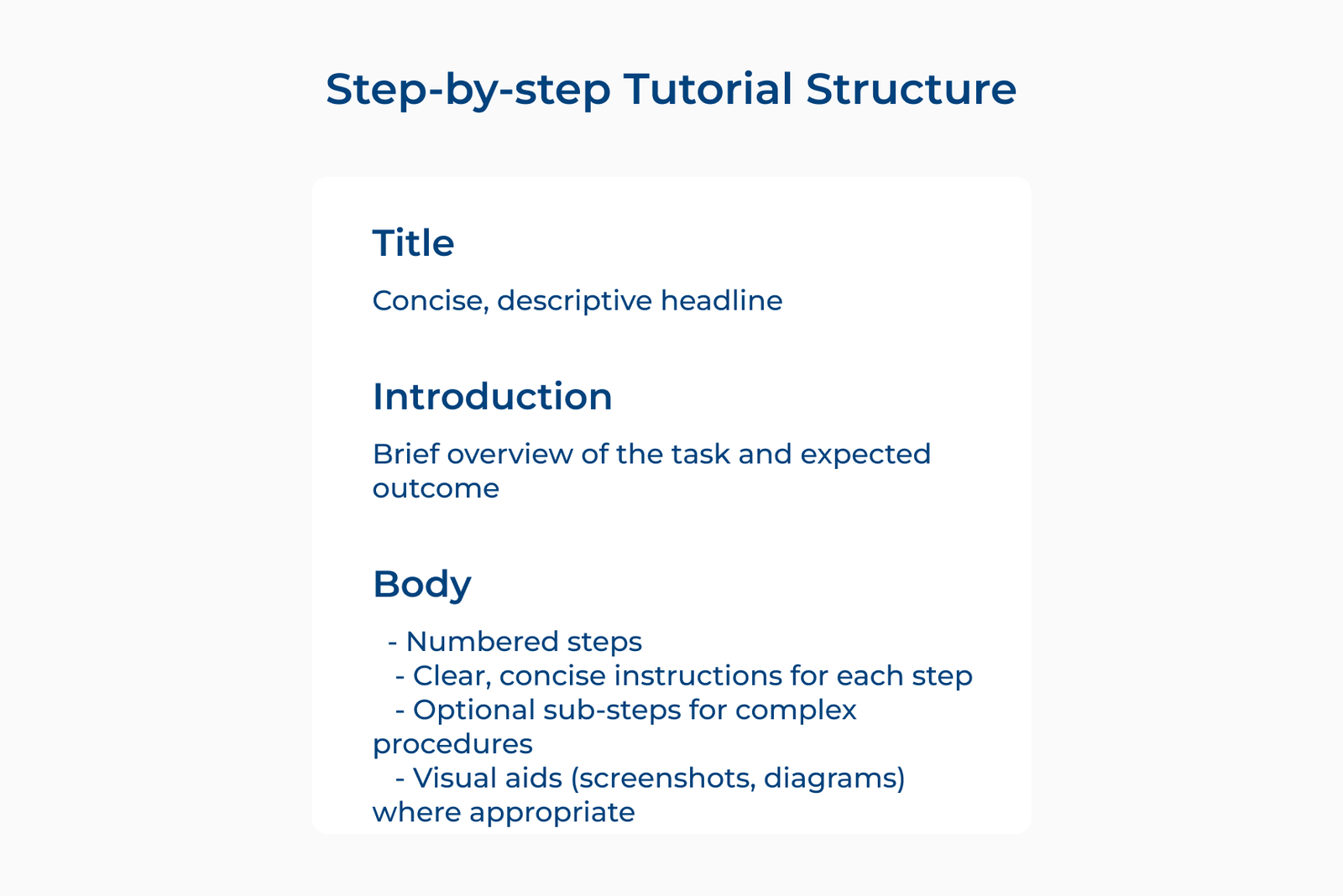
Let’s take an example of writing a how-to article related to the troubleshooting of a common software issue. Organizing the steps in a logical order can help users follow the instructions easily and effectively resolve the problem.
Ways to implement:
- Break down complex information into manageable sections with headings and subheadings.
- Use bullet points or numbered lists to highlight key points and steps for easier comprehension.
6. Use Links Strategically
Using links strategically can significantly enhance the overall user experience of the knowledge base. Incorporating relevant links within the article allows organizations to provide additional context and resources for readers to further explore related topics. It not only improves the credibility of the content but also helps in keeping readers engaged and informed.
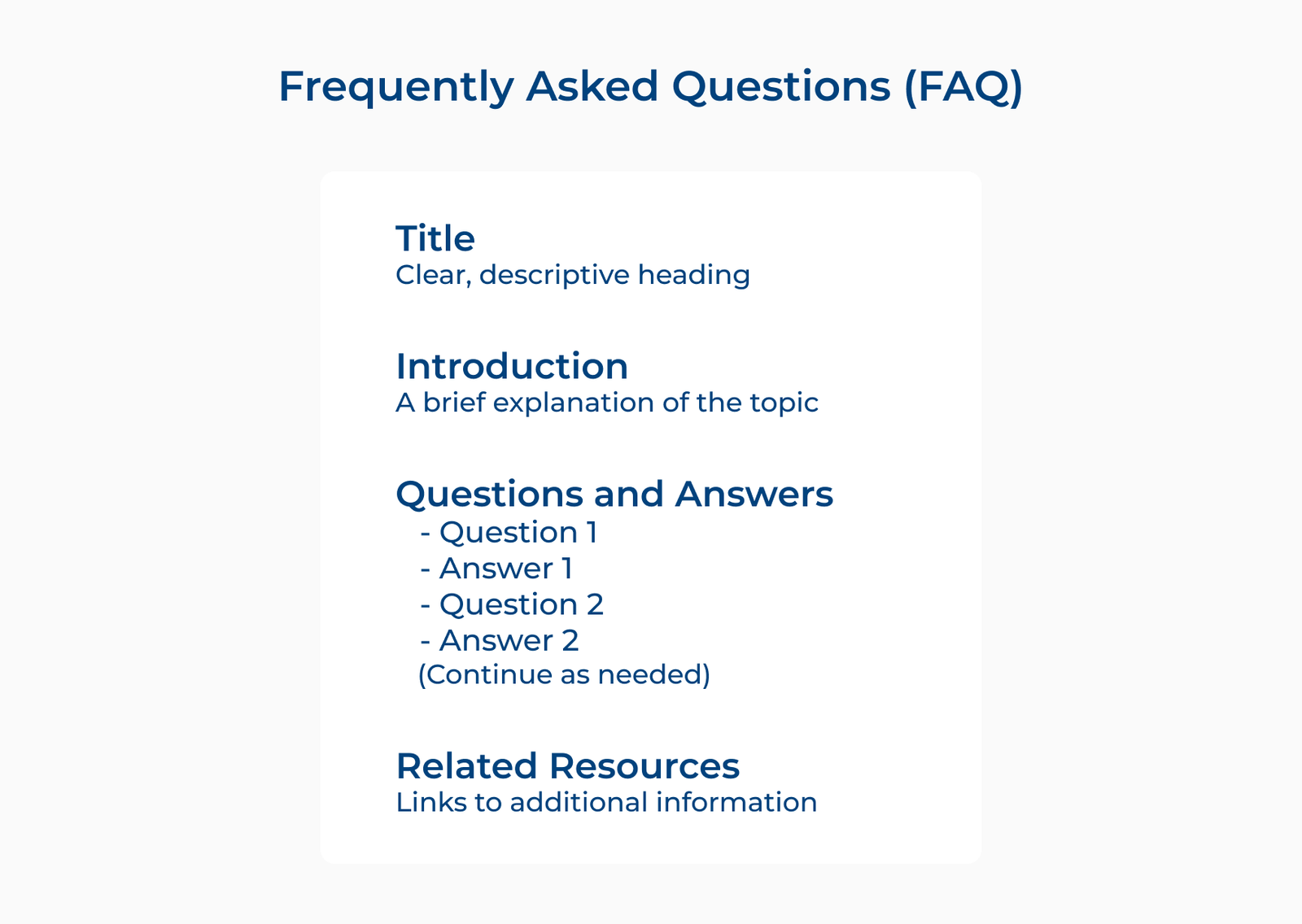
Let’s explore an example of writing an article on troubleshooting common software issues. We can strategically insert links to specific troubleshooting guides or FAQs that address those issues in more detail. Readers can easily navigate to the information they need without having to search for it separately.
Ways to implement:
- Hyperlinking relevant keywords or phrases within the article to related resources or topics.
- Creating a “Related Links” section at the end of the article for readers to explore additional information.
8. Use Images To Save Time And Create Clarity
Using images can be a game-changer in saving time and creating clarity for the readers. Incorporating visuals into articles enables organizations to effectively convey information in a more engaging and easily digestible manner.
Images help to break up large blocks of text, making it easier for readers to scan and locate the information they need. Visuals can help to clarify complex concepts, procedures or instructions, making it easier for users to understand the content being presented.
Ways to implement:
- Use clear and high-quality images that are relevant to the content being discussed.
- Integrate images strategically throughout the article to complement the text and enhance understanding.
Elevate Customer Support With Our Knowledge Base Templates
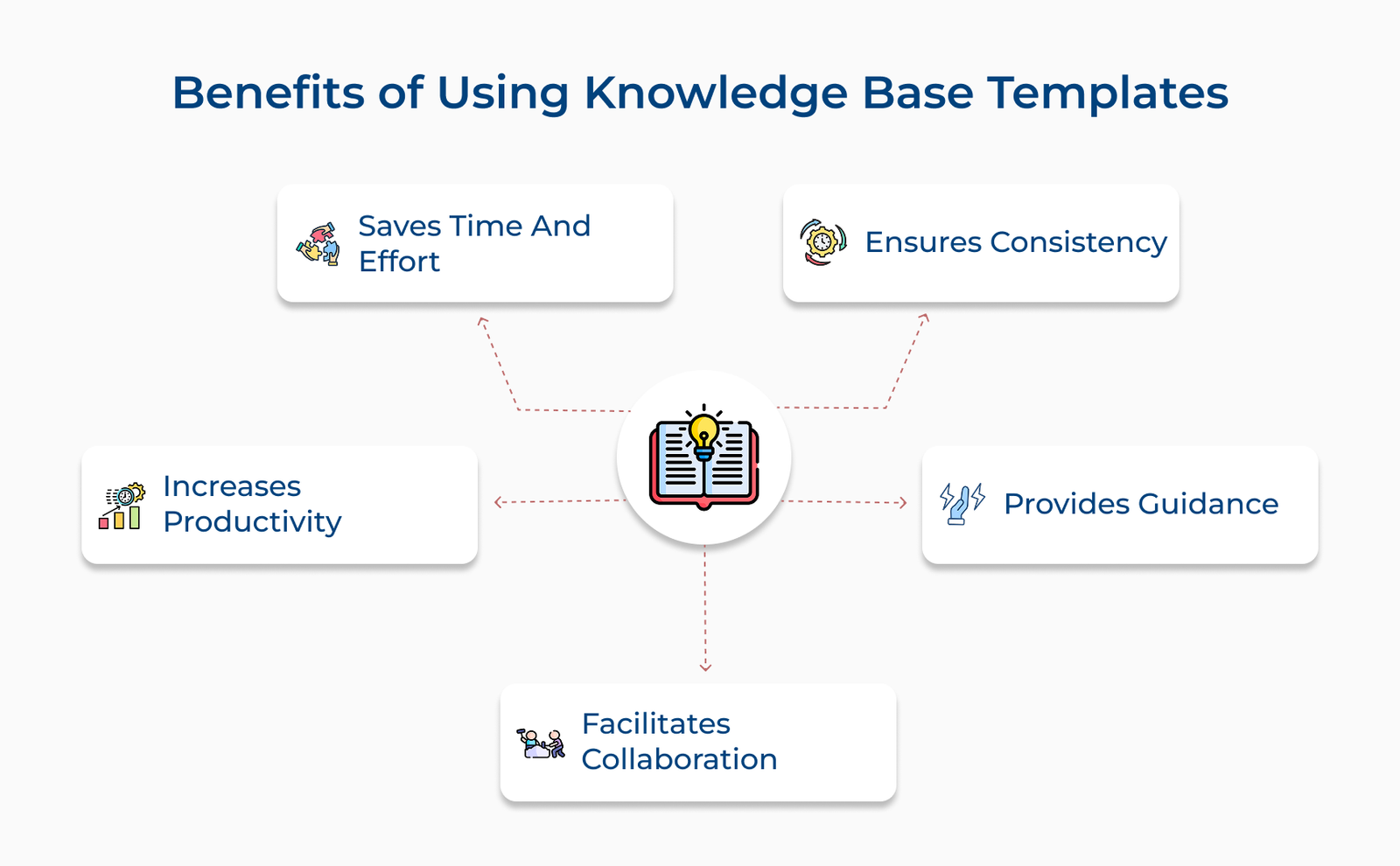
Utilizing knowledge base templates is a powerful way to elevate customer support. These templates provide a structured and organized format for providing information to customers, improving the overall customer experience.
Having easy access to relevant resources helps customers find solutions to their inquiries quickly and efficiently. It not only reduces the workload on the support team but also increases customer satisfaction and loyalty. Implementing knowledge base article templates can streamline the support process and lead to an improved customer support system.